

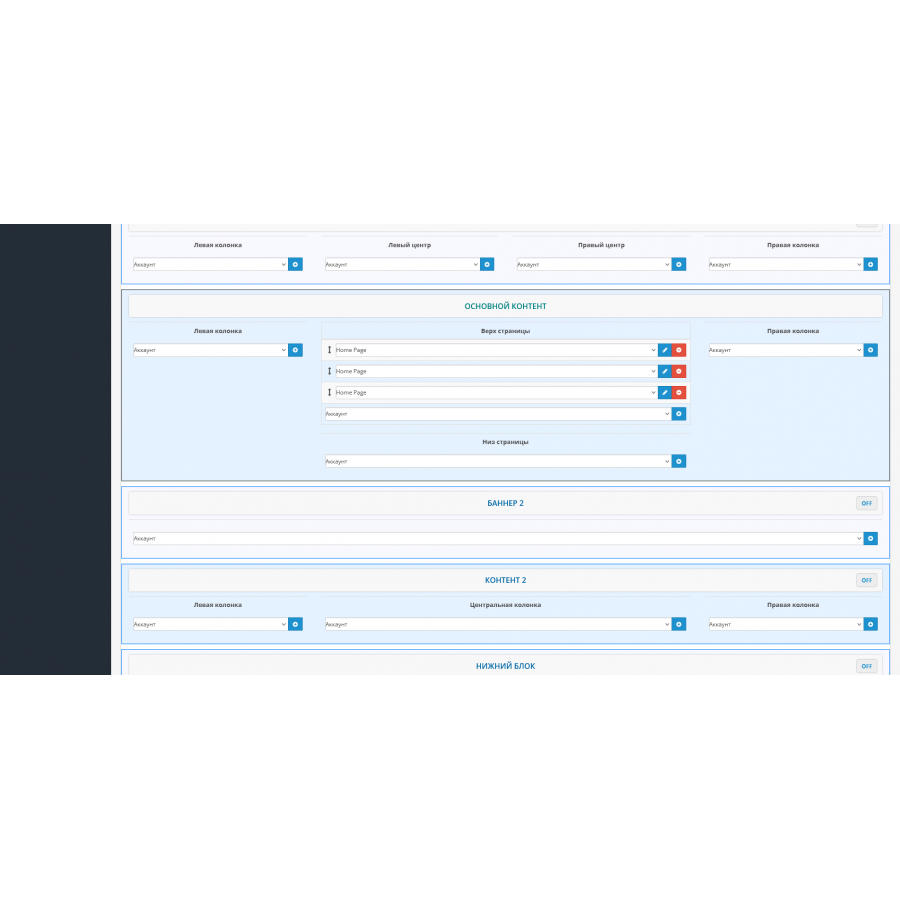
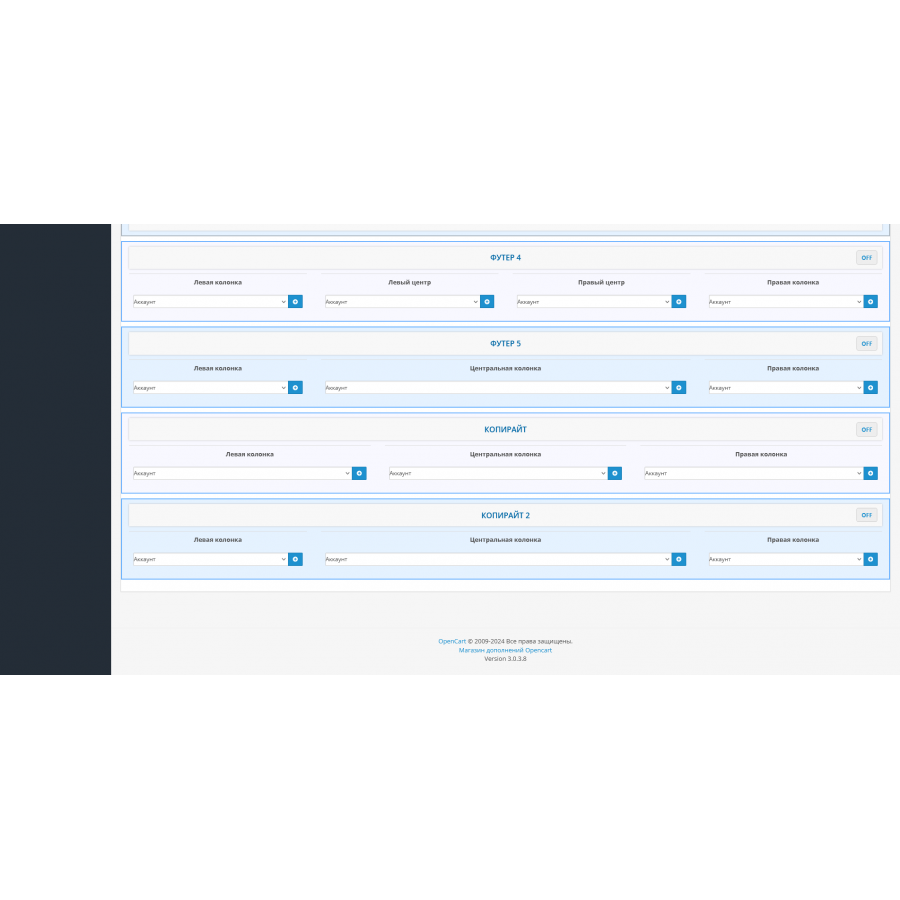


SUPER Positions module Layouts (Design) for Opencart
SUPER Positions Module: Maximum Possibilities of Positioning Modules
Tired of the monotonous arrangement of modules on your site? Make your site a true reflection of your creativity and professionalism!
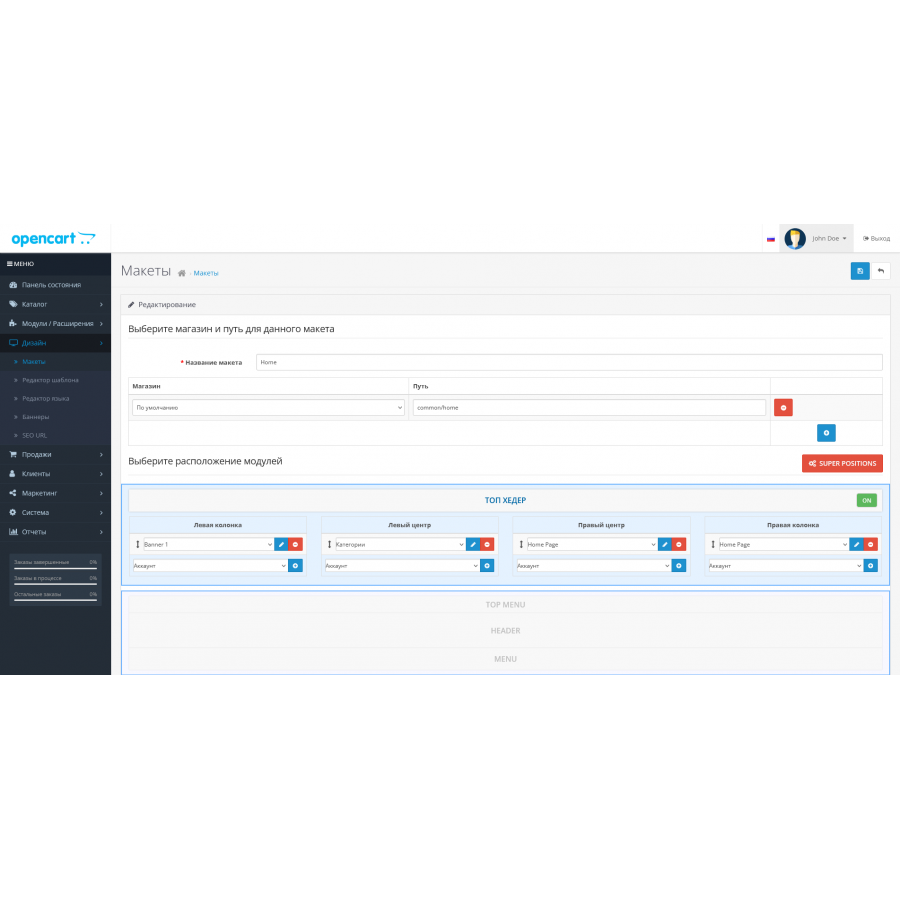
SUPER Positions is a tool that allows you not only to increase the number of positions for modules, but also to give your site a stylish and effective look. This module adds new possibilities for content placement, which will help you create a unique and attractive interface for each page of your store.
The main capabilities of the module:
-
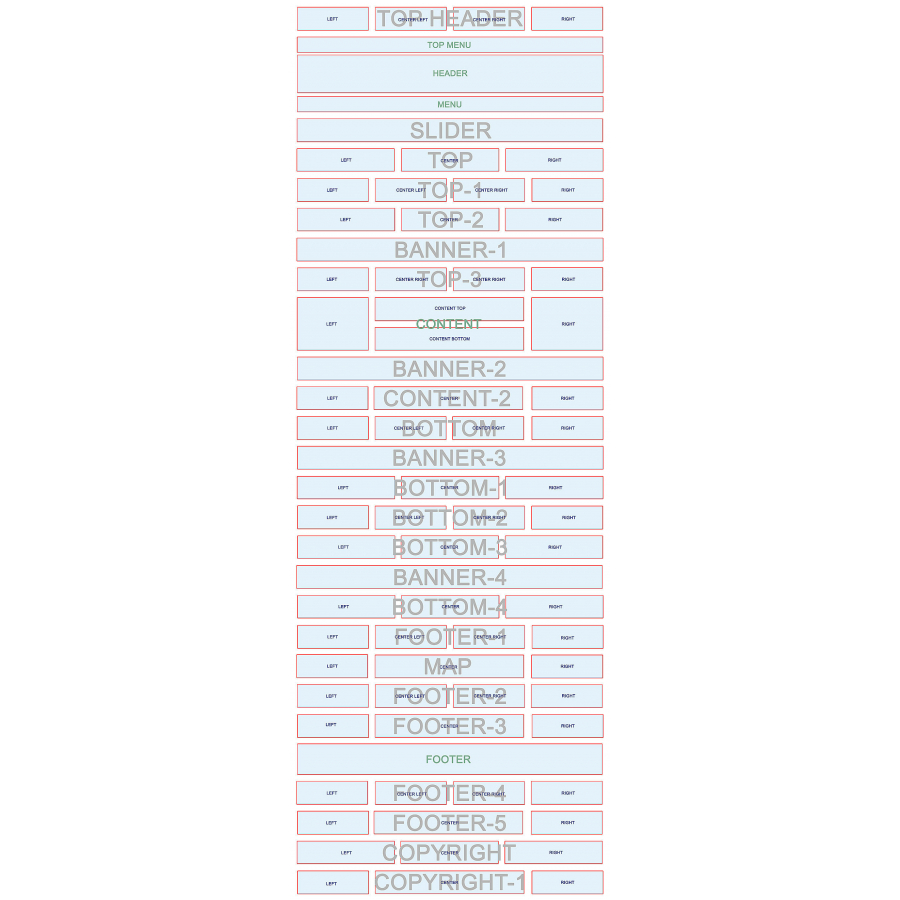
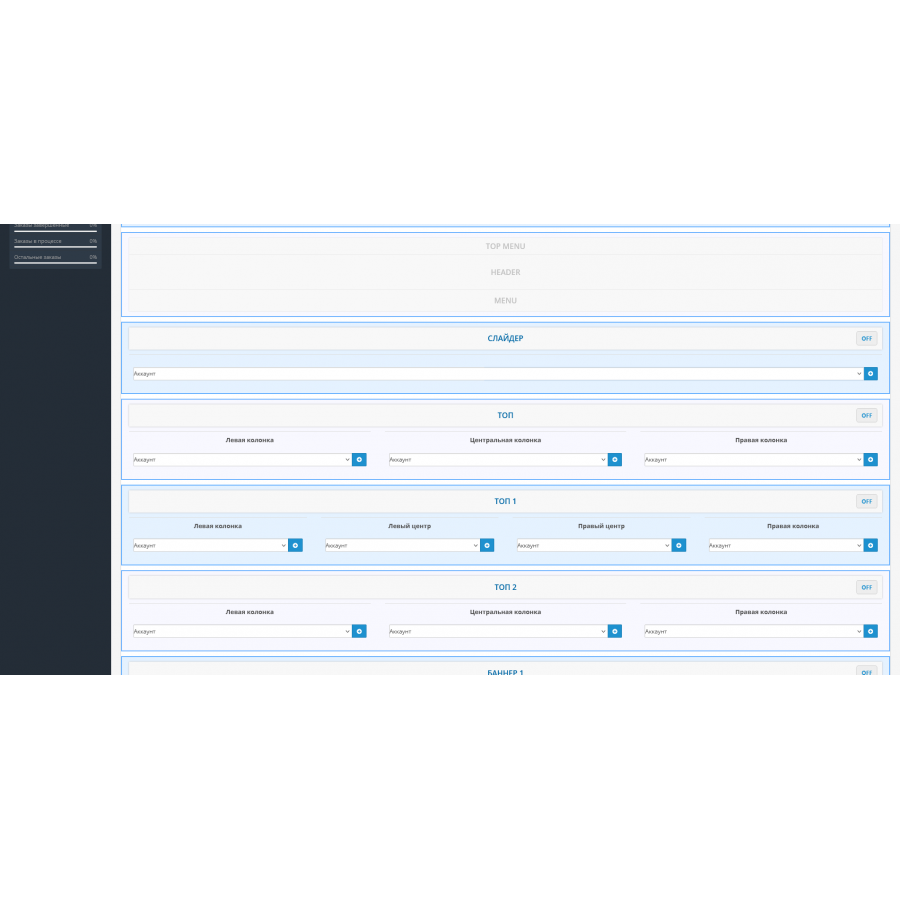
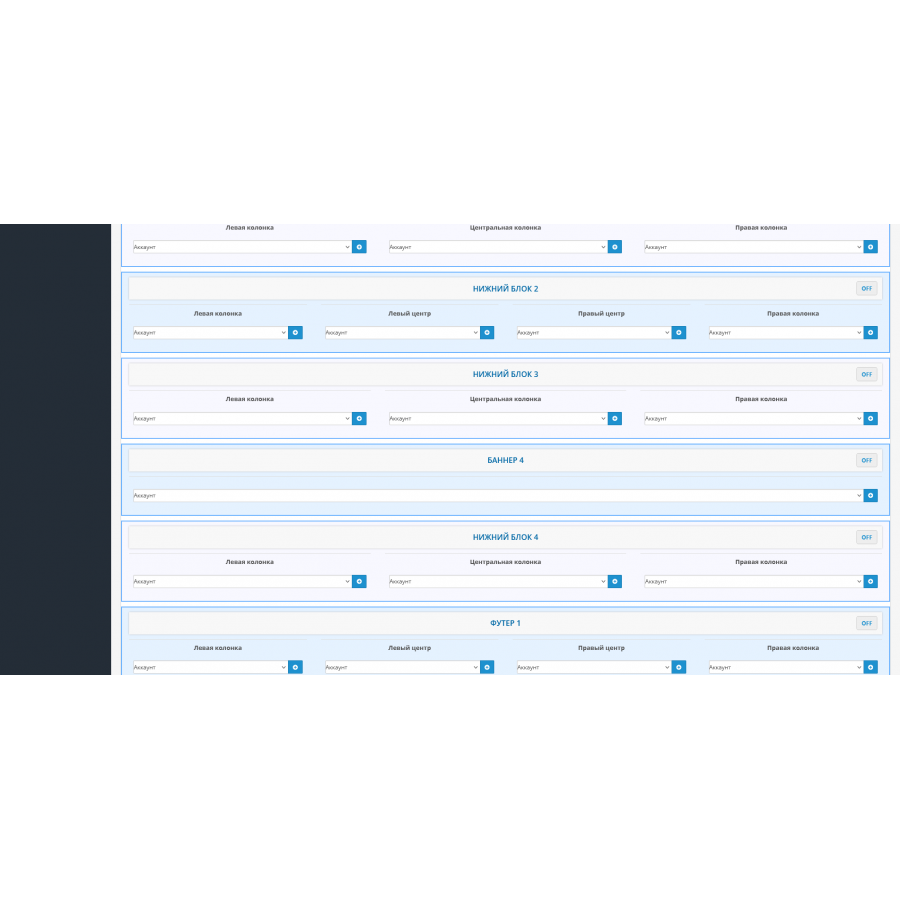
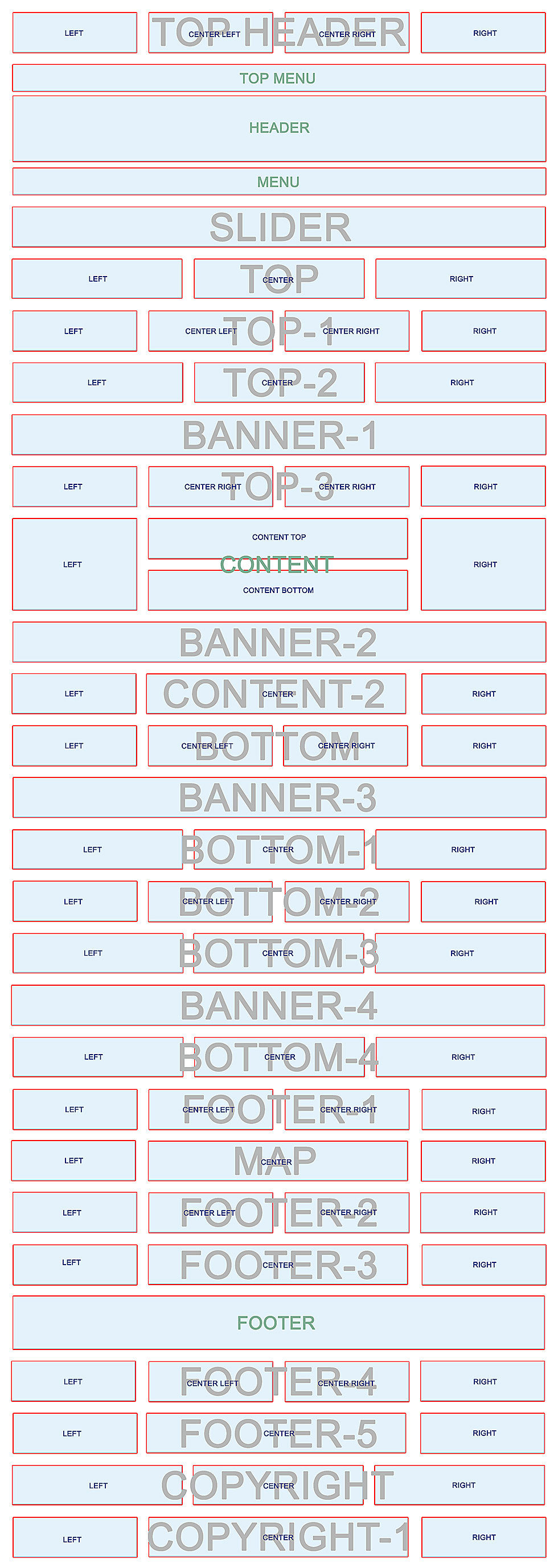
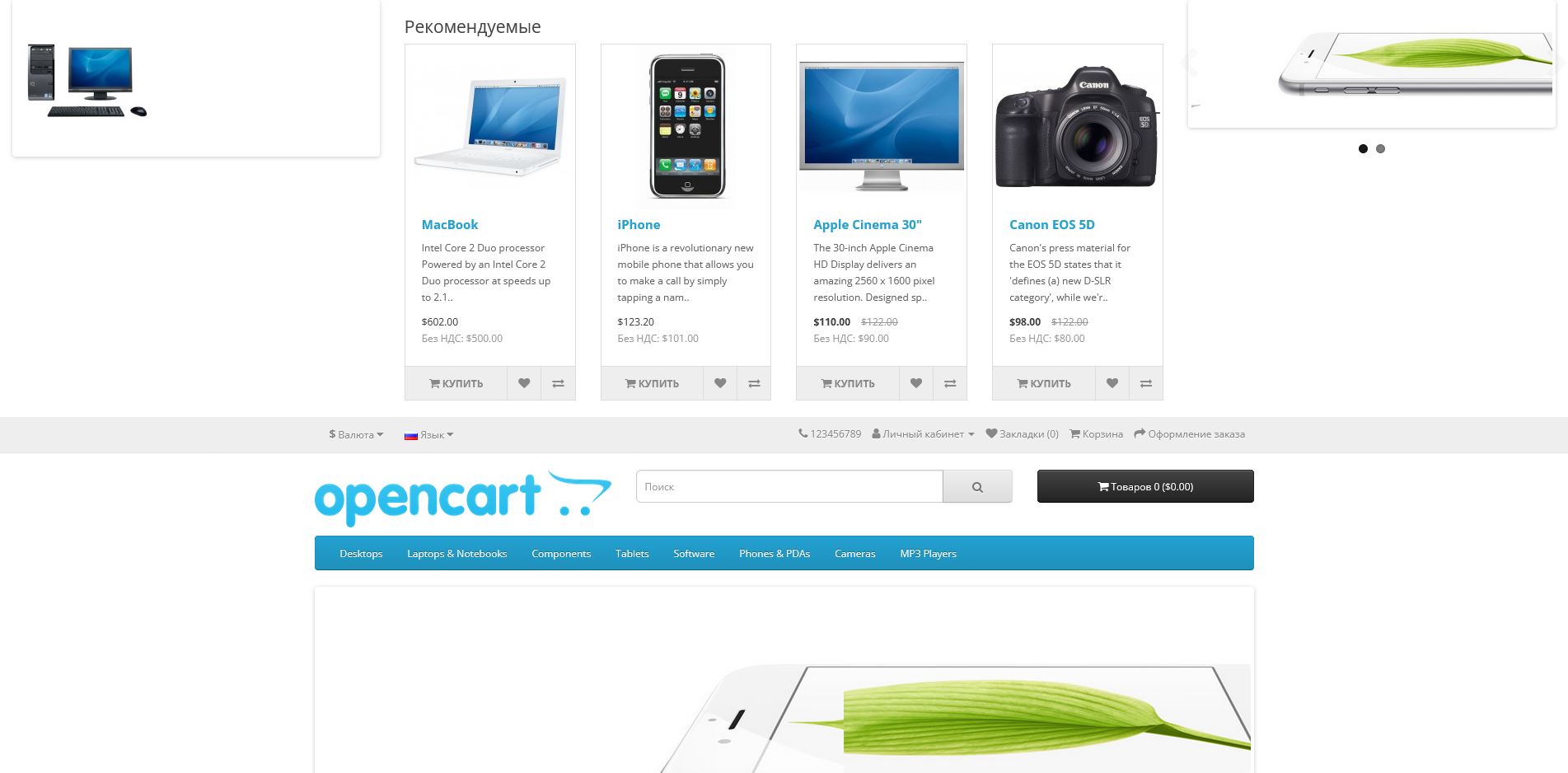
24 additional block positions and 70 columns of module output in 5 sections. Now you have more space to place content exactly the way you want.
-
Four types of blocks that can be stretched to the full width of the screen:
- Eight blocks with four columns: Provide up to 32 modular positions.
- Six blocks with three columns: Add up to 18 modular positions.
- Five blocks with three columns (standard): Add up to 15 modular positions.
- Five blocks with one position: 5 more modular positions for precise placement of key content.
-
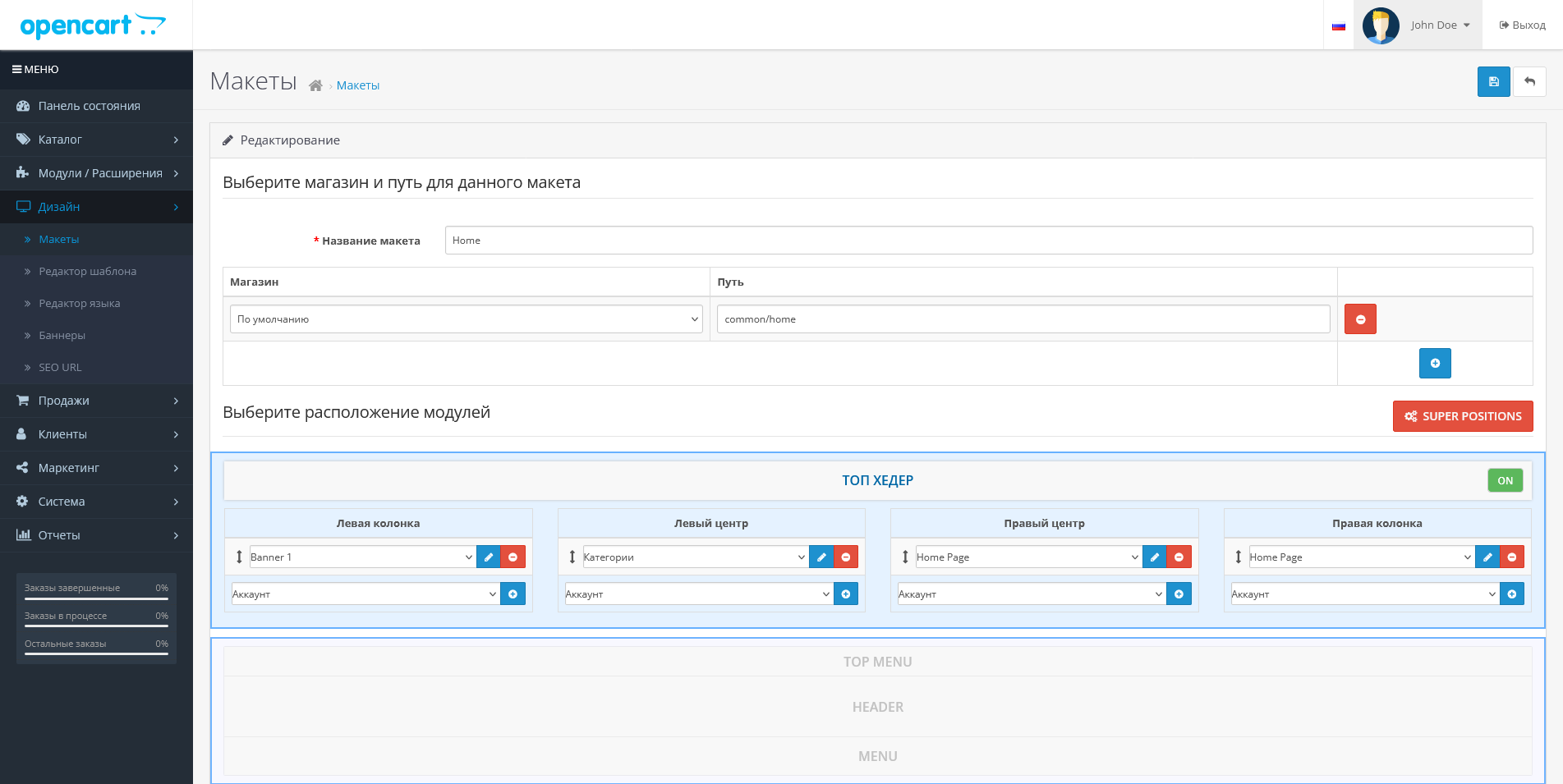
Convenient sorting and dragging of modules: You can easily change the arrangement of modules as you wish, without the need for complicated settings.
SUPER Positions is your step towards creating a site that grabs attention at first glance. Give your pages a unique style and increase the efficiency of presenting information with HYPER Positions!
This module will not only improve the appearance of your site, but also emphasize your professional approach to business.
There are no reviews for this product, be the first to leave your review.
No questions about this product, be the first and ask your question.
Module installation instructions:
- Before performing any actions related to installing an add-on in Opencart, we recommend creating a backup copy of all site files and the store database ;
- Install the localcopy fix (if you don't have it installed yet)
- Download the module file for the desired Opencart version from our website ( Follow the installation instructions if there are any in the module archive );
- Then go to the "Installing add-ons/extensions" section and click on the " Download " button;
- Select the downloaded file and wait for the module to be fully installed and for the text "Application installed successfully" to appear;
- After that, go to " Application Manager " and update the modifiers by clicking the " Update " button;
- After these actions, you need to add the rights to view and manage the module in the " User Groups " section for the administrator or other users you select by clicking " Select All ".





