
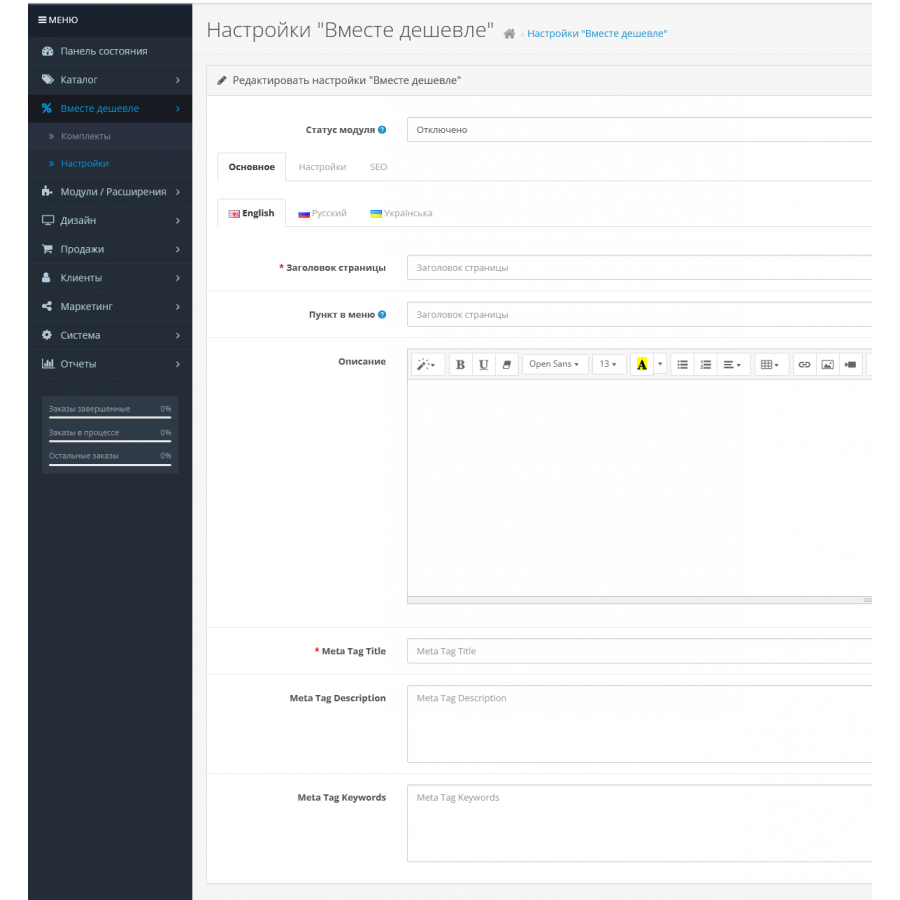
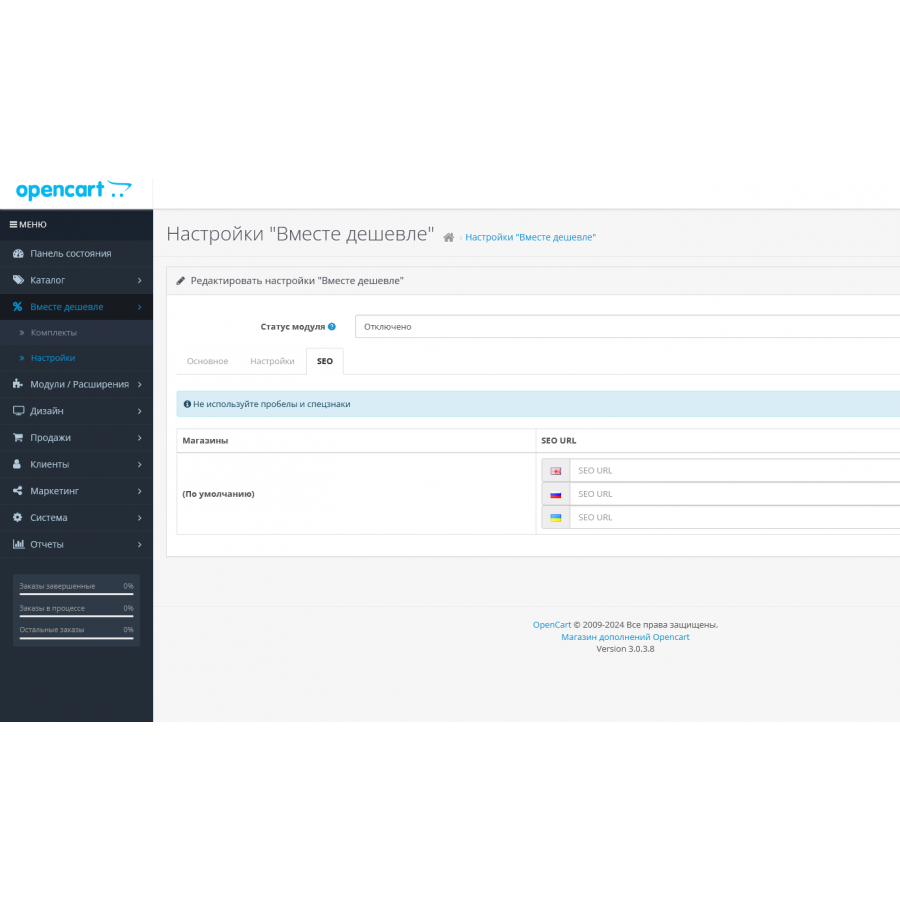
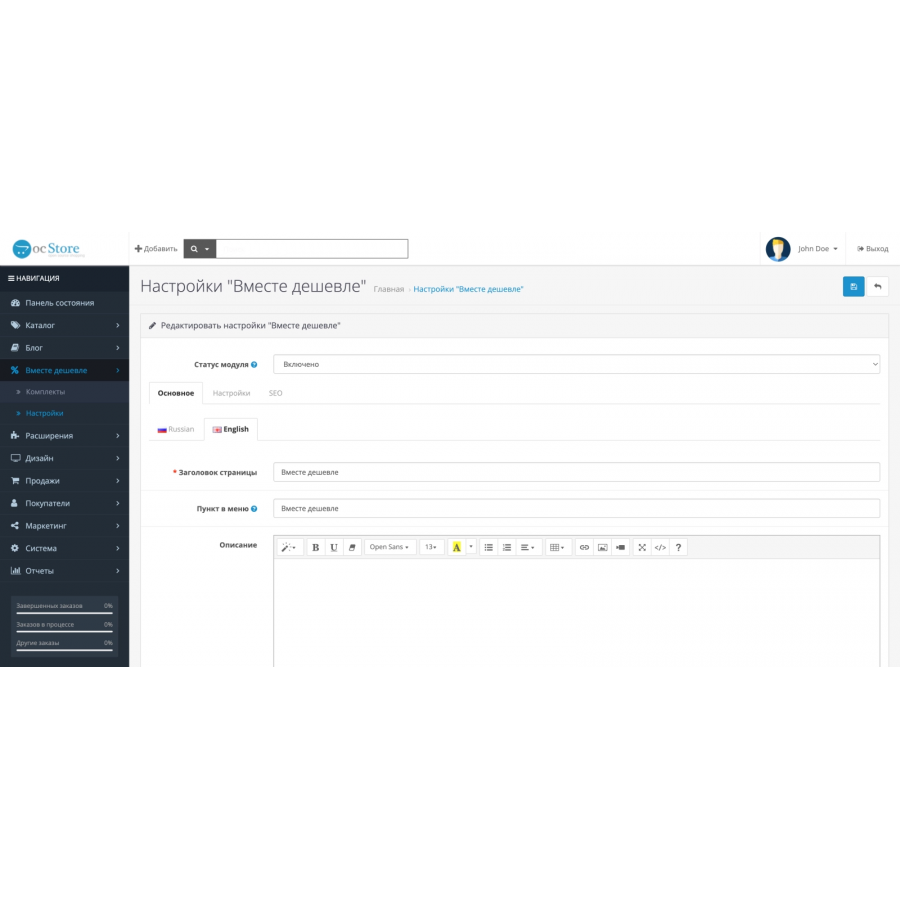
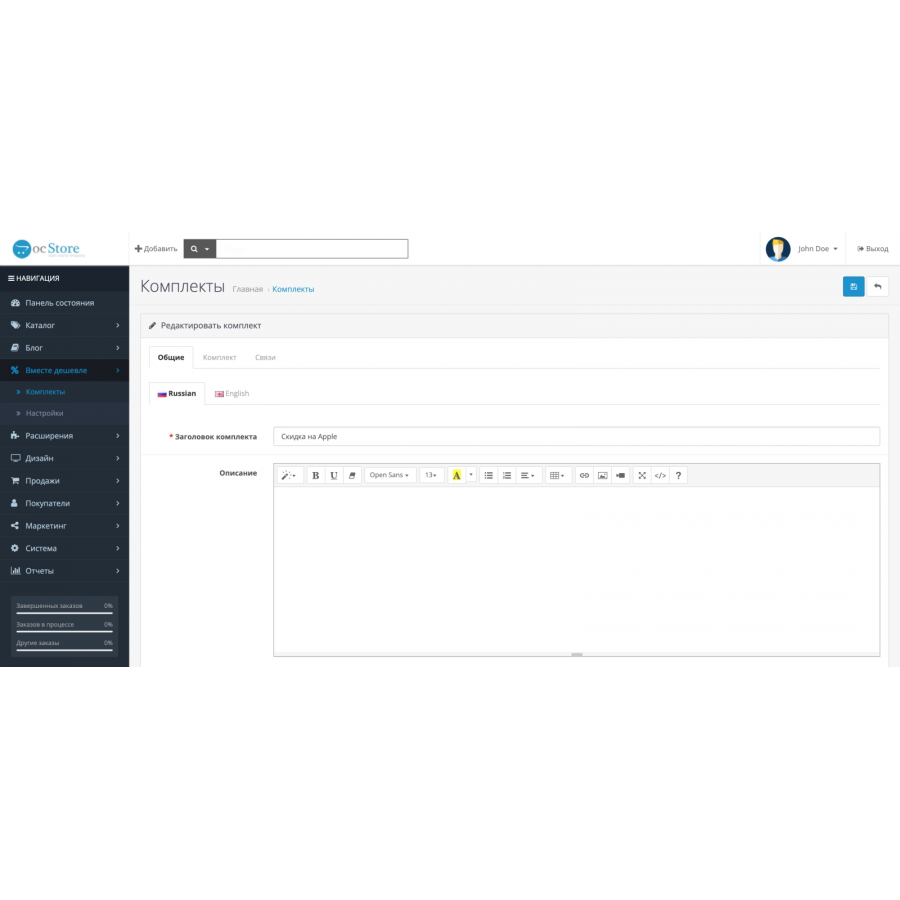
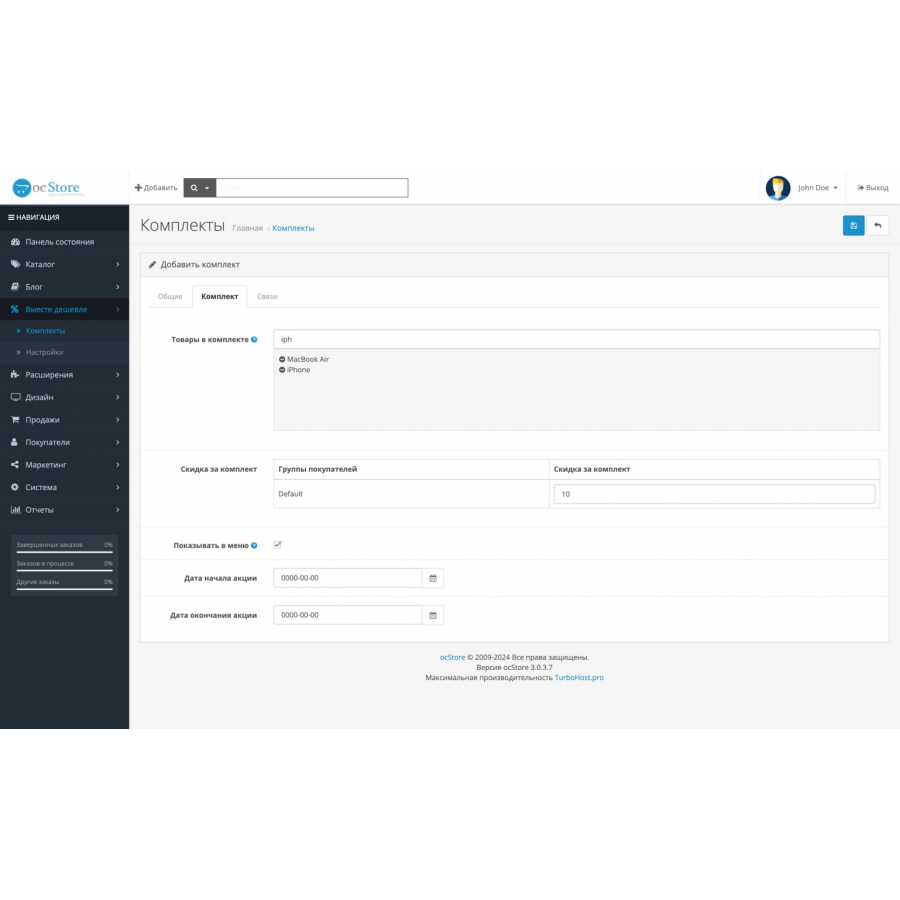
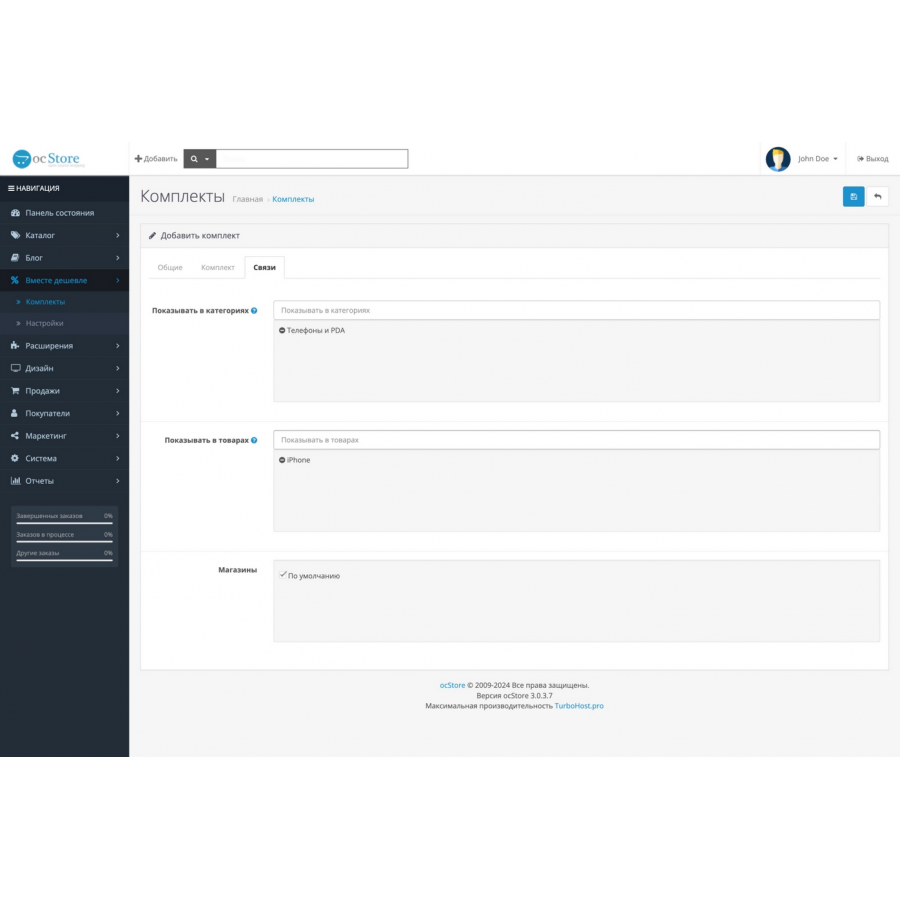


The Together is cheaper module for Opencart
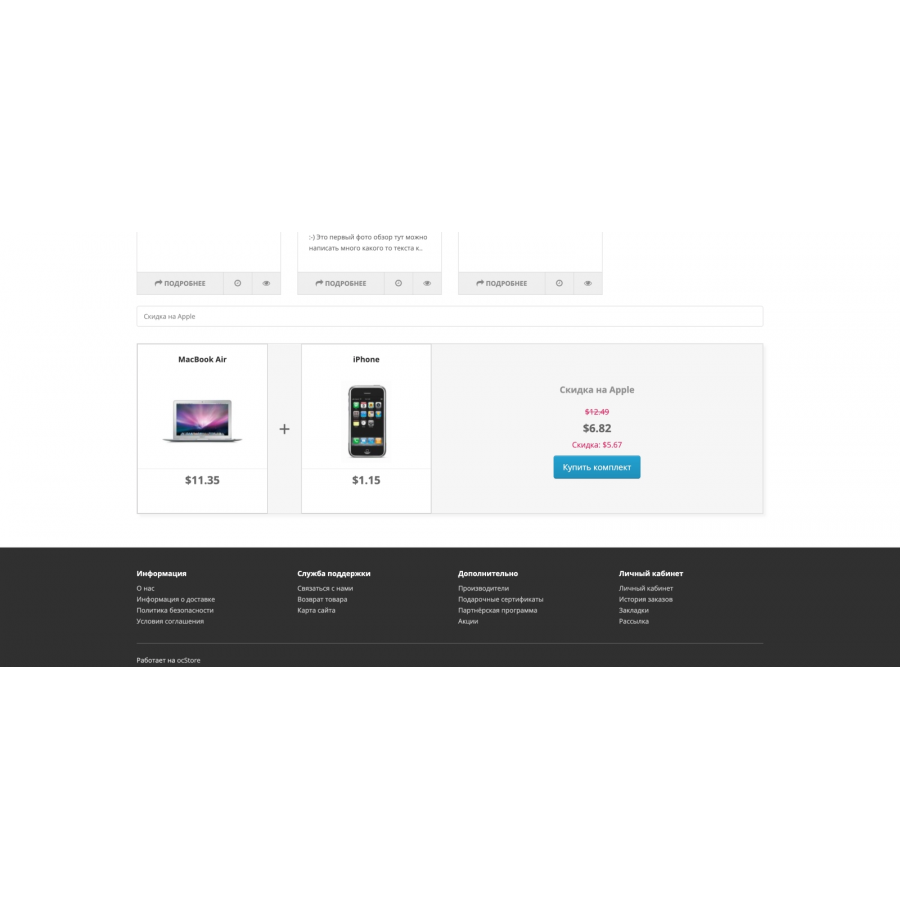
The "Together is cheaper" module opens up new opportunities for online stores, allowing you to create sets of goods that can be sold at a single price. This module is an indispensable tool for stores that want to offer profitable promotions and encourage customers to make larger purchases.
Main characteristics and capabilities:
-
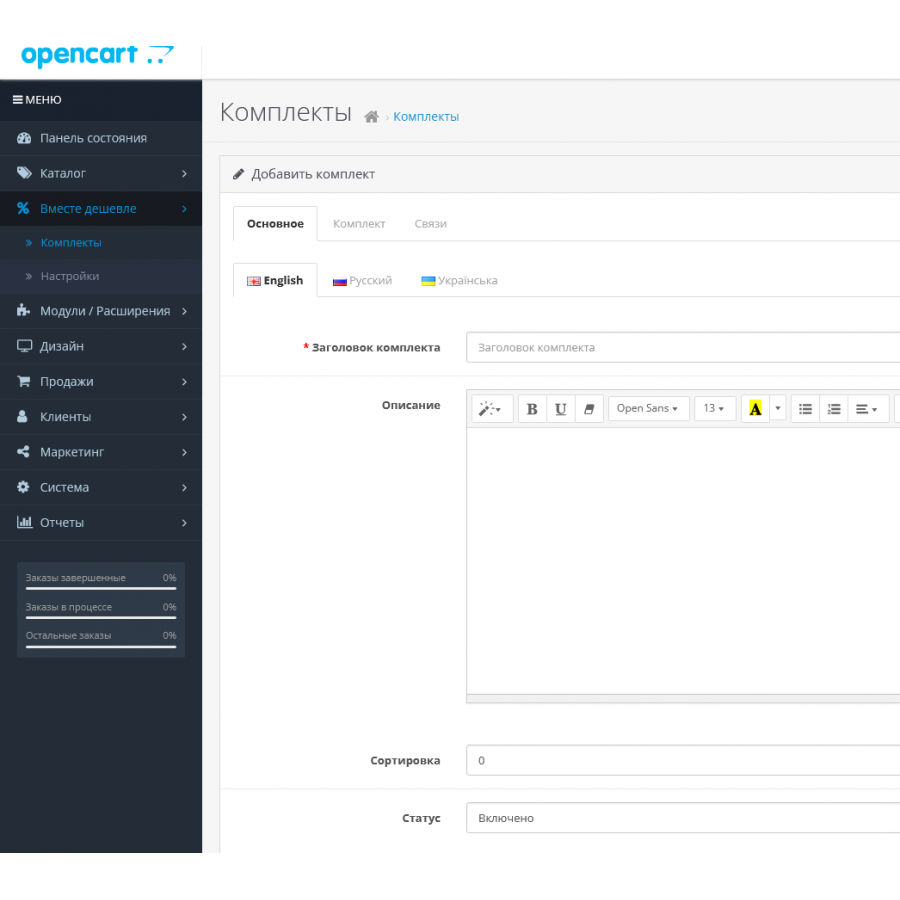
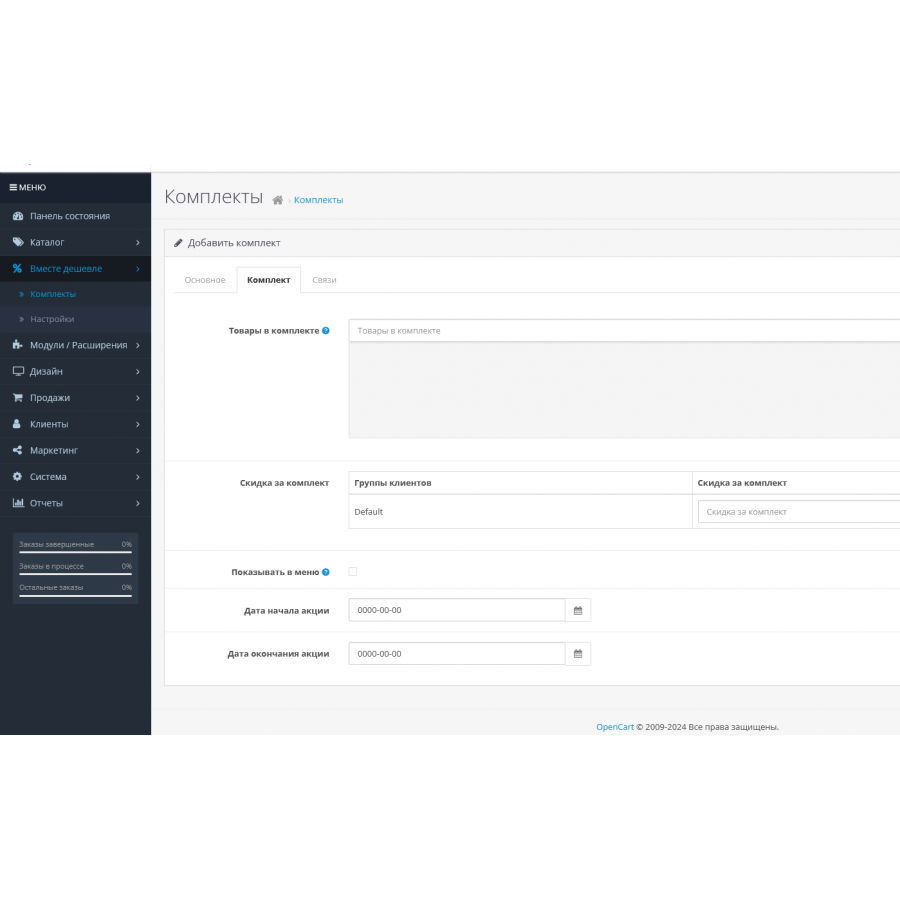
Bundles of products : Combine several products into one bundle, offering them at a reduced price. This allows you to create profitable offers and attract the attention of customers.
-
Single price and order : Simple and convenient scheme: several products = one price and one order. This simplifies the purchase process for customers and order management for the store.
-
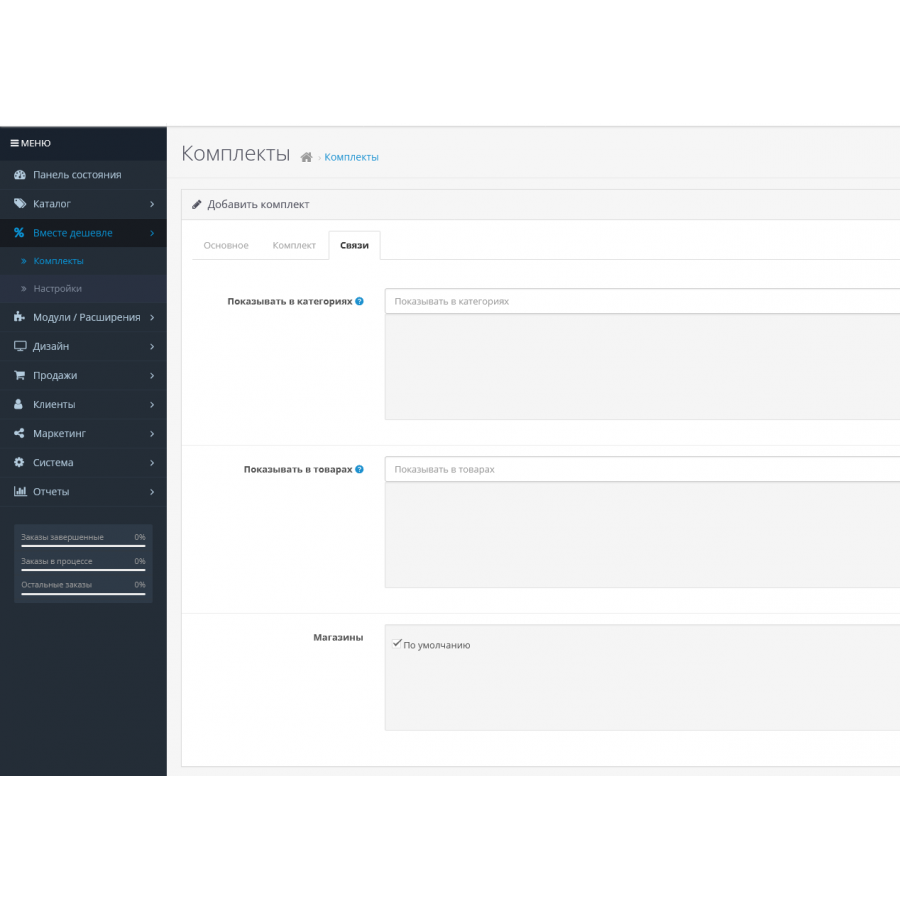
Flexible placement settings : You can place bundles of products on any page of your store. This allows kits to be integrated directly into product or category templates for maximum efficiency.
-
Visual presentation : The module provides a clear and attractive visual presentation of kits, which helps customers easily recognize the composition and total cost of the kit.
Advantages of using:
-
Sales promotion : By offering bundles of products at a good price, you motivate customers to make a purchase, which can significantly increase your sales.
-
Branding and marketing : Product bundles give you additional opportunities for branding and marketing campaigns, making your store more attractive and unique in the eyes of customers.
-
Placement flexibility : With the ability to place kits on different pages, you can adapt your offers to the needs of your target audience and specific store pages.
-
Increase the average check : Selling items in bundles can help increase the average check of orders, as customers often add additional items to take advantage of a good deal.
The "Together is cheaper" module will become a powerful tool in your arsenal to increase sales, attract new customers and increase the loyalty of existing ones. Implement it in your online store and take advantage of all the advantages it offers!
No questions about this product, be the first and ask your question.
Module installation instructions:
- Before performing any actions related to installing an add-on in Opencart, we recommend creating a backup copy of all site files and the store database ;
- Install the localcopy fix (if you don't have it installed yet)
- Download the module file for the desired Opencart version from our website ( Follow the installation instructions if there are any in the module archive );
- Then go to the "Installing add-ons/extensions" section and click on the " Download " button;
- Select the downloaded file and wait for the module to be fully installed and for the text "Application installed successfully" to appear;
- After that, go to " Application Manager " and update the modifiers by clicking the " Update " button;
- After these actions, you need to add the rights to view and manage the module in the " User Groups " section for the administrator or other users you select by clicking " Select All ".





