All about product
Description
Specification
Reviews
0
Questions0
Installing the module
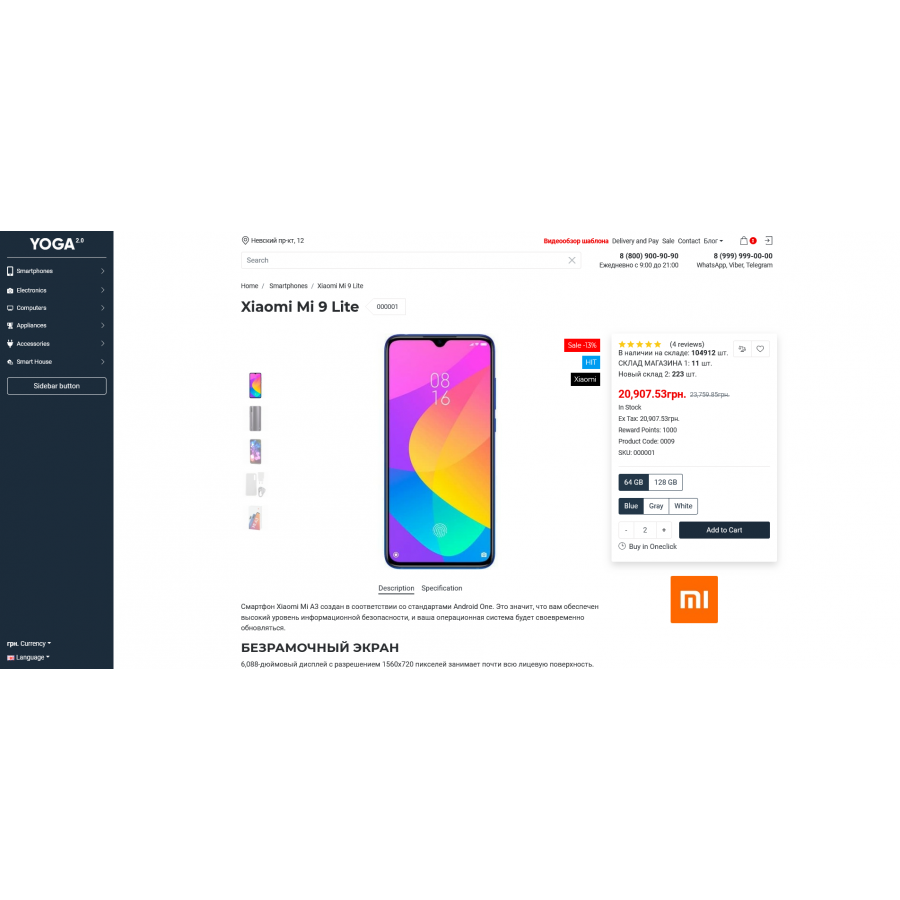
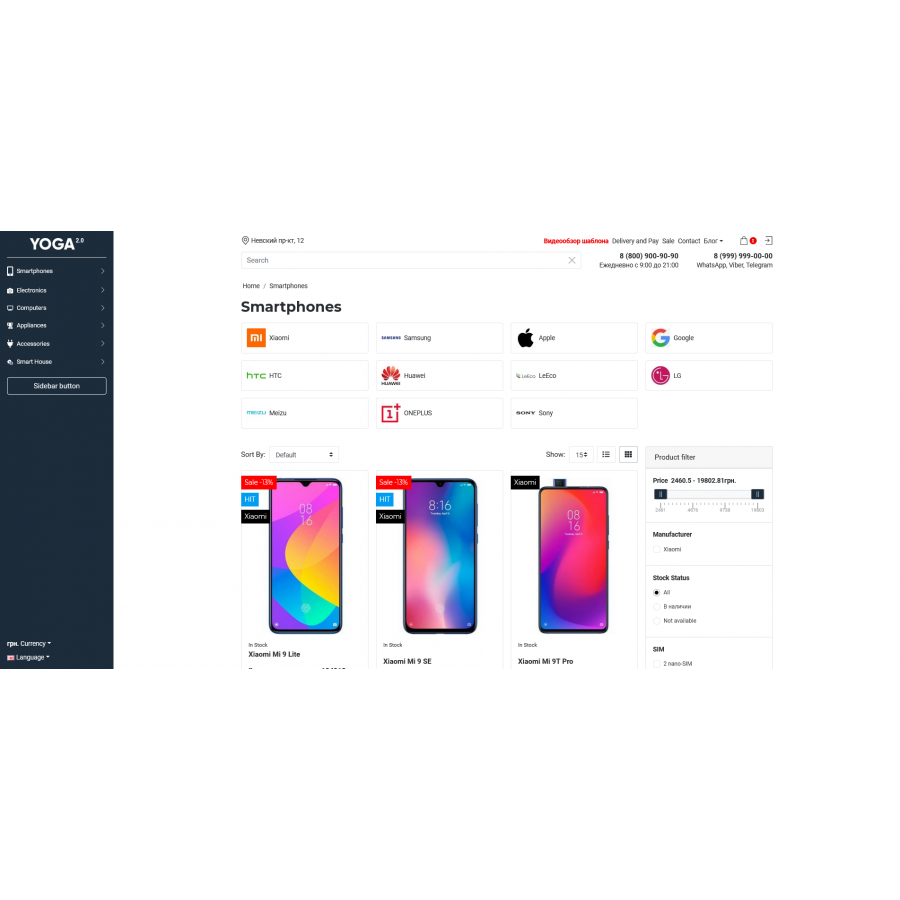
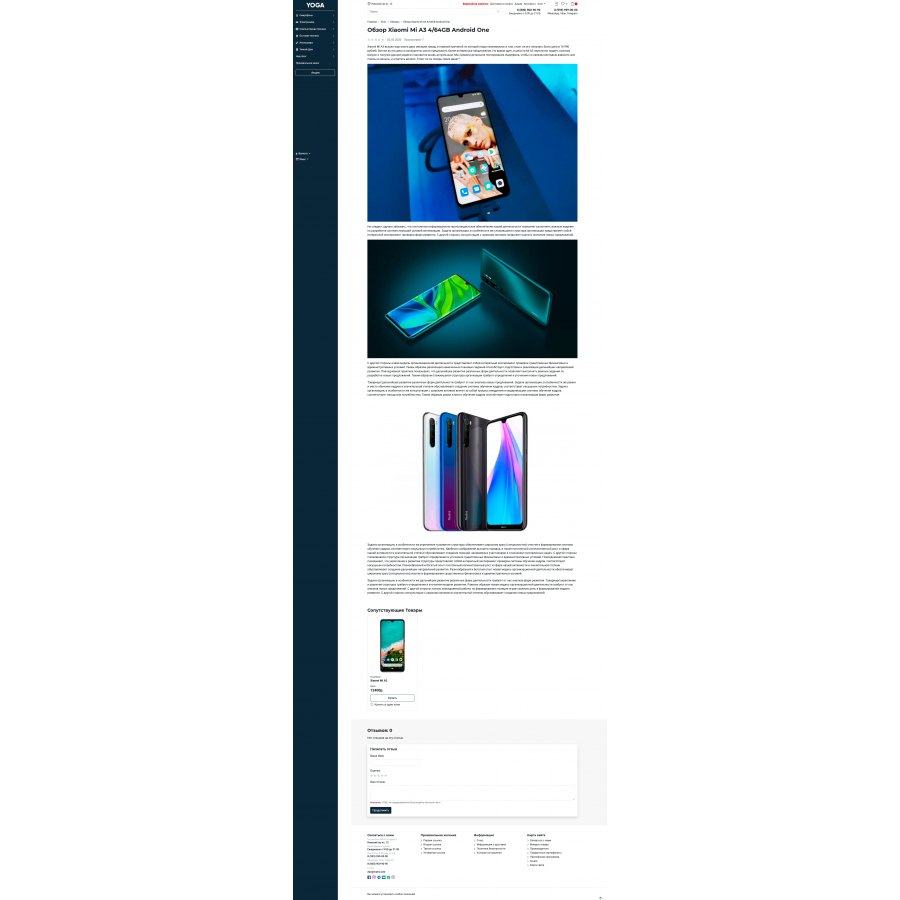
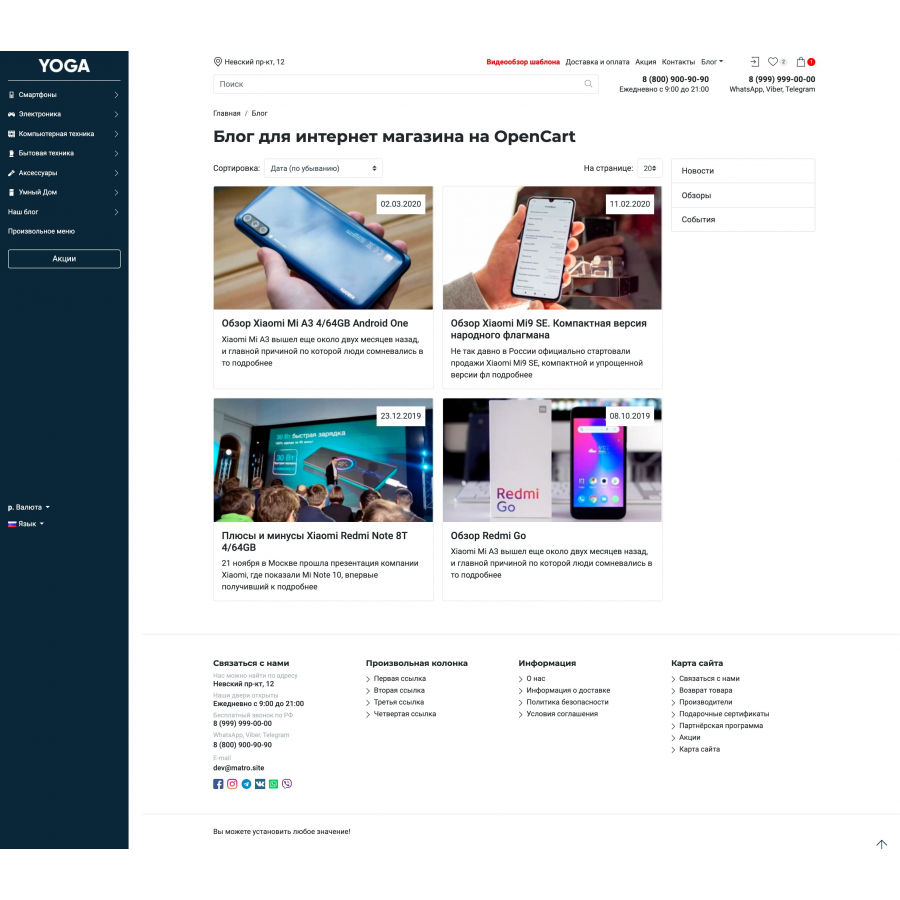
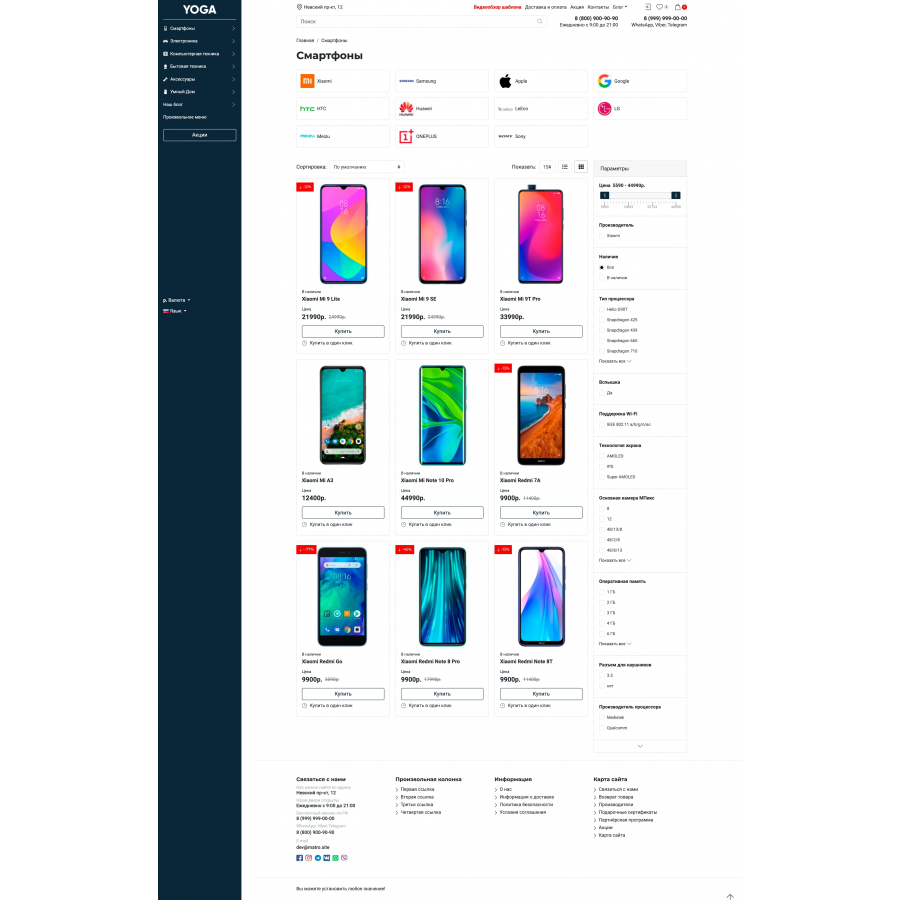
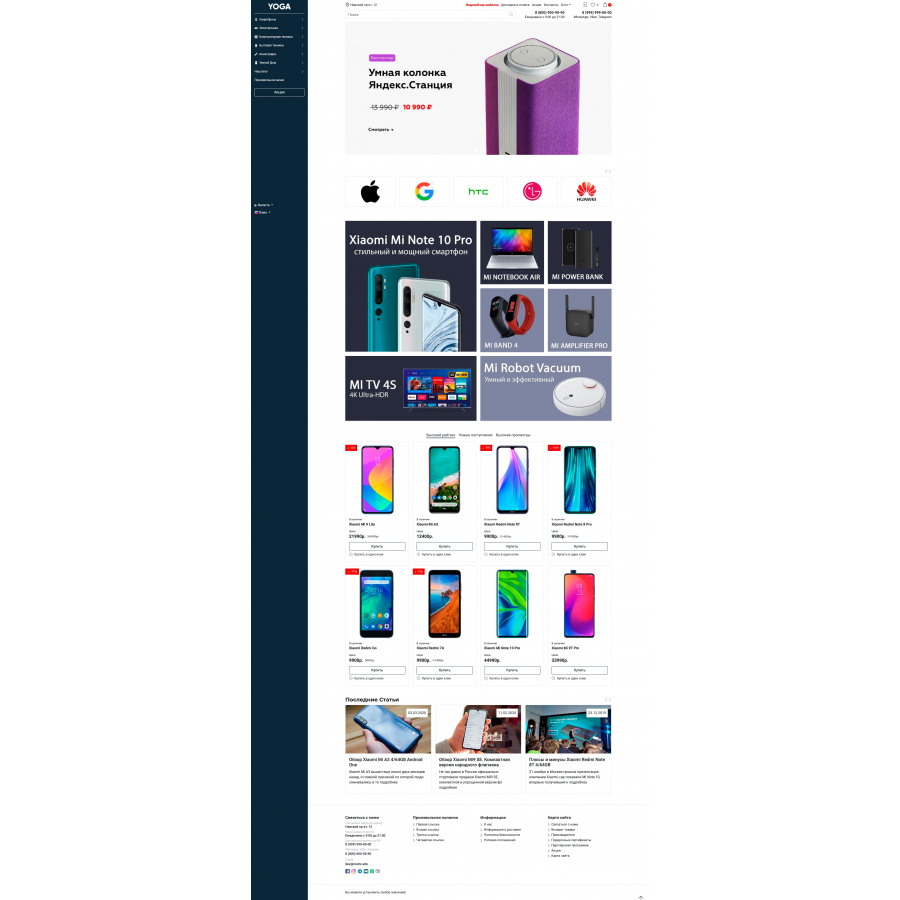
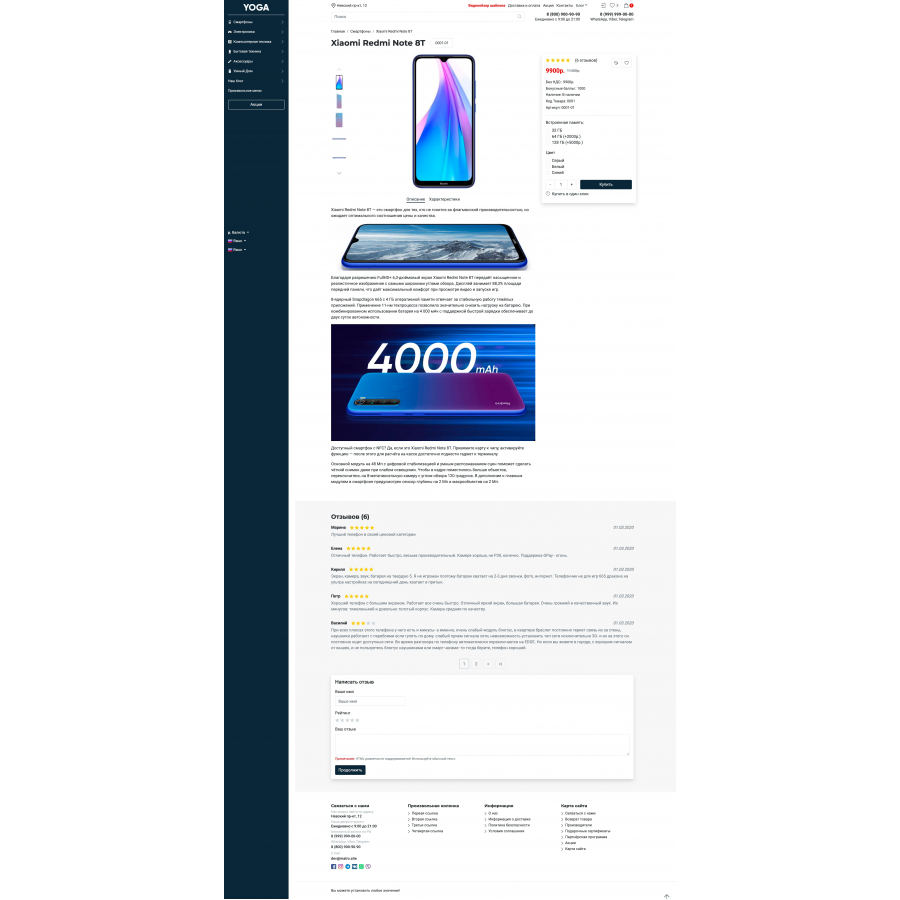



Universal and adaptive YOGA template for Opencart 3
Product Code: 177
Version: 2.0.24
In Stock
750 грн
Main specifications
PHP:
7.2-7.4
Compatibility:
OpenCart 3, ocStore 3
Localization:
Ukrainian, Russian, English
Ocmod:
Yes
Adaptation to your store:
Paid
All specifications
Description
Universal and adaptive YOGA template for Opencart 3
Here is a new look at how a modern site on Opencart in 2022 can look like, not tied to outdated libraries. The template is built on the idea of not using heavy libraries, only the bare essentials, which allows you to reduce the weight of the pages and show excellent results when loading the page.
MAIN ADVANTAGES
- Modern appearance, well-designed interface for mobile and desktop devices
- Valid and adaptive layout, atomicity + BEM. Easy to customize pages yourself
- The included modules solve most of the typical tasks at the start
- Quick and easy color scheme change, without any blanks.
- Advanced Product Compare Page
- Ability to add custom menu items to sidebar, header and footer
- Full SVG graphics
- Not used by FontAwesome
- Simple template settings allow you to set up a template in minutes without learning the instructions.
- Technical support from the author, without intermediaries and long waiting times
- Big discount when buying a second and subsequent copy of the template
- Regular updates
- OcStore support out of the box
- Simple checkout
- Buy in one click
- Categories wall
- Mesh banner
- Top Menu
- Sidebar menu
- Lower menu
- Product selections
- Slide show
- Search with categories
- OCFilter
- Simple module - simplified registration and ordering (testing)
- Install the archive through the standard extension installer
- Refresh mod cache
- Go to theme setup - Extensions > Extensions > Themes > Yoga Template
- Make the necessary settings, click Save
- Go to the main store settings, select the Yoga template System > Setup > Your Store > Template
- Save your settings
- Install and configure the module according to the developer's instructions
- Download and extract the archive ocfilter_bs4 or yoga_simple on your computer
- Using FTP - upload files from the archive to your site, the files must be overwritten
- Refresh cache
FROM THE AUTHOR
The template will be only on Opencart 3 and later versions. Before and after buying a template - feel free to ask your questions.
Specifications
Characteristics
PHP
7.2-7.4
Compatibility
OpenCart 3, ocStore 3
Localization
Ukrainian, Russian, English
Ocmod
Yes
Adaptation to your store
Paid
There are no reviews for this product, be the first to leave your review.
No questions about this product, be the first and ask your question.
Installing the module
Module installation instructions:
- Before performing any actions related to installing an add-on in Opencart, we recommend creating a backup copy of all site files and the store database ;
- Install the localcopy fix (if you don't have it installed yet)
- Download the module file for the desired Opencart version from our website ( Follow the installation instructions if there are any in the module archive );
- Then go to the "Installing add-ons/extensions" section and click on the " Download " button;
- Select the downloaded file and wait for the module to be fully installed and for the text "Application installed successfully" to appear;
- After that, go to " Application Manager " and update the modifiers by clicking the " Update " button;
- After these actions, you need to add the rights to view and manage the module in the " User Groups " section for the administrator or other users you select by clicking " Select All ".