

Manufacturer Wall lite — manufacturer wall module for Opencart
OpencartHub Manufacturer Wall lite for OpenCart 3
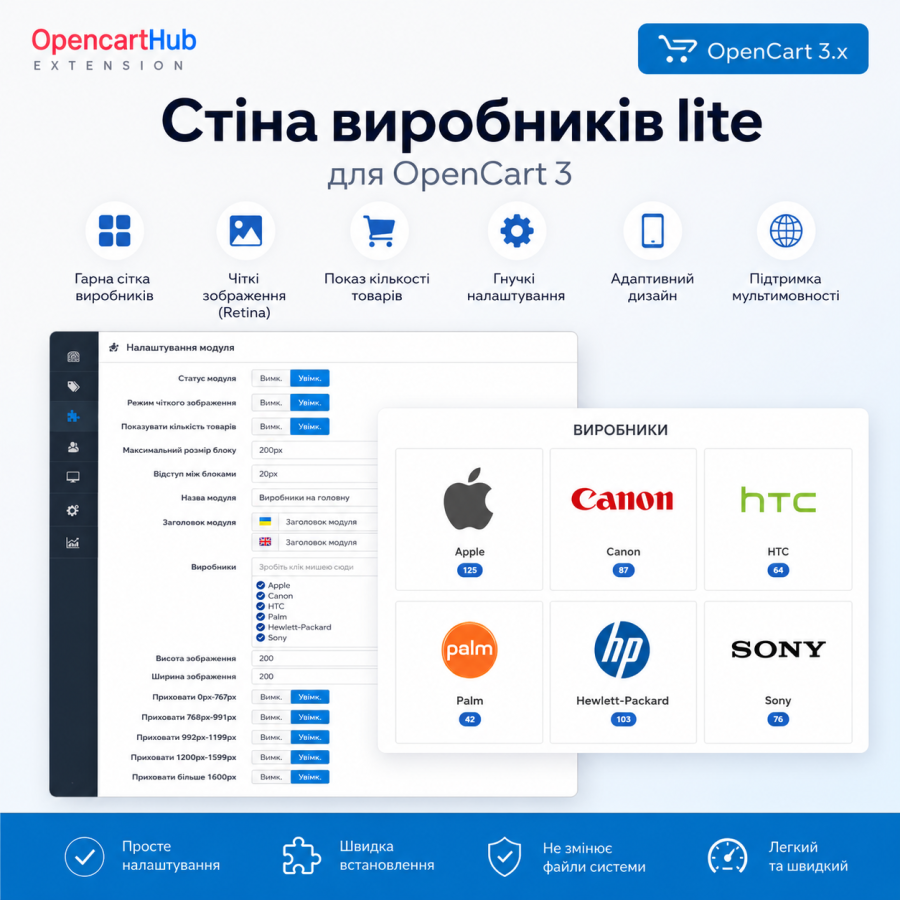
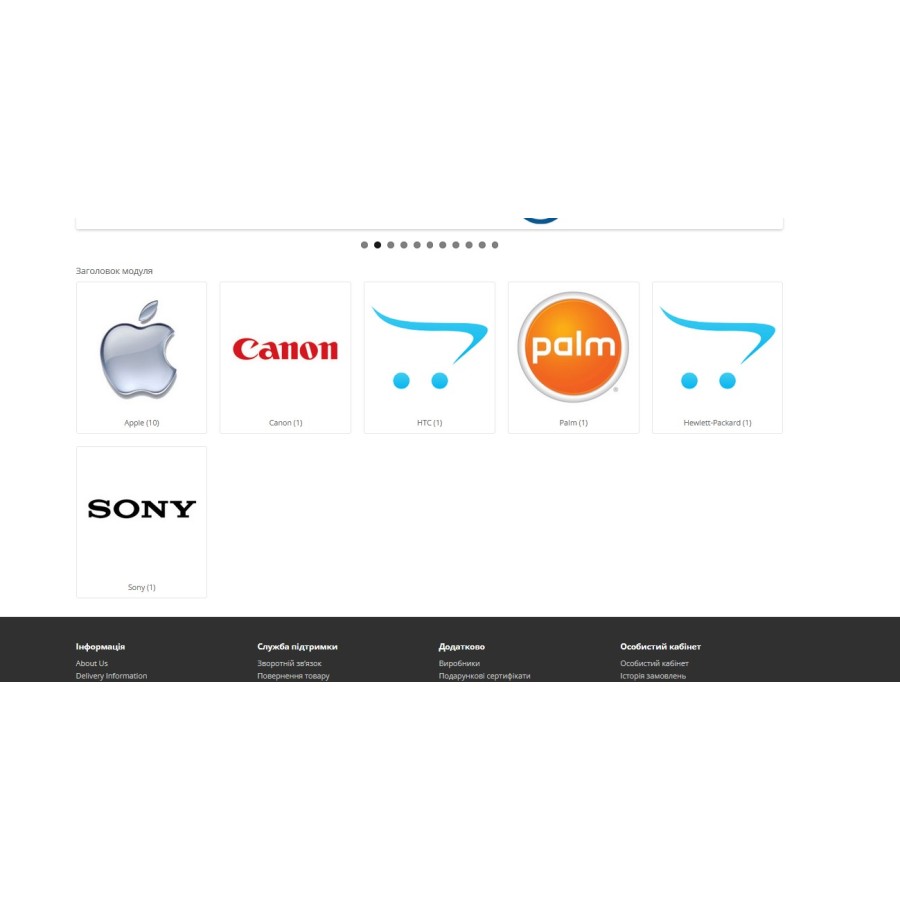
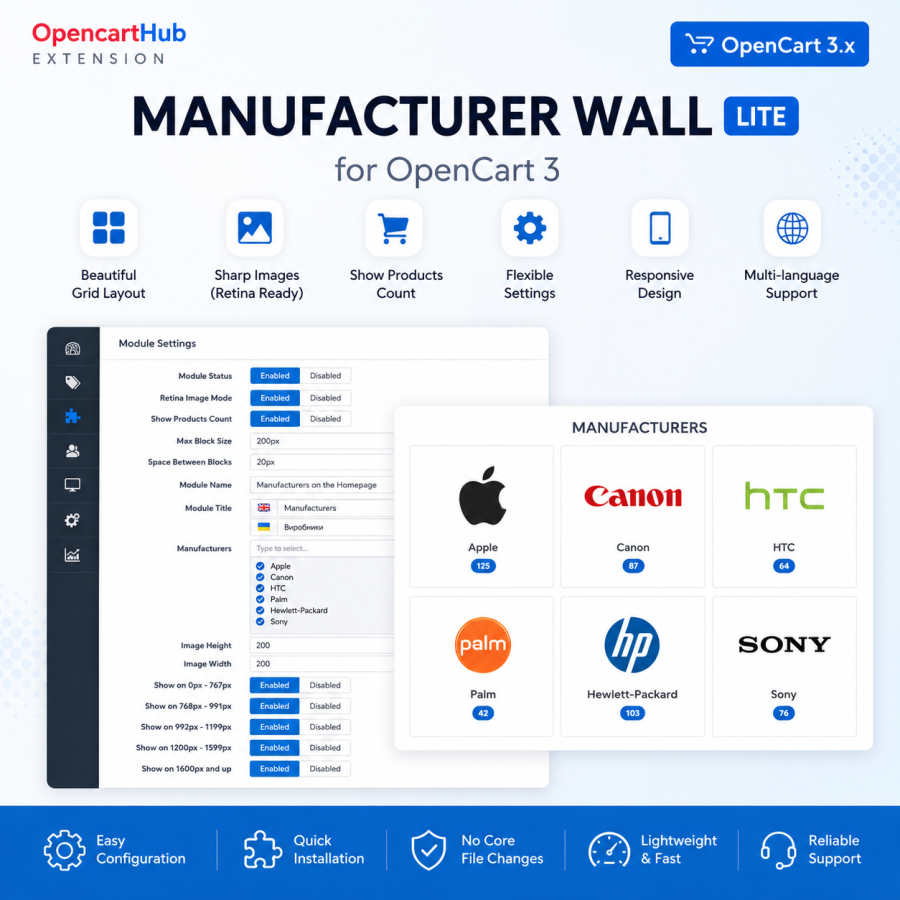
OpencartHub Manufacturer Wall lite is a simple and convenient module for OpenCart 3 that allows you to beautifully display brands or manufacturers in a modern grid.
The module is great for the store's homepage, individual landing pages, or any place where you need to display brand logos and make navigation more convenient for shoppers.
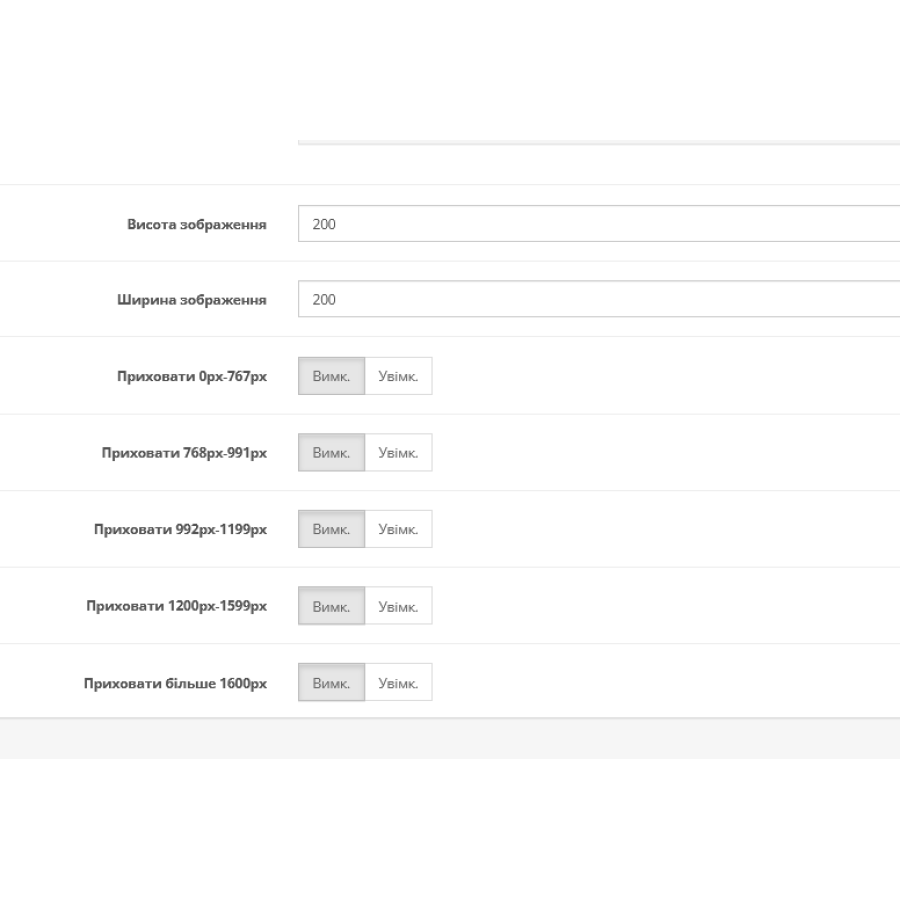
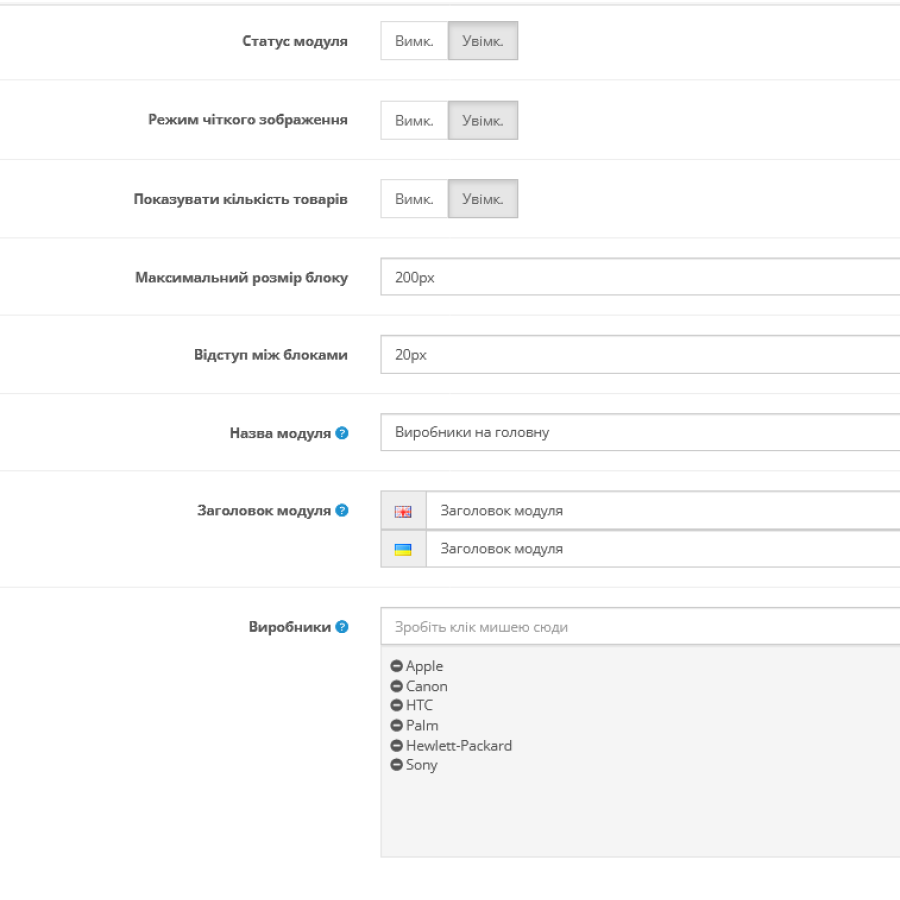
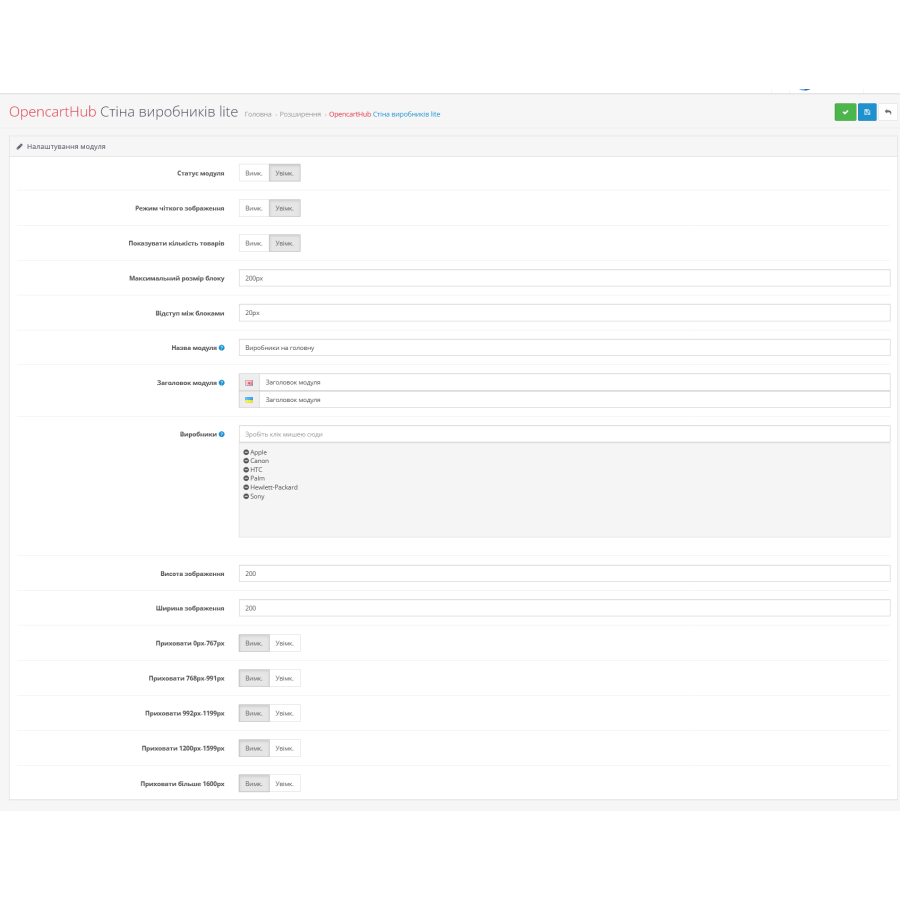
In the settings, you can easily select the desired manufacturers, adjust the width and height of images, change the padding between blocks and the maximum size of elements. There is also the option to enable sharp image mode for Retina displays.
Each module can have its own name and title in different languages. This is especially convenient for multilingual stores on OpenCart.
The module has a simple and intuitive management interface. The selection of manufacturers is done in just a few clicks through the standard OpenCart admin panel.
Additionally, there are adaptive settings. You can hide blocks on different screen resolutions: for mobile devices, tablets, or large monitors.
The module is not overloaded with unnecessary features and is well suited for those who want to quickly and beautifully design a manufacturer block without complicated settings.
The standard OCMOD mechanism is supported, so the module does not replace OpenCart system files and is easily installed via the admin panel.
Main features:
- Output of manufacturers in the form of an adaptive grid
- OpenCart 3.x support
- Adjusting the width and height of images
- Adjusting the spacing between blocks
- Maximum element size
- Display of the manufacturer's product quantity
- Retina mode for clear display
- Multilingual captions
- Resolution hiding
- Quick installation via OCMOD
The module is well suited for electronics, appliances, clothing, auto parts stores, and any other catalogs where it is important to beautifully display brands.
A simple, lightweight and convenient module for OpenCart that will help make your store more modern and convenient for customers.
There are no reviews for this product, be the first to leave your review.
No questions about this product, be the first and ask your question.
Module installation instructions:
- Before performing any actions related to installing an add-on in Opencart, we recommend creating a backup copy of all site files and the store database ;
- Install the localcopy fix (if you don't have it installed yet)
- Download the module file for the desired Opencart version from our website ( Follow the installation instructions if there are any in the module archive );
- Then go to the "Installing add-ons/extensions" section and click on the " Download " button;
- Select the downloaded file and wait for the module to be fully installed and for the text "Application installed successfully" to appear;
- After that, go to " Application Manager " and update the modifiers by clicking the " Update " button;
- After these actions, you need to add the rights to view and manage the module in the " User Groups " section for the administrator or other users you select by clicking " Select All ".