
All about product
Description
Specification
Reviews
3
Questions0
Installing the module


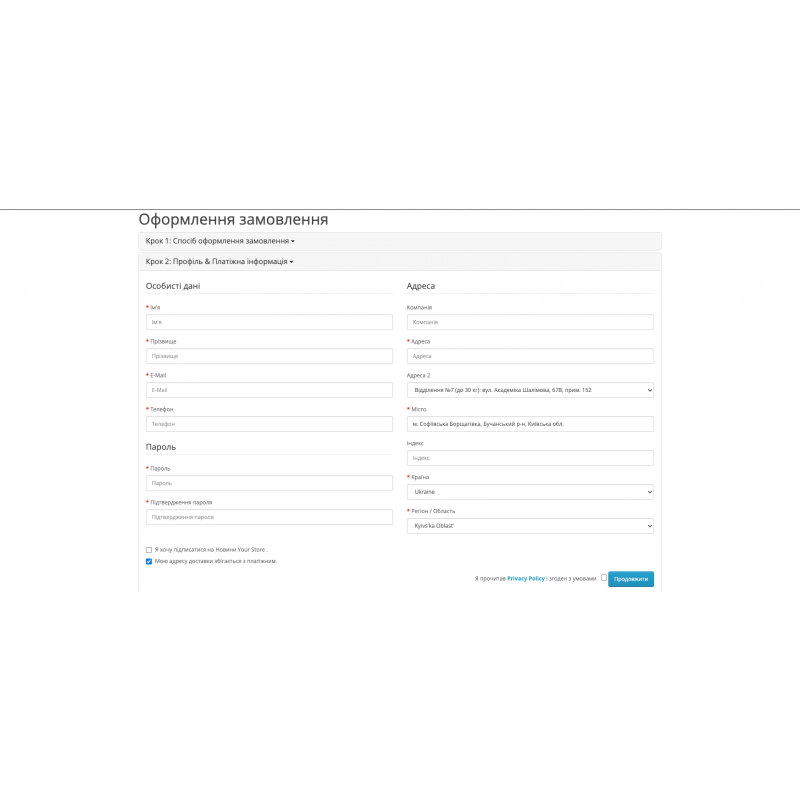


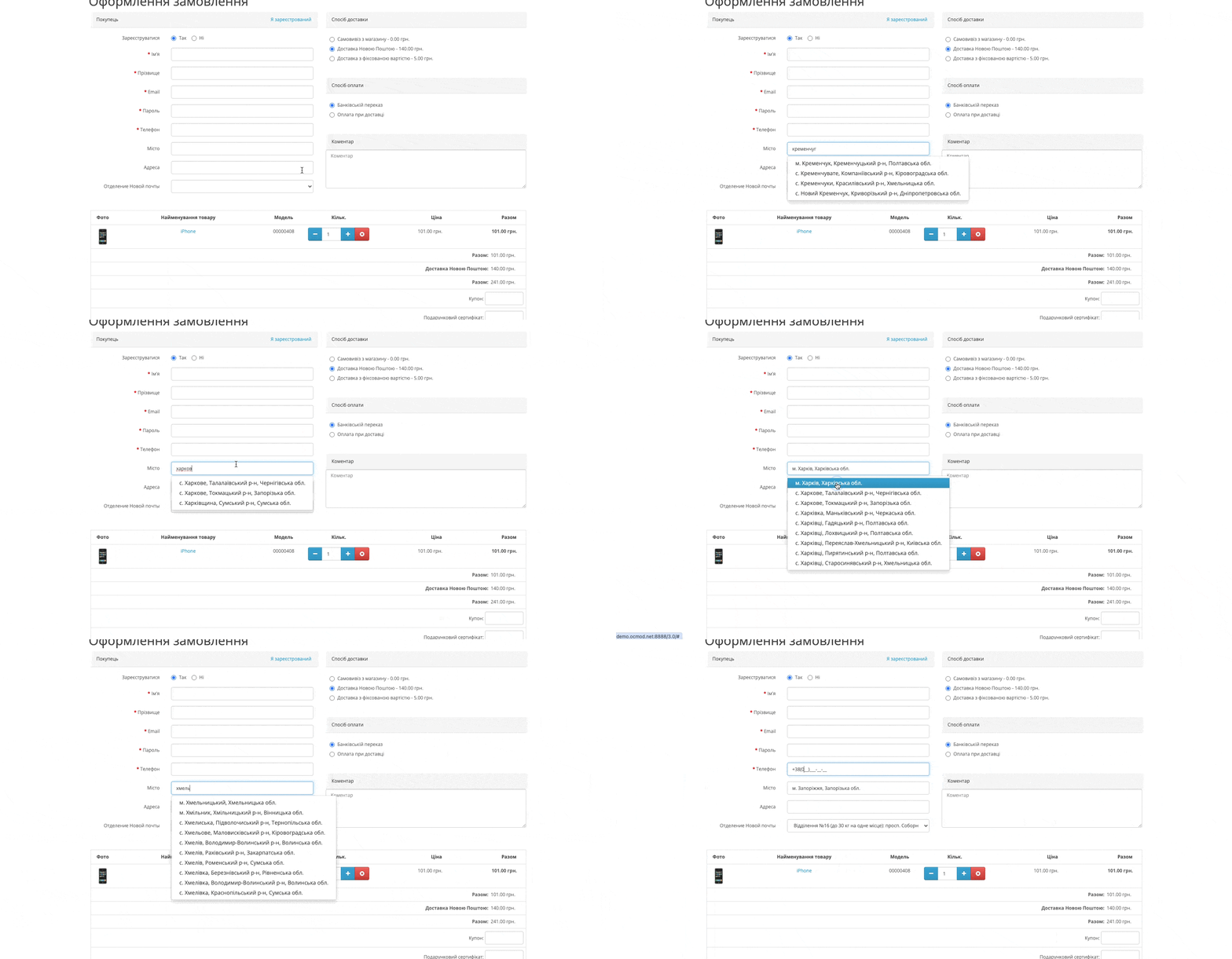
Nova Poshta - city autofill and branch selection for OpenCart 3
Product Code: 260
In Stock
449 грн
Main specifications
PHP:
7.2-7.4
Compatibility:
3.0.0.0, 3.0.1.1, 3.0.1.2, 3.0.2.0, 3.0.3.0, 3.0.3.1, 3.0.3.2, 3.0.3.3, 3.0.3.5, 3.0.3.6, 3.0.3.7, 3.0.3.8
Localization:
Ukrainian, Russian, English
Ocmod:
No
Adaptation to your store:
Paid
All specifications
Description
Specifications
Characteristics
PHP
7.2-7.4
Compatibility
3.0.0.0, 3.0.1.1, 3.0.1.2, 3.0.2.0, 3.0.3.0, 3.0.3.1, 3.0.3.2, 3.0.3.3, 3.0.3.5, 3.0.3.6, 3.0.3.7, 3.0.3.8
Localization
Ukrainian, Russian, English
Ocmod
No
Adaptation to your store
Paid
Чудовий модуль! Працює в сімплі , всі відділення актуальні
Is this review helpful?
0
Работает, всё ок!
Установил на шаблон Ultrastore в паре с Simple быстрое оформление заказа.
Установил на шаблон Ultrastore в паре с Simple быстрое оформление заказа.
Is this review helpful?
0
Супер! Давно хотів щоб в корзині підтягувалися відділення! Модуль перевірив на своєму магазині, все працює чудово!! Дякую за допомогу з налаштуваннями
Is this review helpful?
0
No questions about this product, be the first and ask your question.
Installing the module
Module installation instructions:
- Before performing any actions related to installing an add-on in Opencart, we recommend creating a backup copy of all site files and the store database ;
- Install the localcopy fix (if you don't have it installed yet)
- Download the module file for the desired Opencart version from our website ( Follow the installation instructions if there are any in the module archive );
- Then go to the "Installing add-ons/extensions" section and click on the " Download " button;
- Select the downloaded file and wait for the module to be fully installed and for the text "Application installed successfully" to appear;
- After that, go to " Application Manager " and update the modifiers by clicking the " Update " button;
- After these actions, you need to add the rights to view and manage the module in the " User Groups " section for the administrator or other users you select by clicking " Select All ".
Inquiry about Nova Poshta - city autofill and branch selection for OpenCart 3
-
What is the Nova Poshta - city autofill and branch selection for OpenCart 3 module for?
-
How to connect the Nova Poshta - city autofill and branch selection for OpenCart 3 module?
-
Is the module compatible with the standard order of Opeknart?