

Units and quantity per package module for Opencart
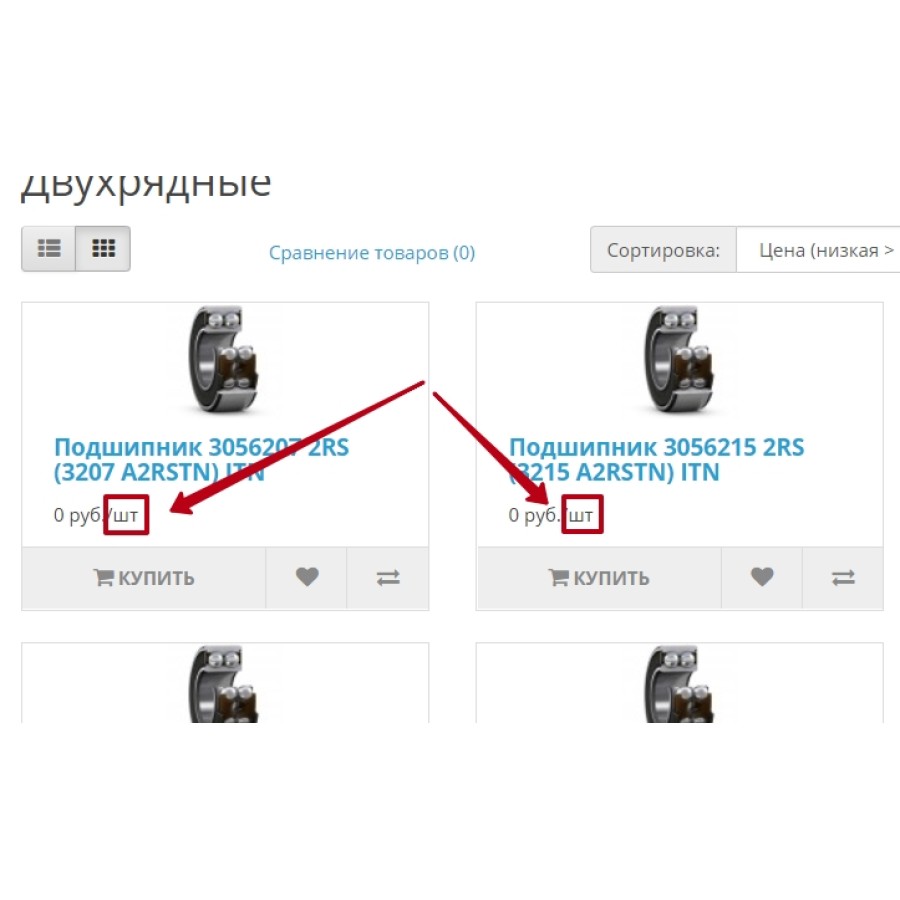
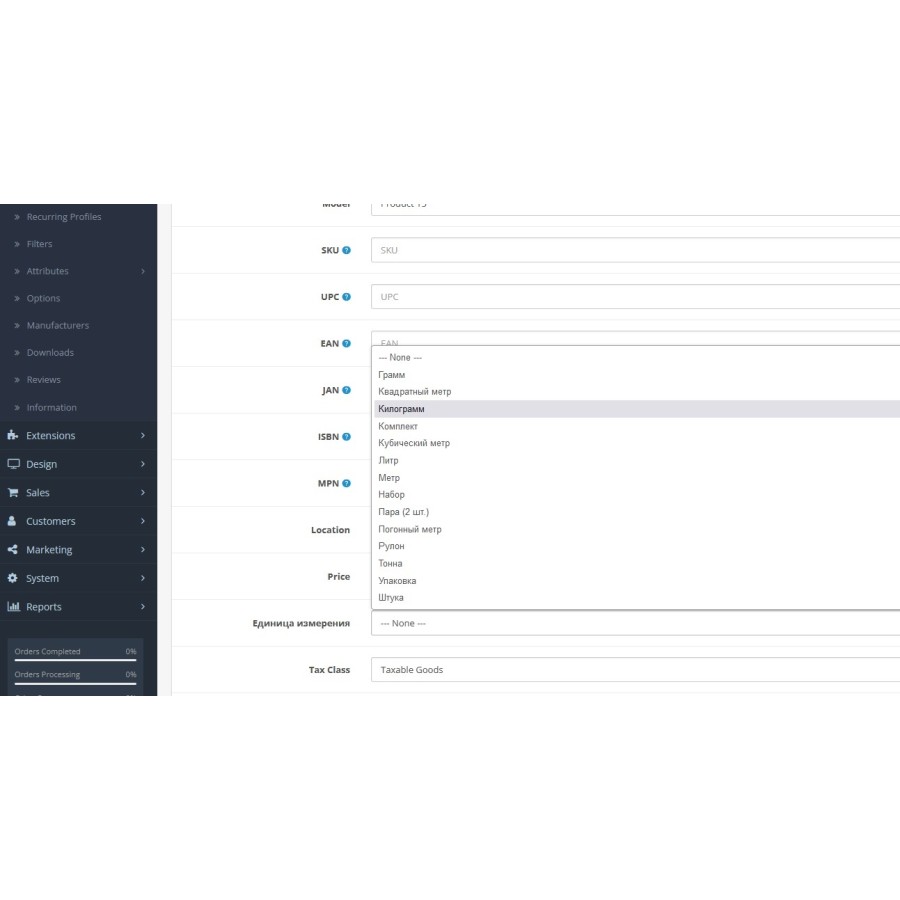
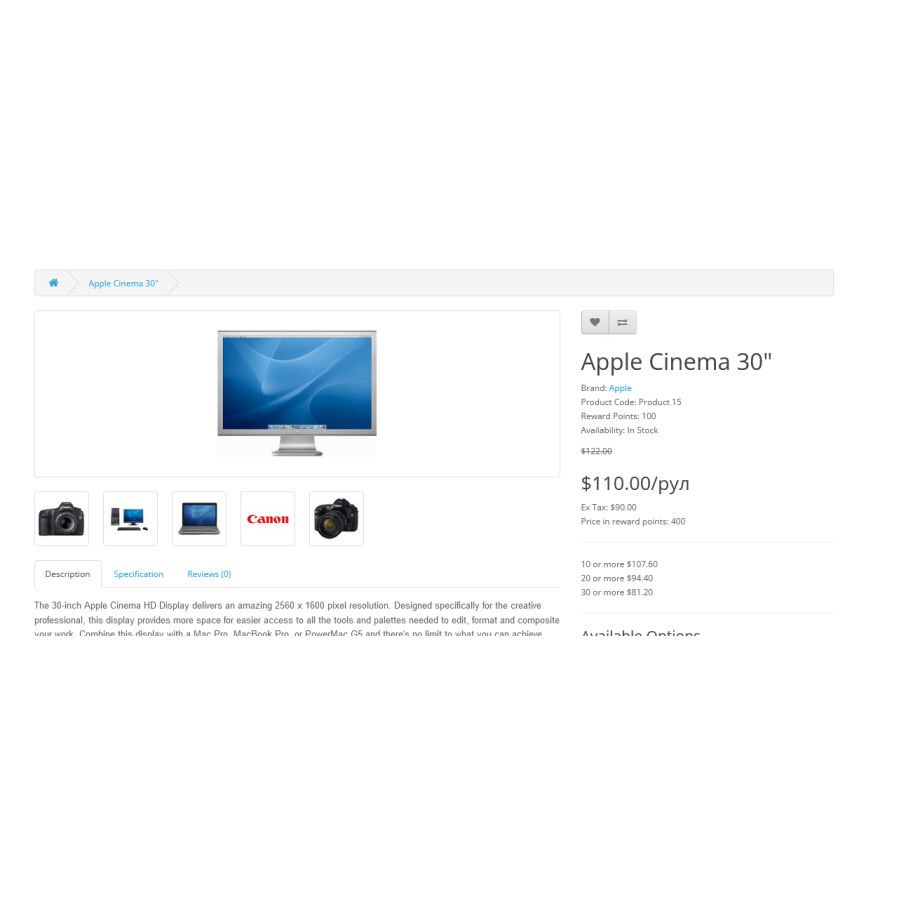
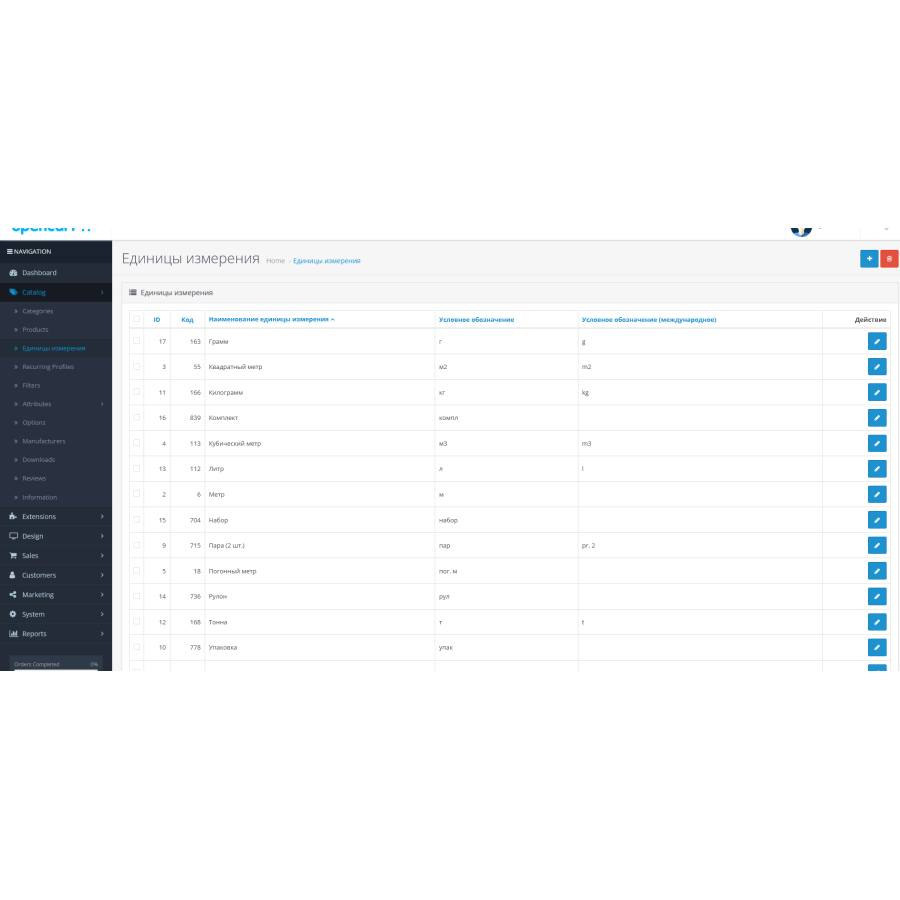
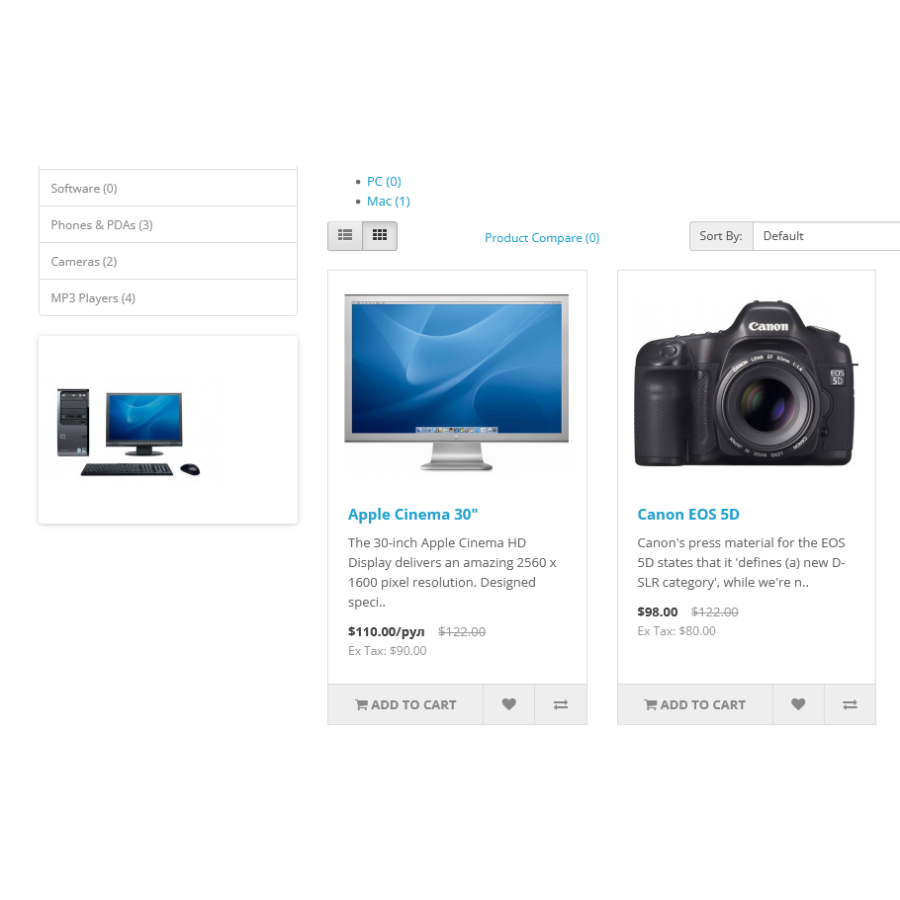
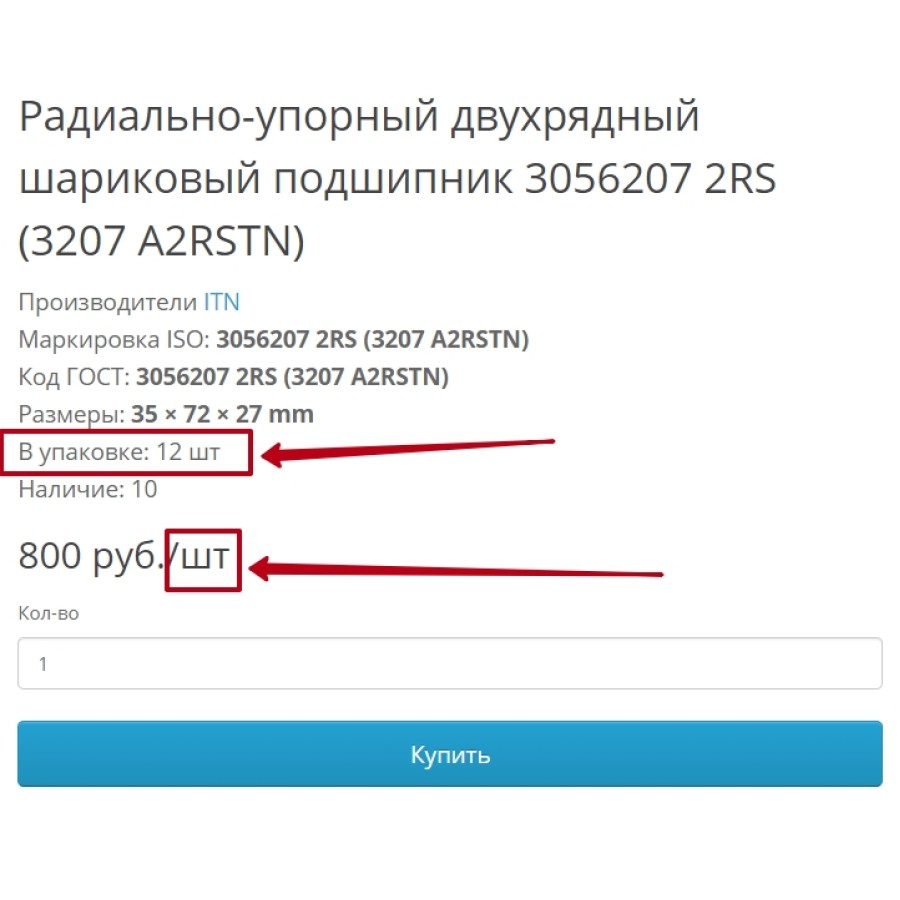
This is a small addition that allows each product to set its own unit of measurement and the number of units in the package, which is often not enough if in the store different groups of products have different forms of sale (pieces, square meters, square meters, meters, etc.). It also allows displaying the area, volume, pieces in one package, if required by the sales form. For example, Laminate is sold in packages in which x, xxx sq. m and so that buyers know this can be done anywhere, but in this case it can be displayed under the Article. We replace everything at will.
*Does not replace the engine files, but you need to perform a database query from the instructions.
**The app does NOT fill in the Quantity field and does not send it to the cart. It is clearly visible on the chest where it is used.
Installation
1. Unpack the archive .
2. Read the installation instructions from the same readme.txt archive
3. Make the necessary request to the database
4. Install the .ocmod.zip file through the standard installer of modifiers in the admin
WARNING! The module has been tested and works on a standard template! To work on a different template or a modified one, you will need to make an adaptation.
No questions about this product, be the first and ask your question.
Module installation instructions:
- Before performing any actions related to installing an add-on in Opencart, we recommend creating a backup copy of all site files and the store database ;
- Install the localcopy fix (if you don't have it installed yet)
- Download the module file for the desired Opencart version from our website ( Follow the installation instructions if there are any in the module archive );
- Then go to the "Installing add-ons/extensions" section and click on the " Download " button;
- Select the downloaded file and wait for the module to be fully installed and for the text "Application installed successfully" to appear;
- After that, go to " Application Manager " and update the modifiers by clicking the " Update " button;
- After these actions, you need to add the rights to view and manage the module in the " User Groups " section for the administrator or other users you select by clicking " Select All ".