

Module Additional fields in product options for OpenCart
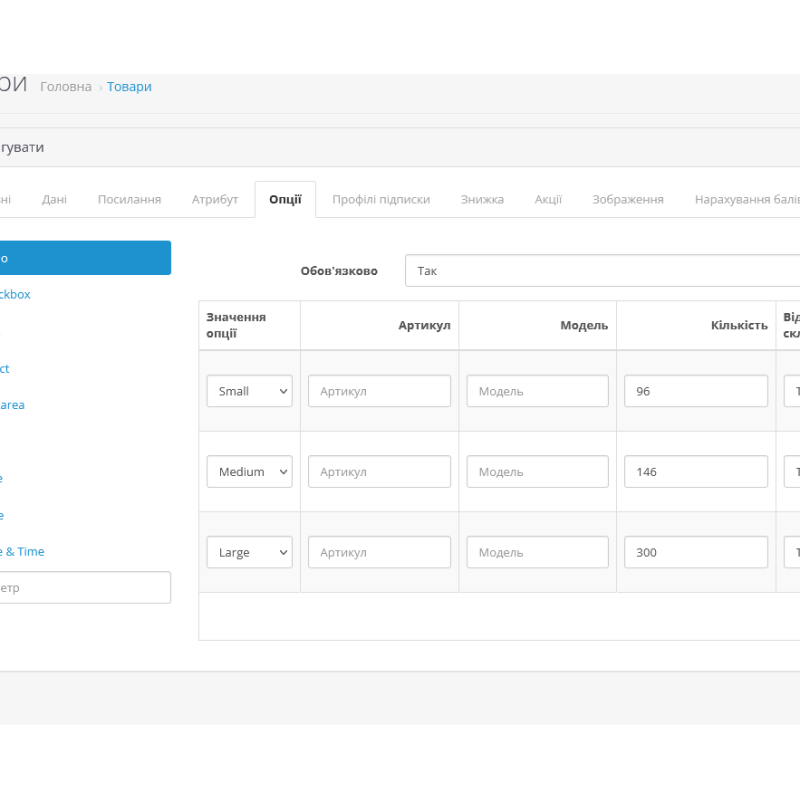
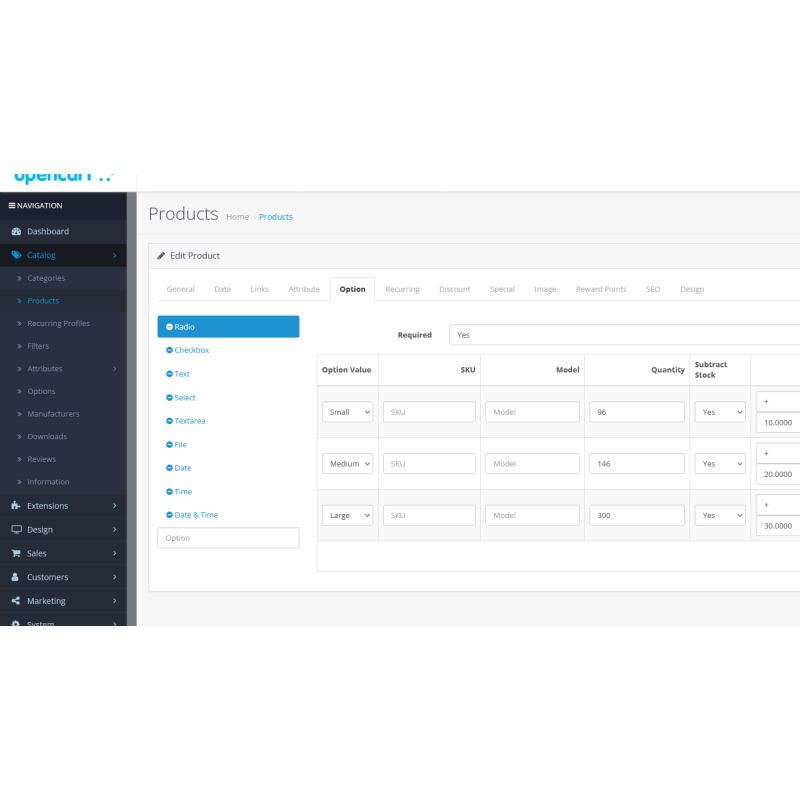
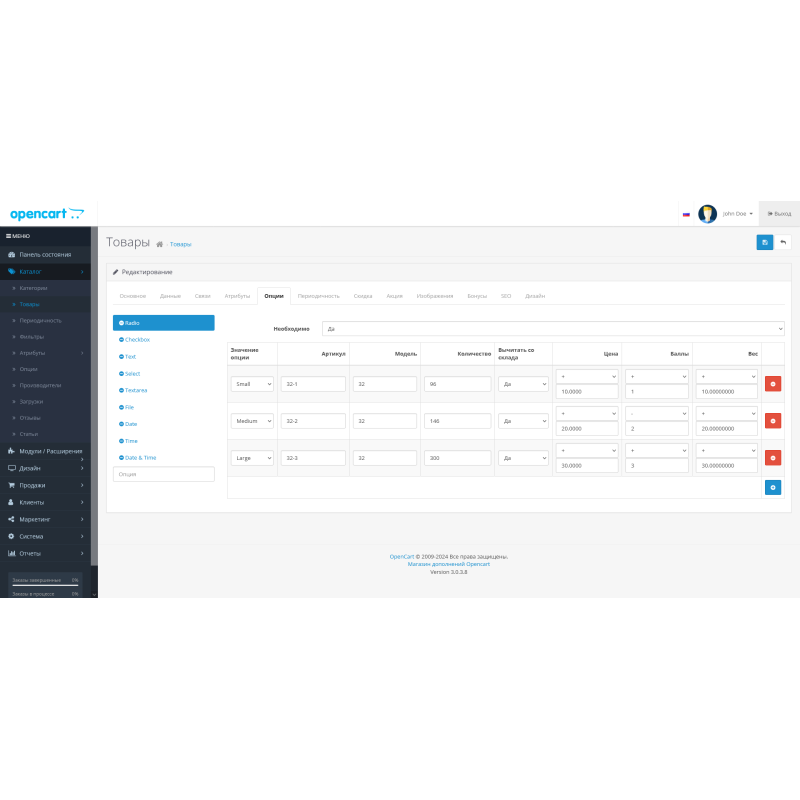
The "Additional fields in product options" module extends the standard functionality of your OpenCart online store by allowing you to add unique "article" and "model" fields to each product option. This allows you to assign each option an individual article number and model name, which is especially useful for managing products with different options.
The main capabilities of the module:
-
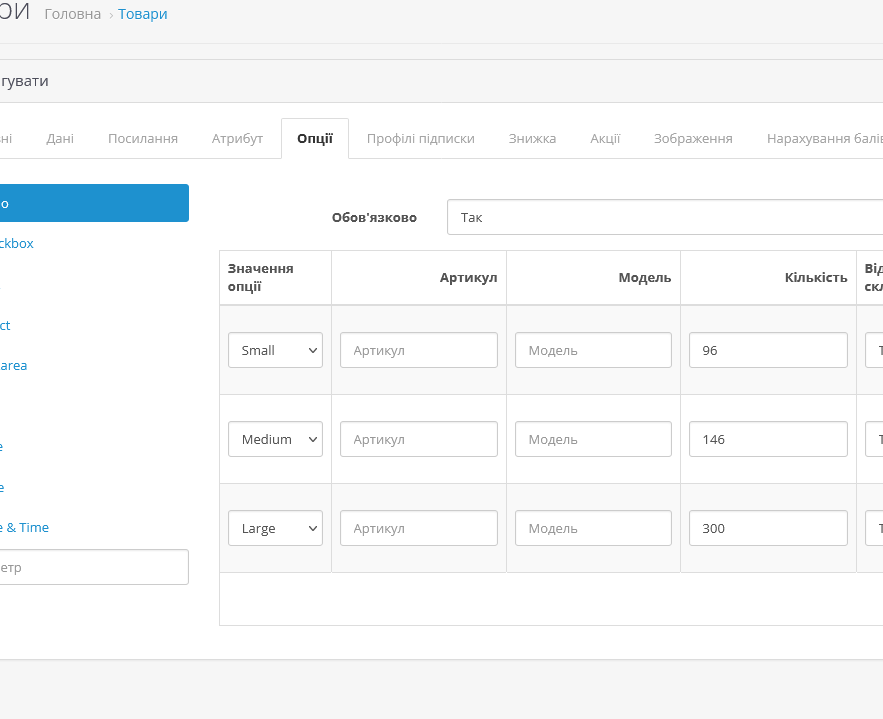
Individual article number: The module adds a field for entering a unique article number to each product option. This simplifies the process of tracking and managing inventory, especially if you have multiple versions of the same product with different article numbers.
-
Model Name: Add a field to enter the model name in the product options. This allows you to clearly define the model identifier for each variant, which facilitates the search and management of goods.
-
User-friendly interface: The module integrates with the OpenCart administration panel, providing a simple and clear interface for entering and editing articles and models.
-
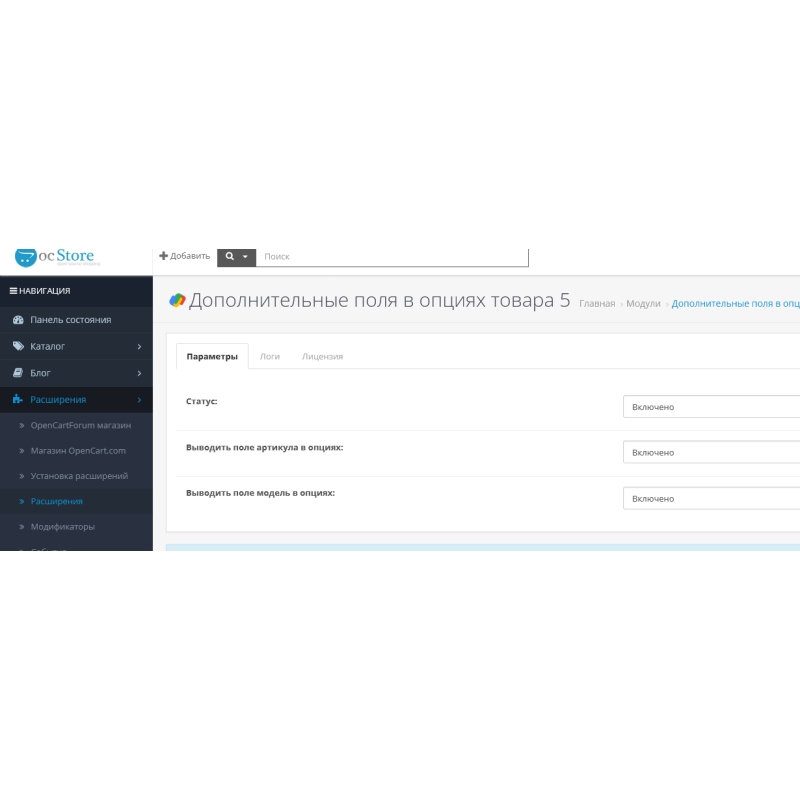
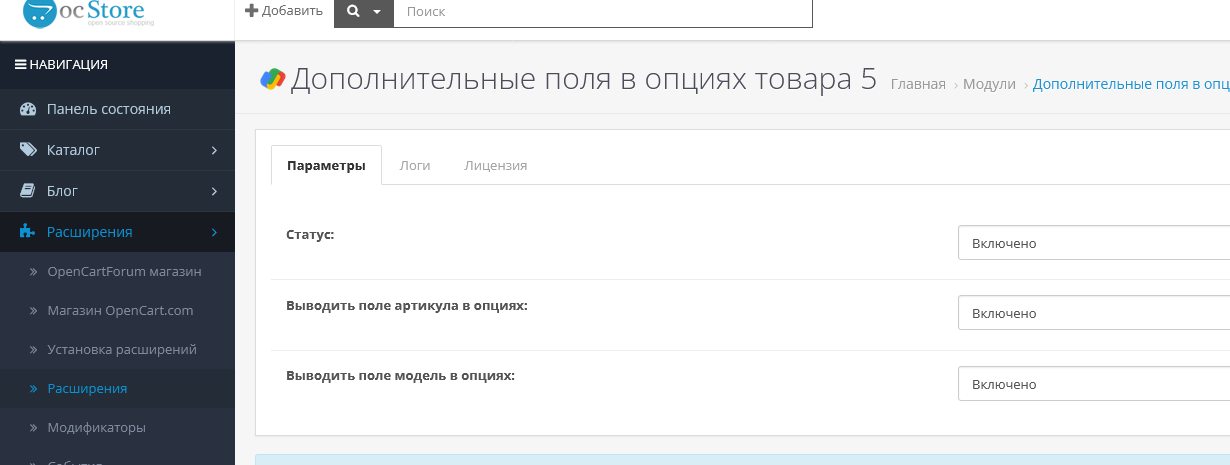
Flexible settings: Customize which fields (article and model) will be displayed in the product options, and save changes with the ability to quickly save and close.
Requirements:
- OpenCart version 3.x or later
- Availability of IonCube Loader for module operation
How to install:
- Download the module through the OpenCart admin panel.
- Activate the module and configure it according to your needs.
- Add the article number and model to the product options through the admin interface.
WARNING! The module is sold on an "As Is" basis, with no returns or exchanges.
For the module to work, you need to get a license by writing to Telegram or e-mail.
1 purchase - 2 domain license keys. If you need additional keys, you will need to purchase another license.
No questions about this product, be the first and ask your question.
Module installation instructions:
- Before performing any actions related to installing an add-on in Opencart, we recommend creating a backup copy of all site files and the store database ;
- Install the localcopy fix (if you don't have it installed yet)
- Download the module file for the desired Opencart version from our website ( Follow the installation instructions if there are any in the module archive );
- Then go to the "Installing add-ons/extensions" section and click on the " Download " button;
- Select the downloaded file and wait for the module to be fully installed and for the text "Application installed successfully" to appear;
- After that, go to " Application Manager " and update the modifiers by clicking the " Update " button;
- After these actions, you need to add the rights to view and manage the module in the " User Groups " section for the administrator or other users you select by clicking " Select All ".