

404 Page Detector for OpenCart 2.3/3.0 – Broken Link Monitoring
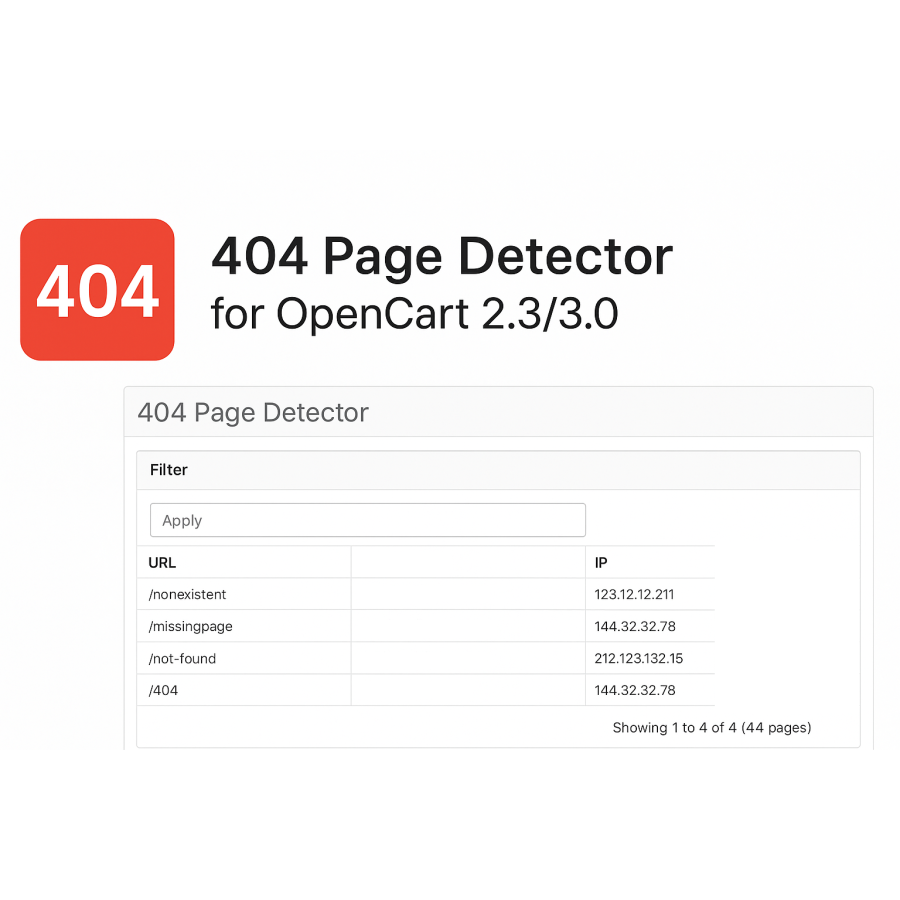
404 Page Detector is a module that helps you track 404 errors on your website and analyze unavailable pages. It automatically records all clicks on non-existent links and stores the data in a convenient table. This allows you to understand where users are coming from and which pages are missing, so you can fix the situation in time.
The tool is essential for improving the quality of your site and optimizing indexing in search engines. You can quickly find broken links, see the source of the referral, IP address, and number of hits to each error page. Such analytics help reduce the number of technical errors and improve the performance of your online store.
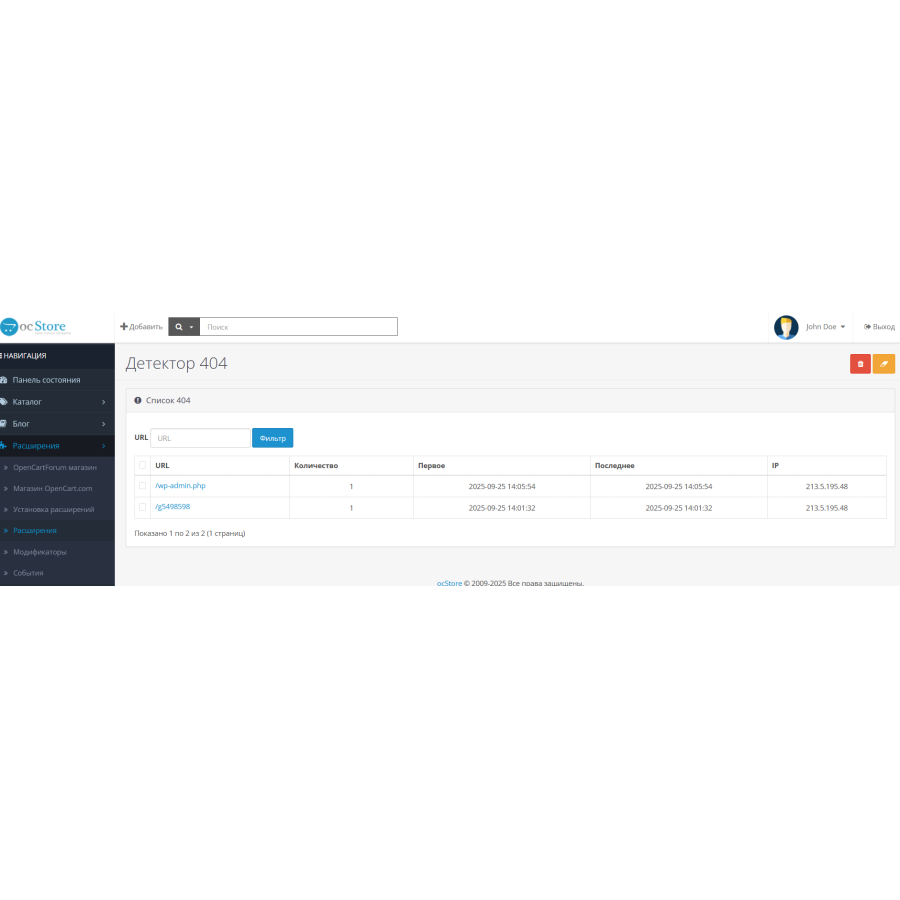
A convenient admin panel with filters and search makes work easier. You can delete records selectively or clear the entire list. The module is ideal for online store owners who care about the technical condition of the site and their reputation in search engines.
Main characteristics of the module:
Automatic collection of 404 errors.
Detailed statistics: URL, source, IP, browser.
Accounting for the number of requests and dates.
Convenient search and filtering of records.
Ability to delete selected entries or clear the log completely.
Full compatibility with OpenCart and ocStore 2.3/3.0.
Module installation instructions:
Go to the "Installing add-ons/extensions" section and click the "Download" button;
Select the downloaded file and wait for the message "Add-on installed successfully";
Then go to the "Add-ons Manager" and click the "Update" button.
There are no reviews for this product, be the first to leave your review.
No questions about this product, be the first and ask your question.
Module installation instructions:
- Before performing any actions related to installing an add-on in Opencart, we recommend creating a backup copy of all site files and the store database ;
- Install the localcopy fix (if you don't have it installed yet)
- Download the module file for the desired Opencart version from our website ( Follow the installation instructions if there are any in the module archive );
- Then go to the "Installing add-ons/extensions" section and click on the " Download " button;
- Select the downloaded file and wait for the module to be fully installed and for the text "Application installed successfully" to appear;
- After that, go to " Application Manager " and update the modifiers by clicking the " Update " button;
- After these actions, you need to add the rights to view and manage the module in the " User Groups " section for the administrator or other users you select by clicking " Select All ".