

Module Tools Admin Multi-Helper - Clear cache, refresh ocmod for Opencart
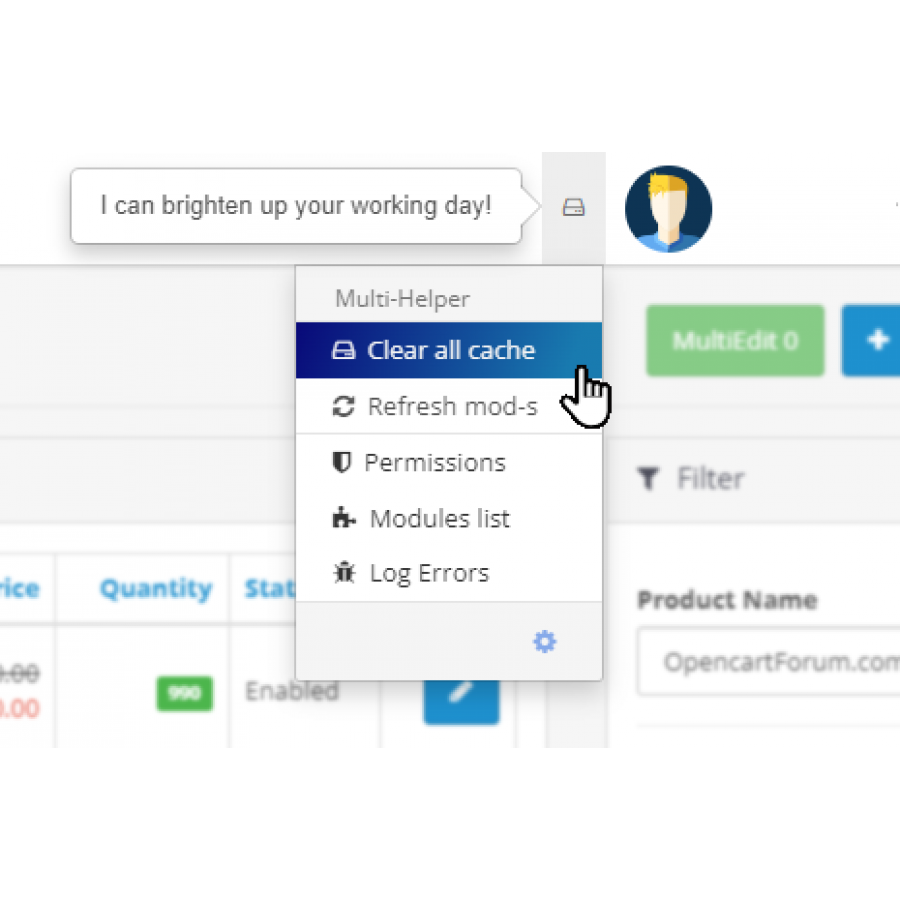
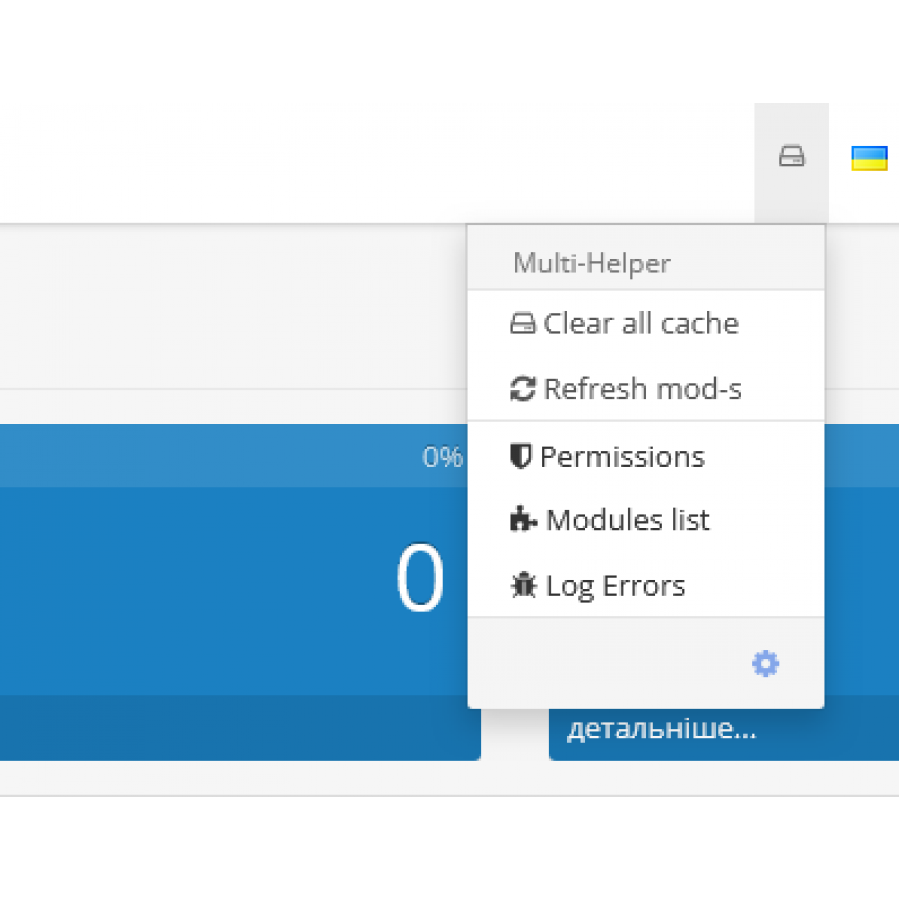
Admin Tools Multi-Helper - Clear cache, refresh ocmod
The "Admin Multi-Helper Tools - Clear cache, refresh ocmod" module is designed to simplify the process of installing and activating modules on the OpenCart 3.x platform. Thanks to these solutions, you can avoid routine and time-consuming procedures, focusing on the main task - setting up and managing your online store.
Main Features
1. Simple Installation Process
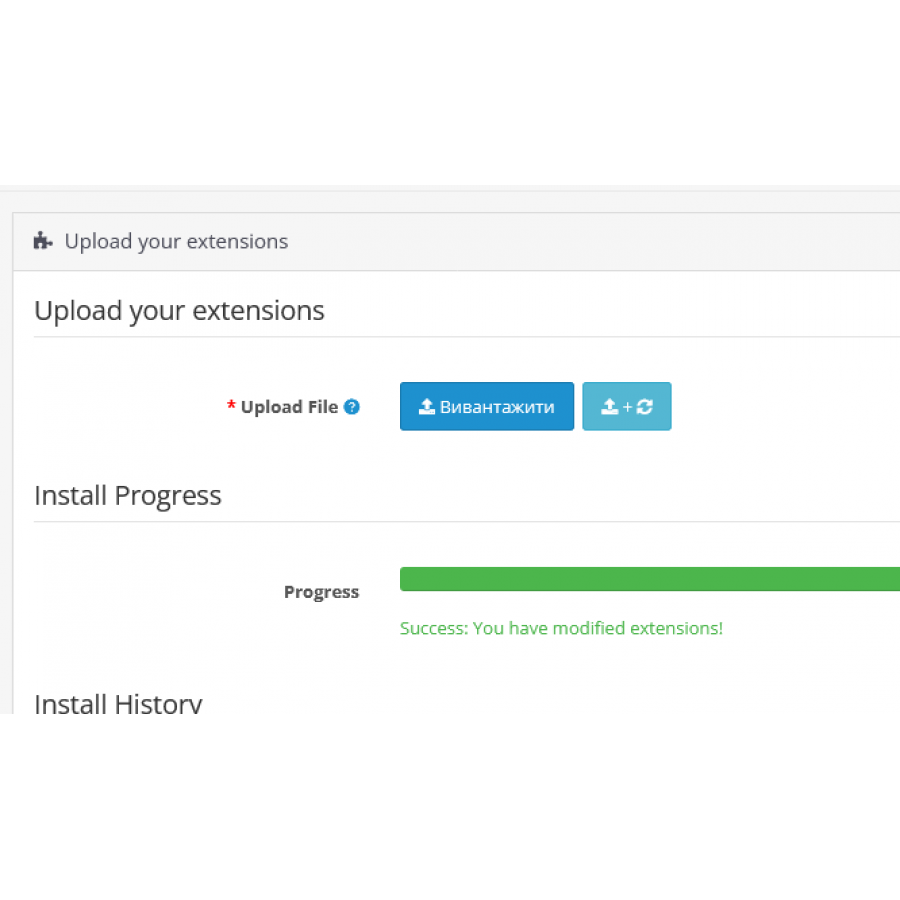
- One Click: All stages of installing the module are reduced to one simple step. Just select the OCMOD file and click the button - an automated process will do the rest.
2. Automatic Actions After Download
-
Calling the Install Method: After loading the OCMOD file, the
installmethod of the module is automatically called. This allows the module to perform the necessary actions, such as creating tables or adding new columns to the database, without additional settings on the part of the user. -
Updating Modifications: The module automatically triggers the
refreshmethod from theControllerMarketplaceModificationclass, which instantly applies all the changes made to the system, ensuring a smooth update of your interface and functionality.
3. Speed and Convenience
-
Installation Speed: The module significantly reduces the time required to install OCMOD modules. You no longer need to go through numerous menus to activate mods.
-
Convenience of Management: All settings and activations are performed automatically, which simplifies the process for the administrator and allows you to focus on other aspects of store management.
How It Works
-
Download File: Simply click the download button, select your OCMOD file and wait for the installation process to complete.
-
Automatic Configuration: After loading, the module will automatically perform the necessary actions, including creating a database and applying changes.
-
Instant Update: Changes are applied immediately, allowing you to quickly see the results and continue with the setup.
Advantages
- Reducing Routine Actions: Reducing the number of steps and avoiding repetitive actions.
- Save Time: Quick installation and activation of modules from one place.
- Automation: Automatic execution of all necessary actions for full activation of modules.
The "Admin Tools Multi-Helper - Clear cache, refresh ocmod" module is an ideal solution for OpenCart 3.x users who want to simplify the module management process. Thanks to this tool, you will be able to focus on the development of your business, and not on the technical aspects of installing modules.
 install-multi-helper.0.1.4.ocmod.zip
There are no reviews for this product, be the first to leave your review.
No questions about this product, be the first and ask your question.
Module installation instructions:
- Before performing any actions related to installing an add-on in Opencart, we recommend creating a backup copy of all site files and the store database ;
- Install the localcopy fix (if you don't have it installed yet)
- Download the module file for the desired Opencart version from our website ( Follow the installation instructions if there are any in the module archive );
- Then go to the "Installing add-ons/extensions" section and click on the " Download " button;
- Select the downloaded file and wait for the module to be fully installed and for the text "Application installed successfully" to appear;
- After that, go to " Application Manager " and update the modifiers by clicking the " Update " button;
- After these actions, you need to add the rights to view and manage the module in the " User Groups " section for the administrator or other users you select by clicking " Select All ".