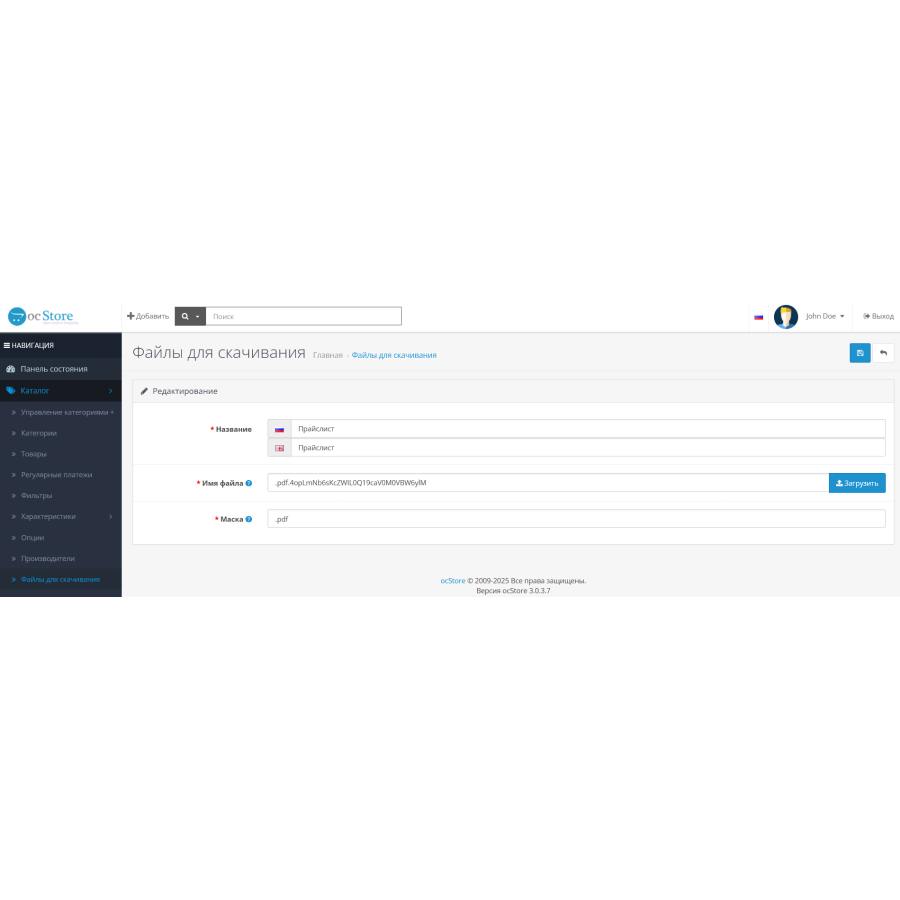
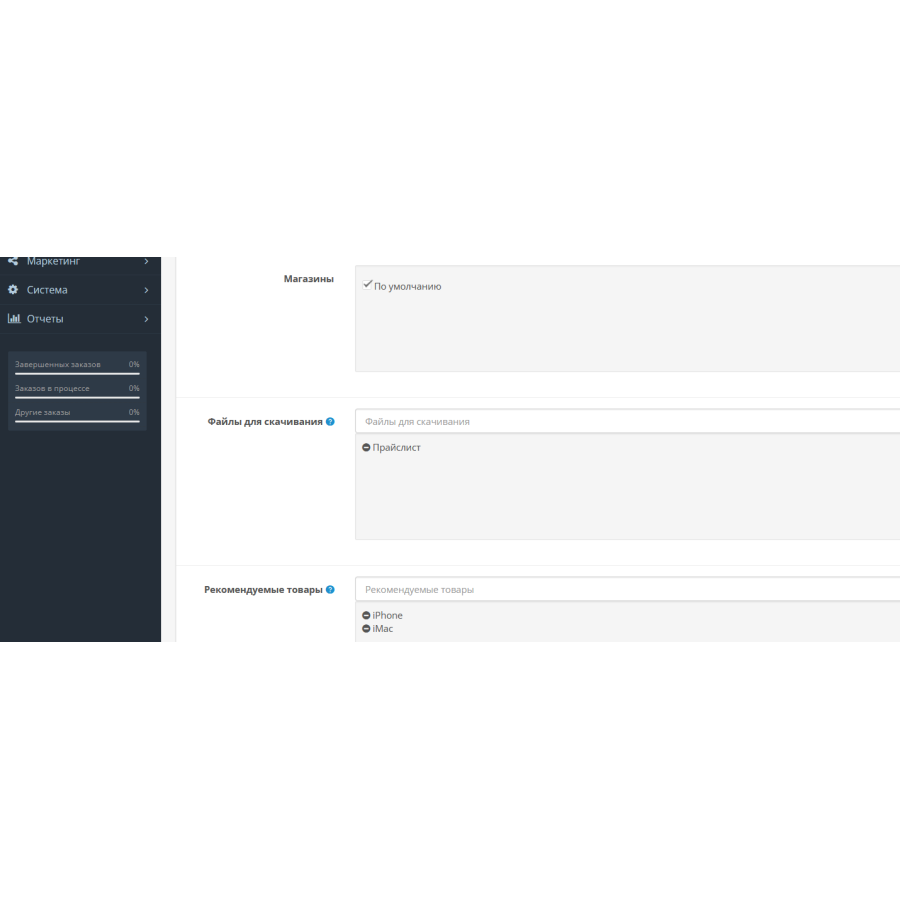


Attached files on the product page for OpenCart
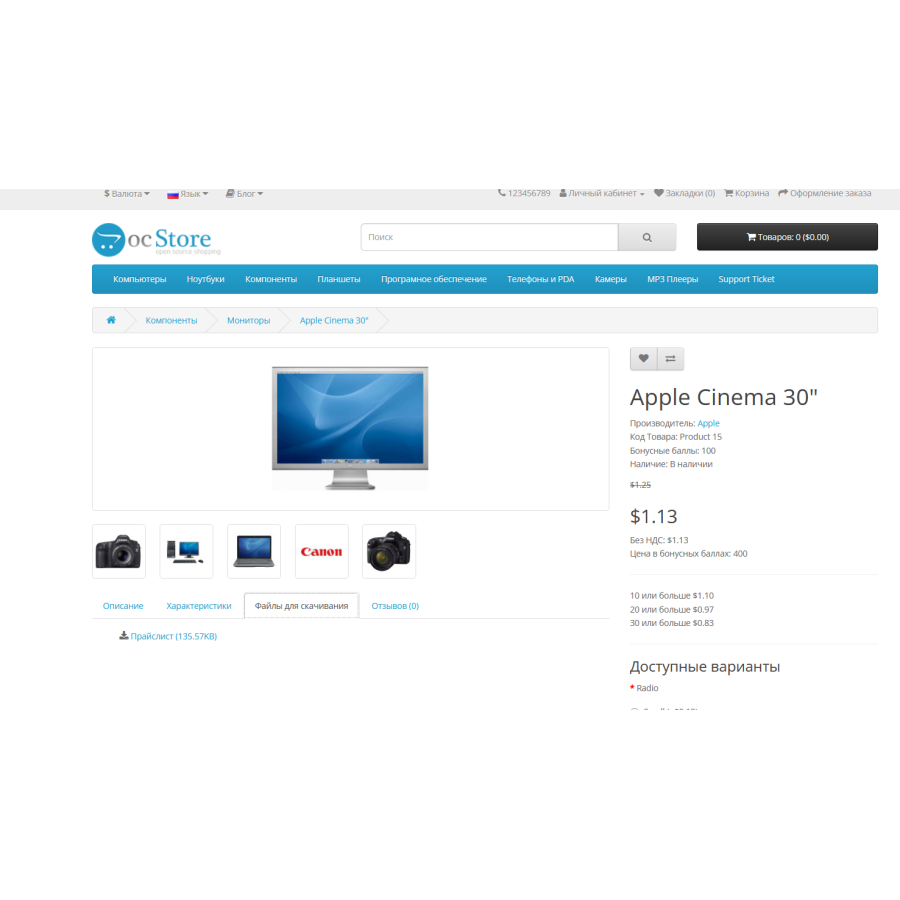
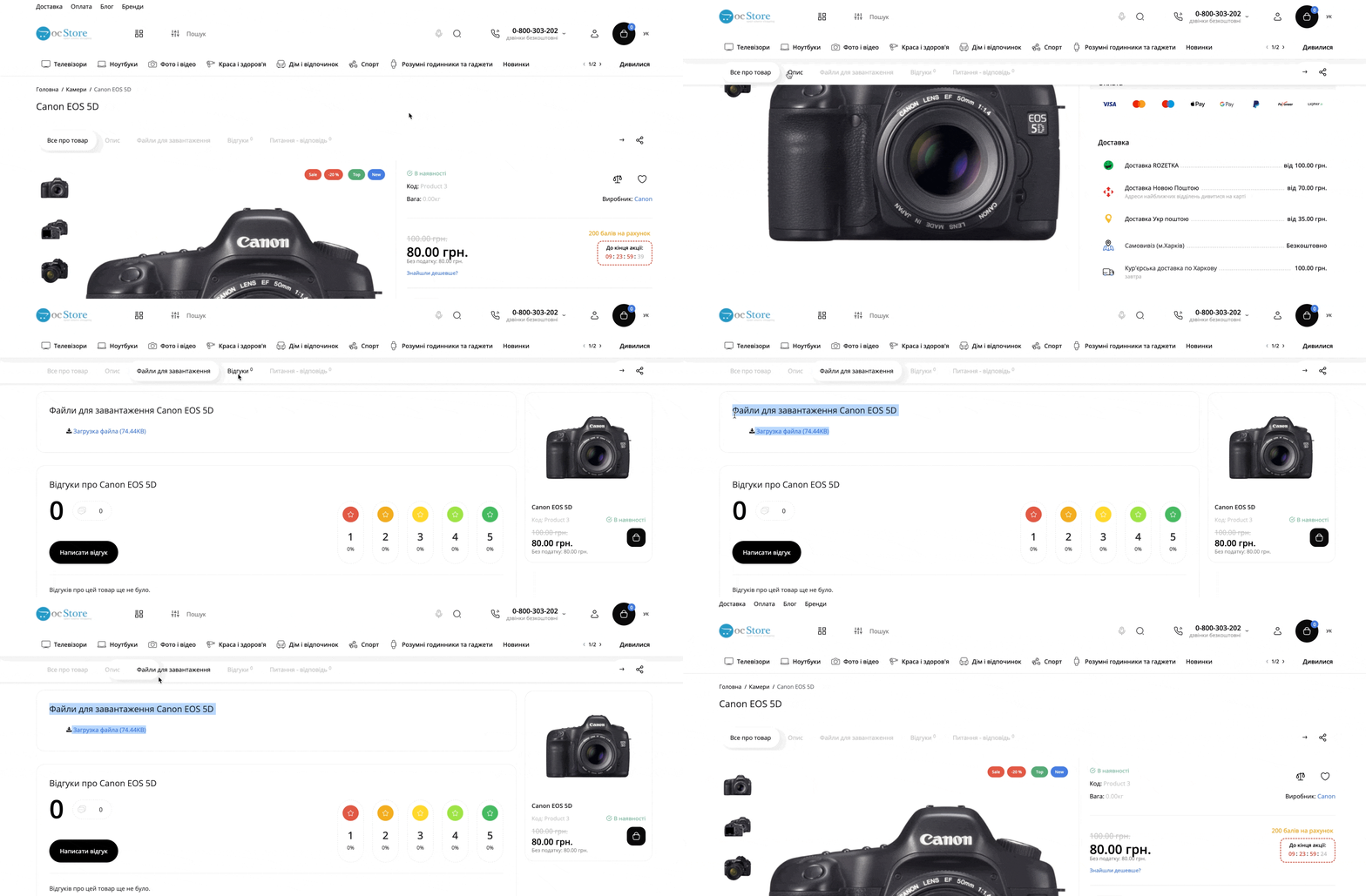
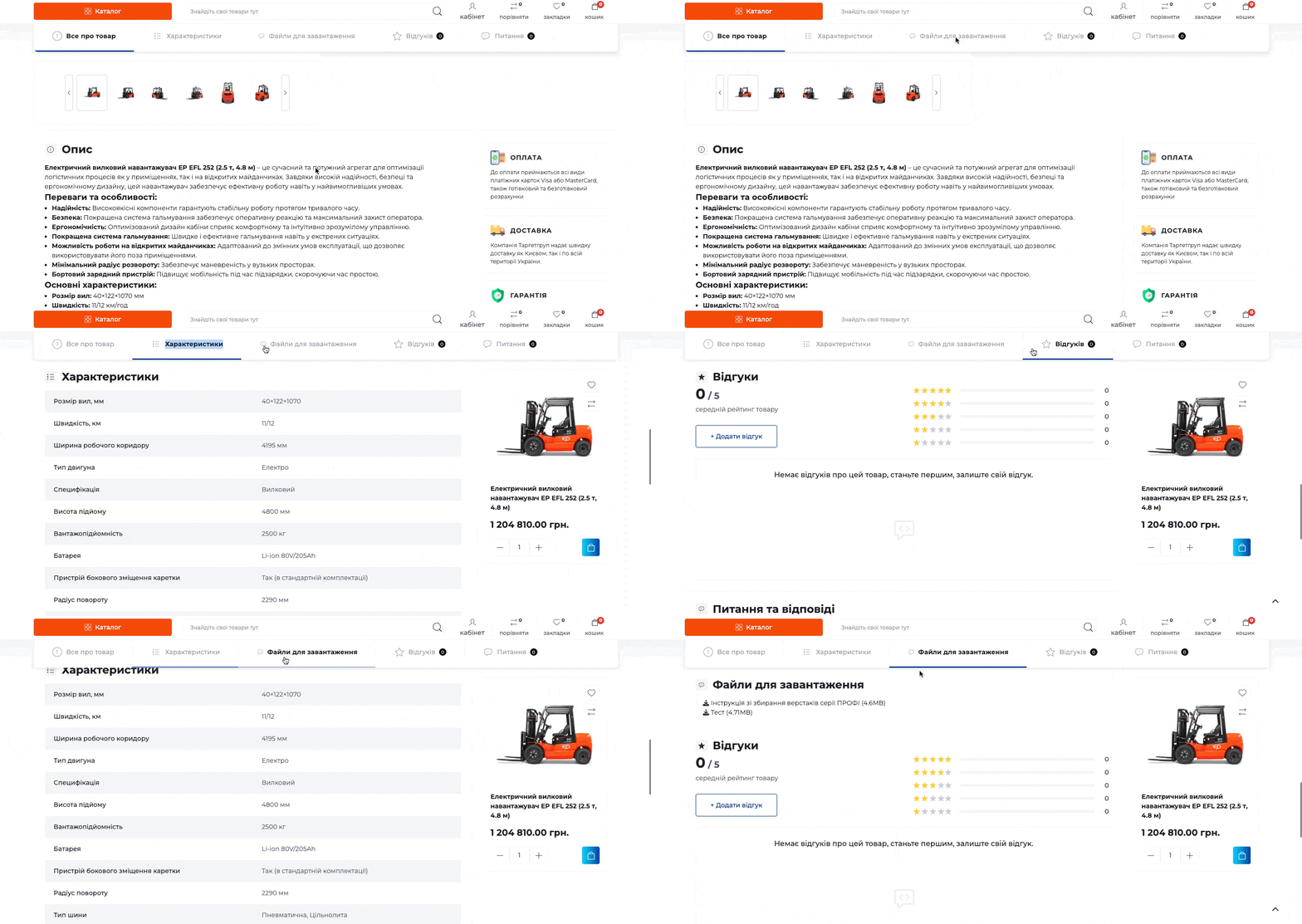
This OpenCart extension makes it easy to add downloadable files to your product page. With the modifier, shoppers will be able to access additional information such as instructions, technical documentation, catalogs, or any other files you want to provide. All files are displayed in a convenient list on the "Downloadable Files" tab.
Extension features:
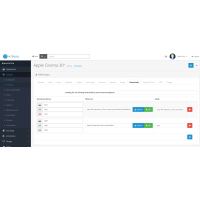
Adding a "Files for download" tab to the product page.
Support for external links that can be added directly to the file name.
Compatible with SEO Pro to improve search engine visibility.
Increase file length to 255 characters.
Opening files (e.g. PDF) directly in the browser without having to download them.
Compatible with popular UpStore, ReMarket templates, as well as the default theme.
Installation instructions:
Go to the "Installing Add-ons/Extensions" section in the OpenCart admin and click the "Download" button.
Select the module file and wait for a message stating that the application has been successfully installed.
Go to "Application Manager" and click the "Update" button to complete the installation.
Available in Russian, English and Ukrainian.
Attention! Adaptation to your template is paid!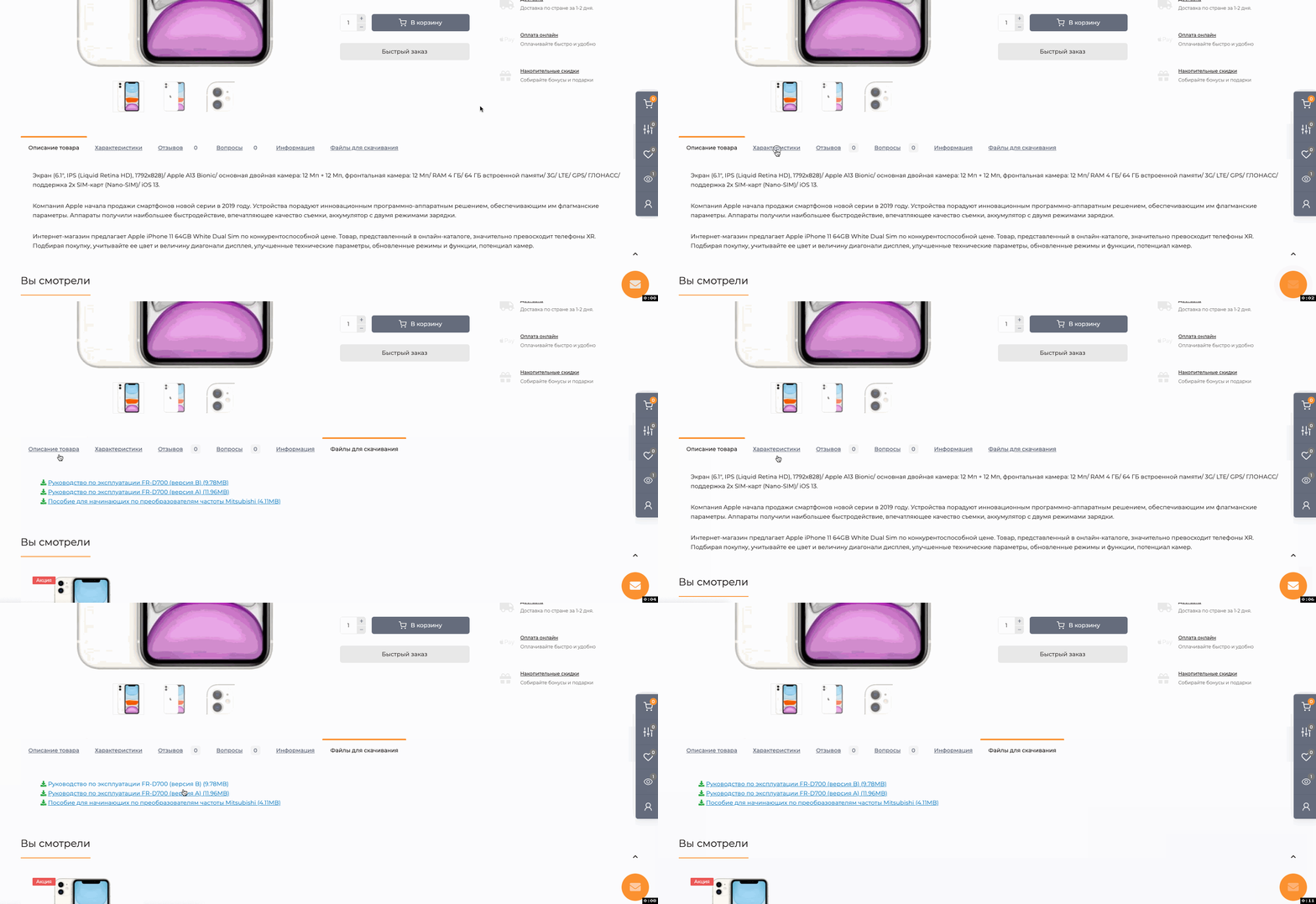
No questions about this product, be the first and ask your question.
Module installation instructions:
- Before performing any actions related to installing an add-on in Opencart, we recommend creating a backup copy of all site files and the store database ;
- Install the localcopy fix (if you don't have it installed yet)
- Download the module file for the desired Opencart version from our website ( Follow the installation instructions if there are any in the module archive );
- Then go to the "Installing add-ons/extensions" section and click on the " Download " button;
- Select the downloaded file and wait for the module to be fully installed and for the text "Application installed successfully" to appear;
- After that, go to " Application Manager " and update the modifiers by clicking the " Update " button;
- After these actions, you need to add the rights to view and manage the module in the " User Groups " section for the administrator or other users you select by clicking " Select All ".
-
How to add files for upload to a product page in OpenCart?
-
Does the OpenCart SEO Pro extension support it?
-
What files can I add for upload?
-
Can I view PDF files directly in the browser?
![[TRD] SDLayout - Microlayout Schema.org + Open Graph](https://opencart-hub.com/image/cache/catalog/products/SEO-Prosuvannya/[TRD]-SDLayout-Microlayout-Schema-org-Open-Graph-200x200.jpg "[TRD] SDLayout - Microlayout Schema.org + Open Graph")