

Product Share Button for OpenCart
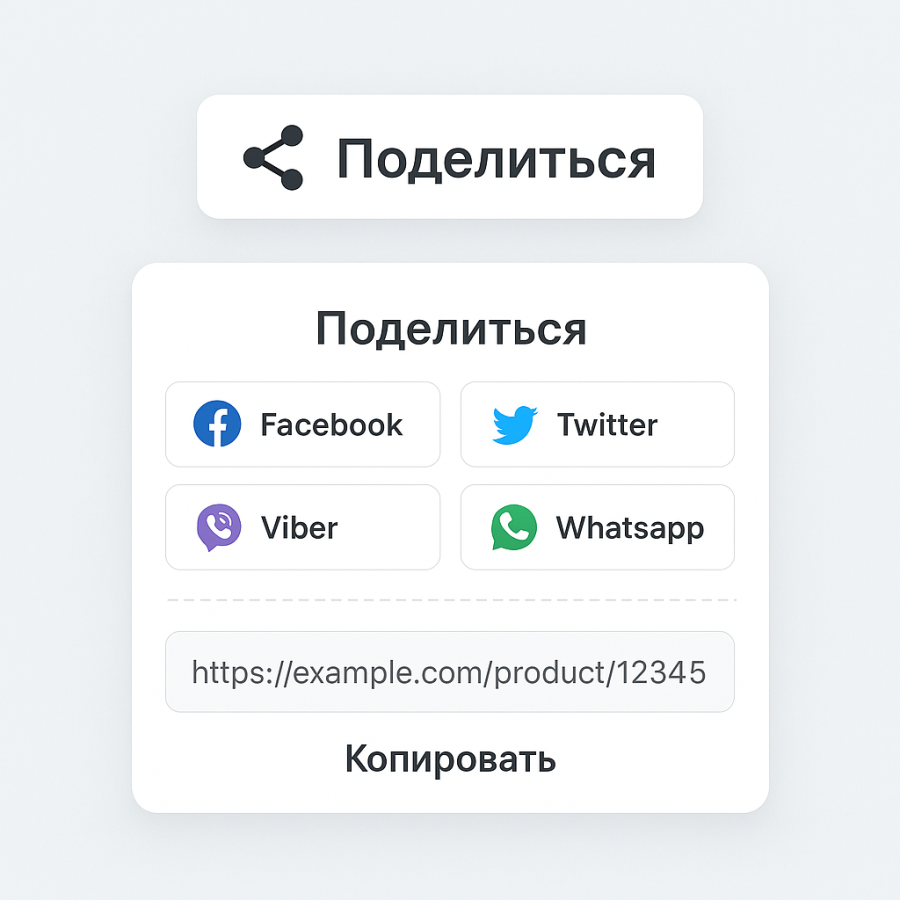
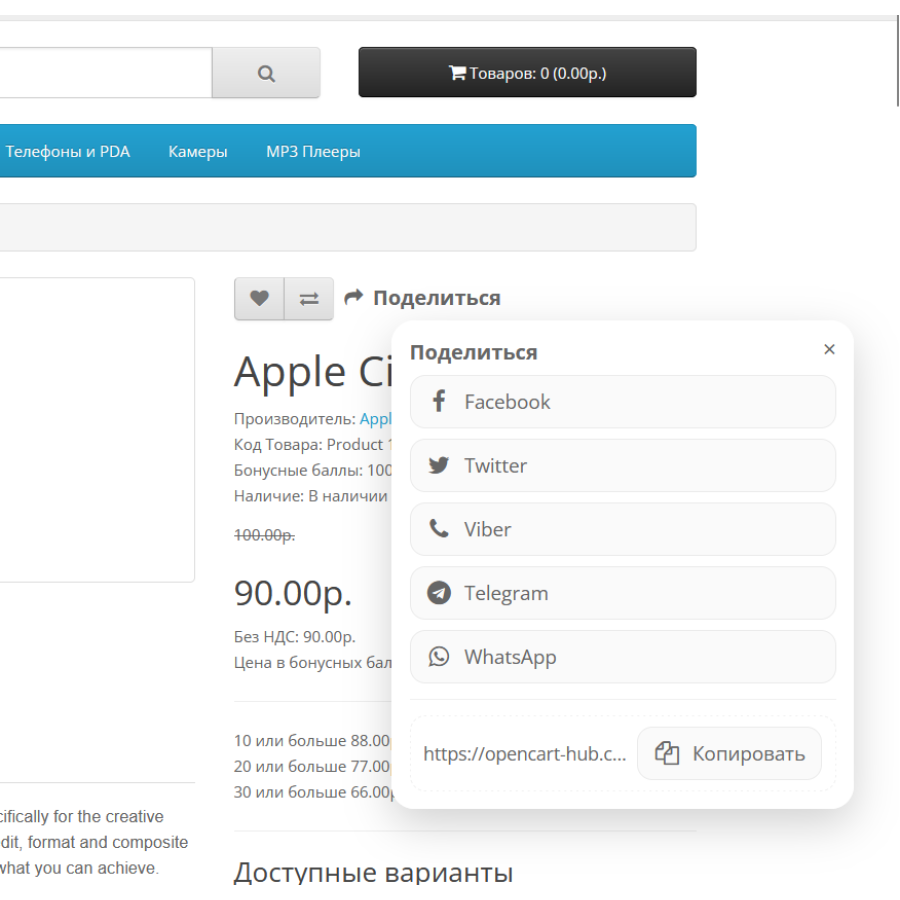
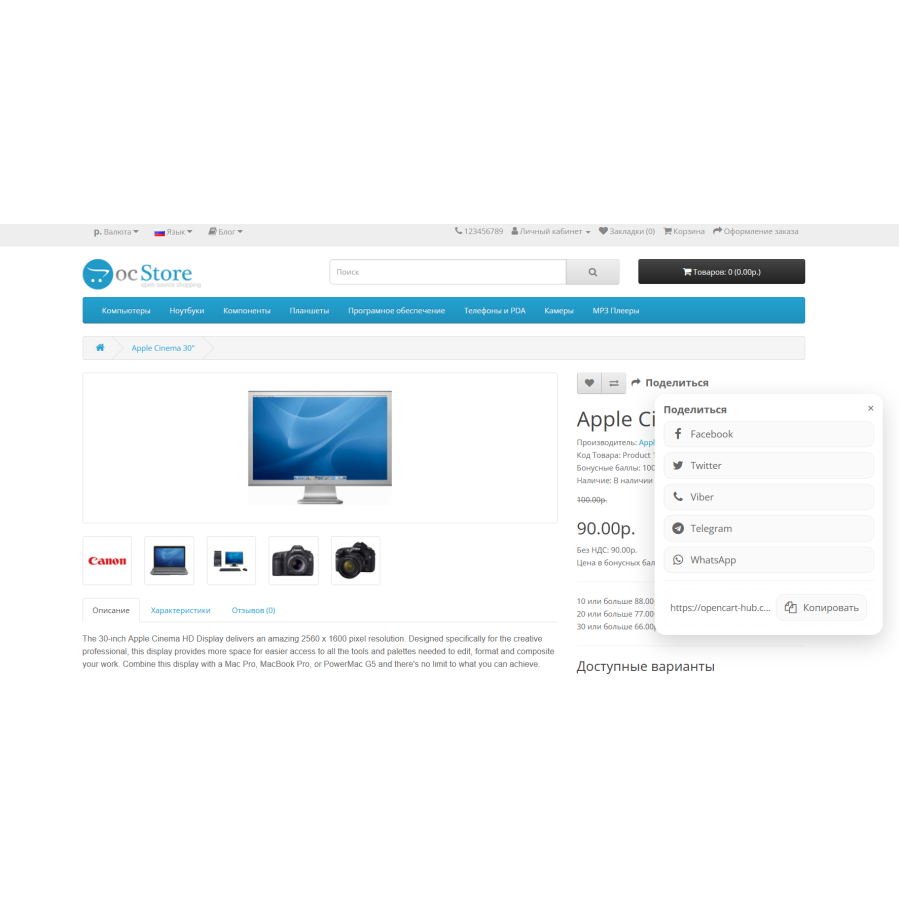
Product Share Button is a modifier for OpenCart that adds a modern "Share" button to the product page. When clicked, a compact pop-up window opens with icons of popular social networks and messengers. The buyer can instantly send the link to the product to friends or simply copy it.
The tool helps increase reach and attract new customers through natural link propagation. Minimalist design with rounded elements and smooth animations makes use easy and pleasant. A great solution for stores where convenience and efficiency are important.
Main features:
Share button with fa fa-share icon
Support for Facebook, Viber, Twitter, Telegram and WhatsApp
Quickly copy a product link
Smooth window opening without page overload
Easy installation without interfering with the OpenCart core
There are no reviews for this product, be the first to leave your review.
No questions about this product, be the first and ask your question.
Module installation instructions:
- Before performing any actions related to installing an add-on in Opencart, we recommend creating a backup copy of all site files and the store database ;
- Install the localcopy fix (if you don't have it installed yet)
- Download the module file for the desired Opencart version from our website ( Follow the installation instructions if there are any in the module archive );
- Then go to the "Installing add-ons/extensions" section and click on the " Download " button;
- Select the downloaded file and wait for the module to be fully installed and for the text "Application installed successfully" to appear;
- After that, go to " Application Manager " and update the modifiers by clicking the " Update " button;
- After these actions, you need to add the rights to view and manage the module in the " User Groups " section for the administrator or other users you select by clicking " Select All ".