All about product
Description
Specification
Reviews
1
Questions0
Installing the module
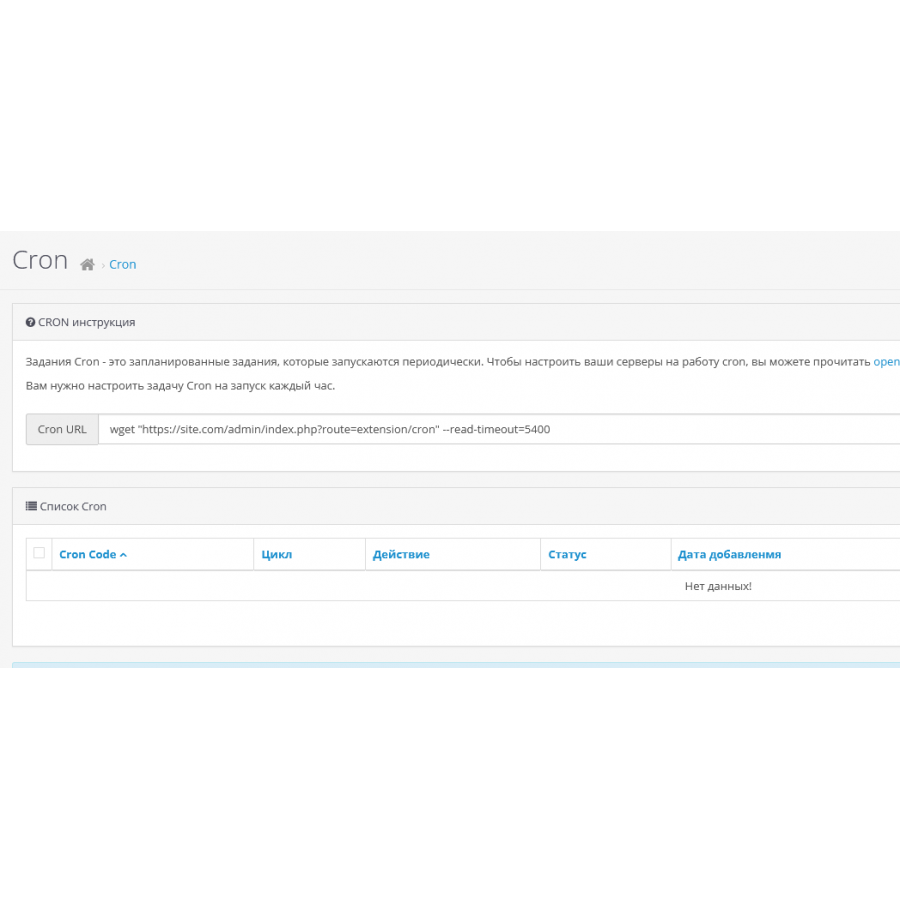
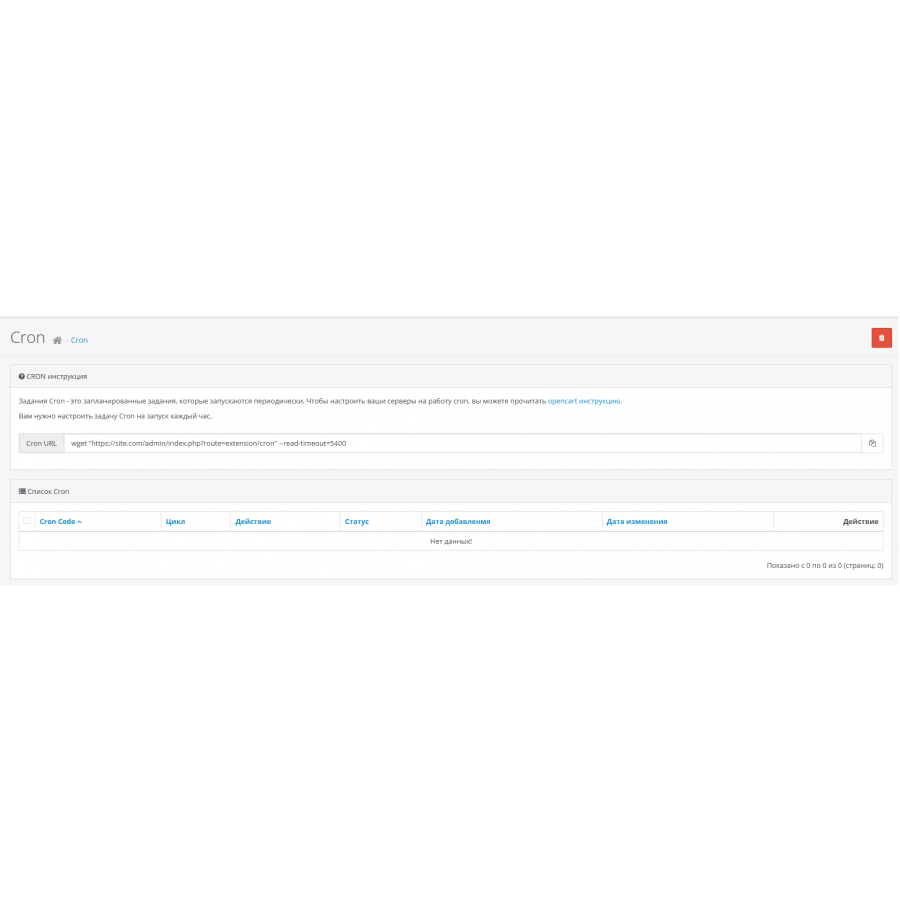


Module Schedule CRON tasks for OpenCart
Product Code: 241
Version: 3.0
In Stock
450 грн
Main specifications
PHP:
7.2-7.4
Compatibility:
OpenCart 3, ocStore 3
Localization:
Ukrainian, Russian, English
Ocmod:
Yes
Adaptation to your store:
Paid
All specifications
Description
Cron jobs are very useful to save your time on automatically running scheduled tasks such as updating currencies, automatically sending pre-sale Abandoned Cart emails, etc.
These were added in Opencart 3.1 but missing for older versions, so we've turned this into a module that can be easily installed.
Specifications
Characteristics
PHP
7.2-7.4
Compatibility
OpenCart 3, ocStore 3
Localization
Ukrainian, Russian, English
Ocmod
Yes
Adaptation to your store
Paid
Чи можливо купити з встановленням?
Is this review helpful?
0
No questions about this product, be the first and ask your question.
Installing the module
Module installation instructions:
- Before performing any actions related to installing an add-on in Opencart, we recommend creating a backup copy of all site files and the store database ;
- Install the localcopy fix (if you don't have it installed yet)
- Download the module file for the desired Opencart version from our website ( Follow the installation instructions if there are any in the module archive );
- Then go to the "Installing add-ons/extensions" section and click on the " Download " button;
- Select the downloaded file and wait for the module to be fully installed and for the text "Application installed successfully" to appear;
- After that, go to " Application Manager " and update the modifiers by clicking the " Update " button;
- After these actions, you need to add the rights to view and manage the module in the " User Groups " section for the administrator or other users you select by clicking " Select All ".
Inquiry about Schedule CRON tasks
-
What is cron opencart and how to configure it? How to add the cron module itself to the site?

![[TRD] SDLayout - Microlayout Schema.org + Open Graph](https://opencart-hub.com/image/cache/catalog/products/SEO-Prosuvannya/[TRD]-SDLayout-Microlayout-Schema-org-Open-Graph-200x200.jpg "[TRD] SDLayout - Microlayout Schema.org + Open Graph")