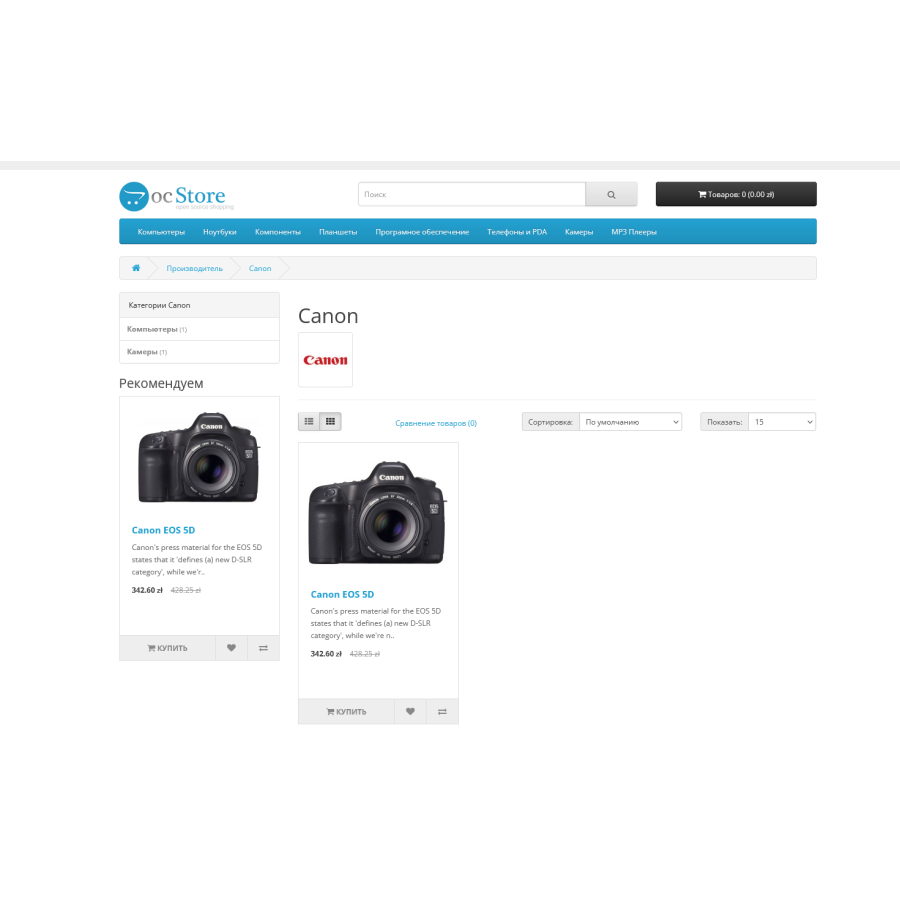
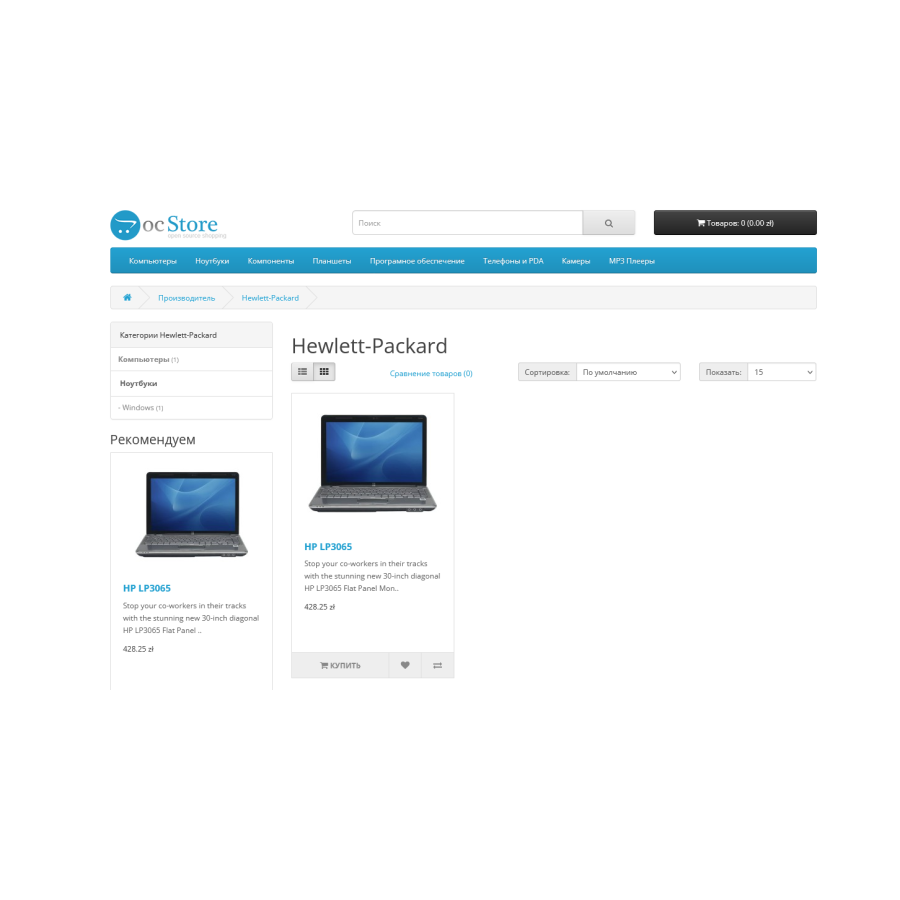
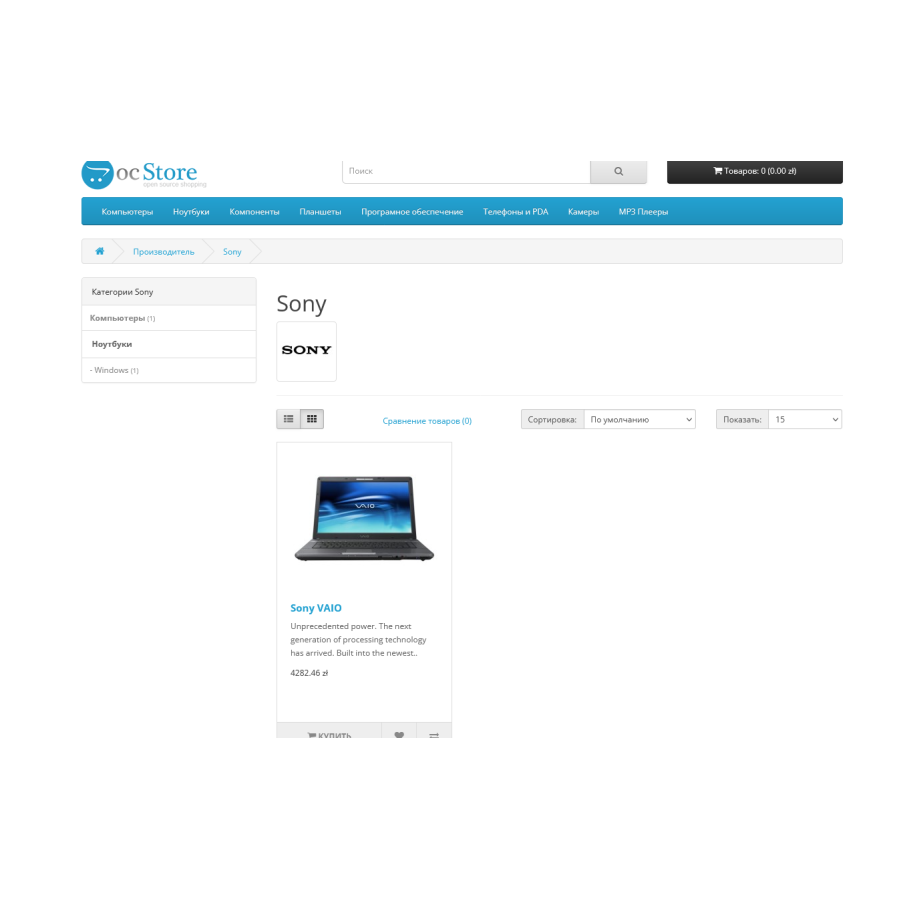


Categories in manufacturers, promotions and search for Opencart
Module "Categories in manufacturers, promotions and search"
The "Categories in Manufacturers, Promotions and Search" module adds new functionality to the pages related to manufacturers, promotions and search results in the OpenCart online store. Here are the main features and how to use it:
Main functions:
-
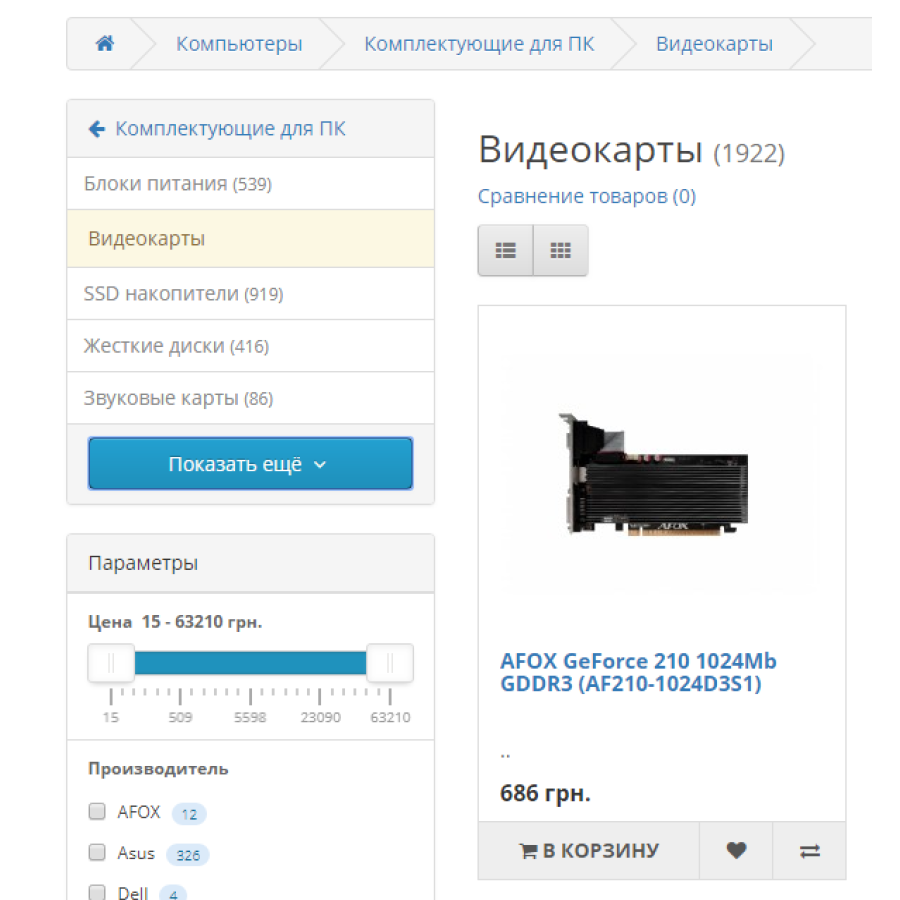
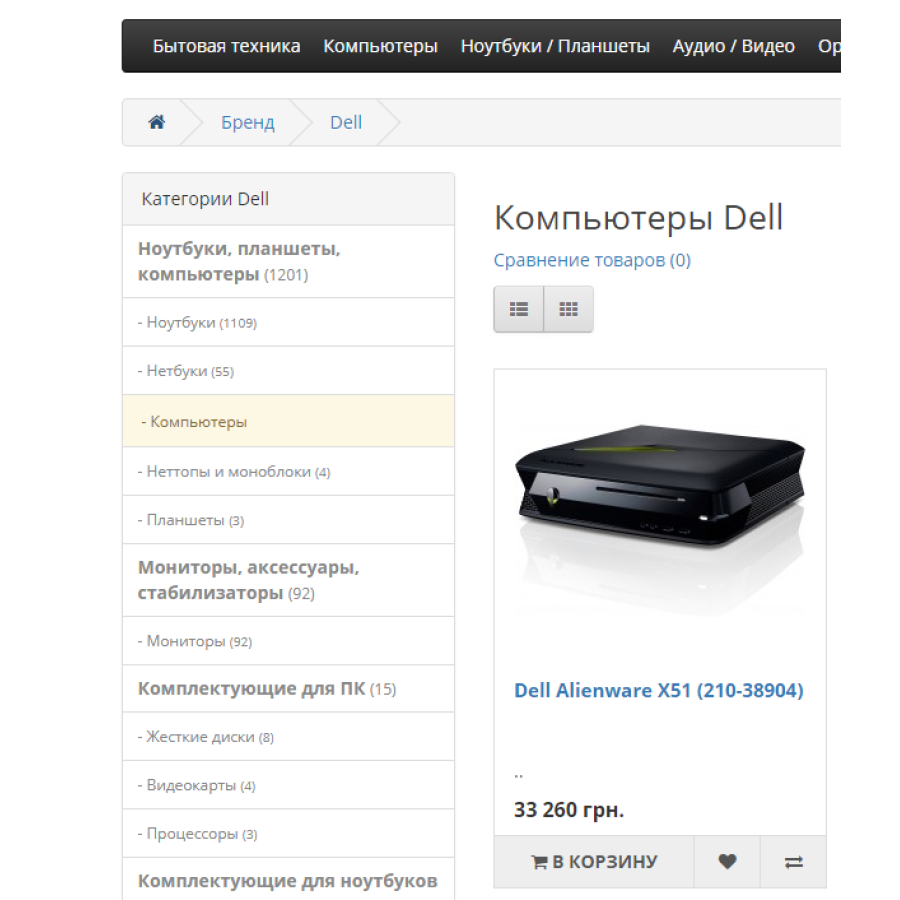
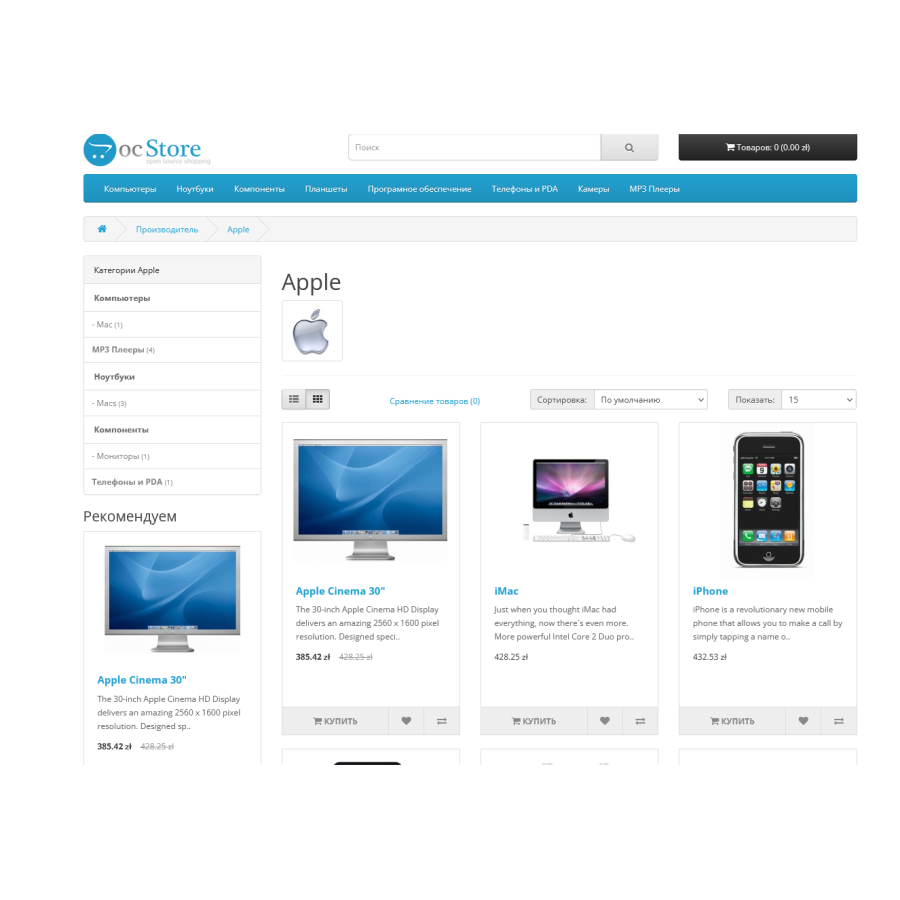
List of categories : The module displays a list of categories on the pages of manufacturers, promotions and search, which increases the structure and informativeness, making them more attractive for users.
-
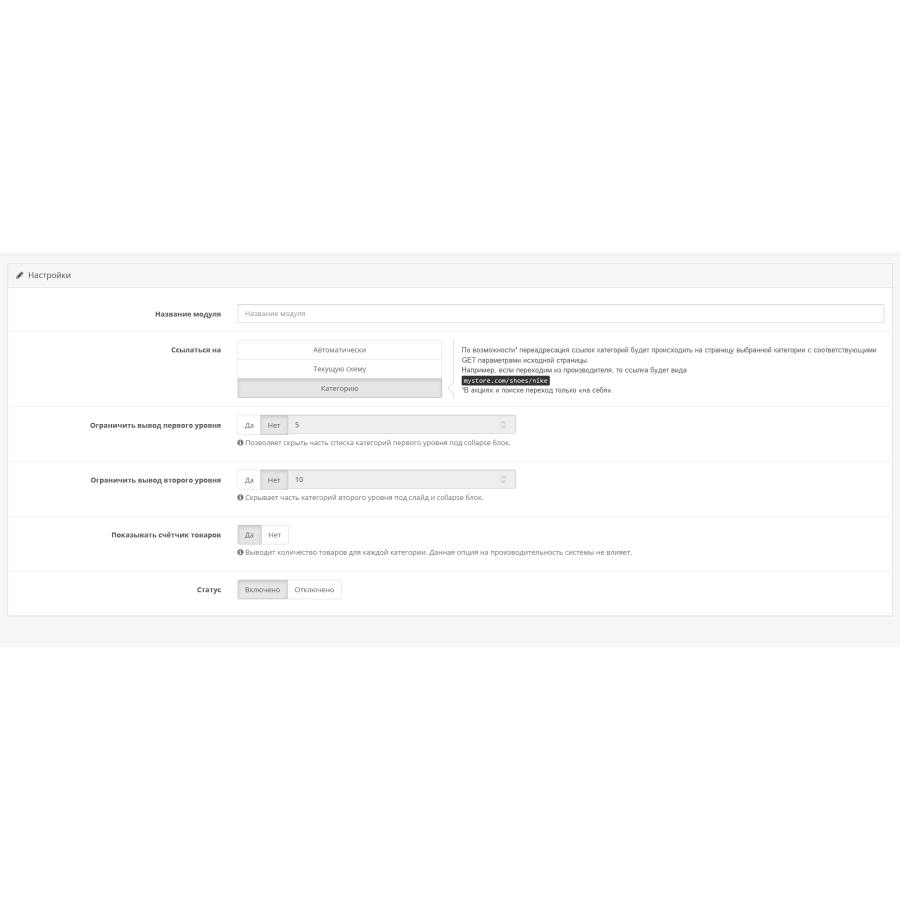
Category Limits : There is an option to set limits on the number of parent and child categories displayed. This allows you to more precisely control the visible categories on the page.
-
Product Count Display : Each category displays the number of products, which adds useful information about how full the categories are and can encourage users to browse further.
-
Compatibility with templates : The module works with all templates based on Bootstrap, which ensures its harmonious implementation in the design of your online store.
How to use the module:
-
Output Settings : You can configure category output options, including quantity limits and the ability to display product quantities.
-
Manufacturer Schema : To display the module on the manufacturer's product page, open the Manufacturer schema and add a new route or modify the existing one: product/manufacturer/info.
Advantages:
- Improved navigation : The module makes the pages more structured and informative, which can improve the user experience and speed up the search for the desired products.
The "Categories in Manufacturers, Promotions and Search" module is an important tool for improving the interface and navigation on the manufacturer, promotion and search pages of the OpenCart online store. This will ensure a more efficient and pleasant user interaction with your store.
There are no reviews for this product, be the first to leave your review.
No questions about this product, be the first and ask your question.
Module installation instructions:
- Before performing any actions related to installing an add-on in Opencart, we recommend creating a backup copy of all site files and the store database ;
- Install the localcopy fix (if you don't have it installed yet)
- Download the module file for the desired Opencart version from our website ( Follow the installation instructions if there are any in the module archive );
- Then go to the "Installing add-ons/extensions" section and click on the " Download " button;
- Select the downloaded file and wait for the module to be fully installed and for the text "Application installed successfully" to appear;
- After that, go to " Application Manager " and update the modifiers by clicking the " Update " button;
- After these actions, you need to add the rights to view and manage the module in the " User Groups " section for the administrator or other users you select by clicking " Select All ".