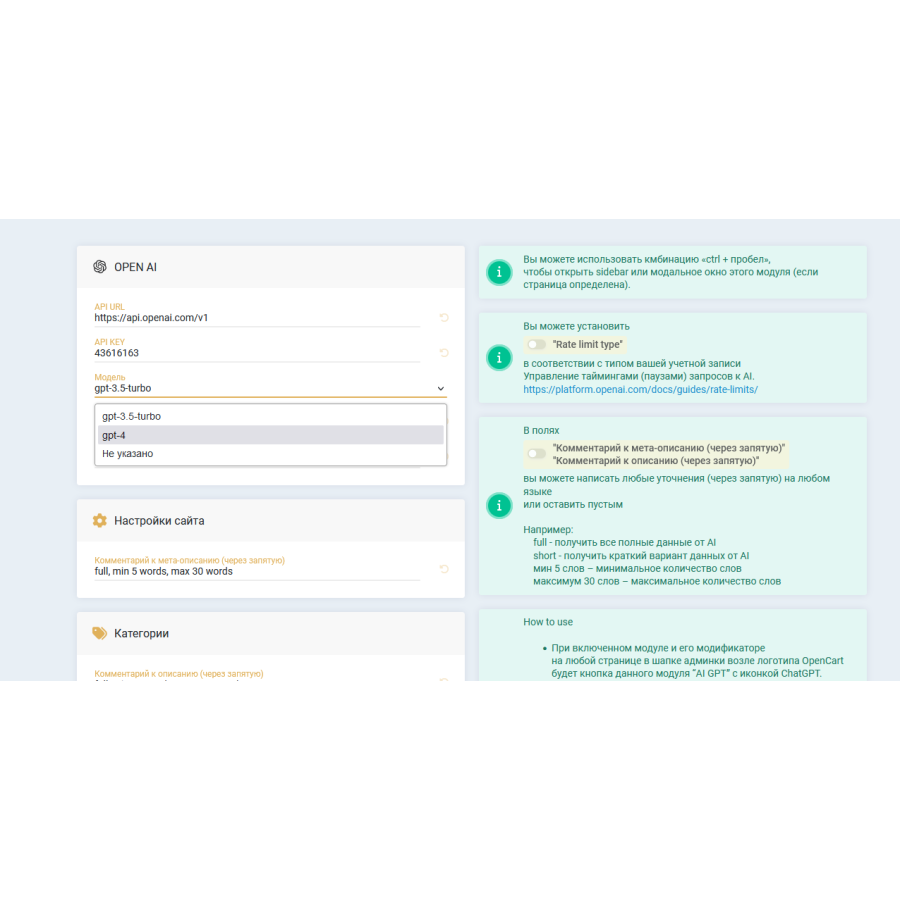


Chat GPT integration module for OpenCart - Generation of descriptions, photos, attributes, SEO, reviews
ChatGPT is an advanced language model designed to understand and generate natural language. It can be used to create texts, answer questions, translate language, analyze large volumes of text, generate ideas, write code, and much more. The model works on the basis of artificial neural networks trained on a huge amount of text data. It can solve complex tasks in language and cognitive understanding, as well as generate high-quality content in various fields, it is always ready to help users in their work and daily life.
A module using ChatGPT gpt-3.5-turbo or gpt-4 can:
- generate product data, including images, in large quantities;
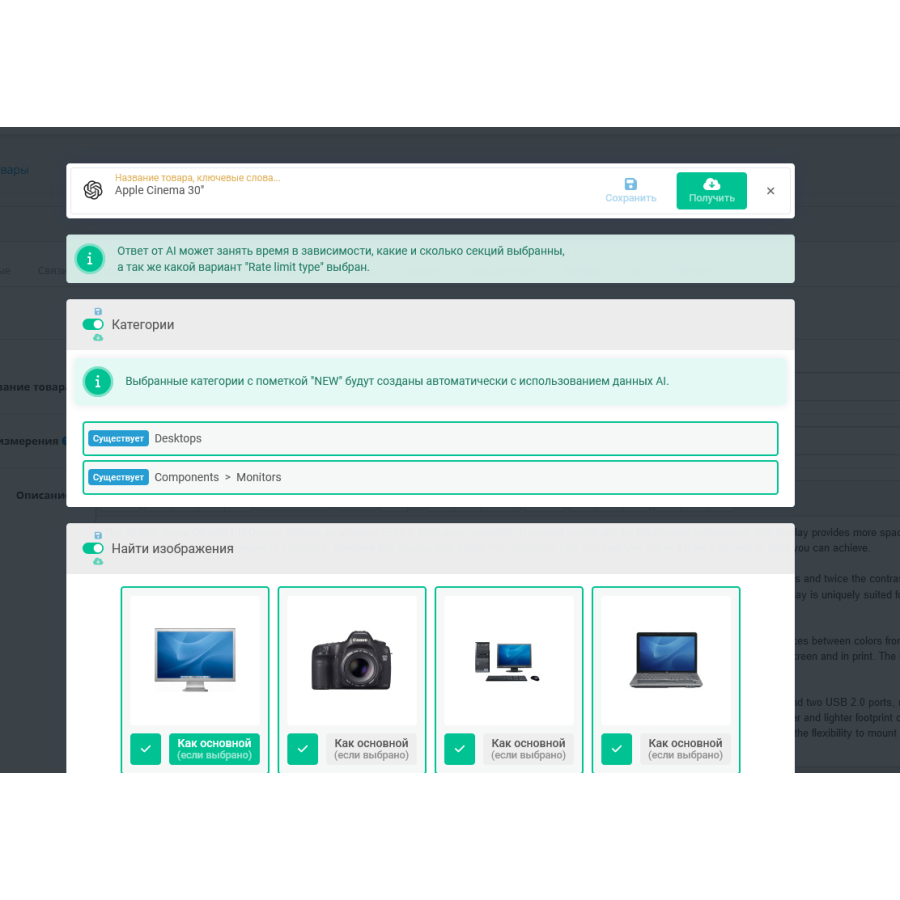
- suggest categories. If there is no such category in the database, the module will create it using AI;
- offer real images that can be selected;
- generate a description of goods with the possibility of translation into different languages present on the site;
- create SEO parameters;
- randomly generate reviews in different languages that are present on the site, taking into account parameters such as number, rating, date range;
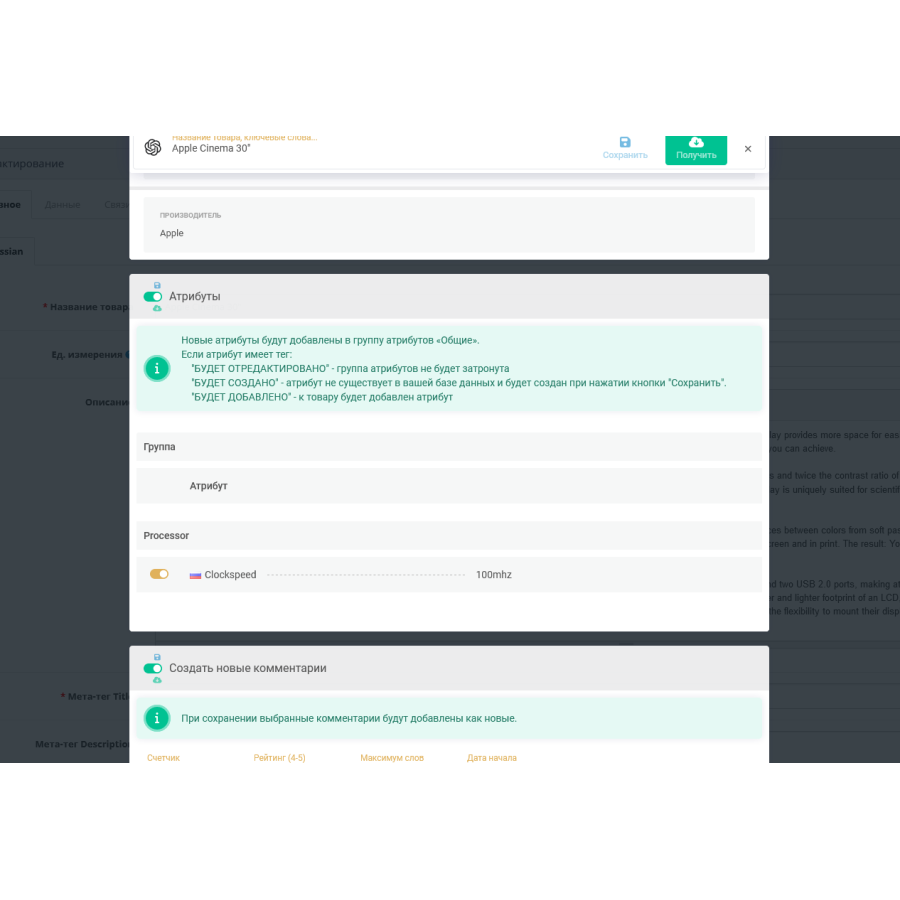
- get attributes. If such an attribute does not exist in the database, the module will create it using AI;
- to receive producers. If such a manufacturer is not in the database, the module will create it;
- offer a chain of parent categories. If such categories do not exist in the database, the module will create them from the AI data.
- generate data for the site, including title, meta tags and other data.
The module is in test mode, tested on pure OpenCart 3.0.3.9 and ocStore 3.0.3.7. It is in test mode and distributed on an "As Is" basis, no technical support is provided. Adaptation for stores different from the standard OpenCart is not carried out. Before installing Be sure to do a test run on a test domain first, don't forget to make a copy of the site before installing any new module or mod!
No questions about this product, be the first and ask your question.
Module installation instructions:
- Before performing any actions related to installing an add-on in Opencart, we recommend creating a backup copy of all site files and the store database ;
- Install the localcopy fix (if you don't have it installed yet)
- Download the module file for the desired Opencart version from our website ( Follow the installation instructions if there are any in the module archive );
- Then go to the "Installing add-ons/extensions" section and click on the " Download " button;
- Select the downloaded file and wait for the module to be fully installed and for the text "Application installed successfully" to appear;
- After that, go to " Application Manager " and update the modifiers by clicking the " Update " button;
- After these actions, you need to add the rights to view and manage the module in the " User Groups " section for the administrator or other users you select by clicking " Select All ".