

Module CostPrice 3.0 - Purchase price for OpenCart
Of course, Opencart is a powerful tool for creating an online store, but some features may be missing out of the box. If you run a business based on the purchase and sale of goods, it is important to have control over your purchase prices. That's why we developed the "CostPrice" module.
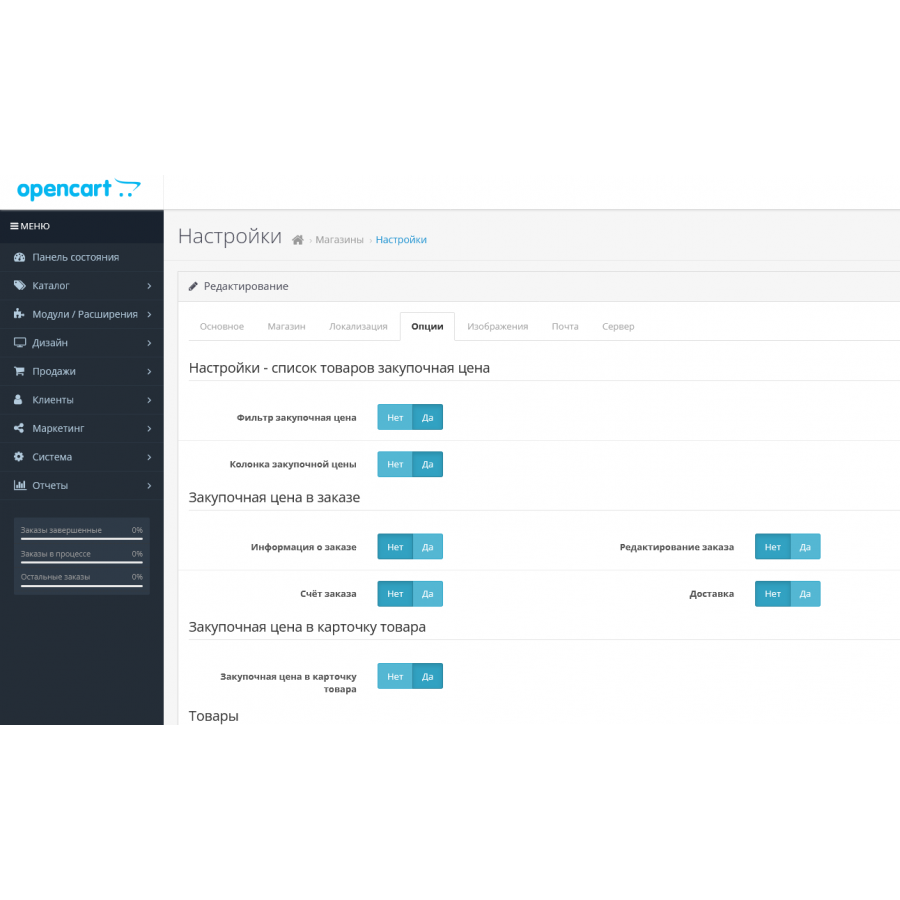
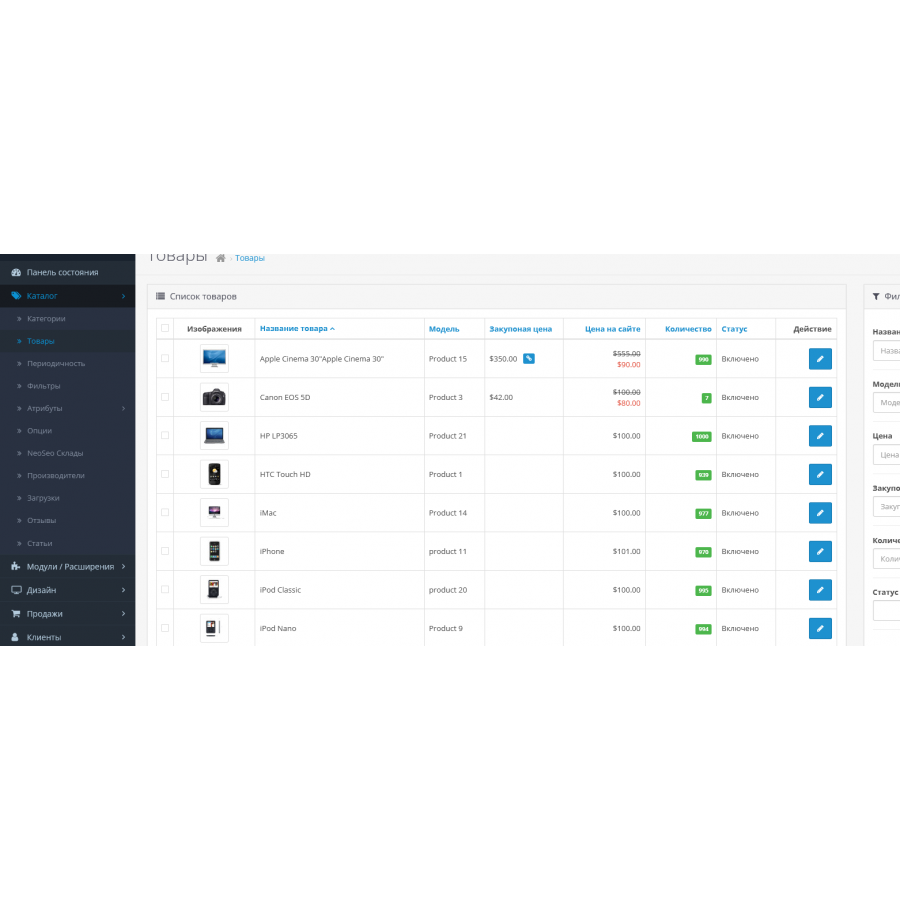
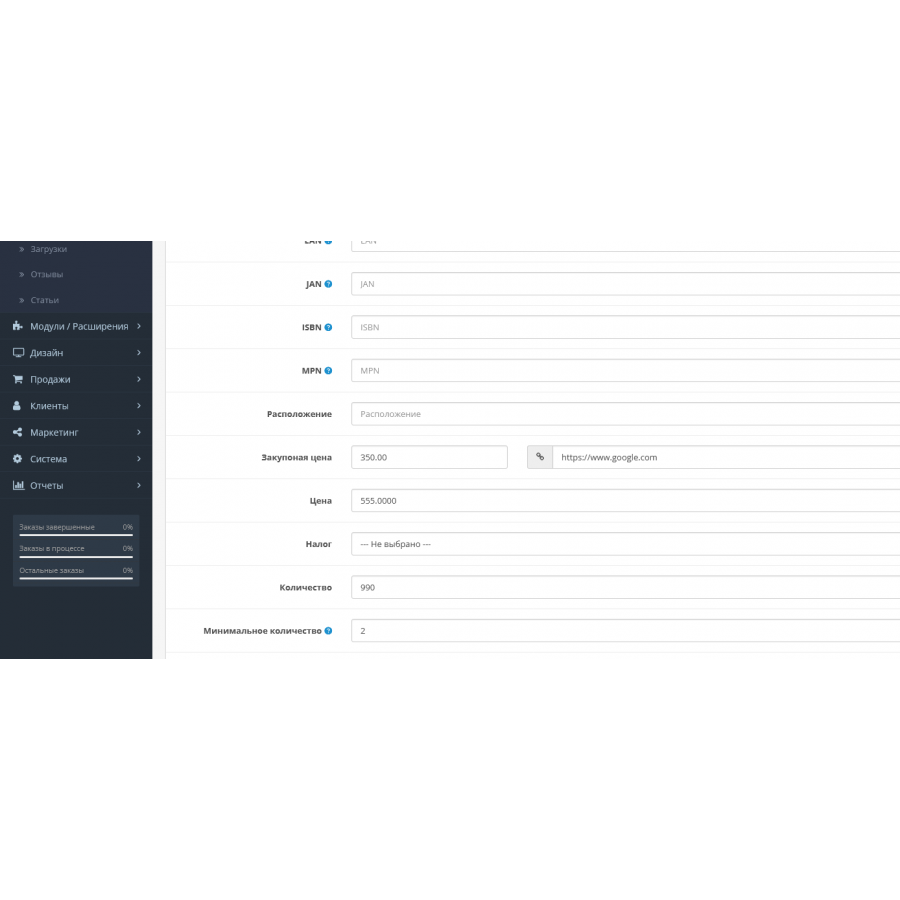
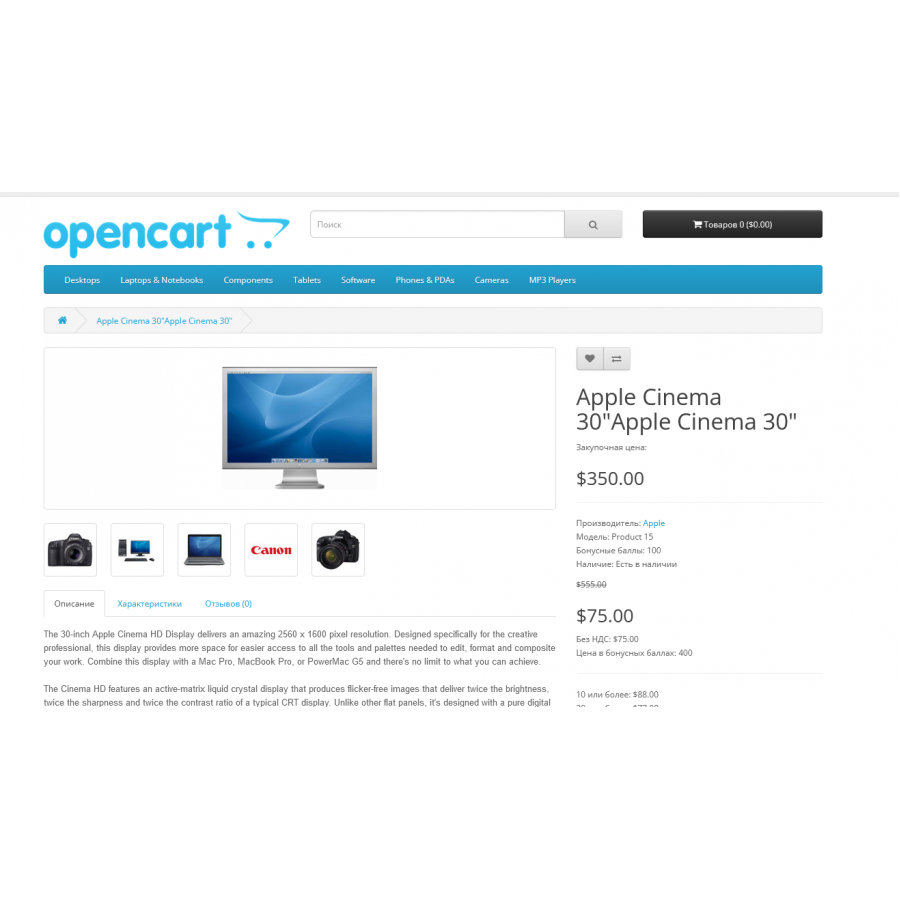
The "CostPrice" module allows you to add and track the purchase price for each item through the Opencart admin panel, and also creates an additional "cost" column in the database next to "price". This feature will help you effectively manage the cost of goods and compare it with the selling price for your customer.
The main advantages of the "CostPrice" module:
- Compatibility with other popular modules such as Automatic Price List Update (AOP) and Discounts, Promotions and Loyalty Management (MCLP).
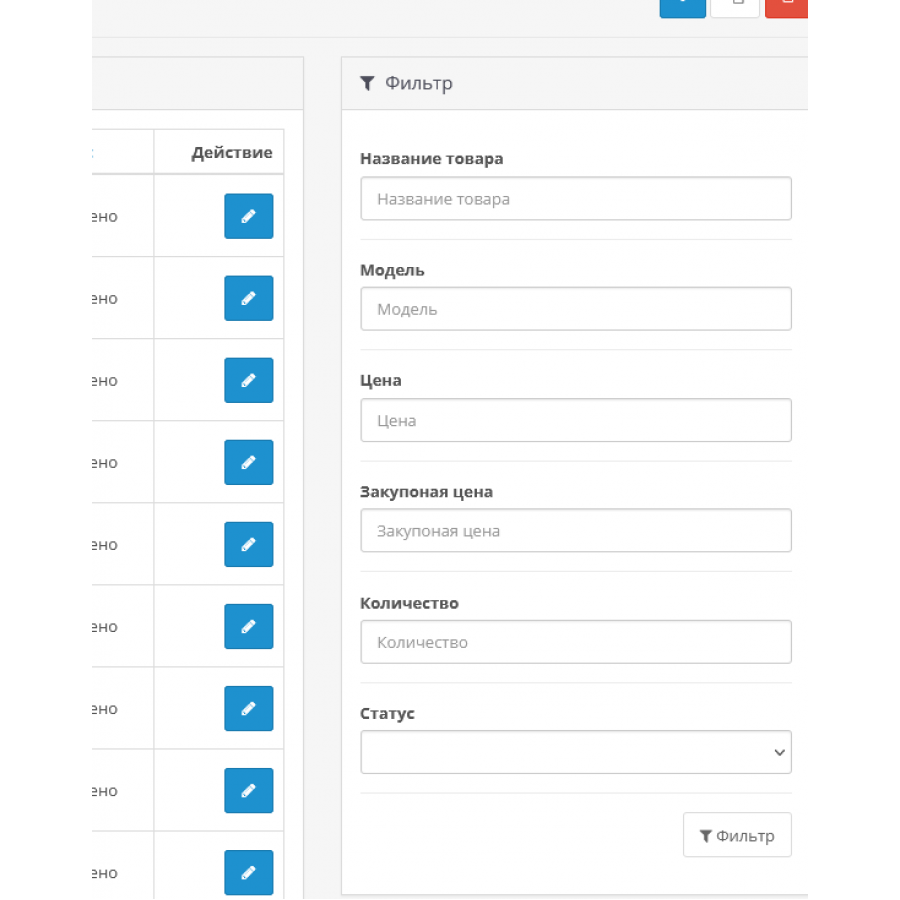
- Ability to search and sort products by their purchase price.
- Supported on various Opencart builds including OcStore.
- Easy installation without the need to replace core files in the engine.
With the "CostPrice" module, you will always be in control of your business and can easily optimize the process of managing the cost of goods in your online store."
The module is developed and tested on a standard template, has a standard look and feel, the same as pure Opencart modules.
Adaptation may be required for non-standard templates.
There are no reviews for this product, be the first to leave your review.
No questions about this product, be the first and ask your question.
Module installation instructions:
- Before performing any actions related to installing an add-on in Opencart, we recommend creating a backup copy of all site files and the store database ;
- Install the localcopy fix (if you don't have it installed yet)
- Download the module file for the desired Opencart version from our website ( Follow the installation instructions if there are any in the module archive );
- Then go to the "Installing add-ons/extensions" section and click on the " Download " button;
- Select the downloaded file and wait for the module to be fully installed and for the text "Application installed successfully" to appear;
- After that, go to " Application Manager " and update the modifiers by clicking the " Update " button;
- After these actions, you need to add the rights to view and manage the module in the " User Groups " section for the administrator or other users you select by clicking " Select All ".