All about product
Description
Specification
Reviews
0
Questions0
Installing the module


FSMonitor module – file system monitoring for OpenCart
Product Code: 397
Version: 1.0
In Stock
450 грн
Main specifications
PHP:
7.2-7.4
Compatibility:
Opencart 3.0, OcStore 3.0
Localization:
Ukrainian, Russian, English, German
Adaptation to your store:
Paid
All specifications
Description
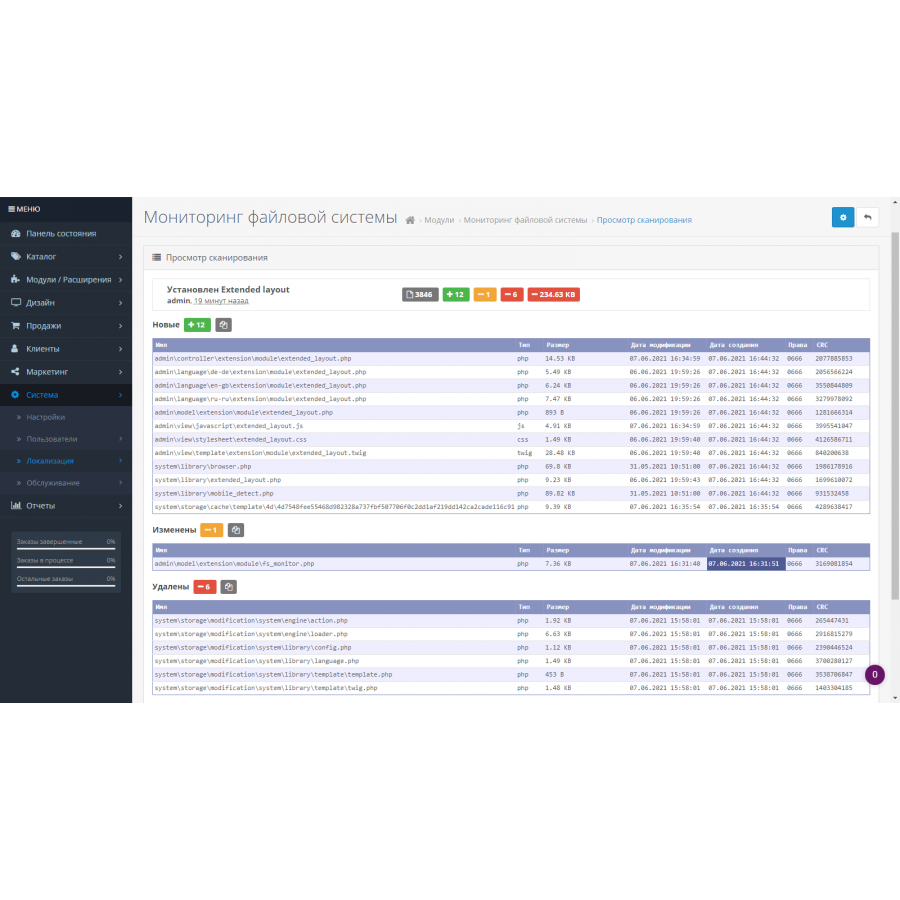
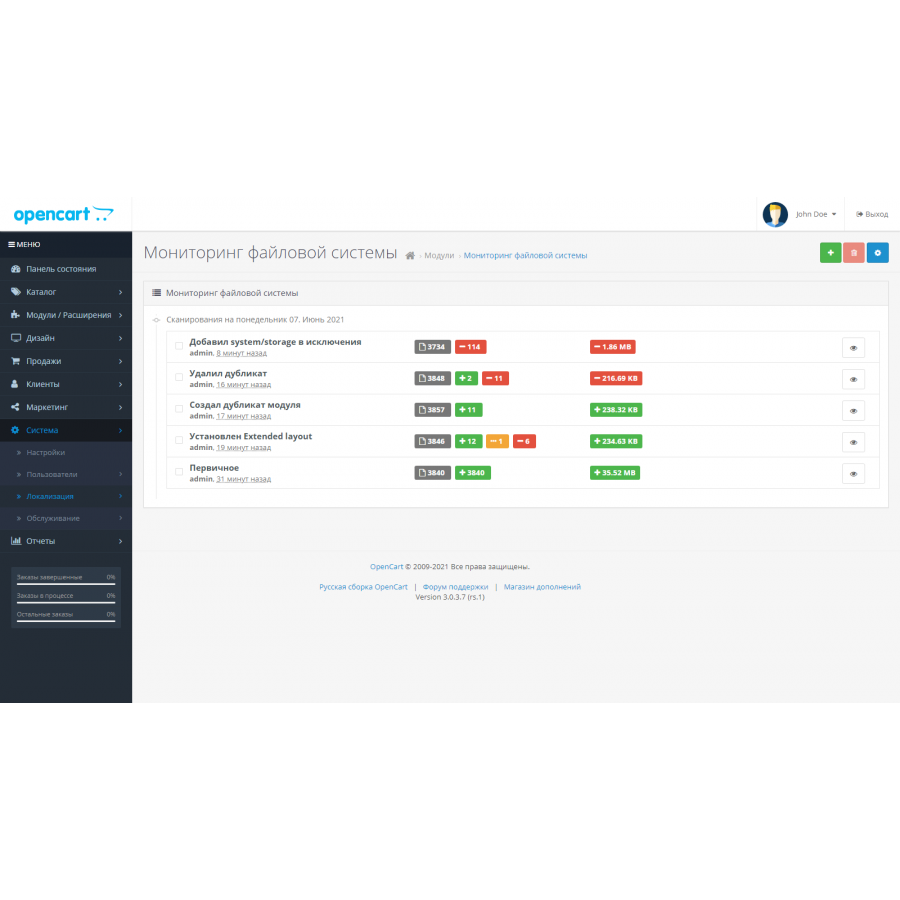
The module tracks new, changed and deleted site files and specified server directories. Automatic scanning (cron) will allow you to automate checks and notify the administrator by email in case of any changes in the files.
Does not require third-party libraries. Does not create copies of files.
Opportunities
The module enables:
Does not require third-party libraries. Does not create copies of files.
Opportunities
The module enables:
- track new, changed, deleted site files;
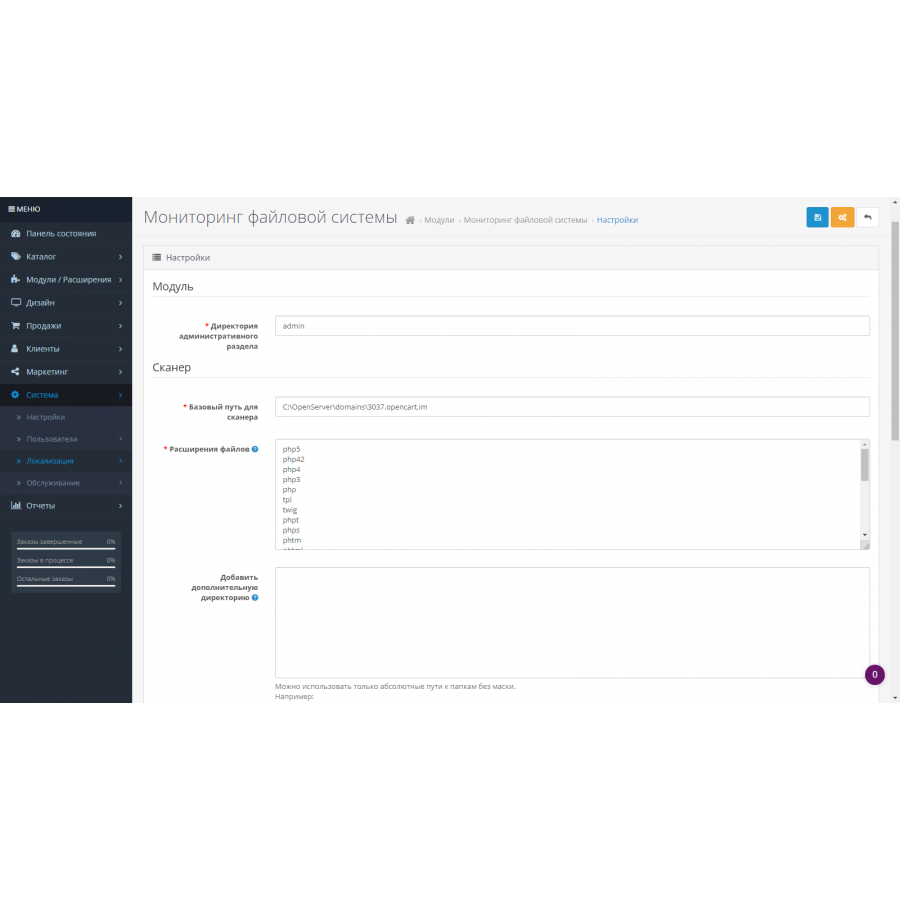
- configure the extension of scanned files (by default - files of systems based on the Linux kernel);
- add additional, readable server directories for monitoring;
- exclude directories and files from masked monitoring;
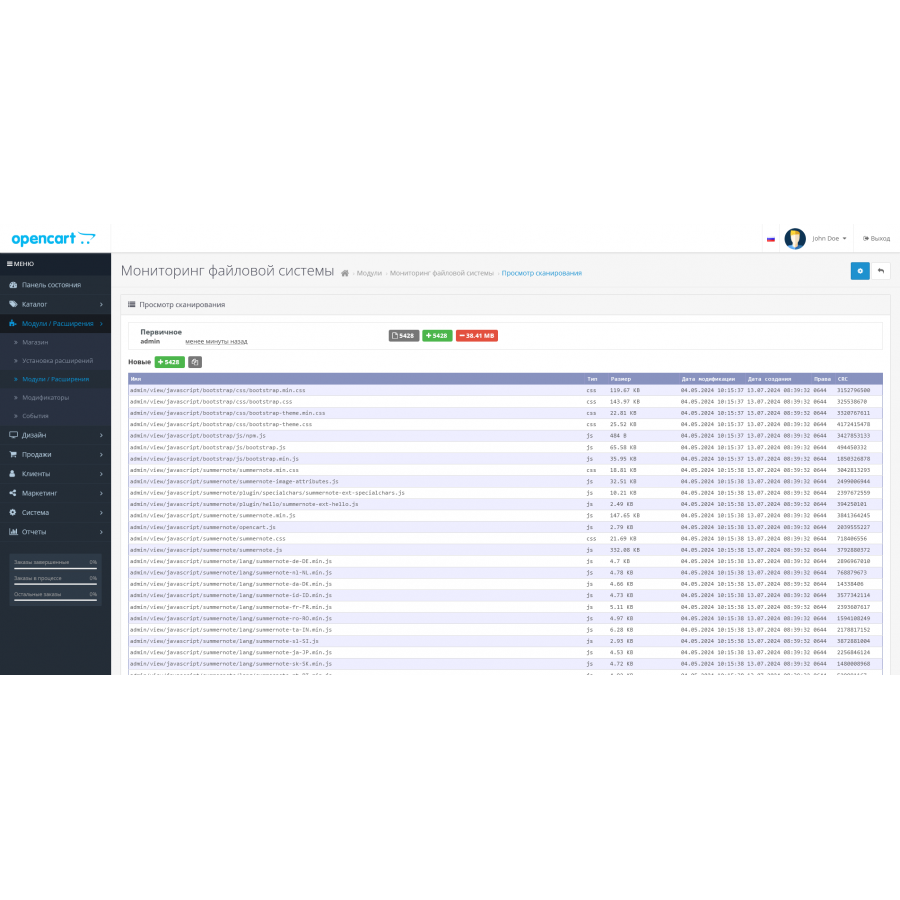
- view the contents of files with syntax highlighting, without the possibility of editing;
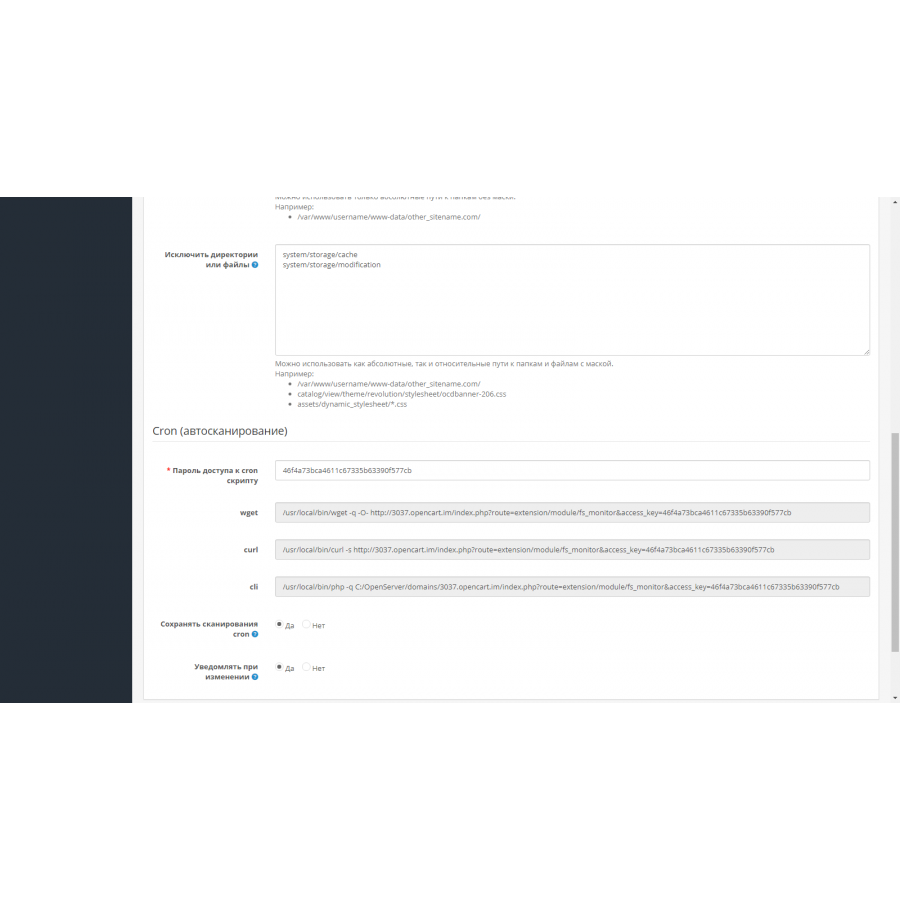
- run an automatic scan using the cron scheduler (wget/curl/cli), followed by an email notification to the administrator if there are any changes;
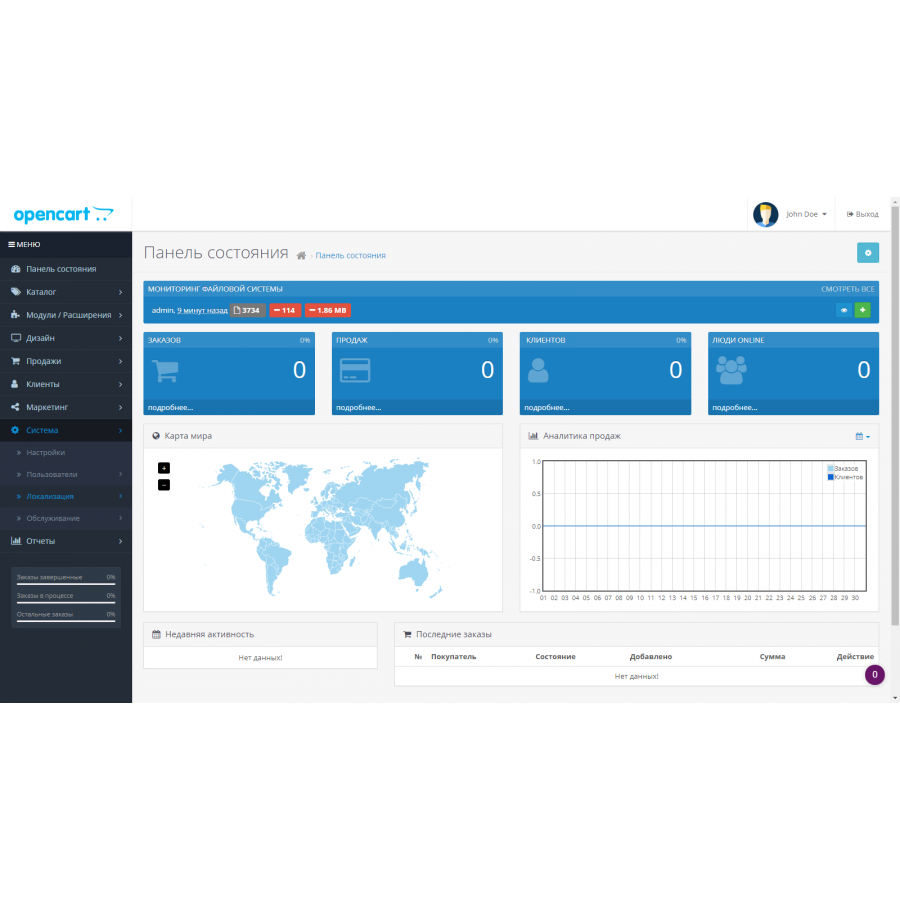
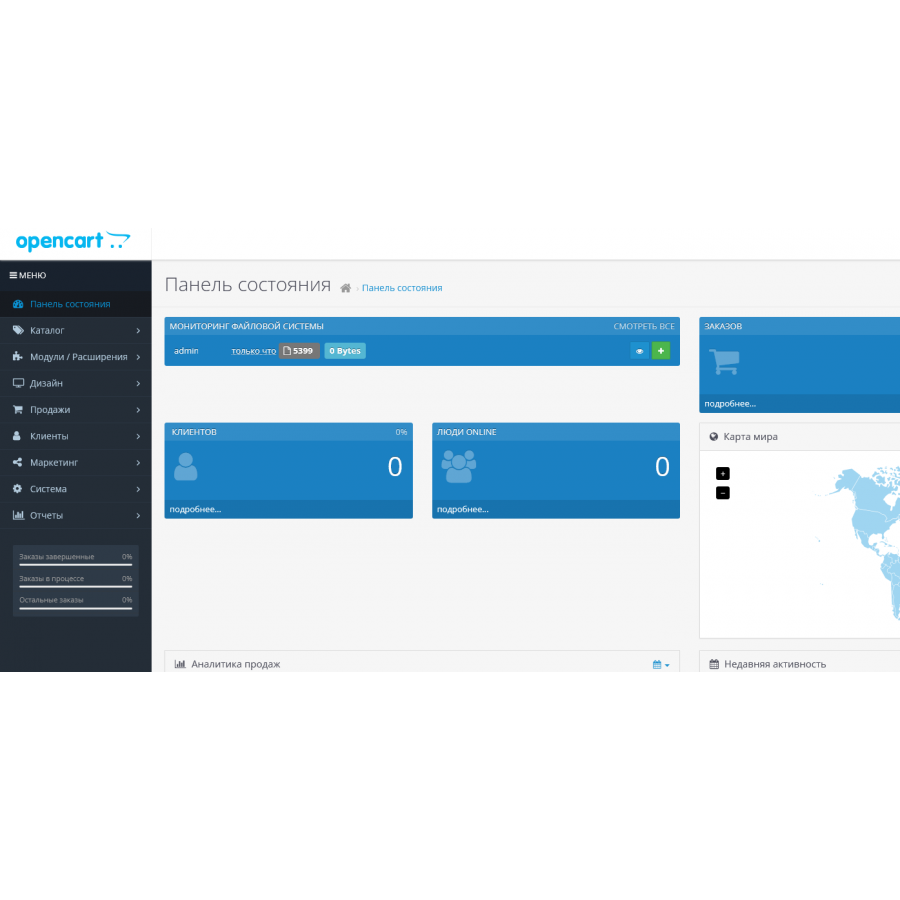
- you can add a nice widget to the main page of the admin panel to view the last scan and also to manually start a new one.
- Install the module through the standard application installation section.
- Install the module in the modules section and navigate to the module :) This step will start the initial scan.
- To display the widget, go to Modules > Control Panel, select FSMonitor. In the settings, specify a width of 12 and a sort order of 0. This will display the module full width at the very top.
- For versions younger than 2.3, the widget is displayed using vqmod/ocmod.
- To enable automatic scanning with cron, go to the module settings section and copy one of the three code options to start the scan (wget/curl/cli). Paste this code into the scheduler, hosting control panel and run the health check task.
- The module does not heavily load the server, so checks can be carried out several times a day.
- You can rename a scan on the review page by clicking on the name of the scan.
Specifications
Characteristics
PHP
7.2-7.4
Compatibility
Opencart 3.0, OcStore 3.0
Localization
Ukrainian, Russian, English, German
Adaptation to your store
Paid
There are no reviews for this product, be the first to leave your review.
No questions about this product, be the first and ask your question.
Installing the module
Module installation instructions:
- Before performing any actions related to installing an add-on in Opencart, we recommend creating a backup copy of all site files and the store database ;
- Install the localcopy fix (if you don't have it installed yet)
- Download the module file for the desired Opencart version from our website ( Follow the installation instructions if there are any in the module archive );
- Then go to the "Installing add-ons/extensions" section and click on the " Download " button;
- Select the downloaded file and wait for the module to be fully installed and for the text "Application installed successfully" to appear;
- After that, go to " Application Manager " and update the modifiers by clicking the " Update " button;
- After these actions, you need to add the rights to view and manage the module in the " User Groups " section for the administrator or other users you select by clicking " Select All ".