

GDPR Compliance Module - Personal Data Management for OpenCart
GDPR Regulation (General Data Protection Regulation), adopted by the Parliament of the European Union (EU) on April 14, 2016 (Regulation (EU) 2016/679) and put into practice on May 25, 2016 in order to strengthen and unify data protection for all persons in EC. If your business is selling to the EU market and even if your business is not in the EU. But this provision still applies to your business and should introduce GDPR protection for your EU customers. Ignoring compliance can result in a hefty fine of up to €20 million or, in the case of an enterprise, up to 4% of the previous financial year's total global annual turnover, whichever is greater. High fines have been proposed to try to increase compliance.
Features
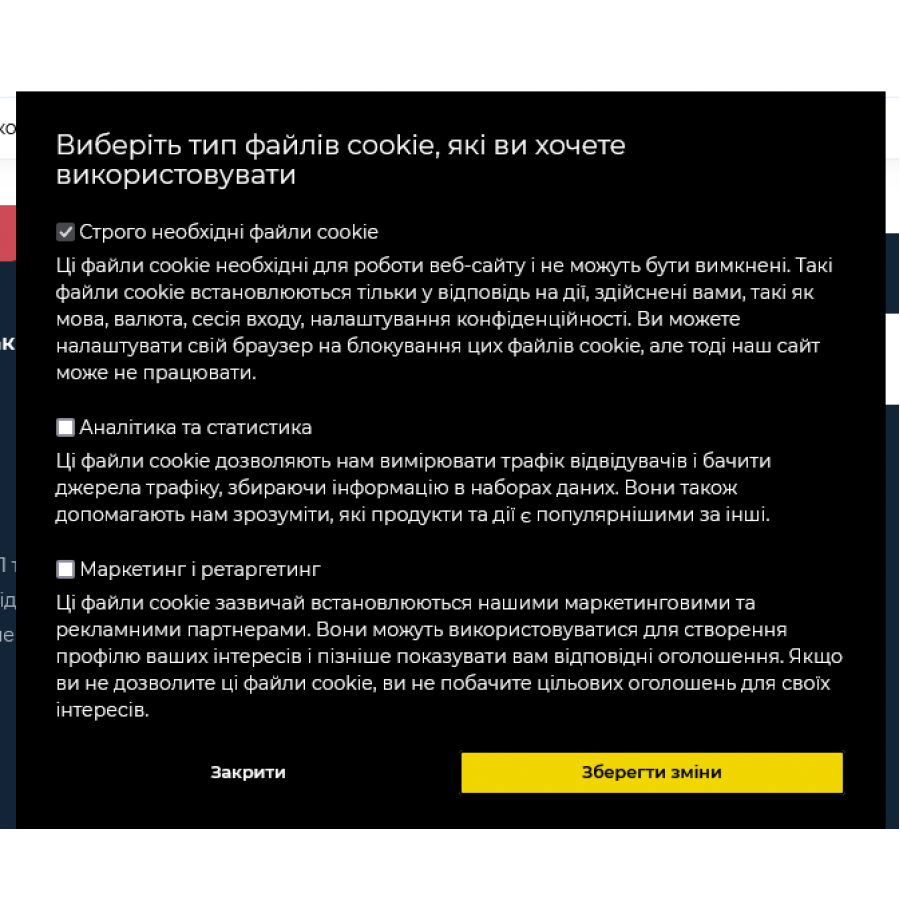
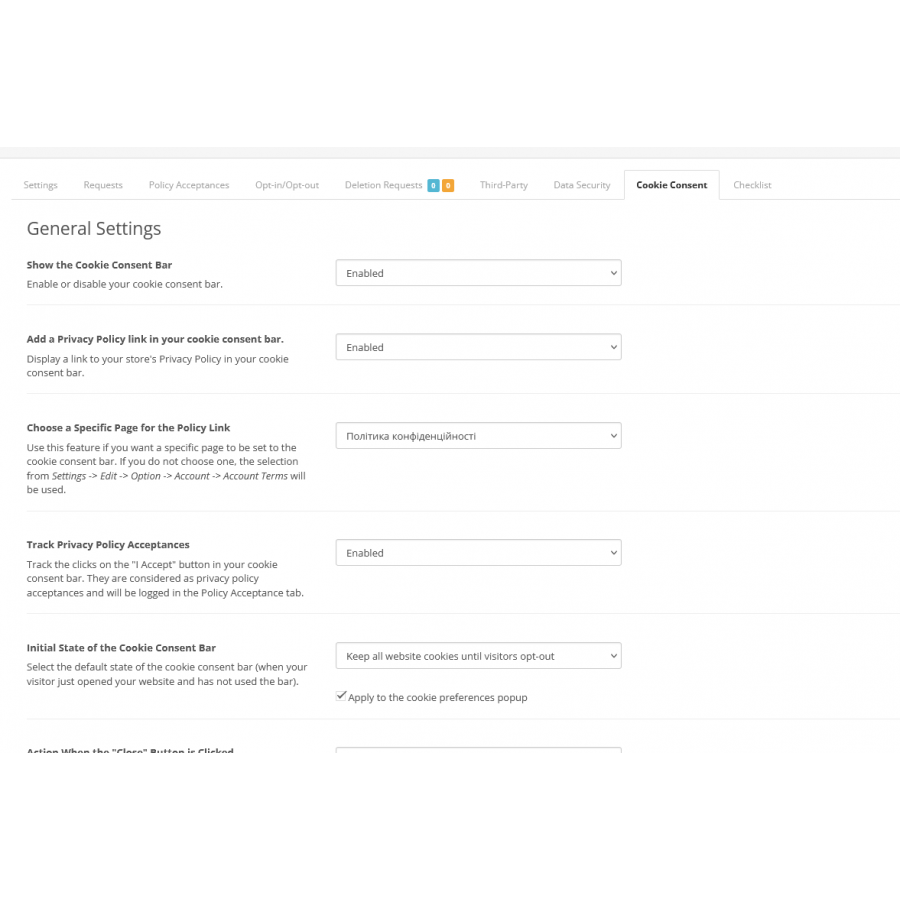
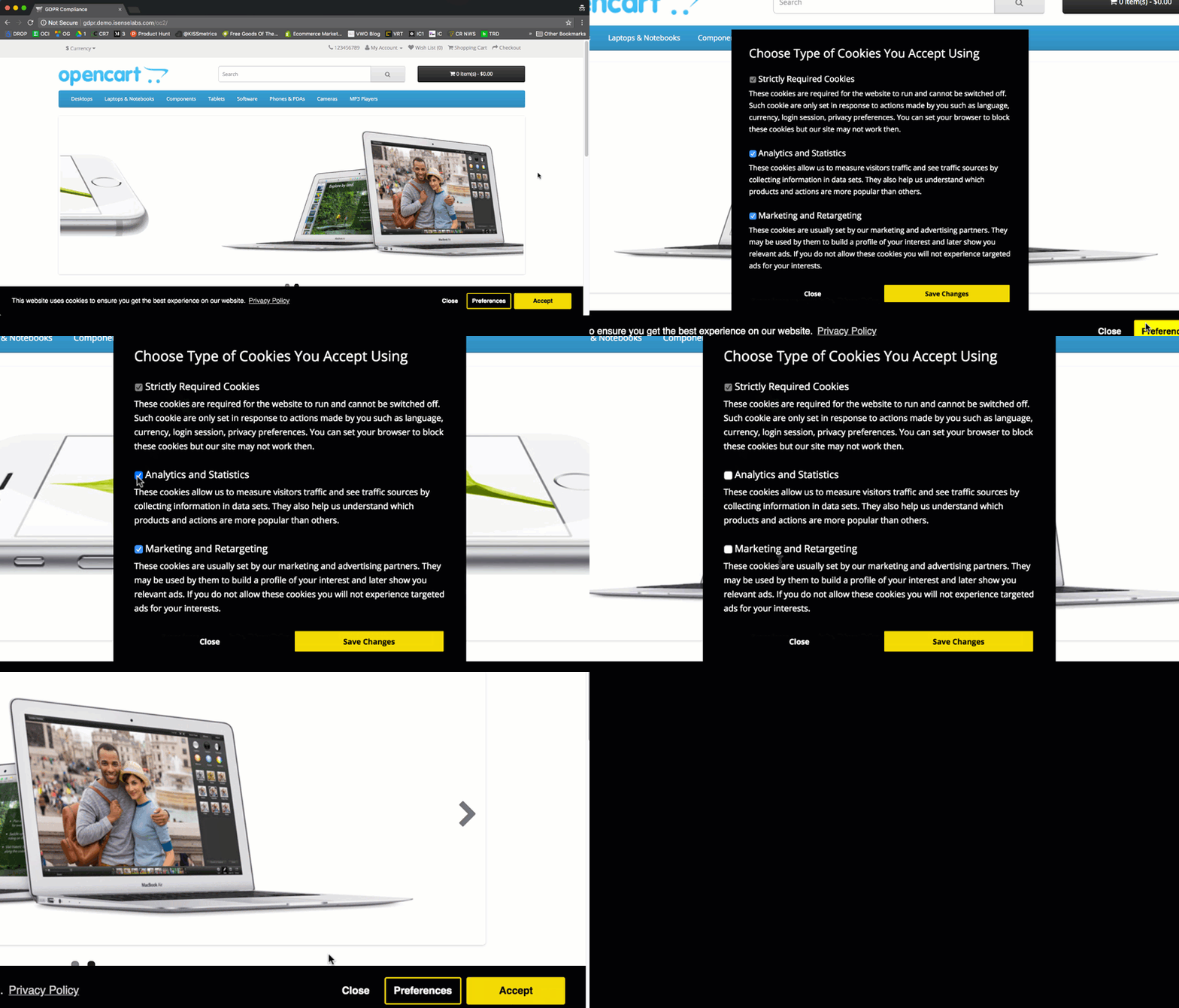
- Control cookies related to users (analytics, marketing)
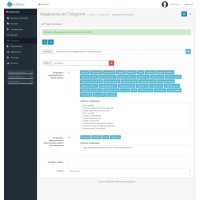
- Personal Data Control – This will allow customers to request, upload and edit their personal data stored in the OpenCart database
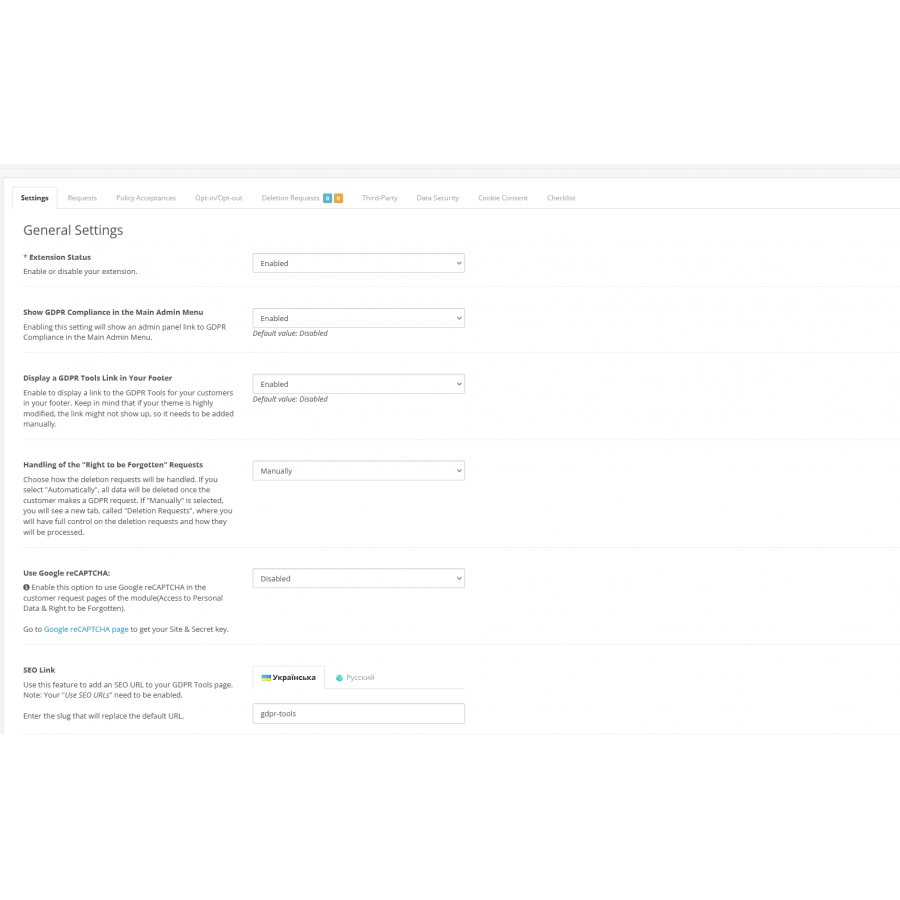
- Right to be forgotten – this will allow customers to completely remove/anonymize their data from the site
- The right to restriction of processing – this will allow customers to request/notify that the shop owner should no longer process their data on the website or otherwise.
- Cookie Consent from Sites - Cookie Consent is a free plugin developed by Sites and applied/customized by us as needed
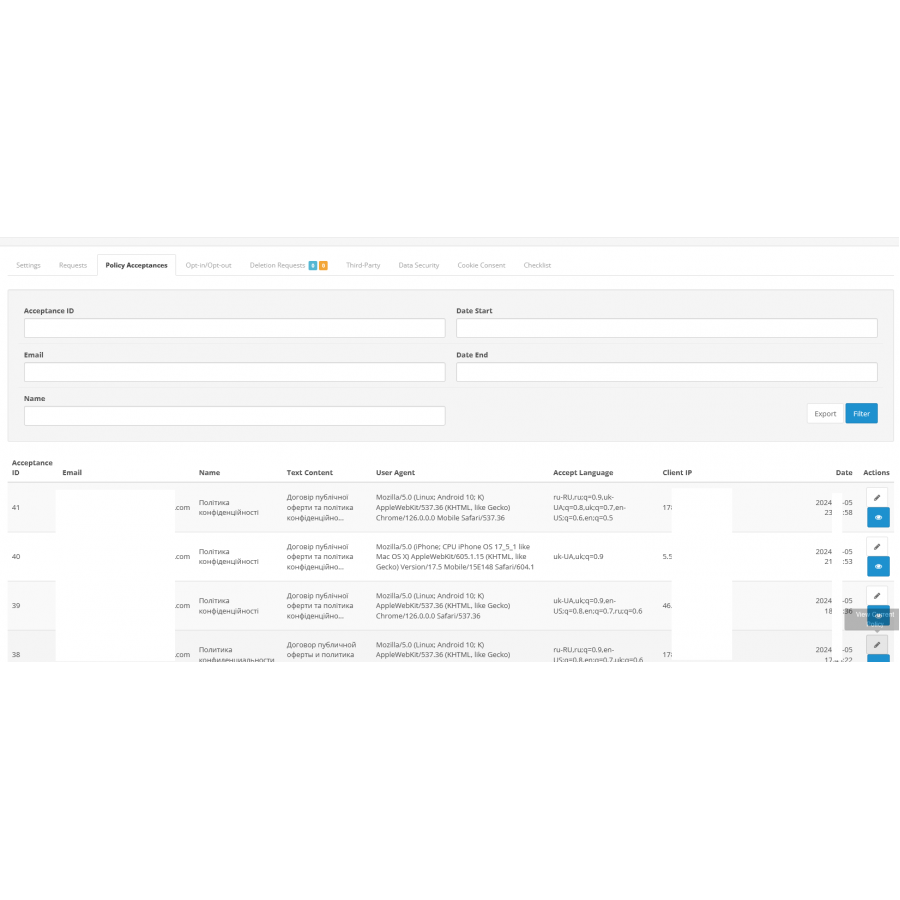
- Store Policy Acceptance Tracker - This extension tracks store policy acceptance
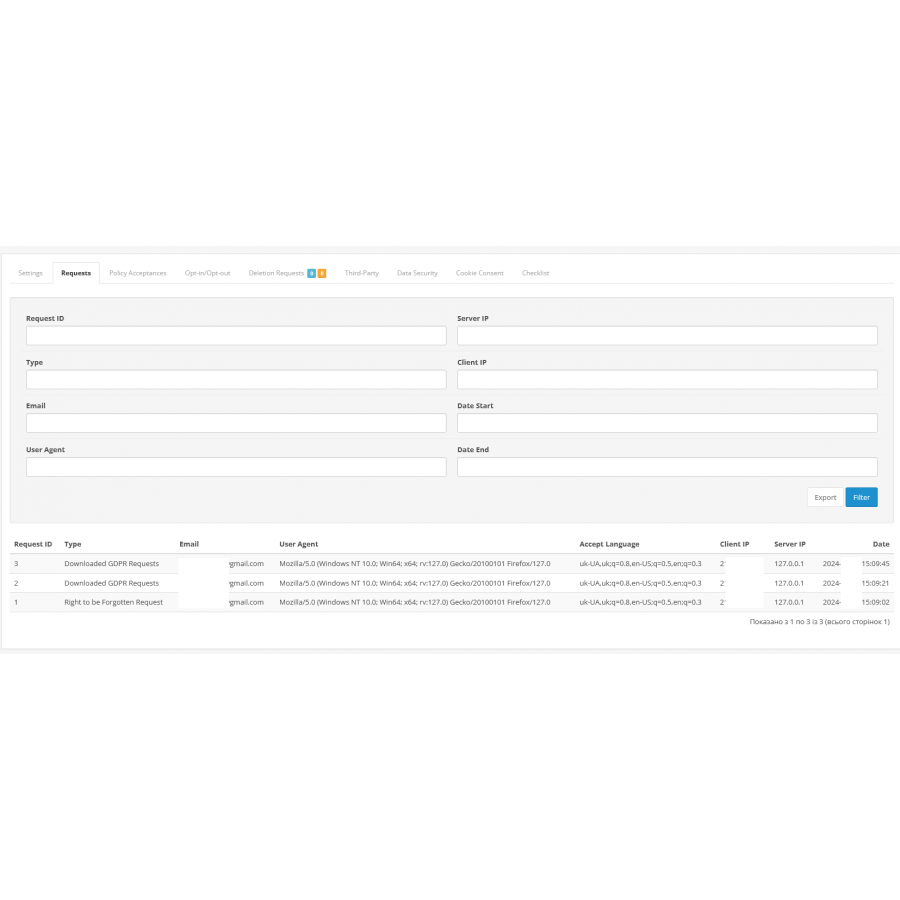
- Keep track of all GDPR requests
- Email notification of all requests
- Simple and easy setup
No questions about this product, be the first and ask your question.
Module installation instructions:
- Before performing any actions related to installing an add-on in Opencart, we recommend creating a backup copy of all site files and the store database ;
- Install the localcopy fix (if you don't have it installed yet)
- Download the module file for the desired Opencart version from our website ( Follow the installation instructions if there are any in the module archive );
- Then go to the "Installing add-ons/extensions" section and click on the " Download " button;
- Select the downloaded file and wait for the module to be fully installed and for the text "Application installed successfully" to appear;
- After that, go to " Application Manager " and update the modifiers by clicking the " Update " button;
- After these actions, you need to add the rights to view and manage the module in the " User Groups " section for the administrator or other users you select by clicking " Select All ".