SEO PRO module for Opencart 3
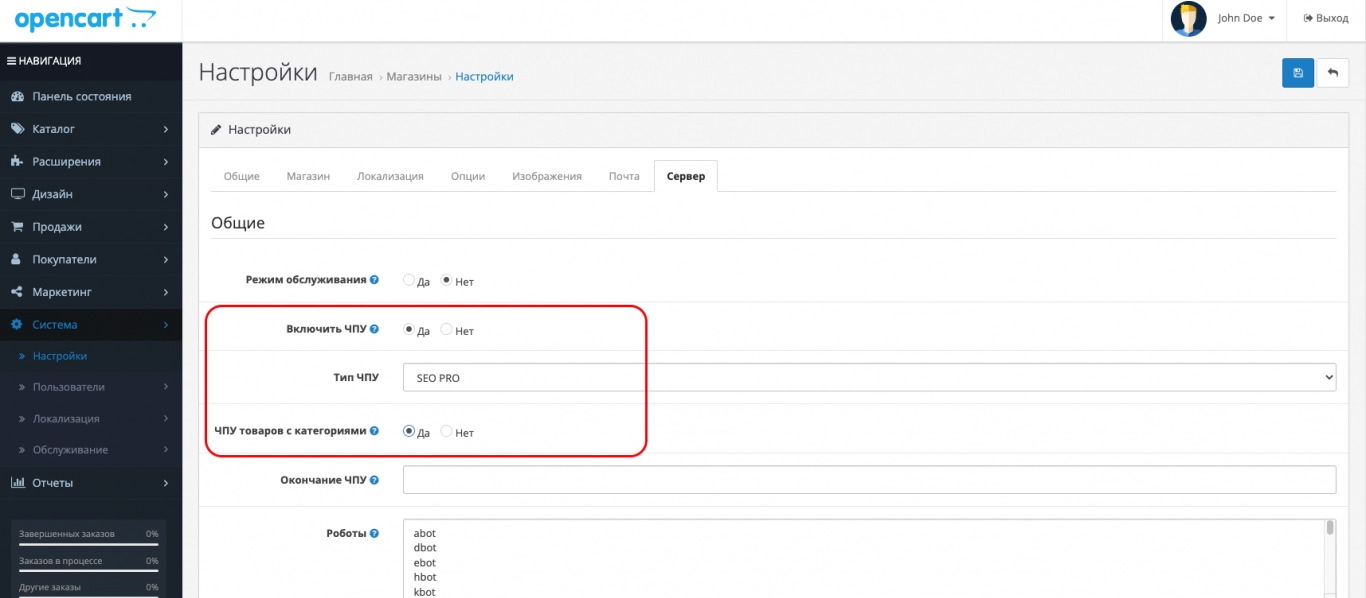
Our modification of a very popular CNC builder module called SEO PRO for Opencart 3.0 - it generates links in a readable form and completely removes duplicate pages, which are very numerous in the standard Opencart CNC.
In this module, a number of problems with the support of multilanguage and multistore URLs in the new third version of Opencart were solved.
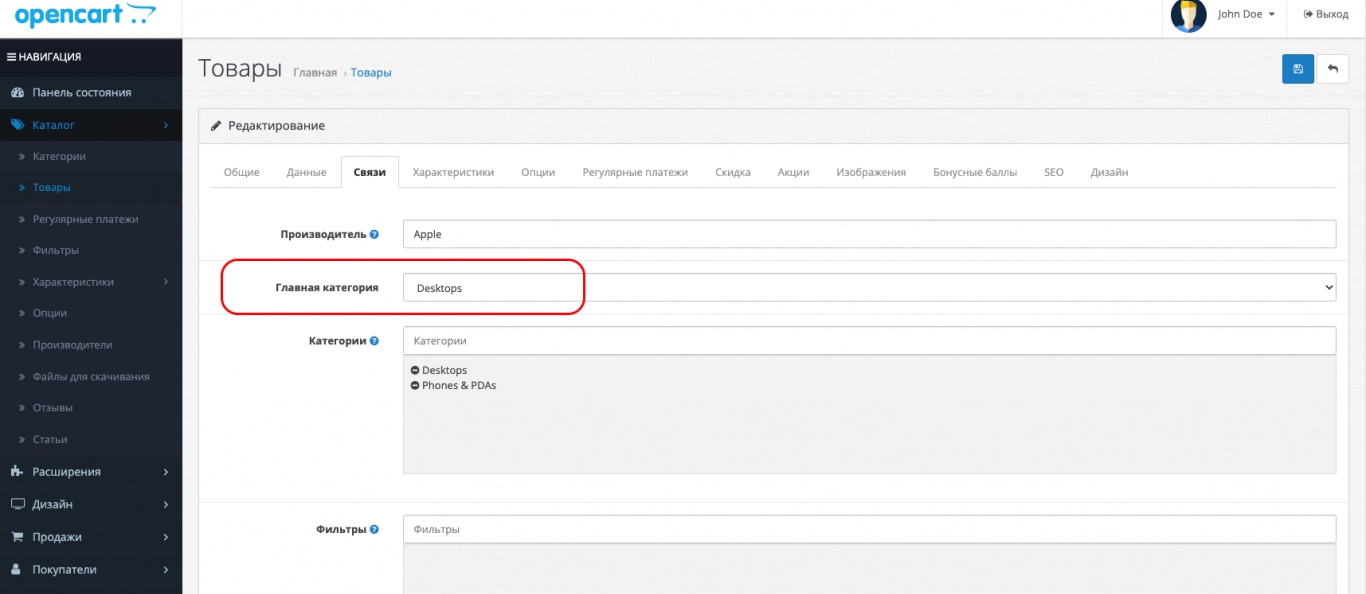
The module is engaged in the formation of CNC links, but you must fill in the SEO URL fields in products, categories, articles manually or automatically. You can also manage SEO URL records in the admin panel in a separate section Design > SEO, where you can also add SEO URLs for standard Opencart pages.
The module generates CNC for all standard types of Opencart records: categories, products, manufacturers, pages, system pages. Additional modules (for example, Blog), which are not included in the Opencart 3.0 build, are usually adapted for SEO PRO by their authors. The module has a universal code and any modifiers for SEO PRO should work with it.
 seo-pro_oc20-21.ocmod.zip
No questions about this product, be the first and ask your question.
Module installation instructions:
- Before performing any actions related to installing an add-on in Opencart, we recommend creating a backup copy of all site files and the store database ;
- Install the localcopy fix (if you don't have it installed yet)
- Download the module file for the desired Opencart version from our website ( Follow the installation instructions if there are any in the module archive );
- Then go to the "Installing add-ons/extensions" section and click on the " Download " button;
- Select the downloaded file and wait for the module to be fully installed and for the text "Application installed successfully" to appear;
- After that, go to " Application Manager " and update the modifiers by clicking the " Update " button;
- After these actions, you need to add the rights to view and manage the module in the " User Groups " section for the administrator or other users you select by clicking " Select All ".