


Module Marketplace Multimerch Marketplace for Opencart
We present the trading platform module called Multimerch Marketplace v.7 for Opencart 2.0 - 2.1, modified by the team of our site.
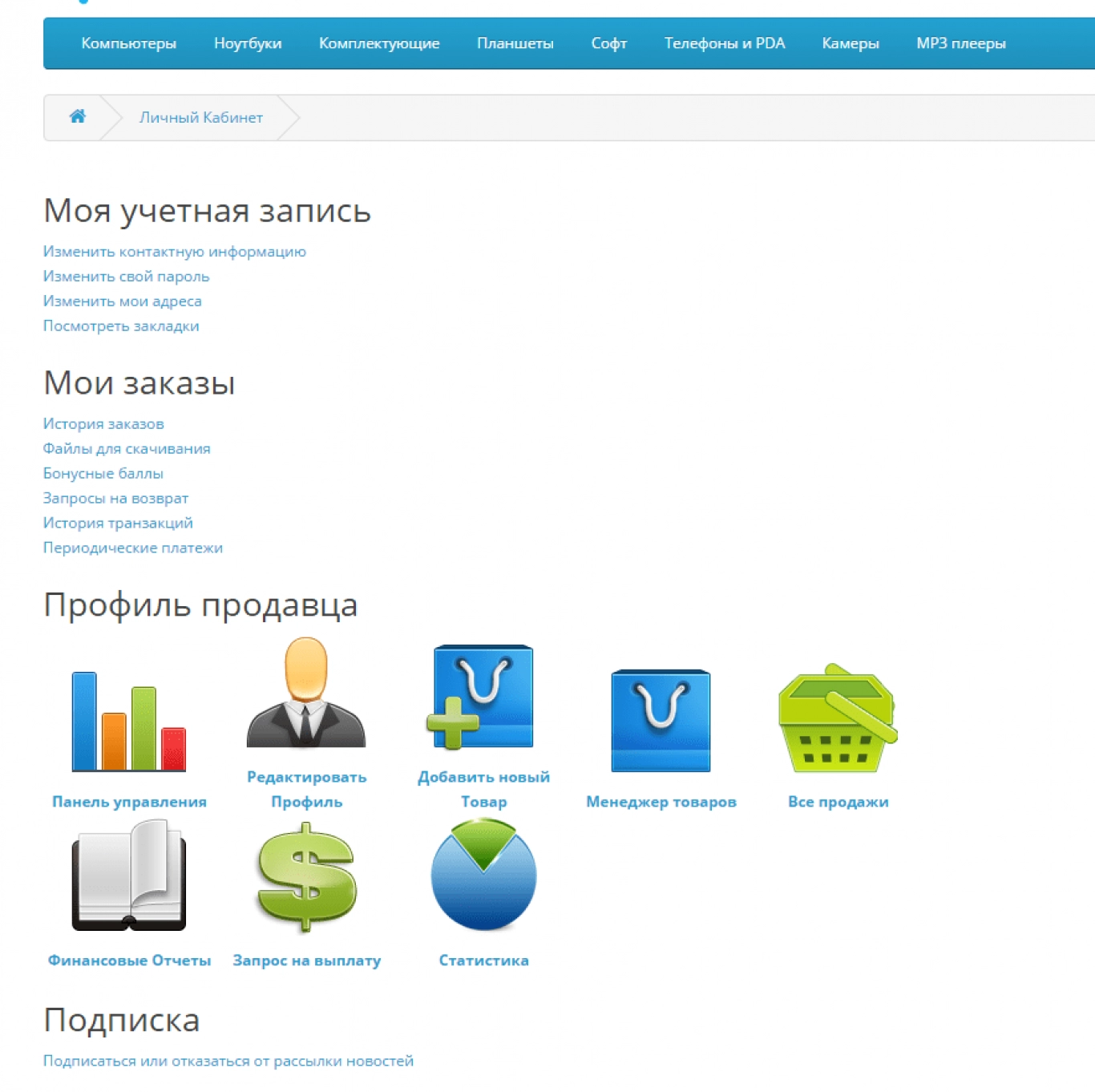
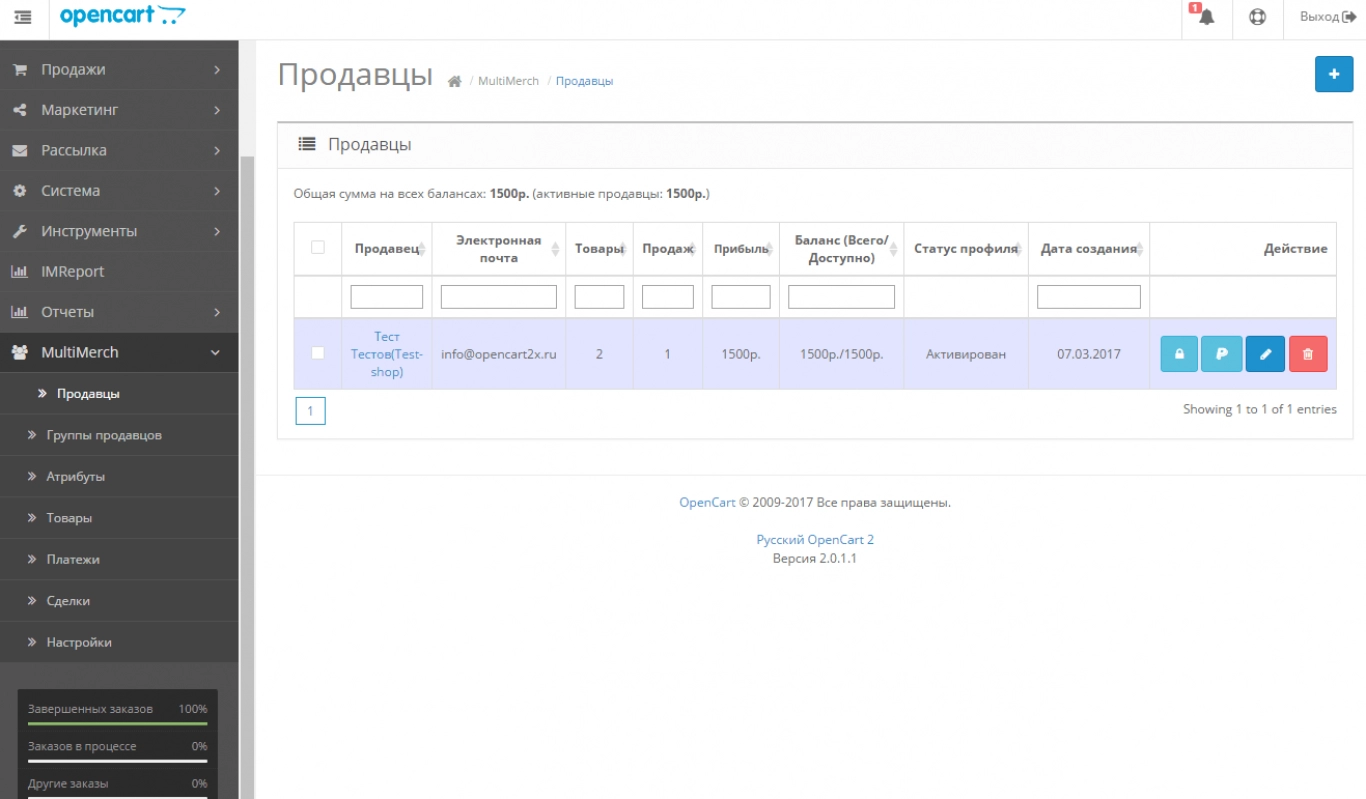
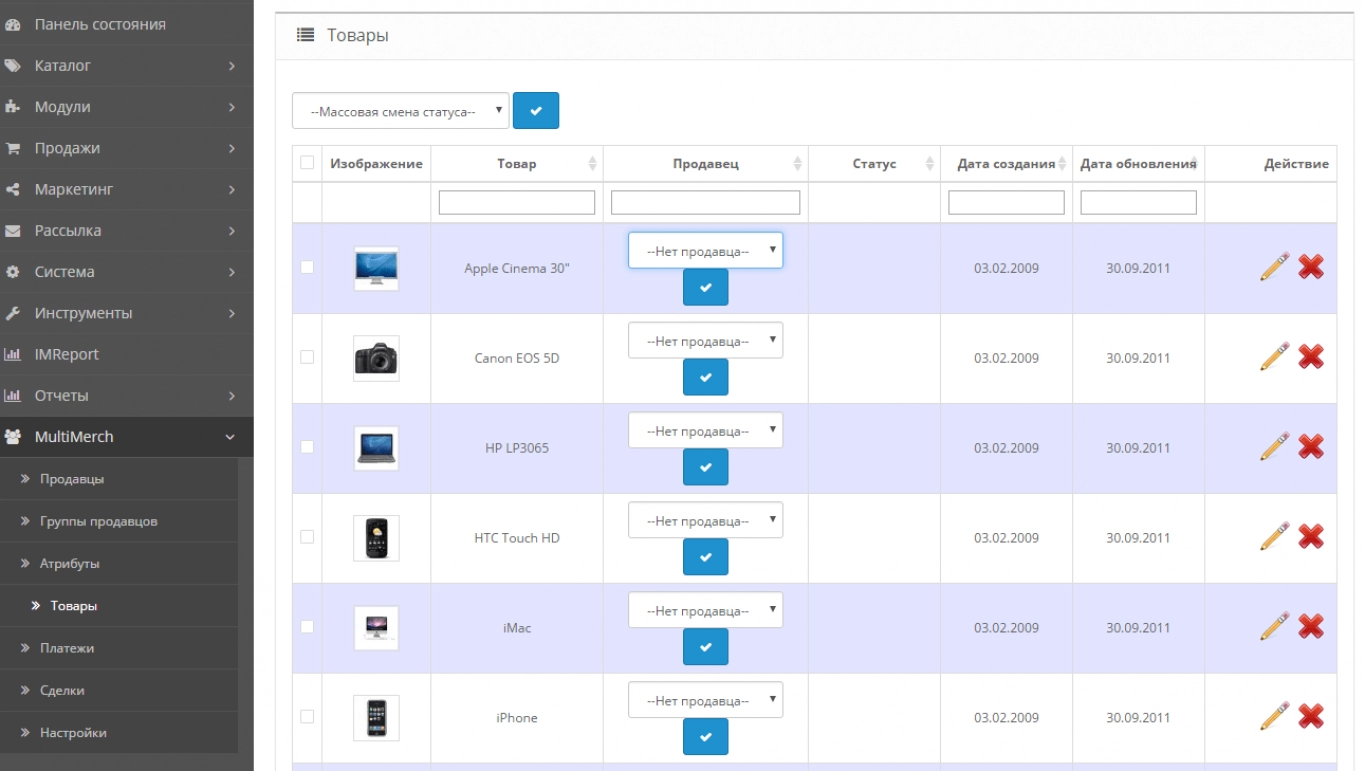
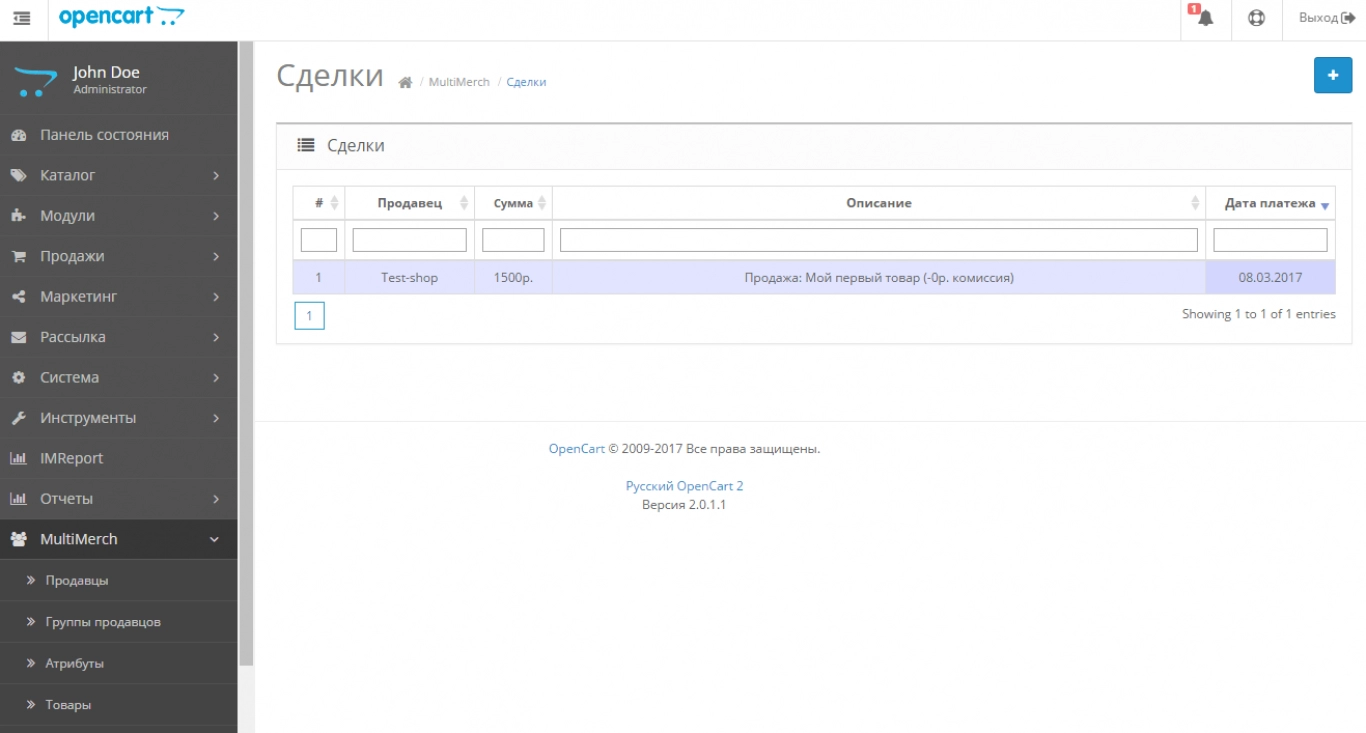
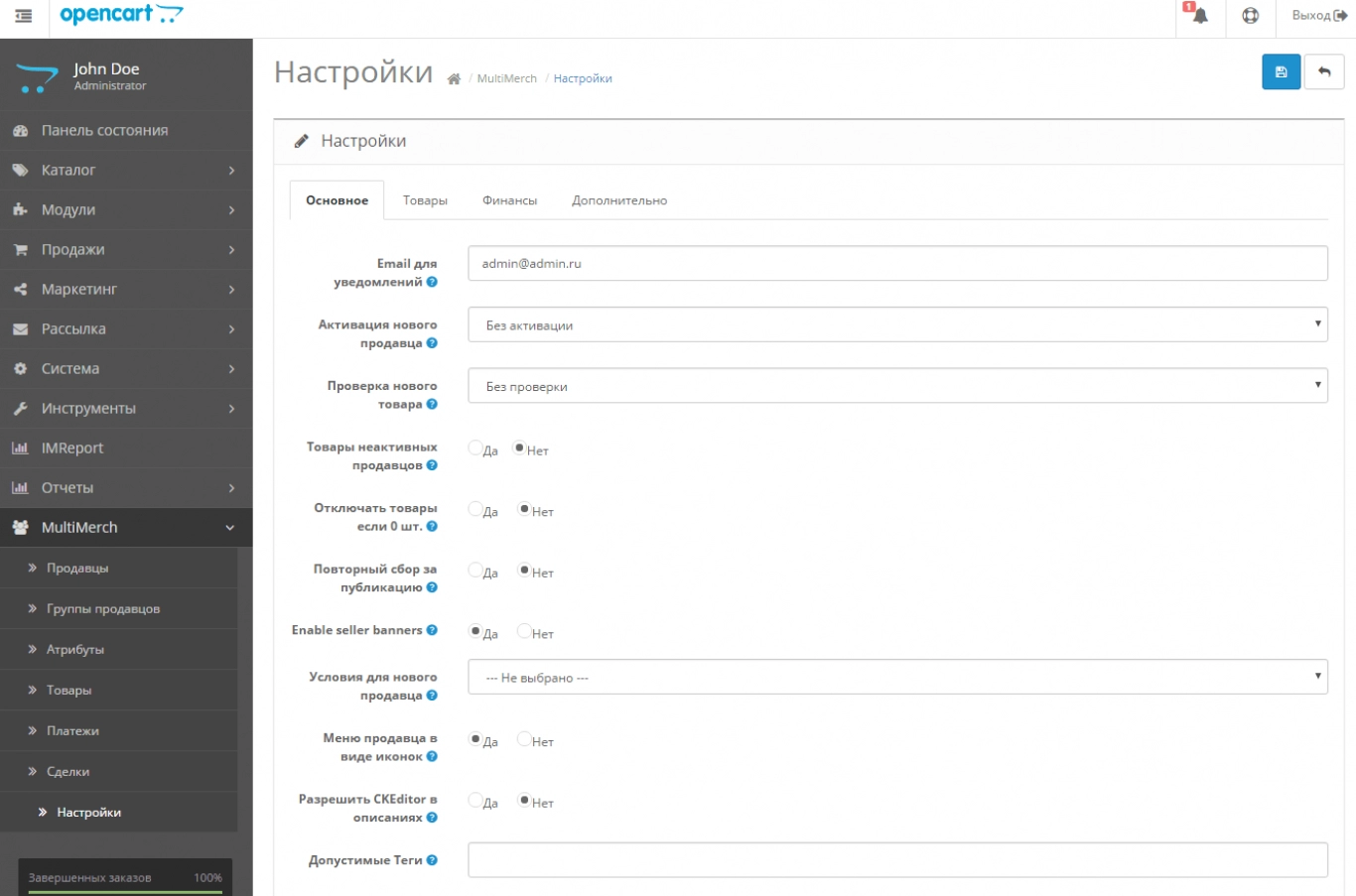
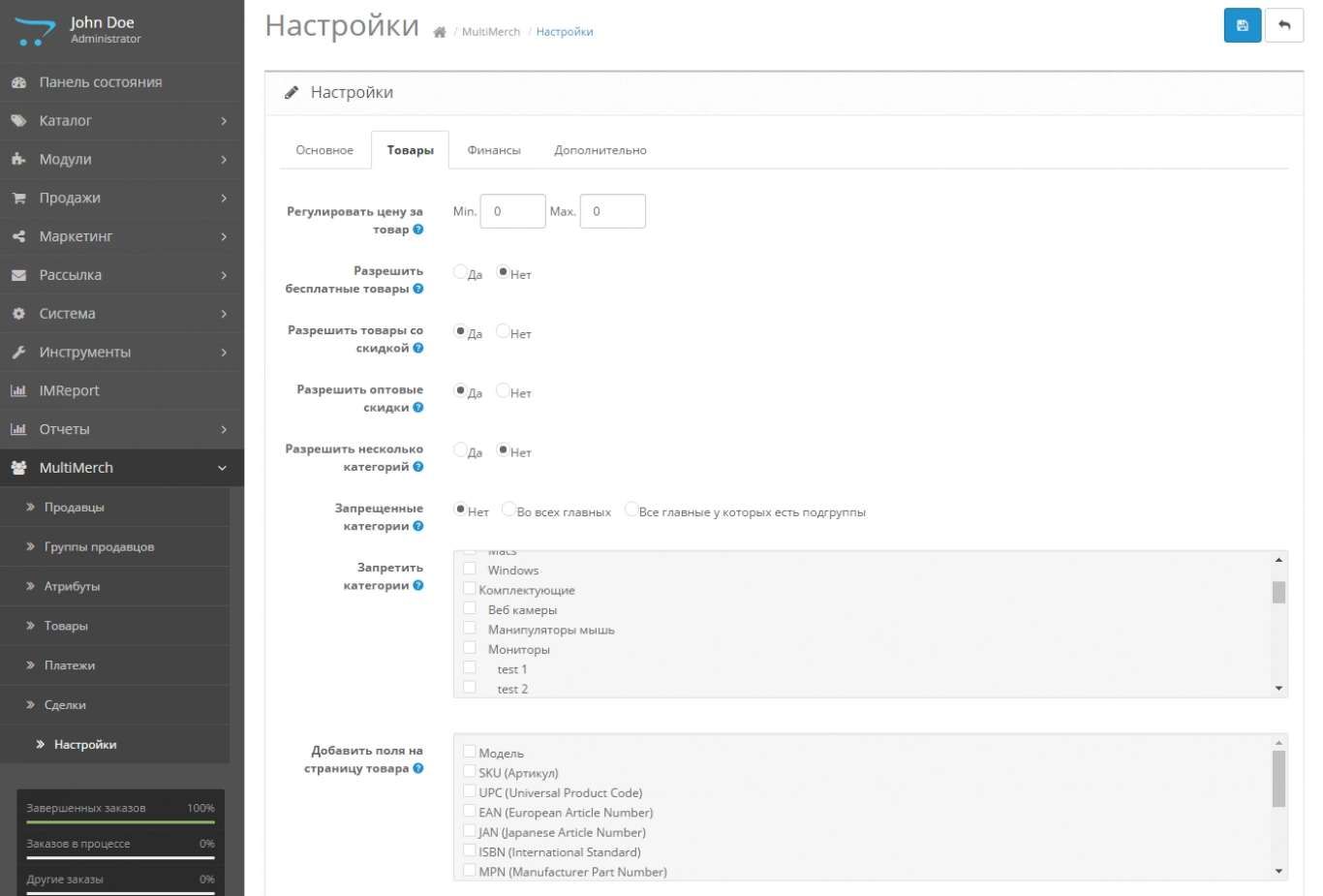
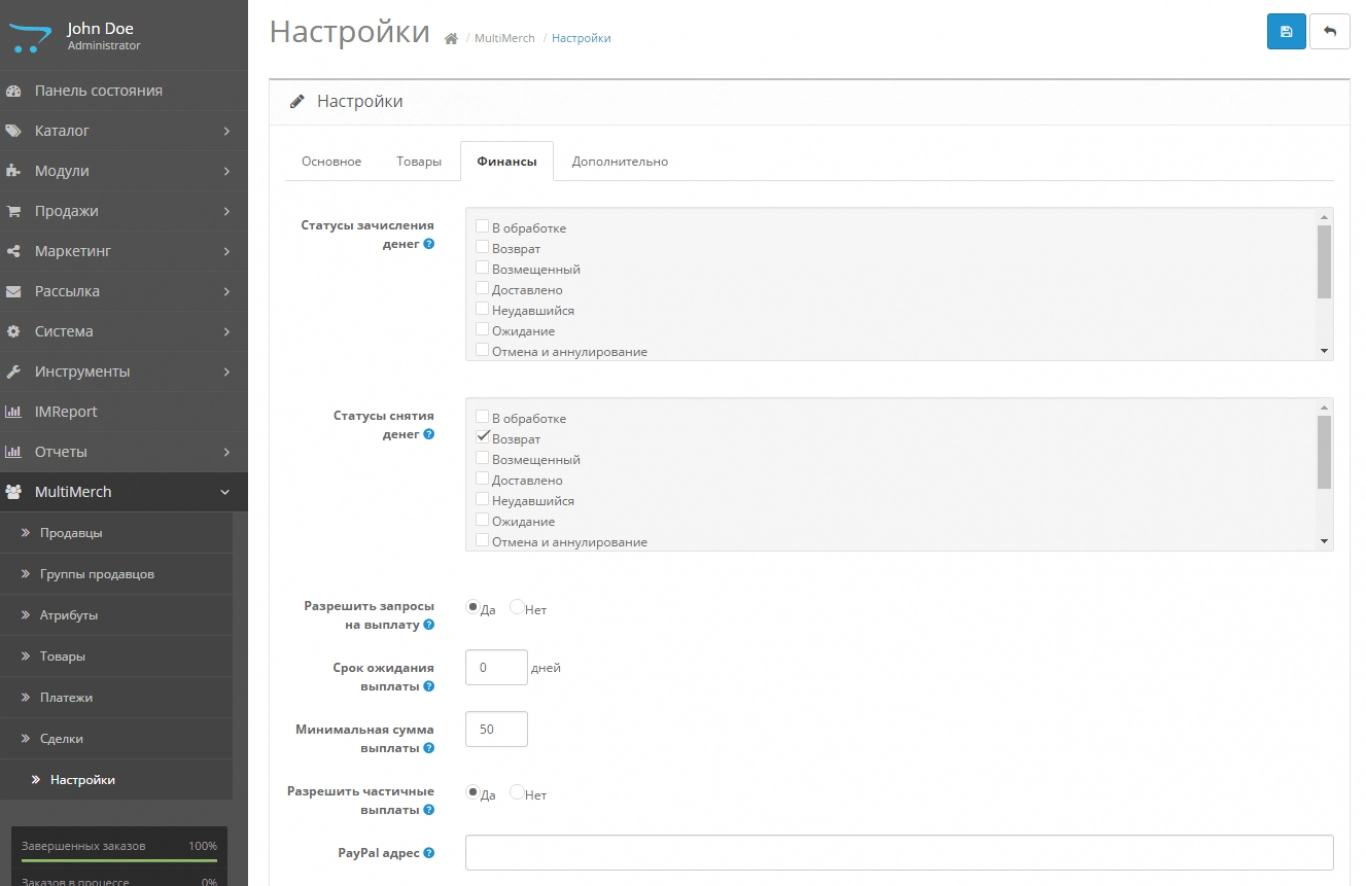
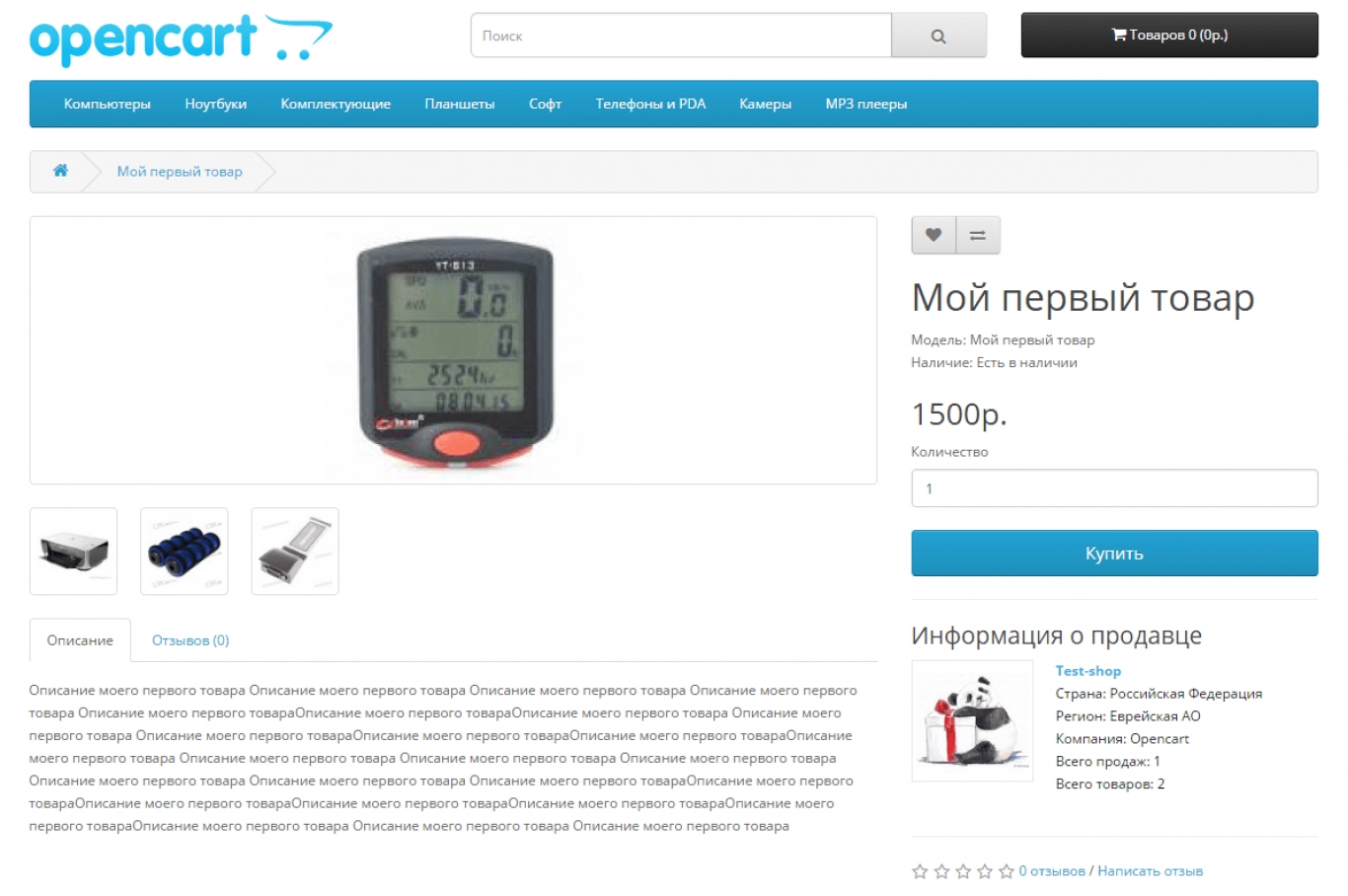
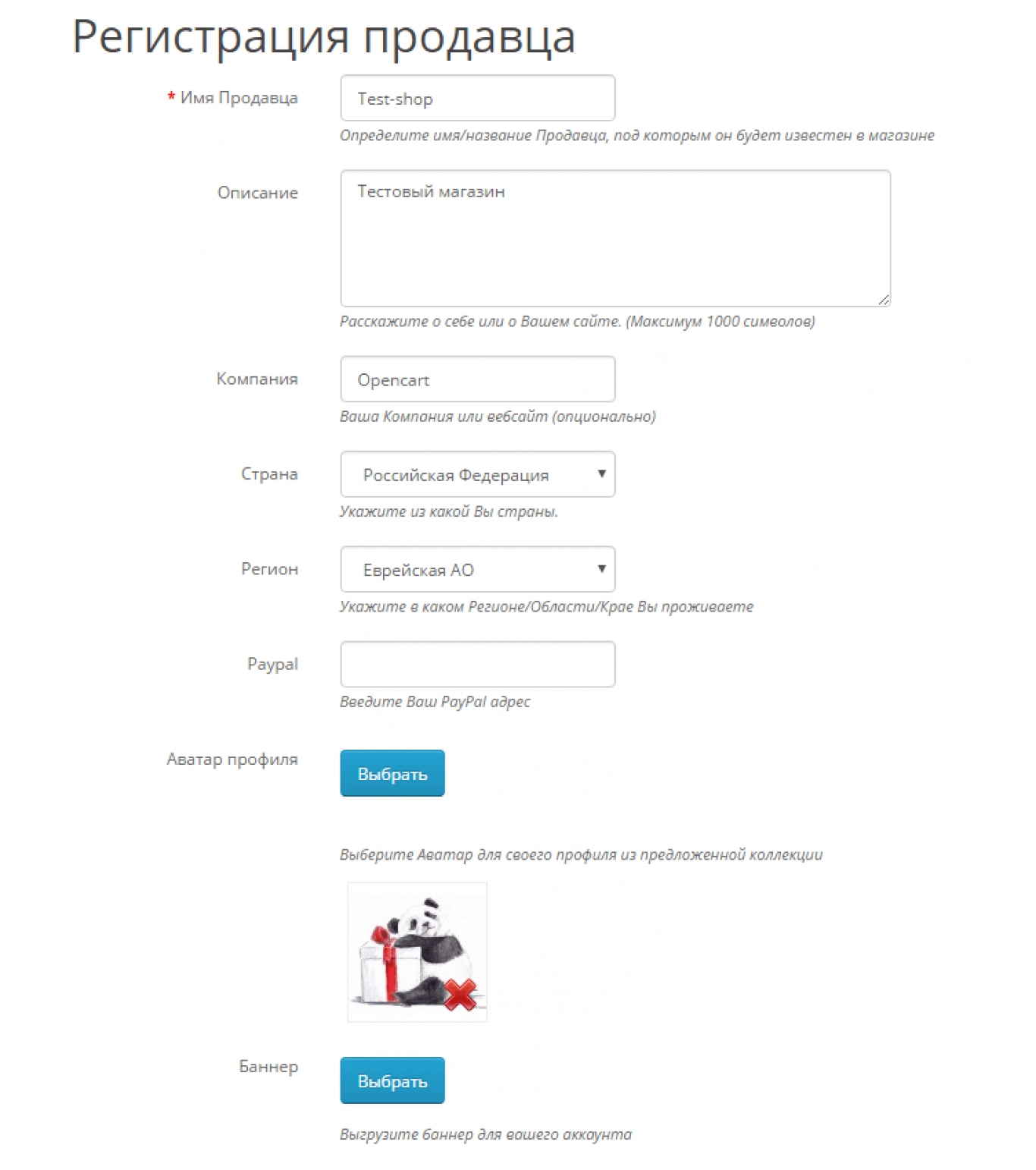
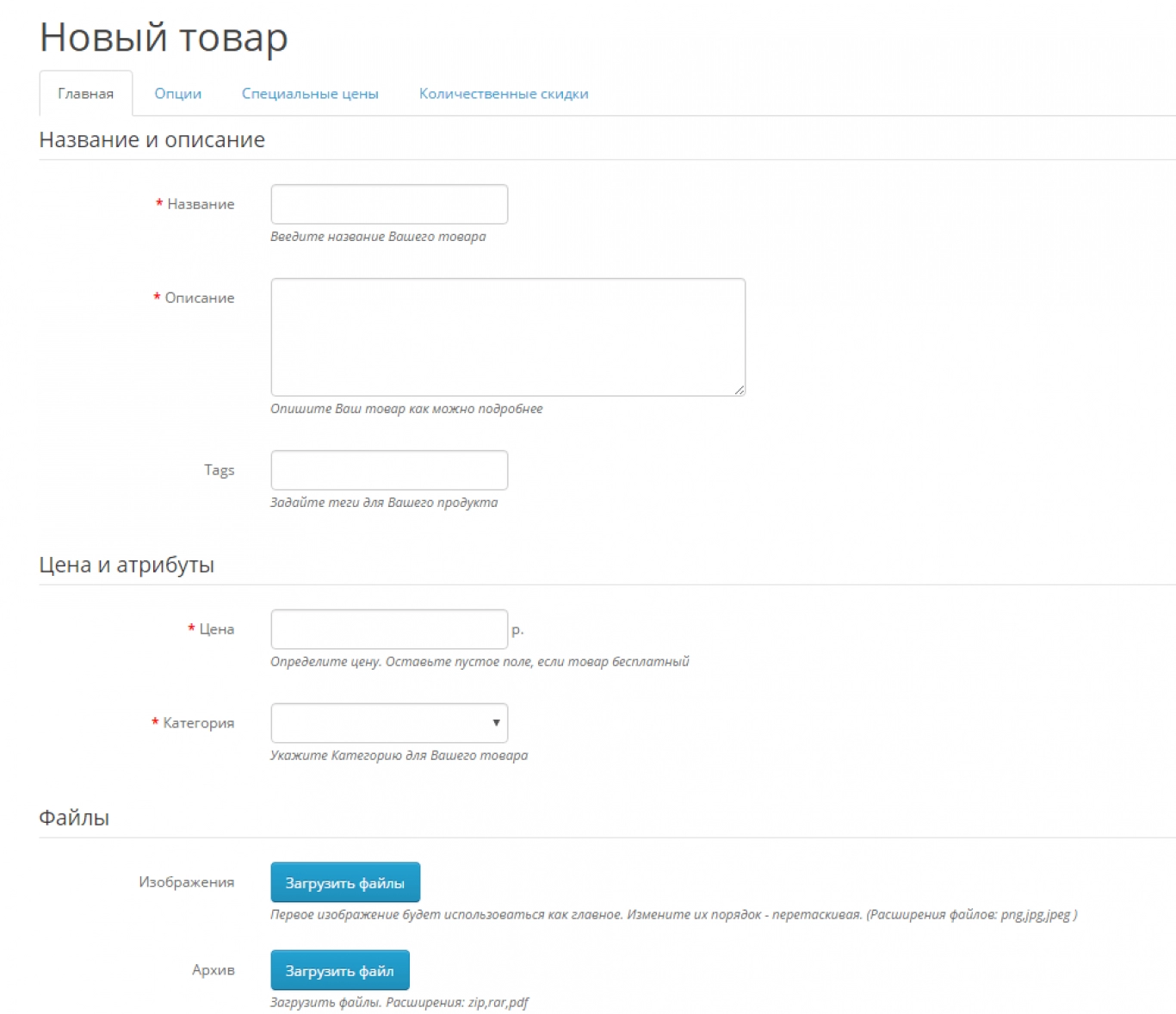
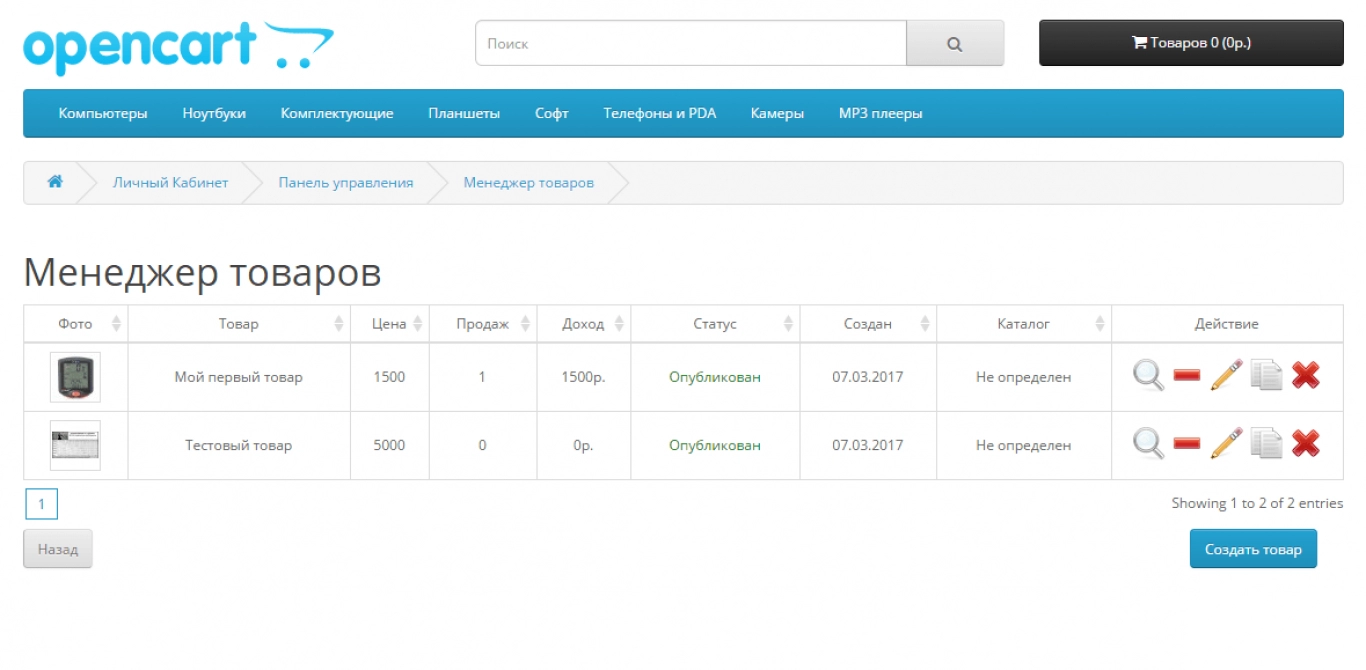
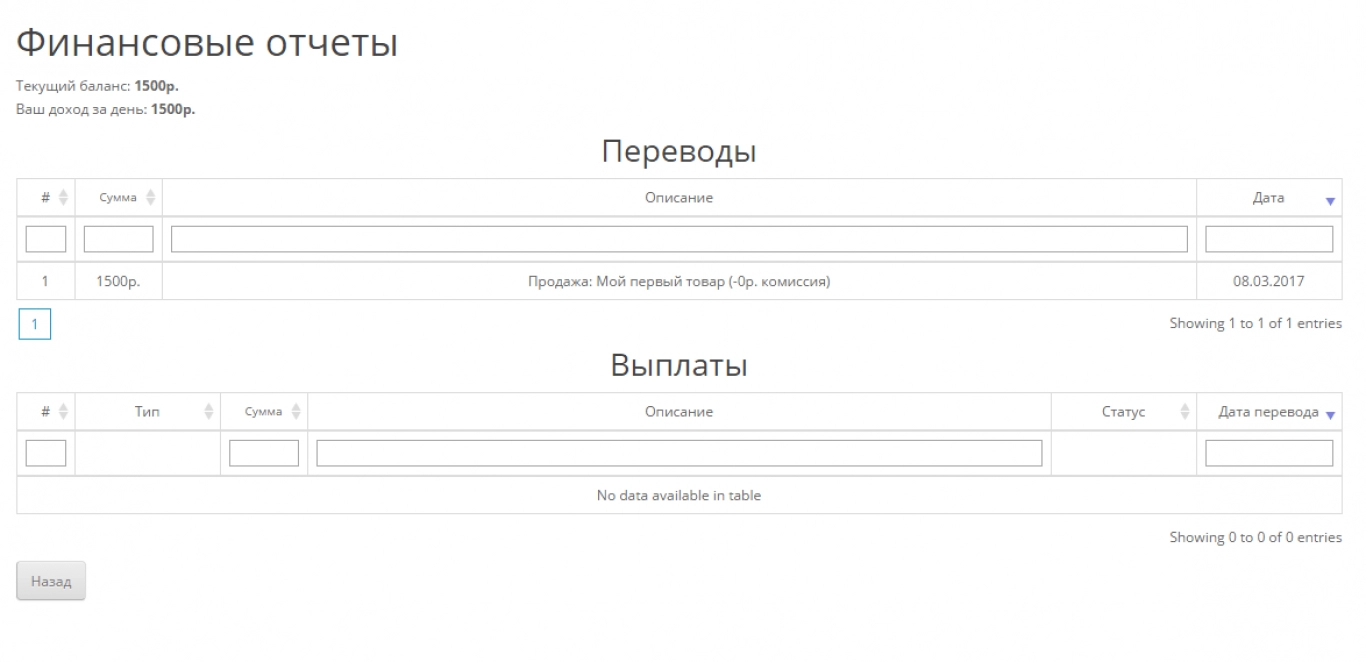
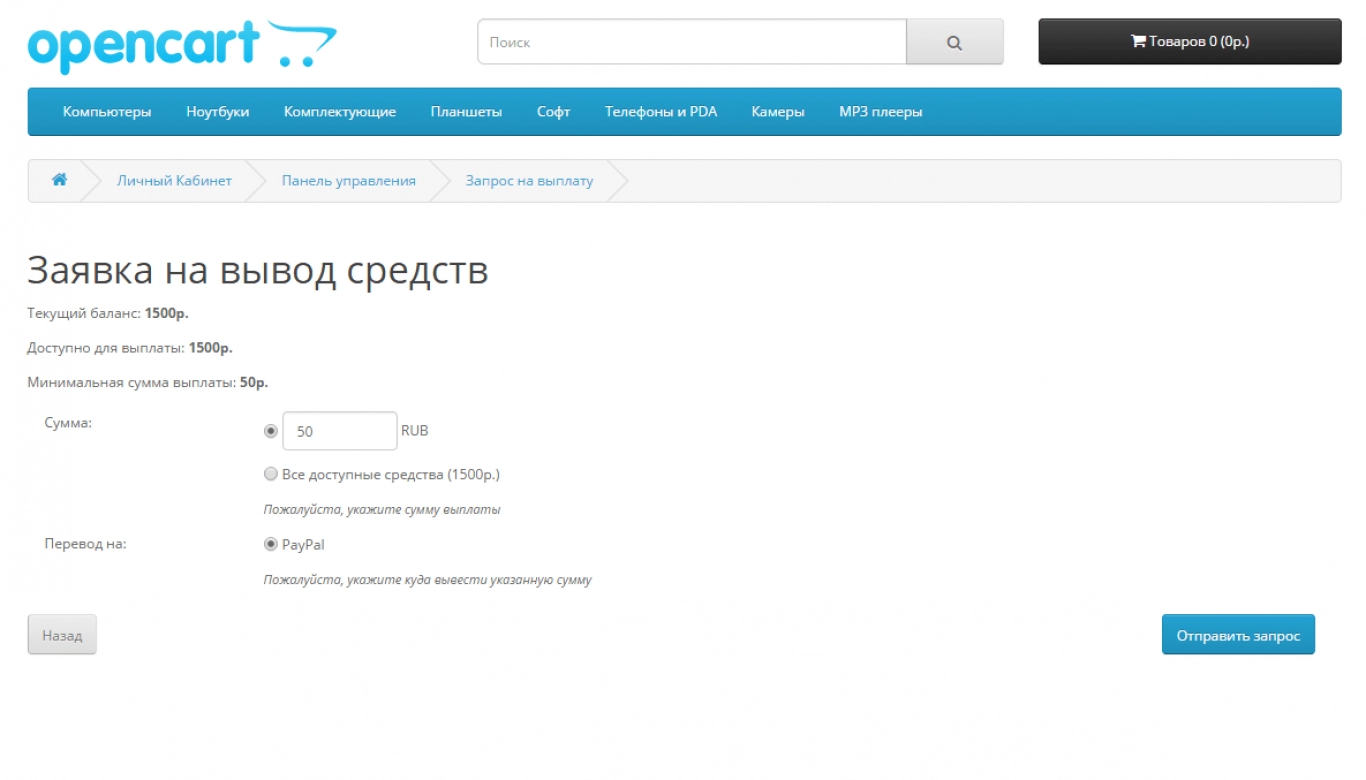
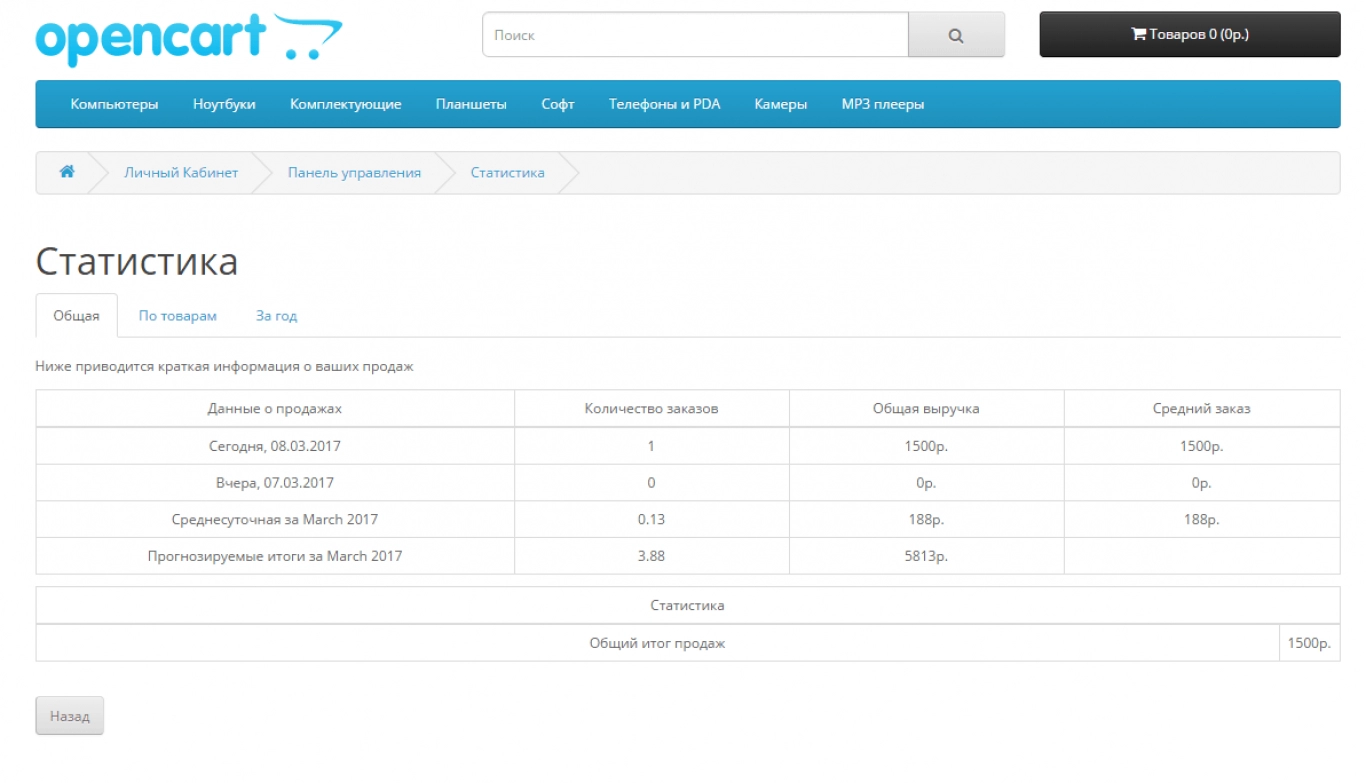
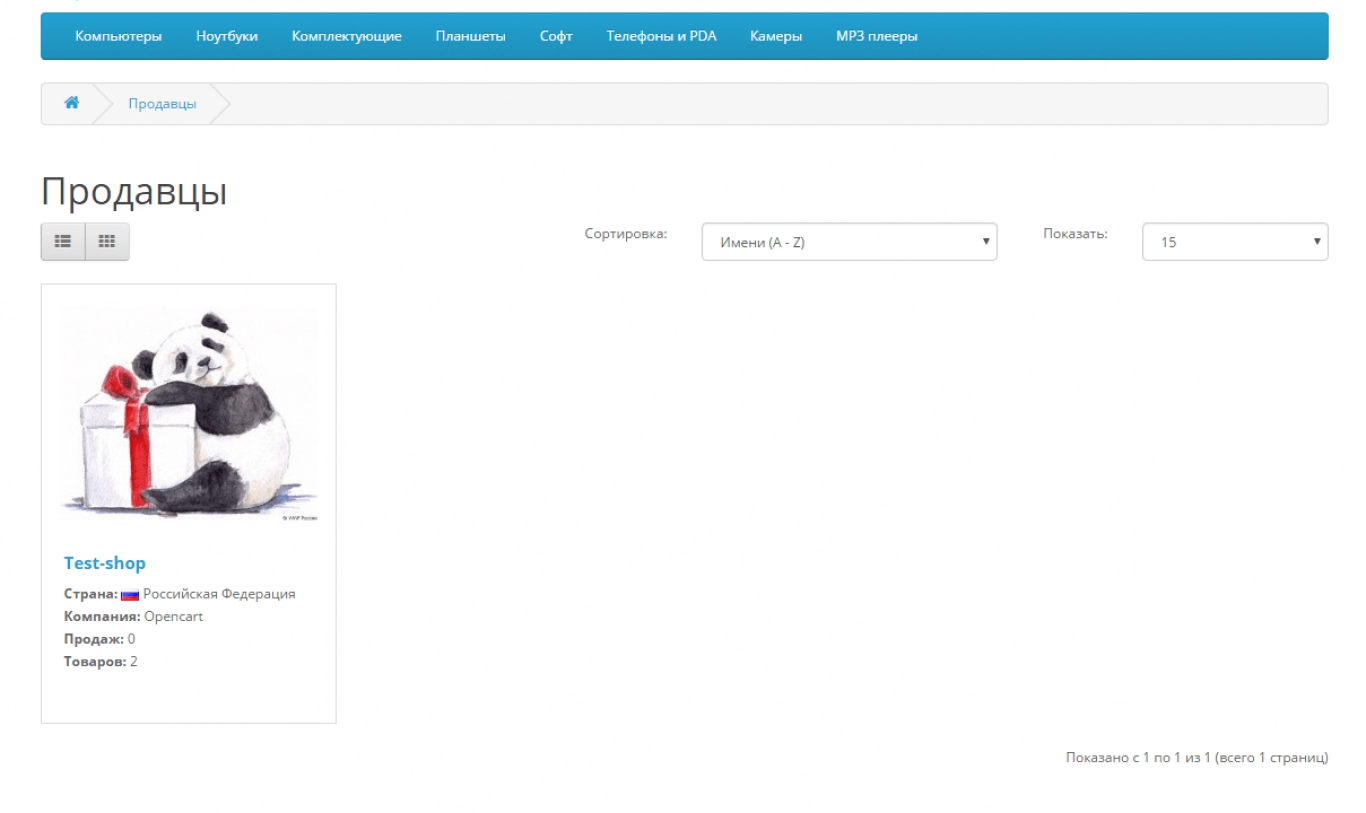
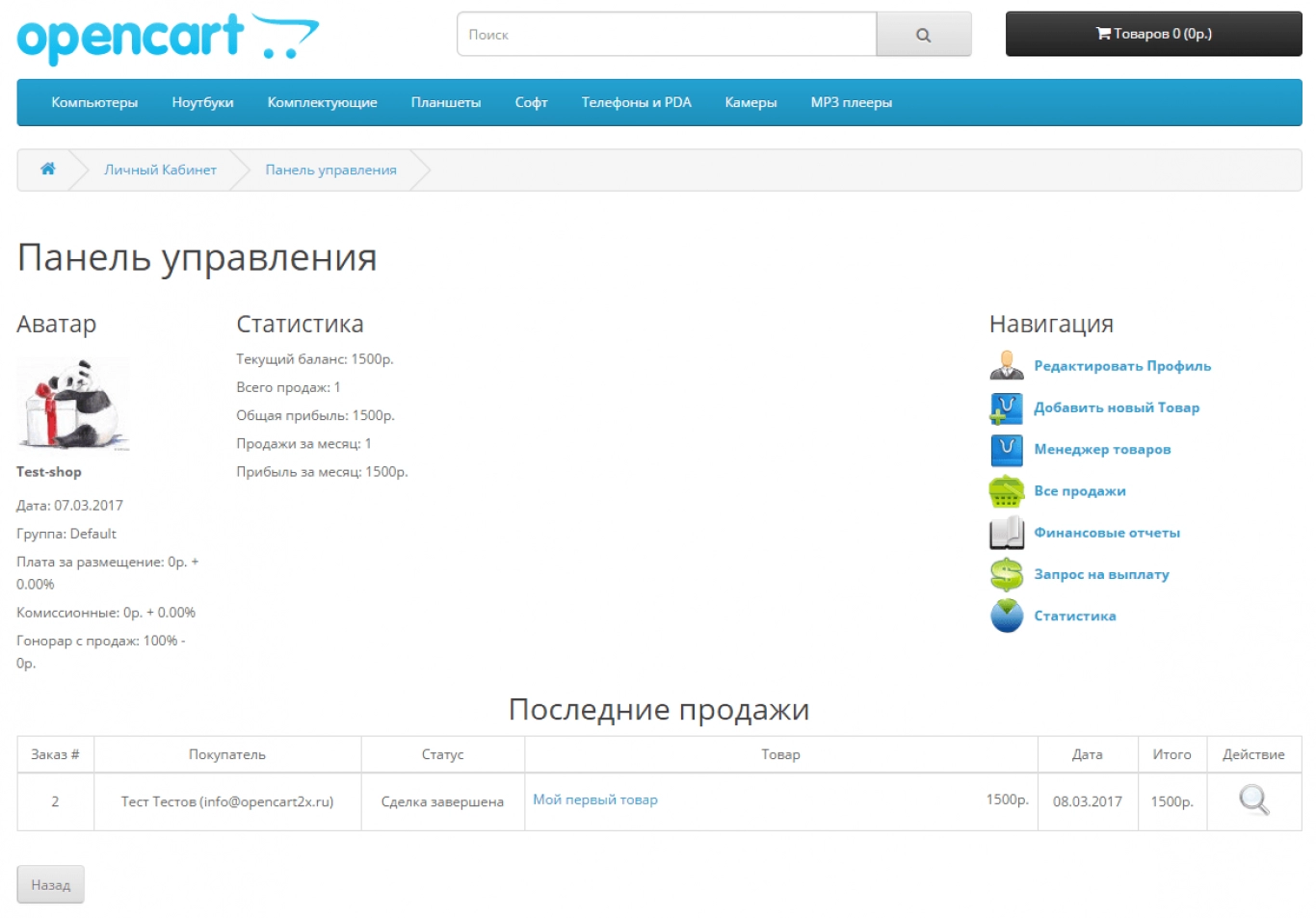
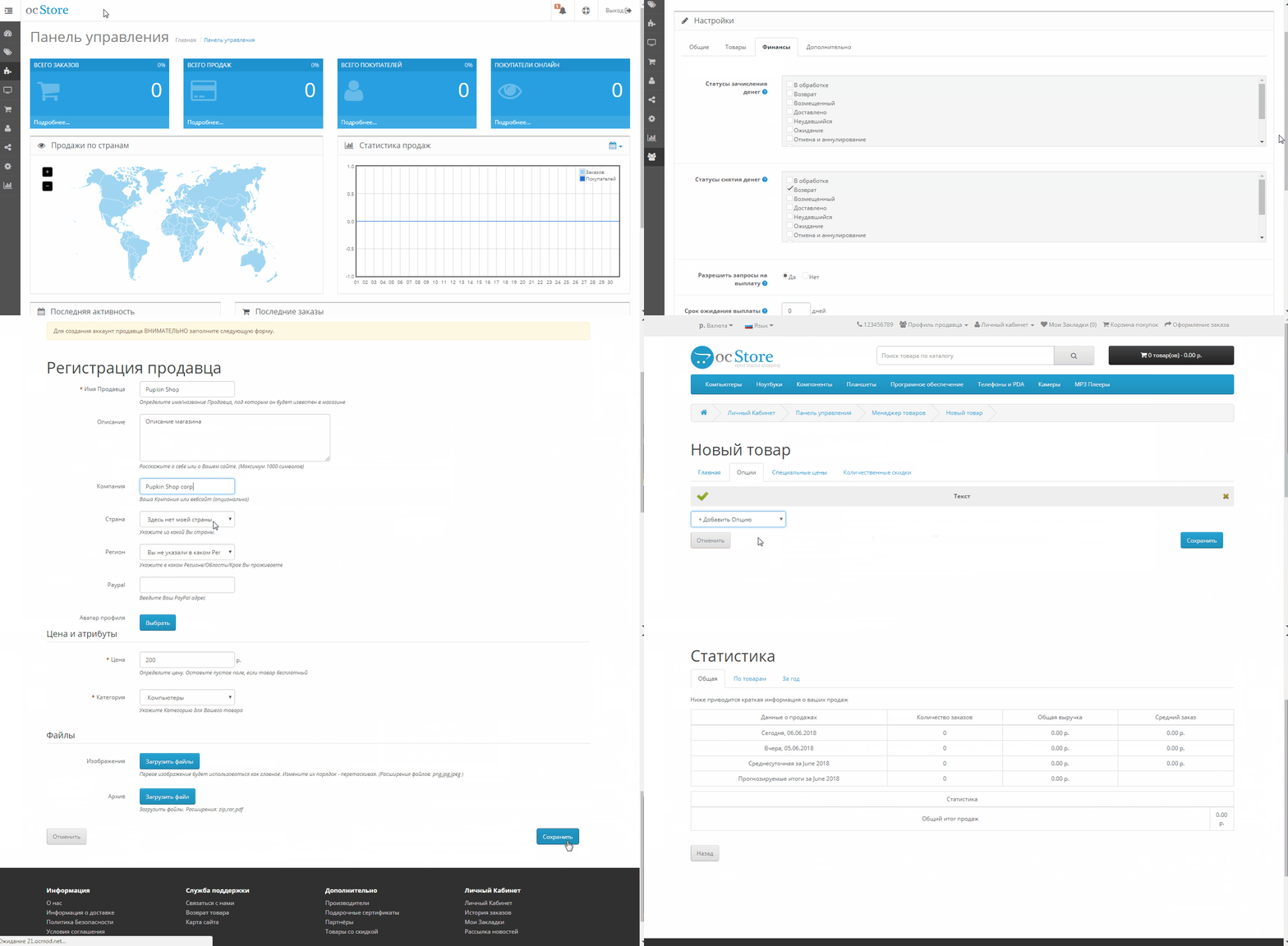
The main function of the module is to allow users to add their products through the front-end of the site. Thus, the module will allow you to create a bulletin board, a trading platform, an affiliate store, an affiliate system, a commission online store, a store with departments and managers, several sellers. That is, you can make anything from the Multimerch module. The module allows you to sell both physical and digital products, you can set the file formats allowed for downloading. Each seller can see his sales and earnings statistics.
What we have improved or how the module differs from others:
- This is an OCMOD version, that is, the module is installed through the site's admin panel.
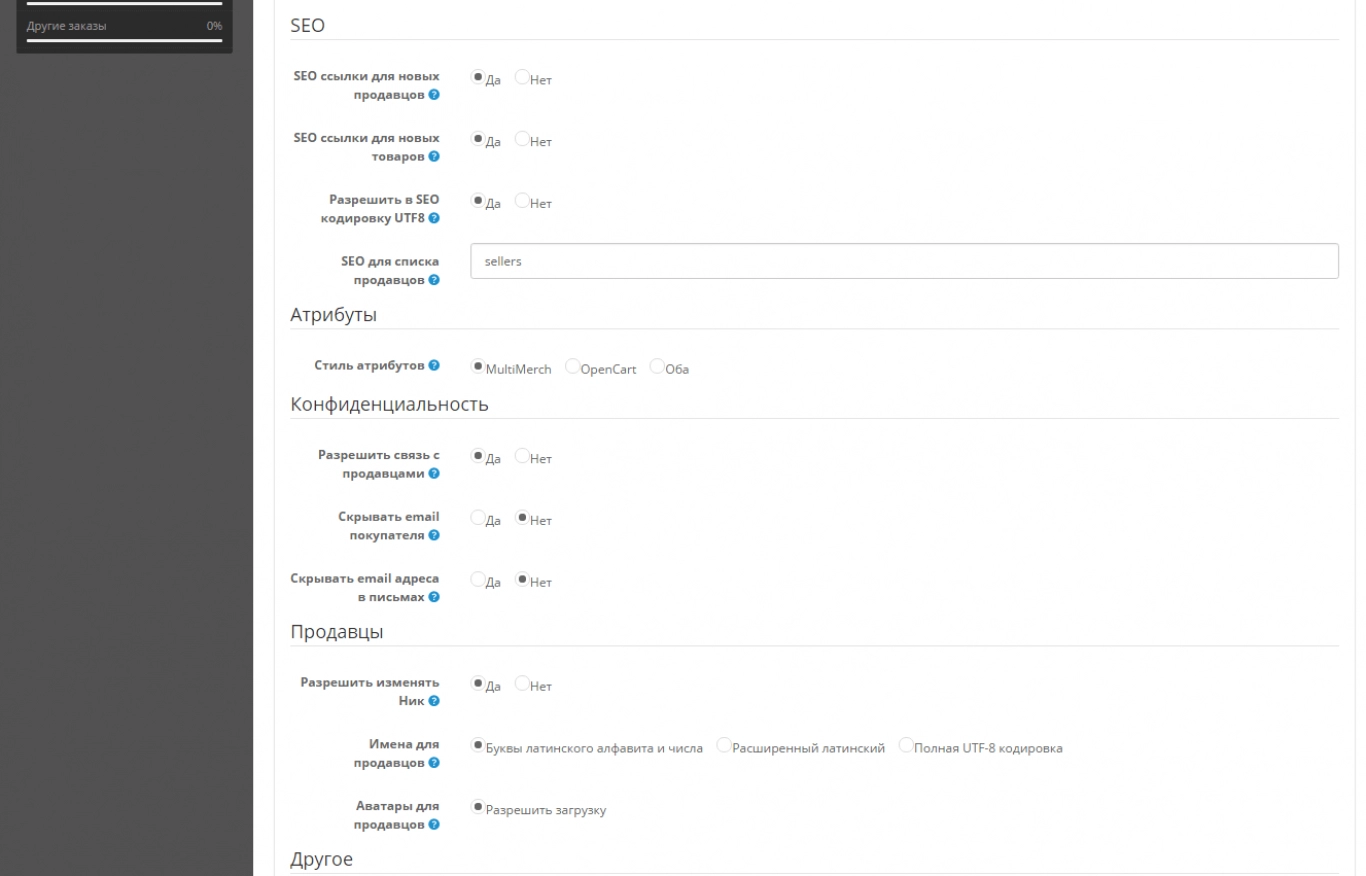
- Full support for SEO Pro and SEO URL, all links in the control panel will work with the CNC enabled.
- Automatic generation and filling of product fields: SEO Keyword, Meta Title, Meta Description, Meta Keywords, Model.
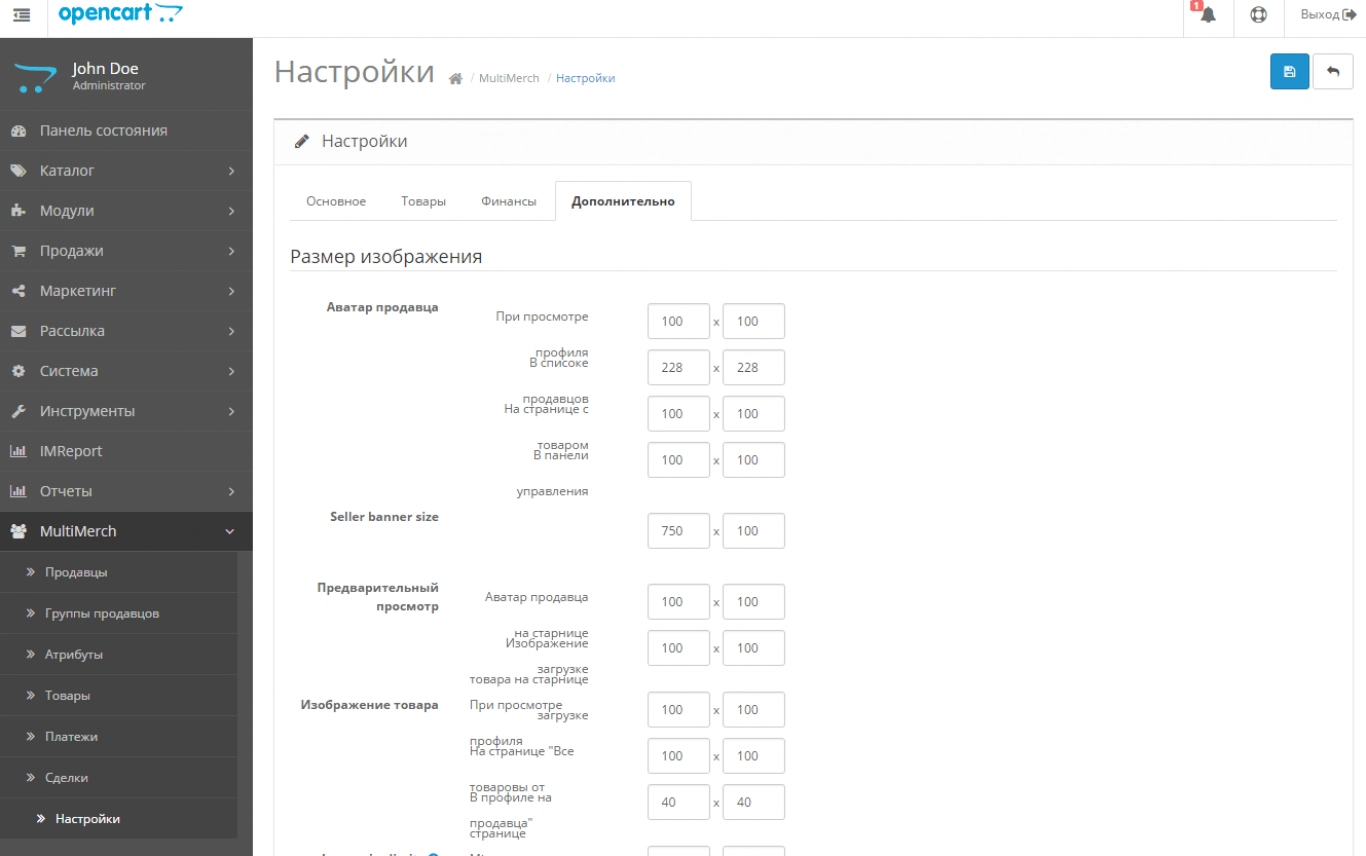
- Automatic compression of user-uploaded images on the fly (now there will be no errors on the product page when the uploaded photo is too large)
- Automatic character filter and transliteration of uploaded image titles.
- Russification of the module by 95%.
- Adaptation of Multimerch Marketplace on Opencart 2.1

 multimerch-marketplace_oc20-21.ocmod.zip
There are no reviews for this product, be the first to leave your review.
No questions about this product, be the first and ask your question.
Module installation instructions:
- Before performing any actions related to installing an add-on in Opencart, we recommend creating a backup copy of all site files and the store database ;
- Install the localcopy fix (if you don't have it installed yet)
- Download the module file for the desired Opencart version from our website ( Follow the installation instructions if there are any in the module archive );
- Then go to the "Installing add-ons/extensions" section and click on the " Download " button;
- Select the downloaded file and wait for the module to be fully installed and for the text "Application installed successfully" to appear;
- After that, go to " Application Manager " and update the modifiers by clicking the " Update " button;
- After these actions, you need to add the rights to view and manage the module in the " User Groups " section for the administrator or other users you select by clicking " Select All ".





