


Module Gifts by amount, quantity, selected item in cart for OpenCart
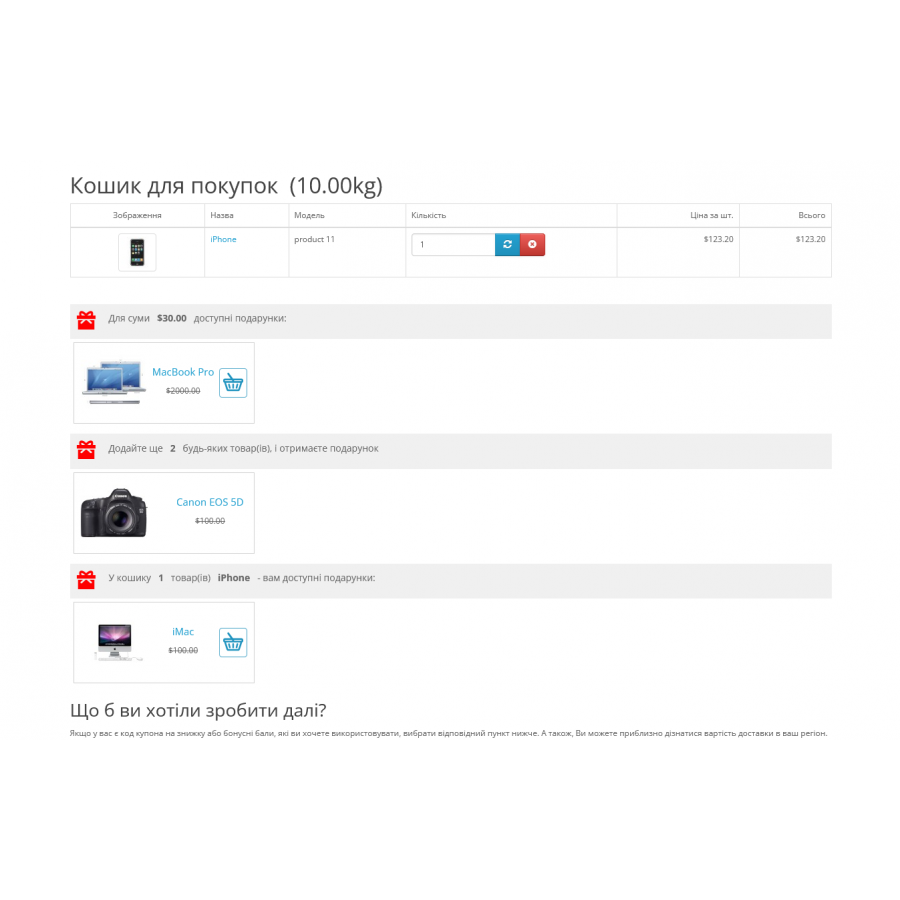
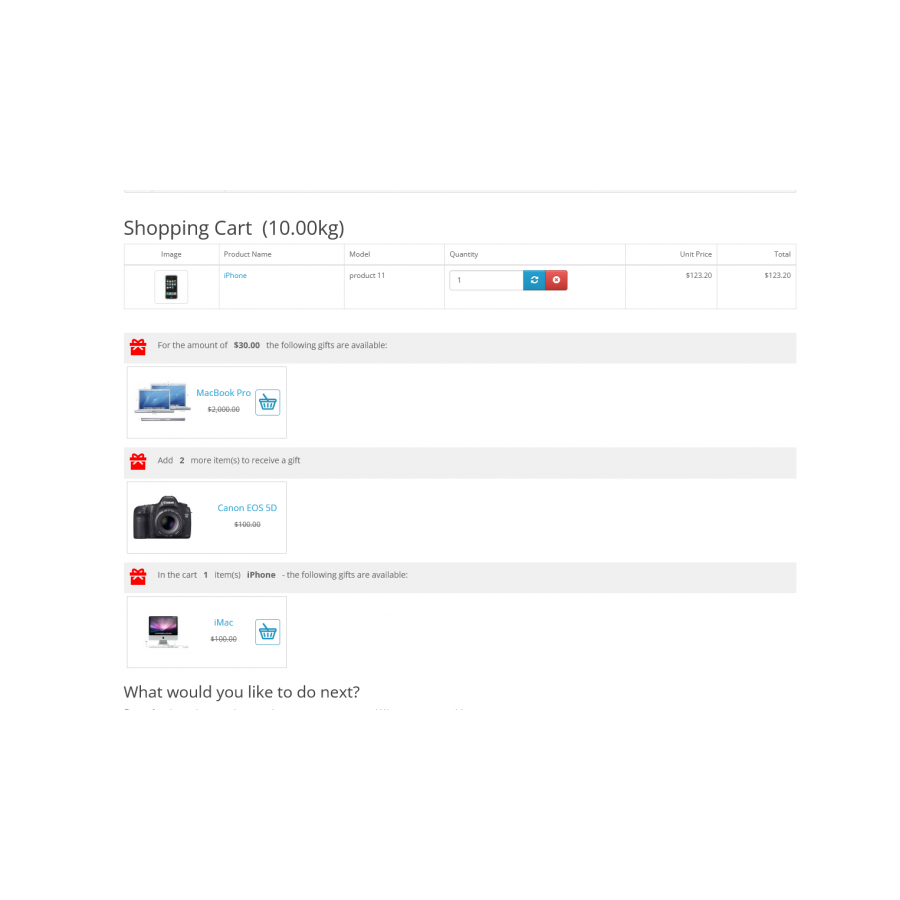
The "Gifts in Cart" module allows you to create promotions involving the provision of gifts based on various criteria in your OpenCart or ocStore online store. With this module, you can implement promotions that stimulate purchases and automatically calculate gifts depending on the purchase amount, the total number of products or the number of a specific product in the cart.
The main capabilities of the module:
-
Types of shares:
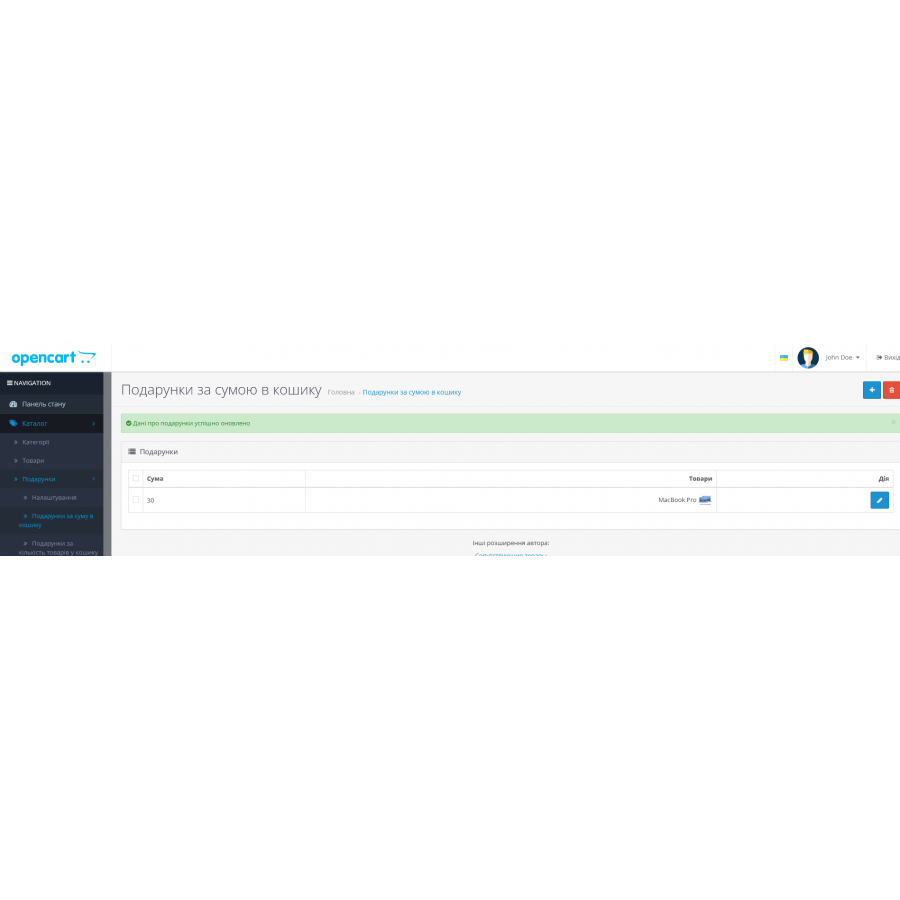
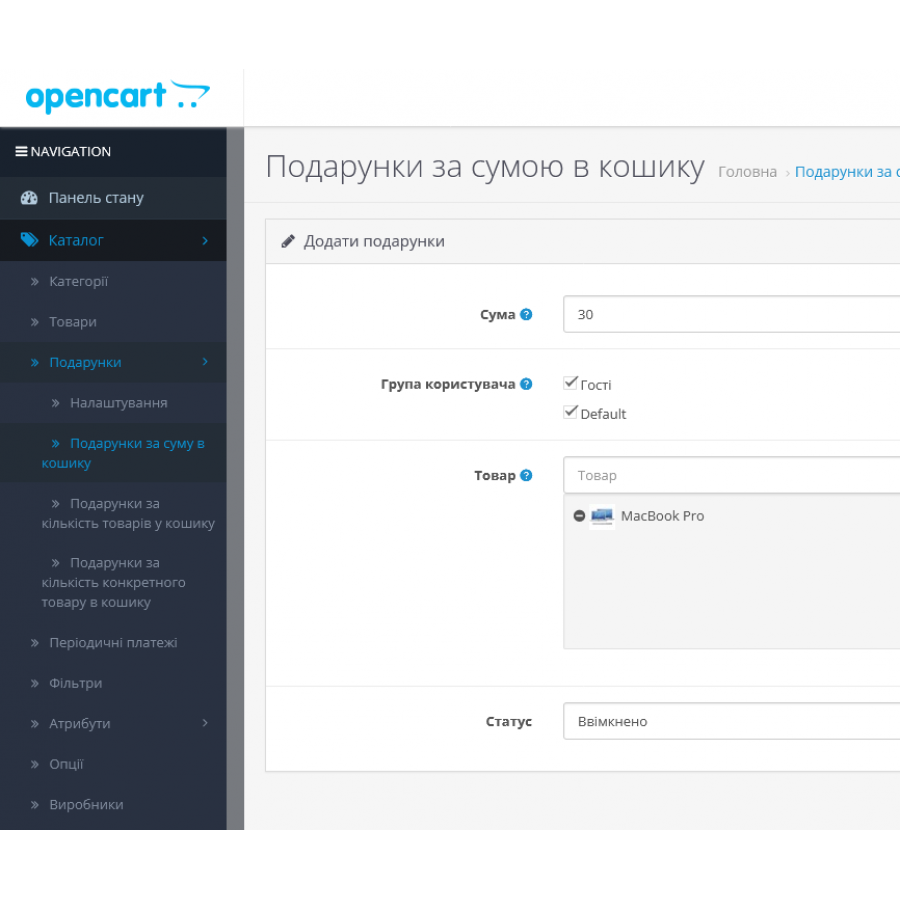
- Gift for the amount of items in the cart: Determine what gift the buyer will receive if the amount of items in the cart reaches a certain value.
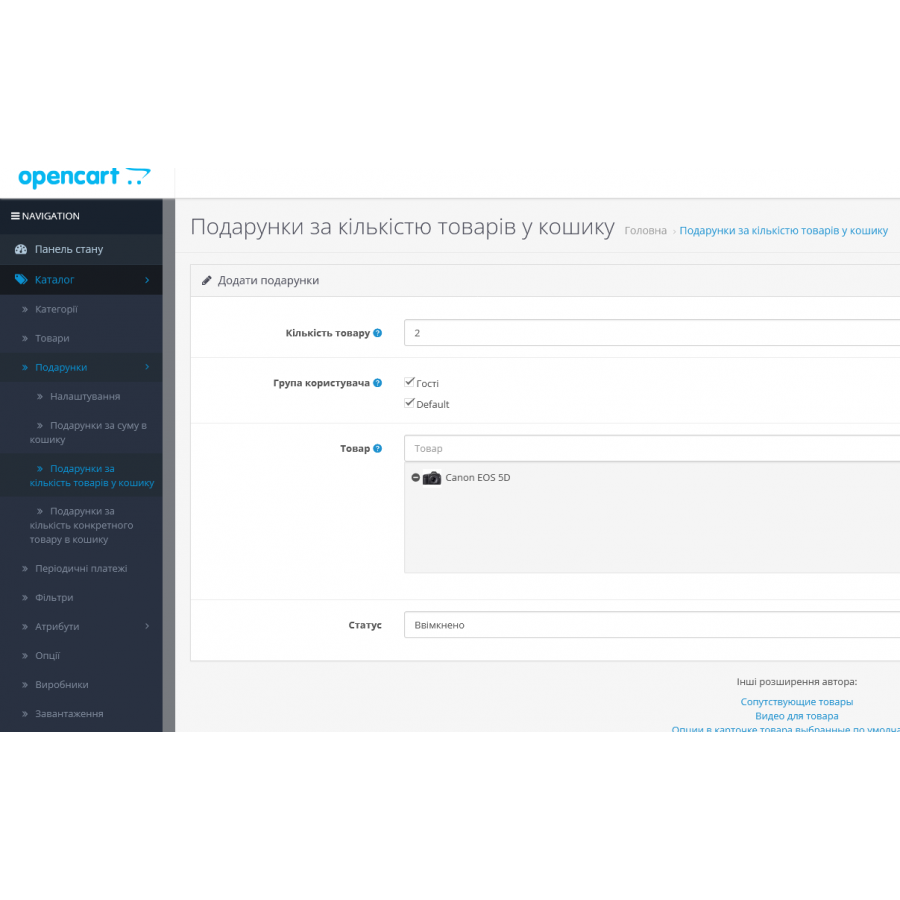
- Gift for the total number of products in the cart: Assign a gift for reaching a certain number of products in the cart.
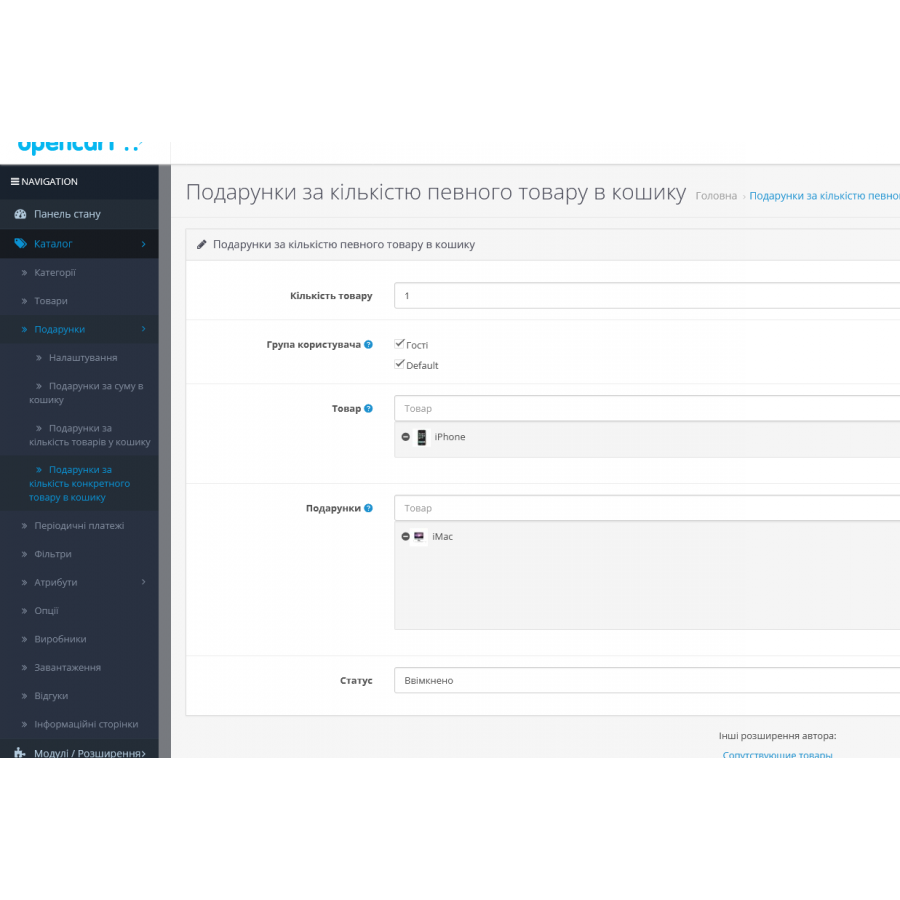
- Gift for the quantity of a specific product in the cart: Give a gift for the purchase of a specified quantity of a specific product.
-
Multilingual texts: The module supports multilingualism, which allows you to adapt the texts of gift promotions for different languages.
-
User groups: Ability to set up promotions for specific user groups.
-
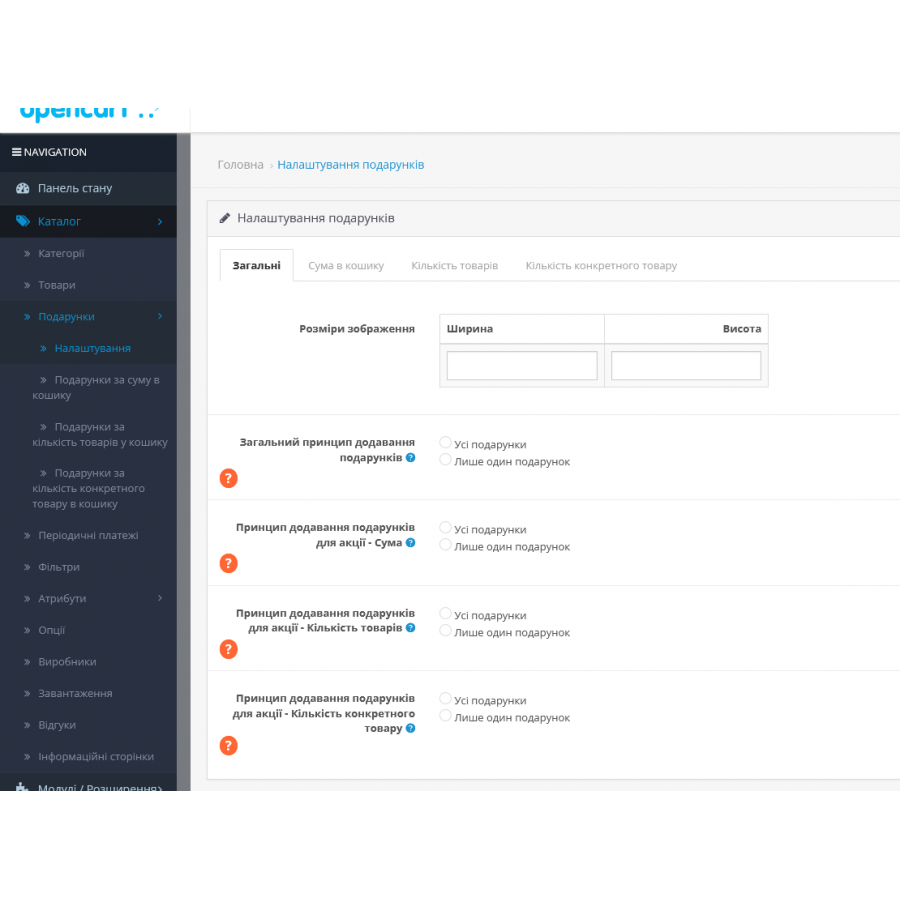
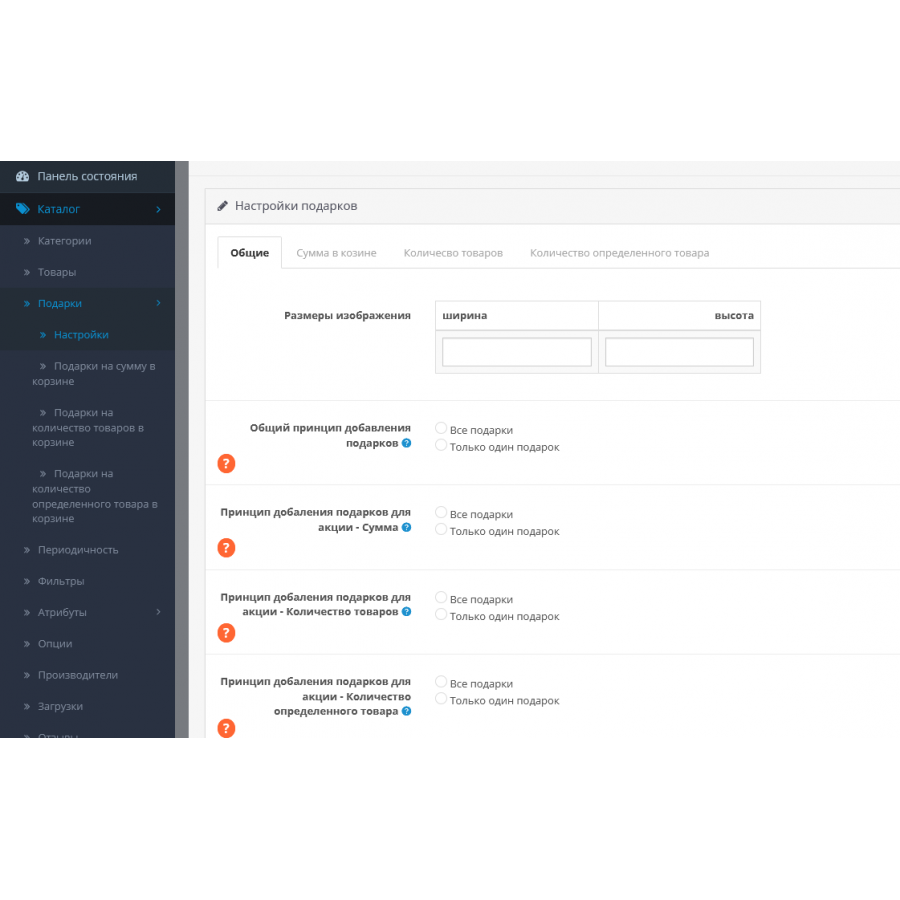
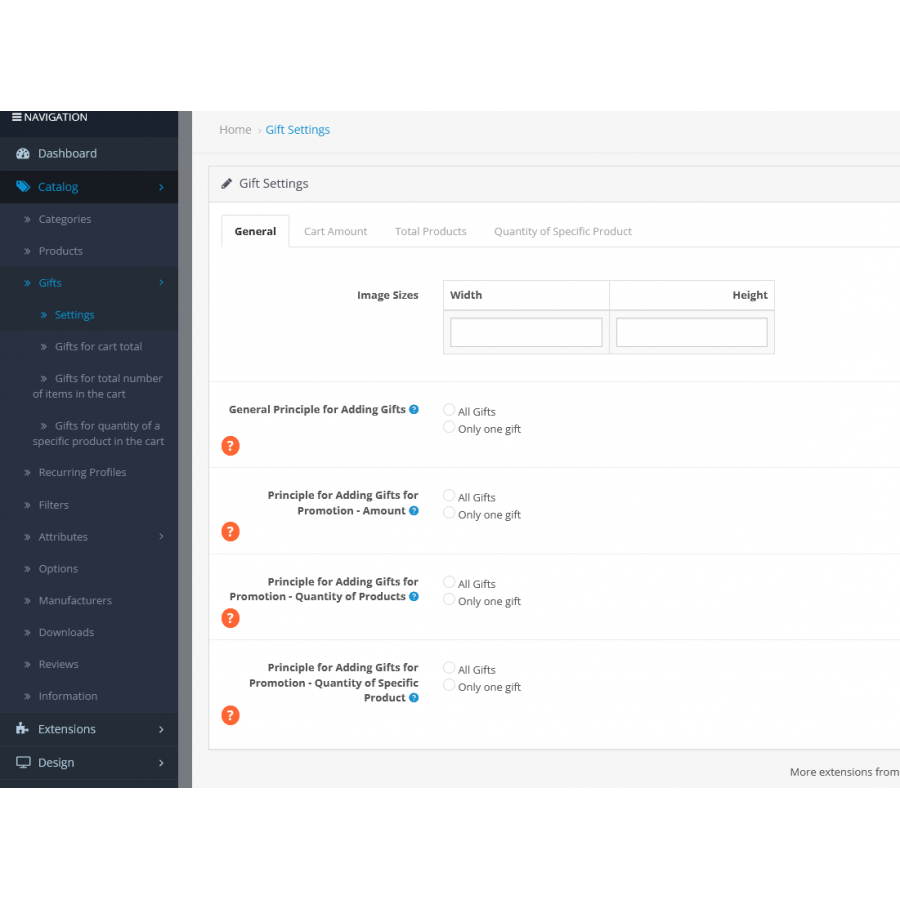
Principles of choosing gifts:
- One gift from all types of promotions: In this mode, the user can choose only one gift from all available promotions. When adding a new gift, the previously selected one will be deleted.
- One gift from each type of promotion: The user can choose one gift from each type of promotion. For example, upon reaching the amount of UAH 1,000, the user chooses one gift, and upon reaching UAH 2,000 - another. At the same time, the previous gift will be deleted.
- All gifts for each type of promotion: User can choose gifts for all types of promotions at the same time.
Installation instructions:
-
Downloading the archive:
- For opencart/ocstore 2.3, use the
gift_oc_2.3.ziparchive. - For opencart/ocstore 3.x, use the
gift_oc_3.x.ziparchive.
- For opencart/ocstore 2.3, use the
-
Unzip the archive: Unzip the archive on your computer.
-
Installing the OCMOD archive: Go to the admin panel, menu "Install extensions" and download the OCMOD archive.
-
Additional setup for Simple: If you are using Simple (Simple registration and ordering), set the
ocmod.xmlfile for Simple:- For opencart/ocstore 2.3 :
gift_simple_oc2.3.ocmod.xml. - For opencart/ocstore 3.x :
gift_simple_oc3.ocmod.xml.
- For opencart/ocstore 2.3 :
-
Update Modifiers: Go to the "Modifiers" menu and update your modifiers.
-
Assigning rights to users: Go to the menu "System" > "Users" > "User groups" and assign rights to manage the module.
-
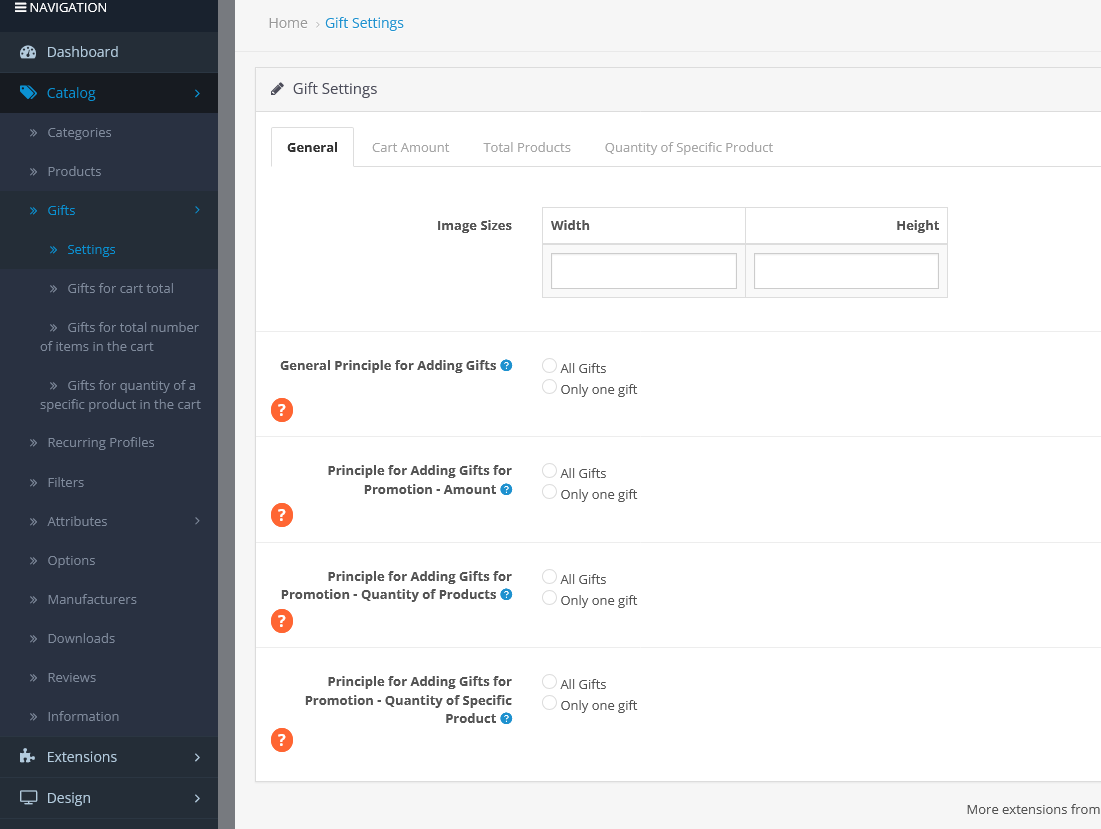
Creating tables: A new "Gifts" item will appear in the admin panel. Go to the settings and click the "Create Tables" button to create the necessary tables for the module to work.
Now you can start creating promotions and customizing gifts for your online store.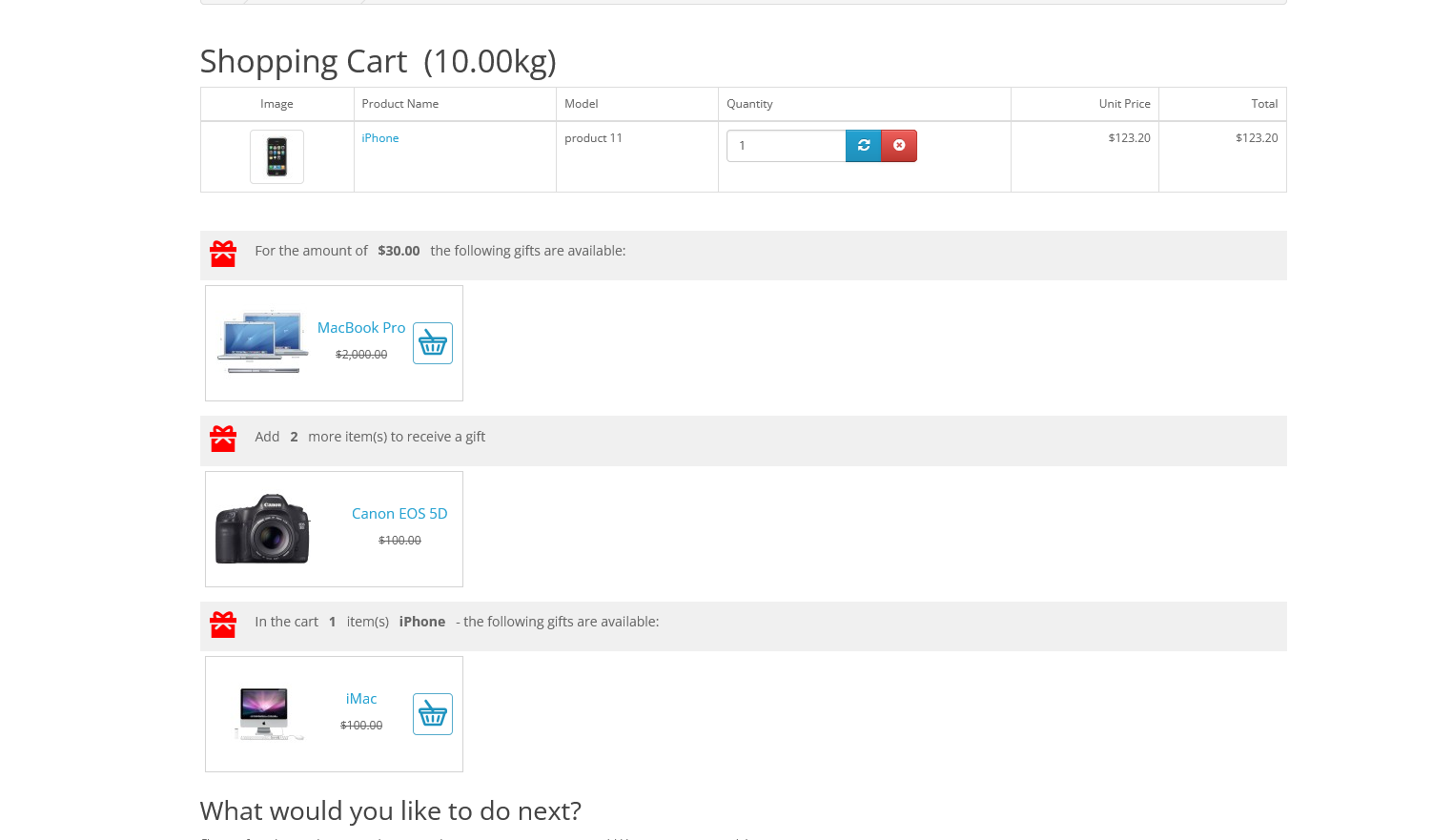
There are no reviews for this product, be the first to leave your review.
No questions about this product, be the first and ask your question.
Module installation instructions:
- Before performing any actions related to installing an add-on in Opencart, we recommend creating a backup copy of all site files and the store database ;
- Install the localcopy fix (if you don't have it installed yet)
- Download the module file for the desired Opencart version from our website ( Follow the installation instructions if there are any in the module archive );
- Then go to the "Installing add-ons/extensions" section and click on the " Download " button;
- Select the downloaded file and wait for the module to be fully installed and for the text "Application installed successfully" to appear;
- After that, go to " Application Manager " and update the modifiers by clicking the " Update " button;
- After these actions, you need to add the rights to view and manage the module in the " User Groups " section for the administrator or other users you select by clicking " Select All ".






