All about product
Description
Specification
Reviews
1
Questions0
Installing the module


Messenger Widget 3.0 module for OpenCart
Product Code: 375
Version: 3.0
In Stock
450 грн
Main specifications
PHP:
7.2-7.4
Compatibility:
3.0.0.0, 3.0.1.1, 3.0.1.2, 3.0.2.0, 3.0.3.0, 3.0.3.1, 3.0.3.2, 3.0.3.3, 3.0.3.5, 3.0.3.6, 3.0.3.7, 3.0.3.8
Localization:
Russian, Ukrainian, English
Ocmod:
No
Adaptation to your store:
Paid
All specifications
Description
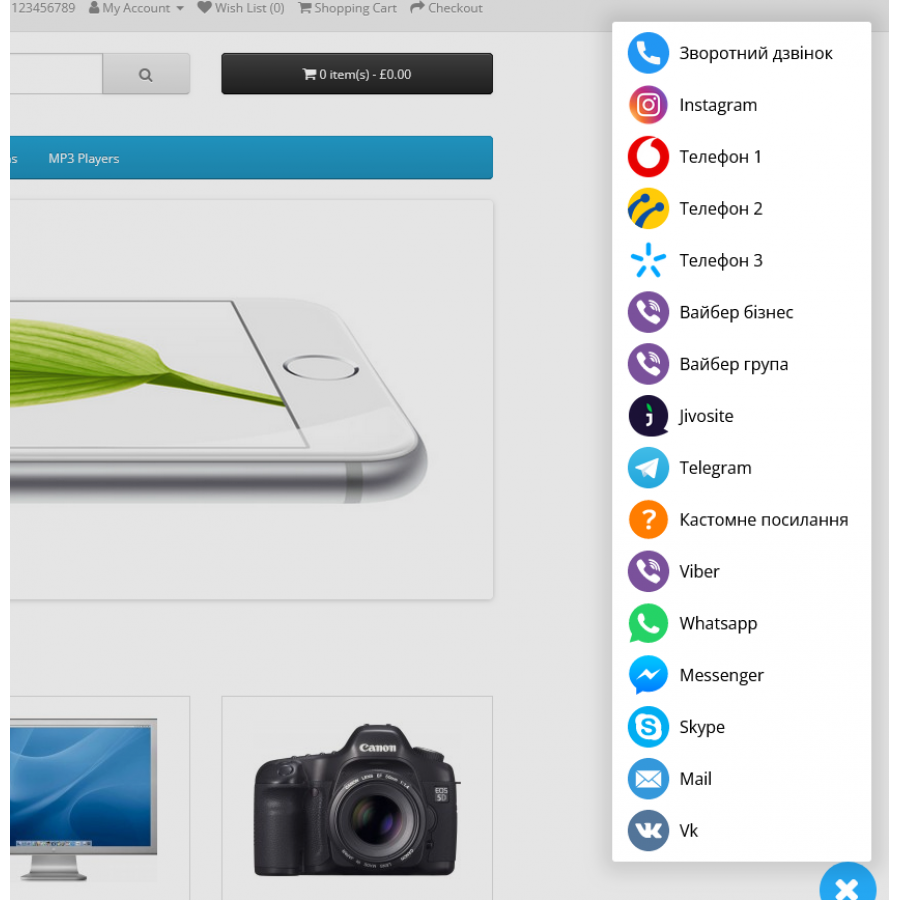
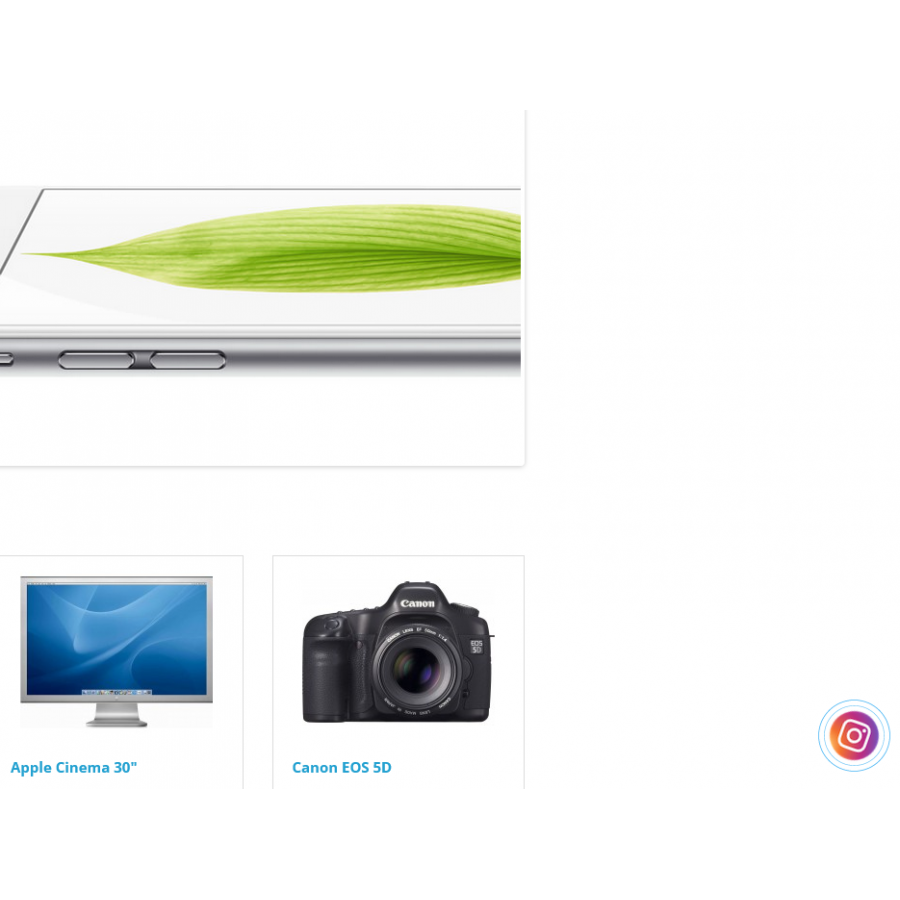
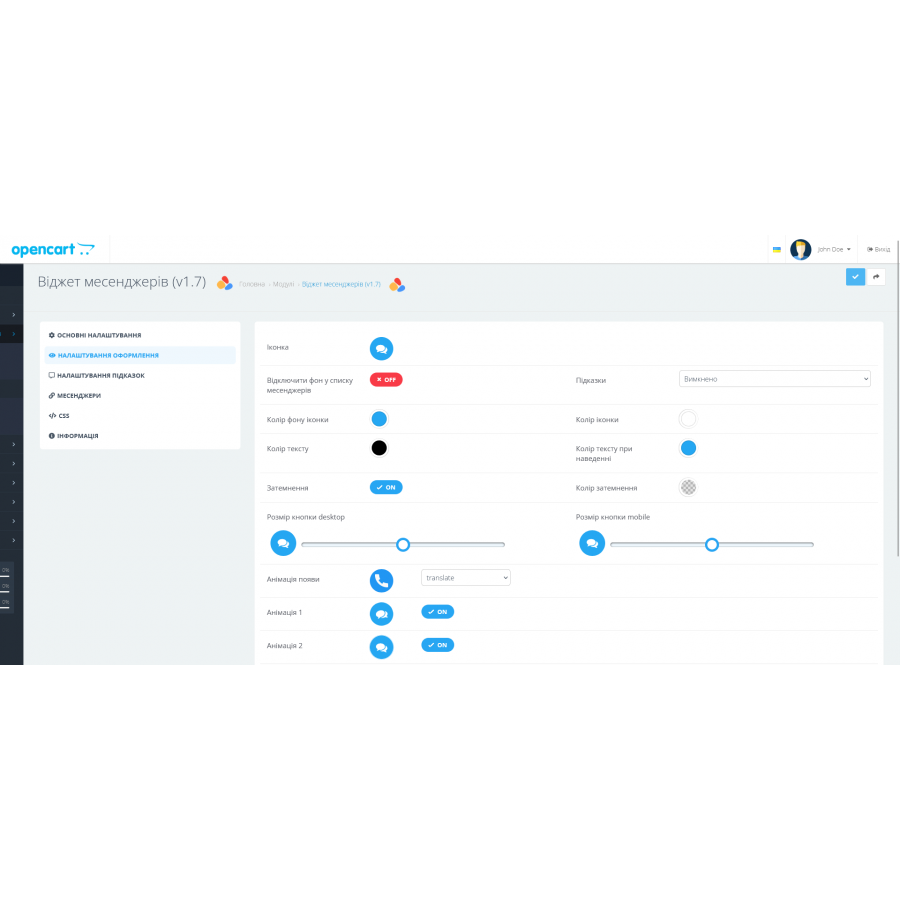
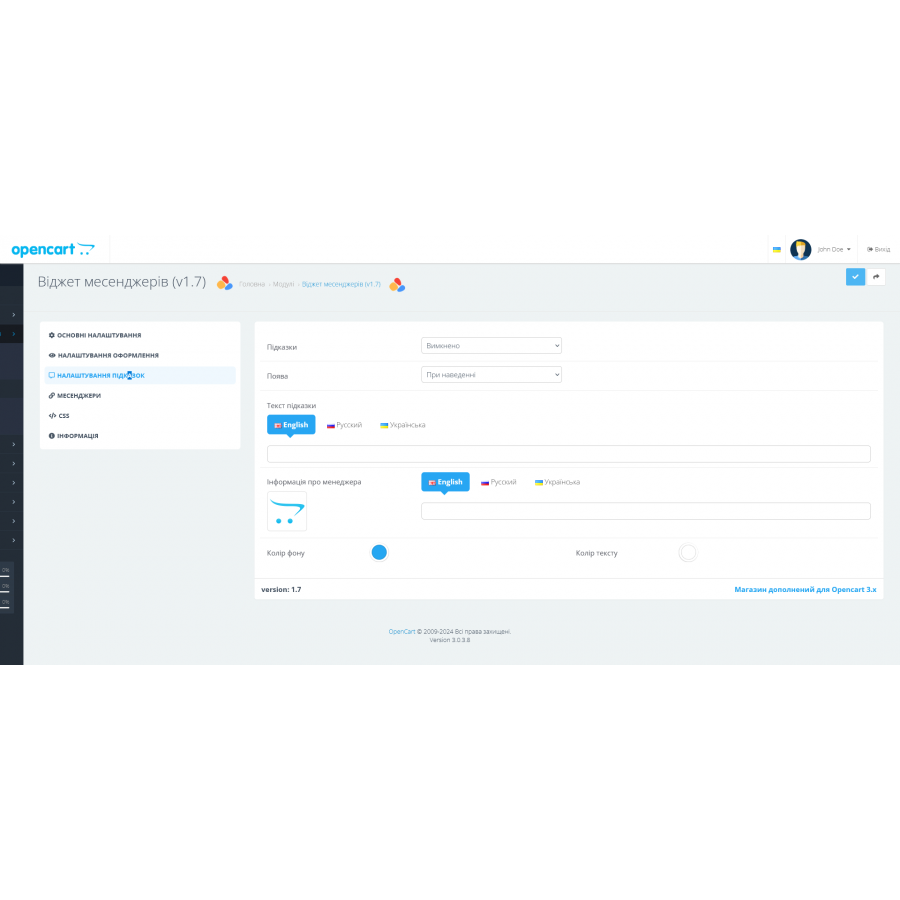
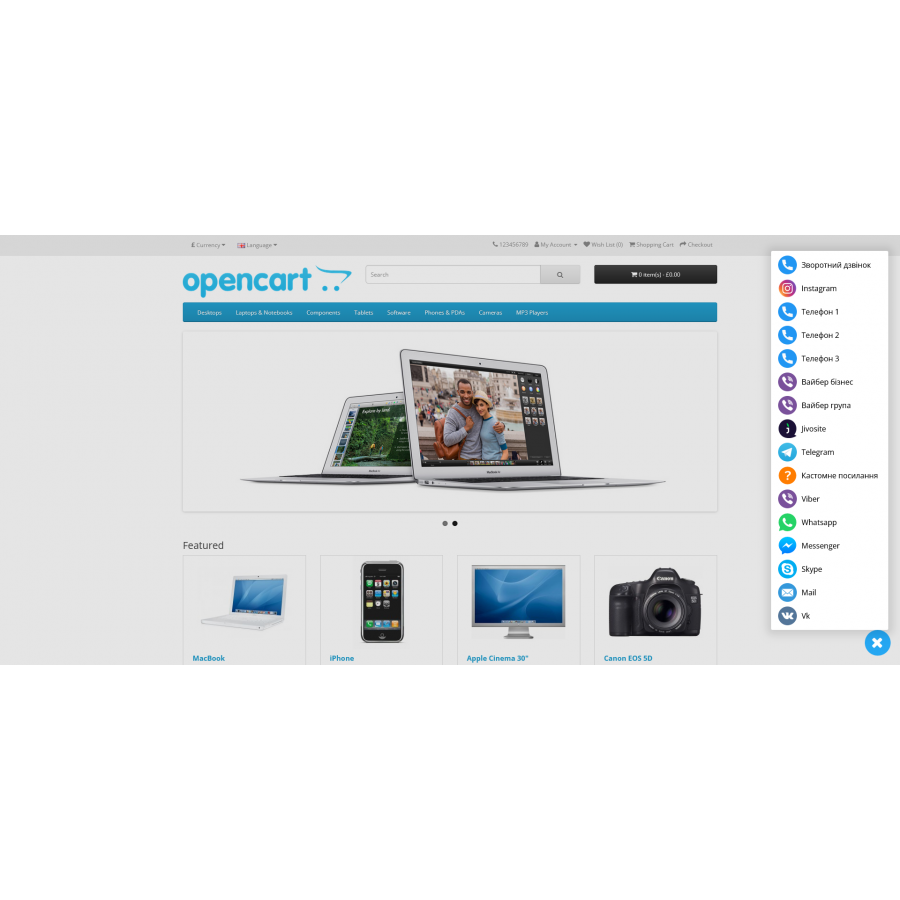
Messenger widget allows you to display a floating button with messengers for quick communication.
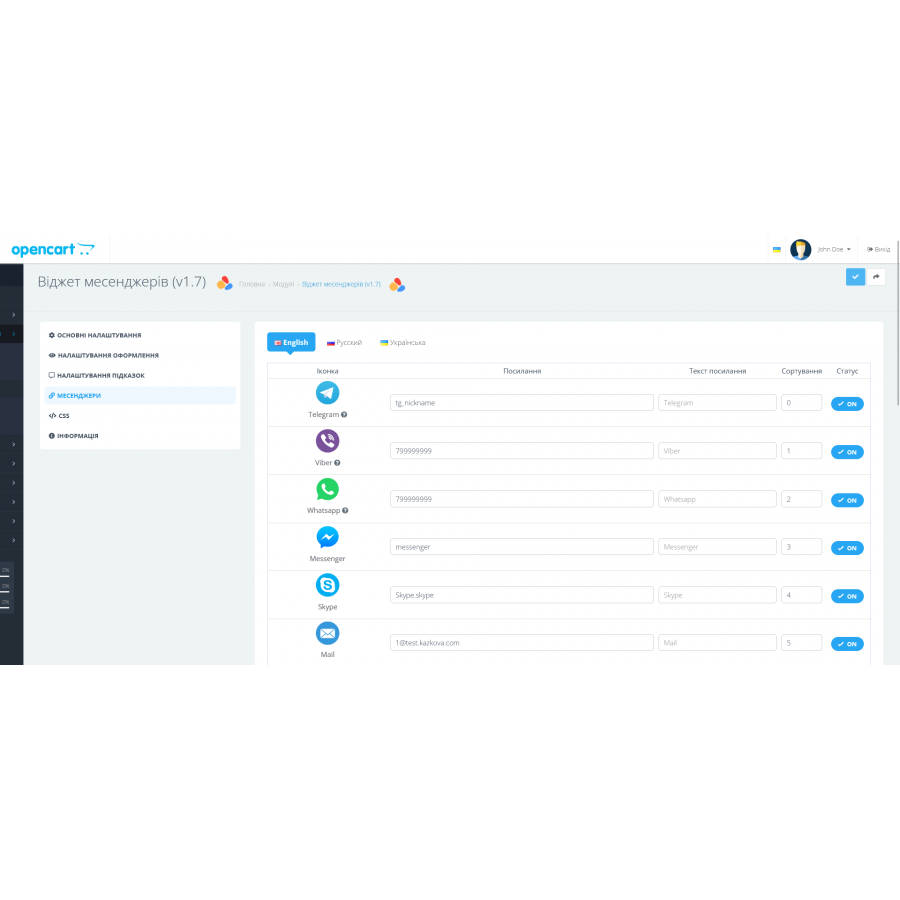
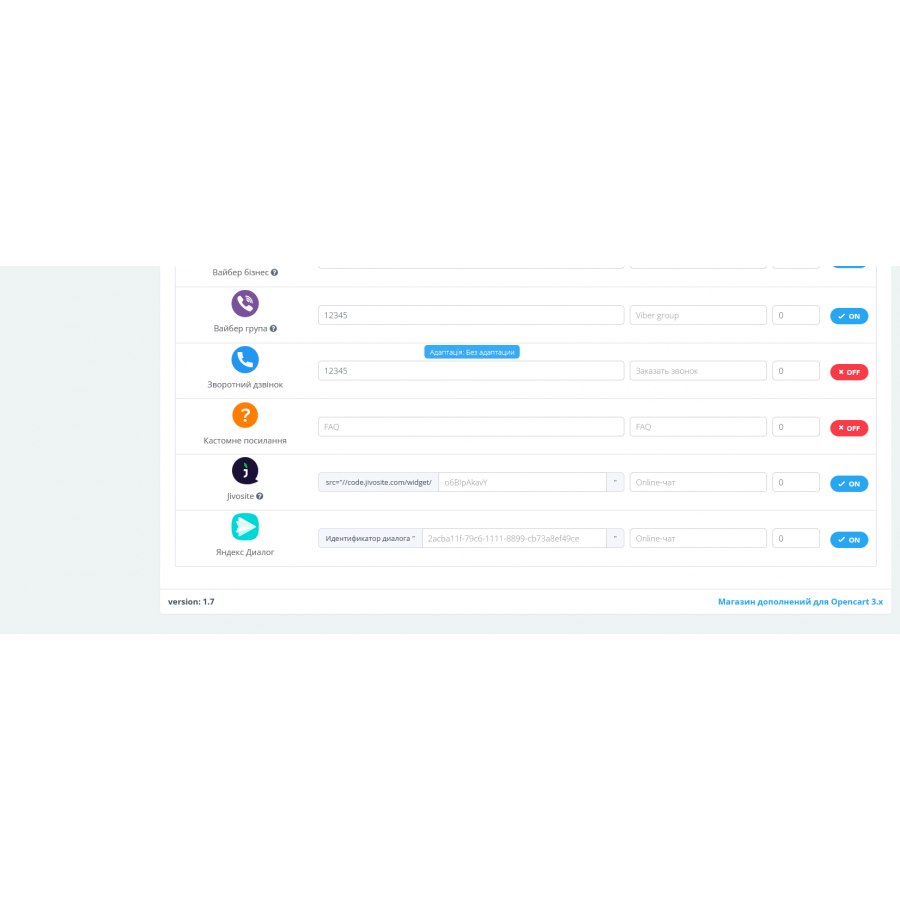
In the module, you can set links, text, sorting and status for:
- Jivosite (deferred loading of the service script)
- Telegram
- Viber
- Messenger
- Skype
- Up to 3 phone numbers
- Viber business
- Invitation to Viber group
- Custom links
- Callback if your template has a callback module
- The module allows you to redirect the client to your communication channels, provided that he has the appropriate programs installed, and is not a separate online chat.
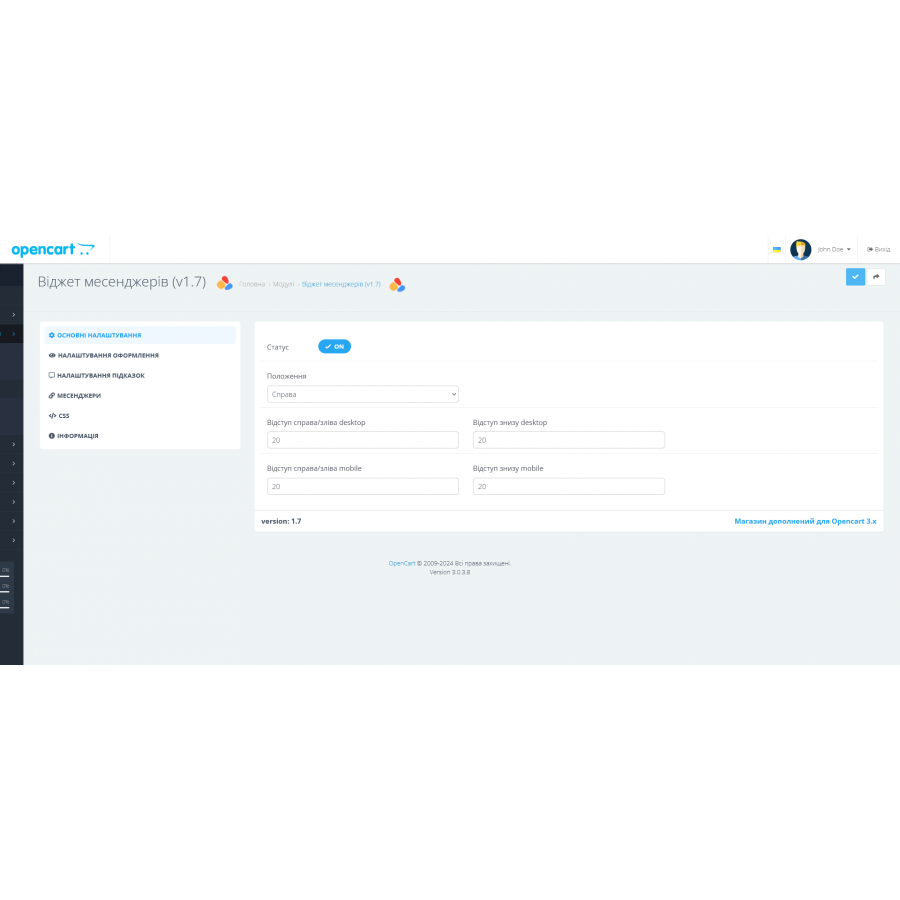
Many settings for customizing the module, among which you can highlight:
- Ability to set the location of the module
- Ability to set indents and sizes separately for desktop and mobile versions
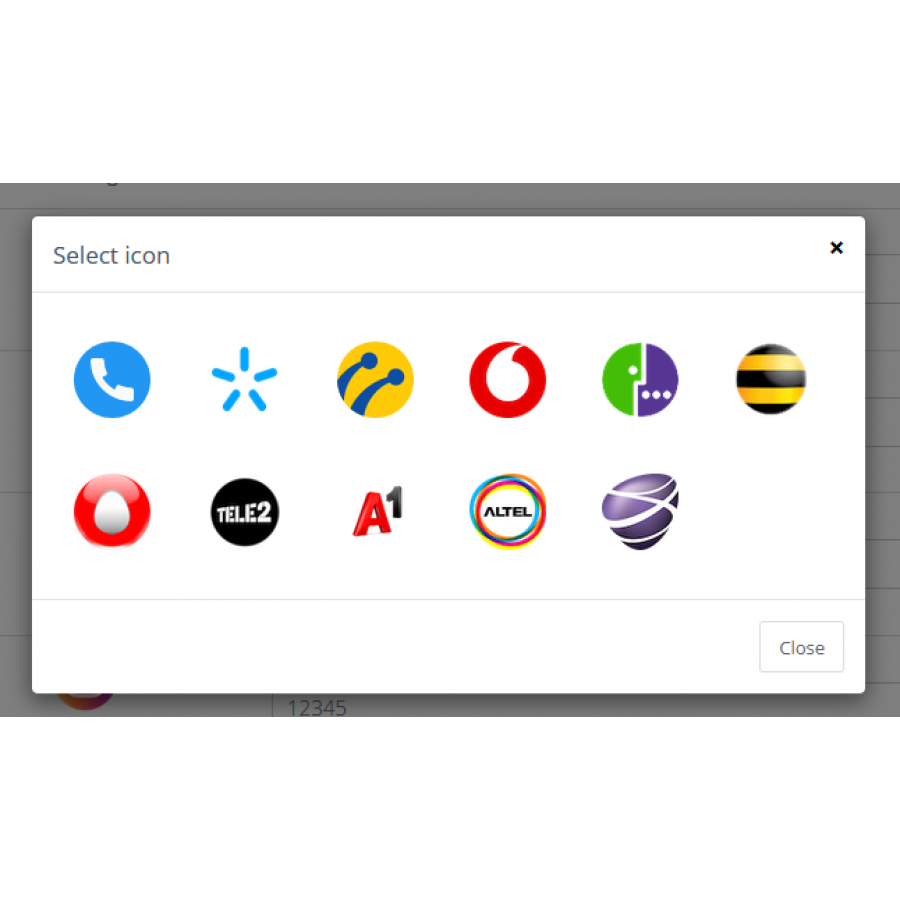
- A set of 12 icons for the button
- 3 types of animation
- Ability to set icons of popular mobile operators of Ukraine for phone numbers
- Convenient visualization of the selected settings immediately in the admin
================================================= ==========================
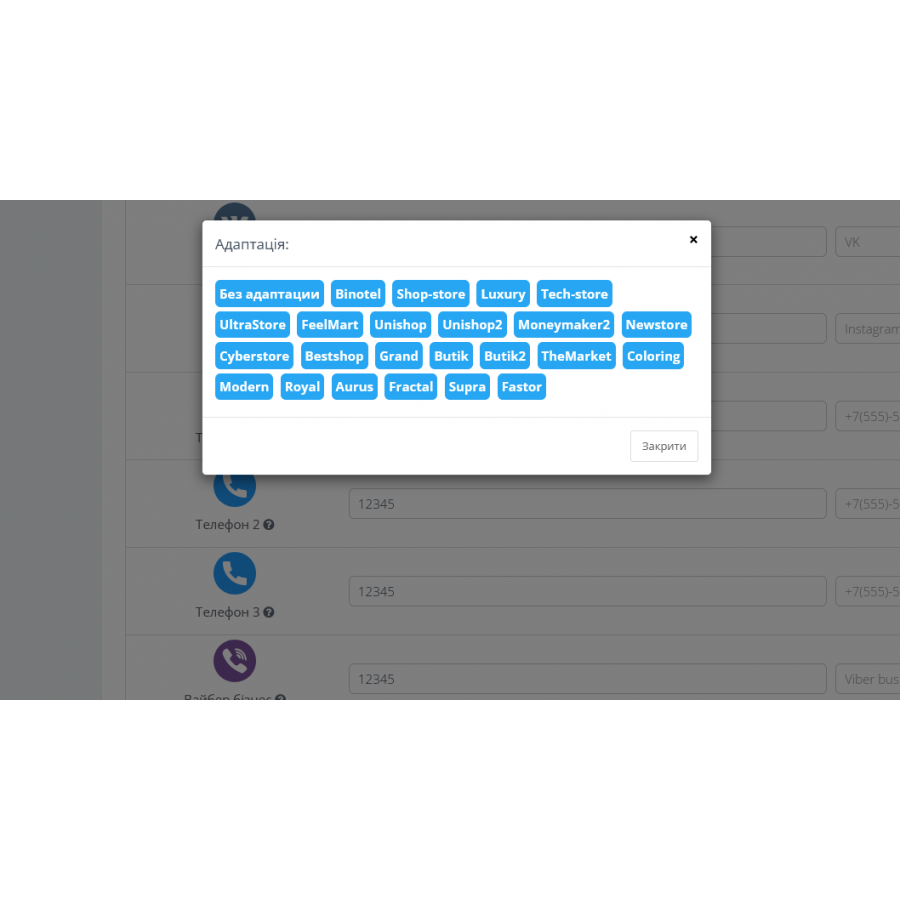
The module has a convenient (one-click) adaptation with feedback modules for templates:
- Shop-store
- Luxury
- Tech-store
- Feelmart
- Ultrastore
- Unishop
- Unishop2
- Moneymaker2
- Newstore
- Cyberstore
- Bestshop
- Grand
- Butik
- Butik2
- TheMarket
- Coloring
- Modern
- Royal
- Aurus
- Fractal
- Supra
- Faster
- Binotel service
Specifications
Characteristics
PHP
7.2-7.4
Compatibility
3.0.0.0, 3.0.1.1, 3.0.1.2, 3.0.2.0, 3.0.3.0, 3.0.3.1, 3.0.3.2, 3.0.3.3, 3.0.3.5, 3.0.3.6, 3.0.3.7, 3.0.3.8
Localization
Russian, Ukrainian, English
Ocmod
No
Adaptation to your store
Paid
Супер модуль! Всі необхідні месенджери та кнопки! Дякую!
Is this review helpful?
0
No questions about this product, be the first and ask your question.
Installing the module
Module installation instructions:
- Before performing any actions related to installing an add-on in Opencart, we recommend creating a backup copy of all site files and the store database ;
- Install the localcopy fix (if you don't have it installed yet)
- Download the module file for the desired Opencart version from our website ( Follow the installation instructions if there are any in the module archive );
- Then go to the "Installing add-ons/extensions" section and click on the " Download " button;
- Select the downloaded file and wait for the module to be fully installed and for the text "Application installed successfully" to appear;
- After that, go to " Application Manager " and update the modifiers by clicking the " Update " button;
- After these actions, you need to add the rights to view and manage the module in the " User Groups " section for the administrator or other users you select by clicking " Select All ".
![[TRD] SDLayout - Microlayout Schema.org + Open Graph](https://opencart-hub.com/image/cache/catalog/products/SEO-Prosuvannya/[TRD]-SDLayout-Microlayout-Schema-org-Open-Graph-200x200.jpg "[TRD] SDLayout - Microlayout Schema.org + Open Graph")