


Module Agreement Cookies in OpenCart
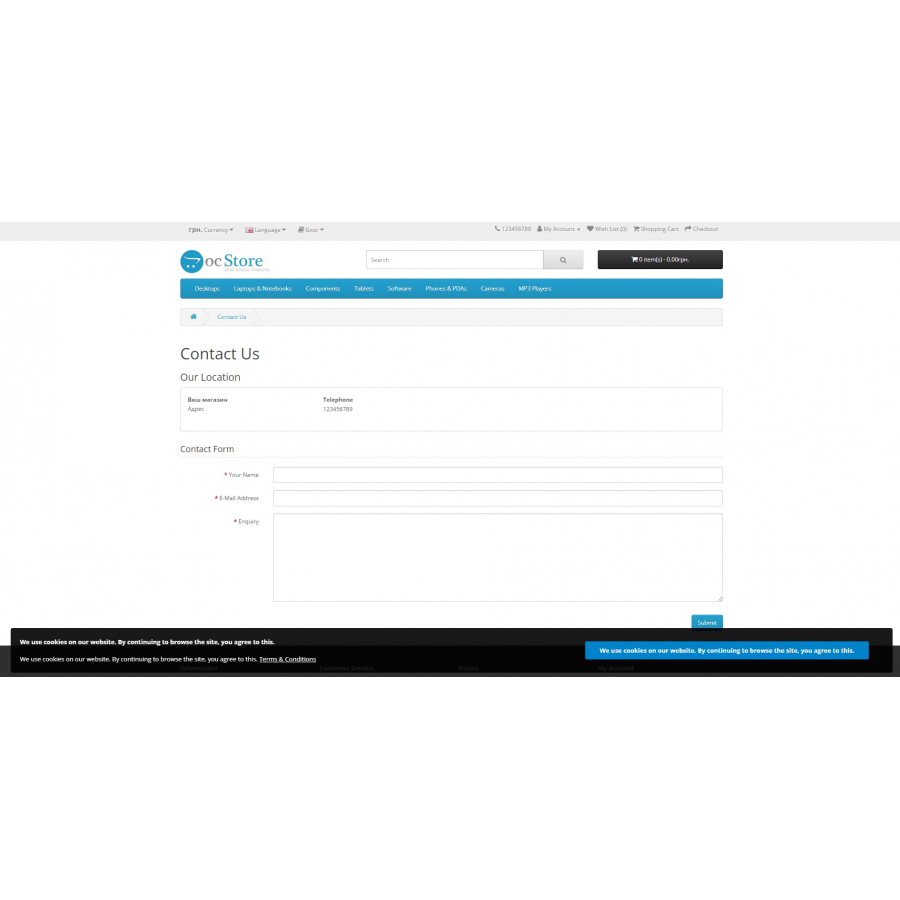
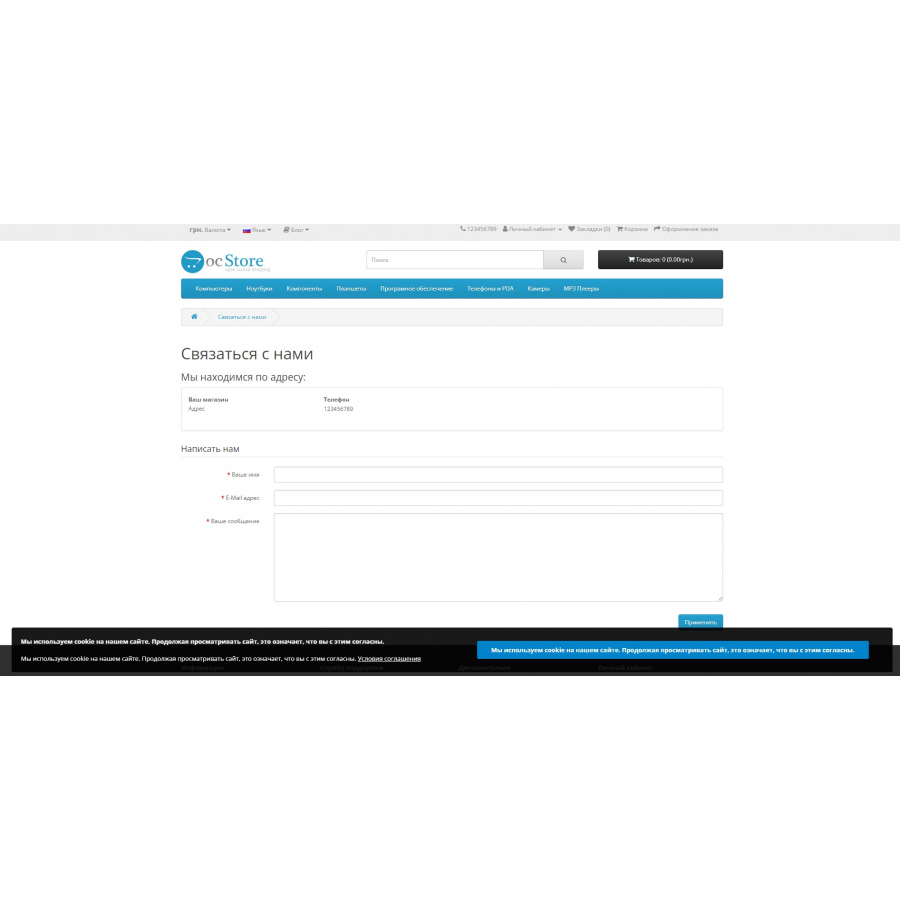
Cookie Consent Module for OpenCart provides an important feature of notifying users about the use of cookies in your online store. This module allows you to display a message to your customers prompting them to accept your cookie policy. Once installed, you, as an administrator, You will be able to fully control the content of this message and give users the opportunity to agree to the use of cookies.
Features and Specifications:
- Ability to display the message header.
- The possibility of outputting the text of the message.
- The ability to display the text of the notification button
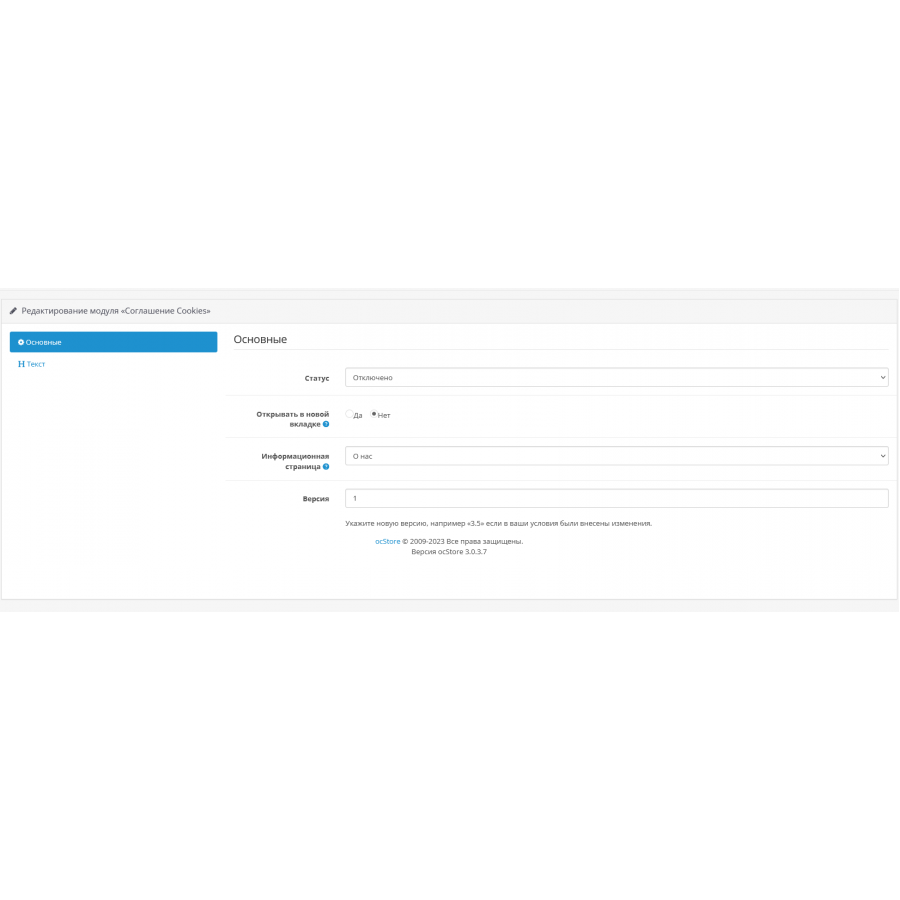
- Ability to select the page to be displayed.
- Ability to choose to open a link in a new tab
- Tested and working with standard theme.
- Ability to install using OCMOD.
- Does not overwrite the main files of the site.
This module has been tested and works with the standard OpenCart theme. It can be installed using OCMOD and does not overwrite the site's core files.
Each store is unique, and setting your cookie consent can be an important element to ensure compliance with data protection laws. This module provides you with a tool to manage this aspect of your online store.
There are no reviews for this product, be the first to leave your review.
No questions about this product, be the first and ask your question.
Module installation instructions:
- Before performing any actions related to installing an add-on in Opencart, we recommend creating a backup copy of all site files and the store database ;
- Install the localcopy fix (if you don't have it installed yet)
- Download the module file for the desired Opencart version from our website ( Follow the installation instructions if there are any in the module archive );
- Then go to the "Installing add-ons/extensions" section and click on the " Download " button;
- Select the downloaded file and wait for the module to be fully installed and for the text "Application installed successfully" to appear;
- After that, go to " Application Manager " and update the modifiers by clicking the " Update " button;
- After these actions, you need to add the rights to view and manage the module in the " User Groups " section for the administrator or other users you select by clicking " Select All ".