All about product
Description
Specification
Download
Reviews
2
Questions0
Installing the module
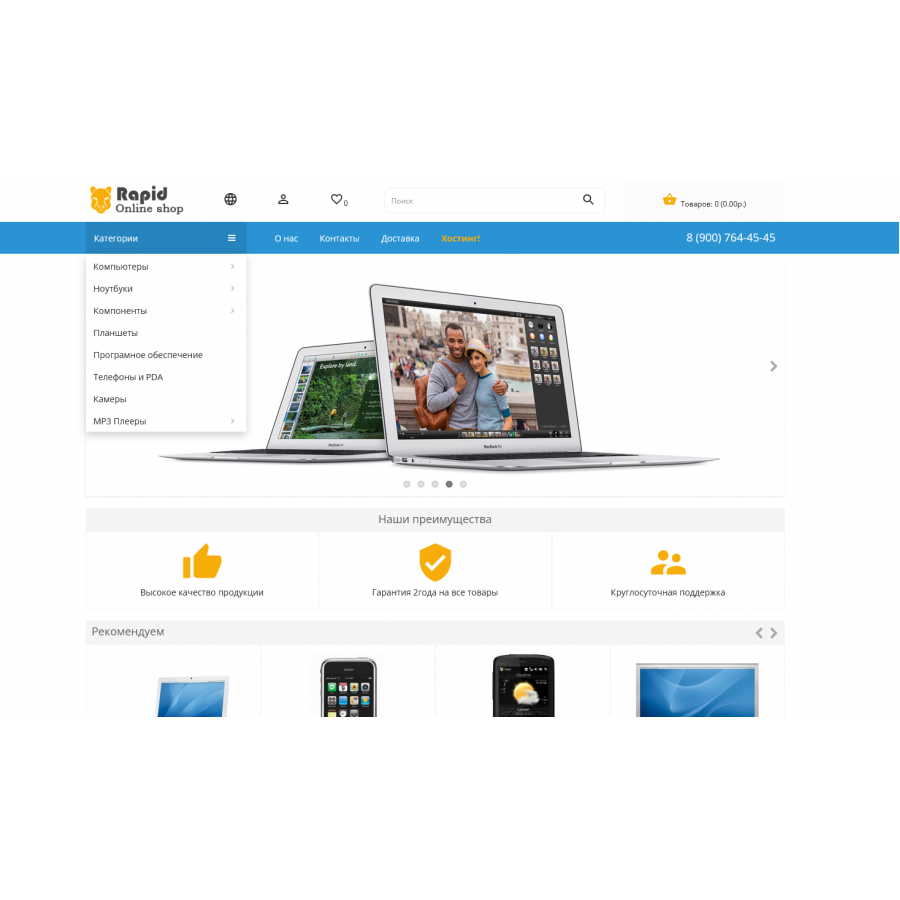
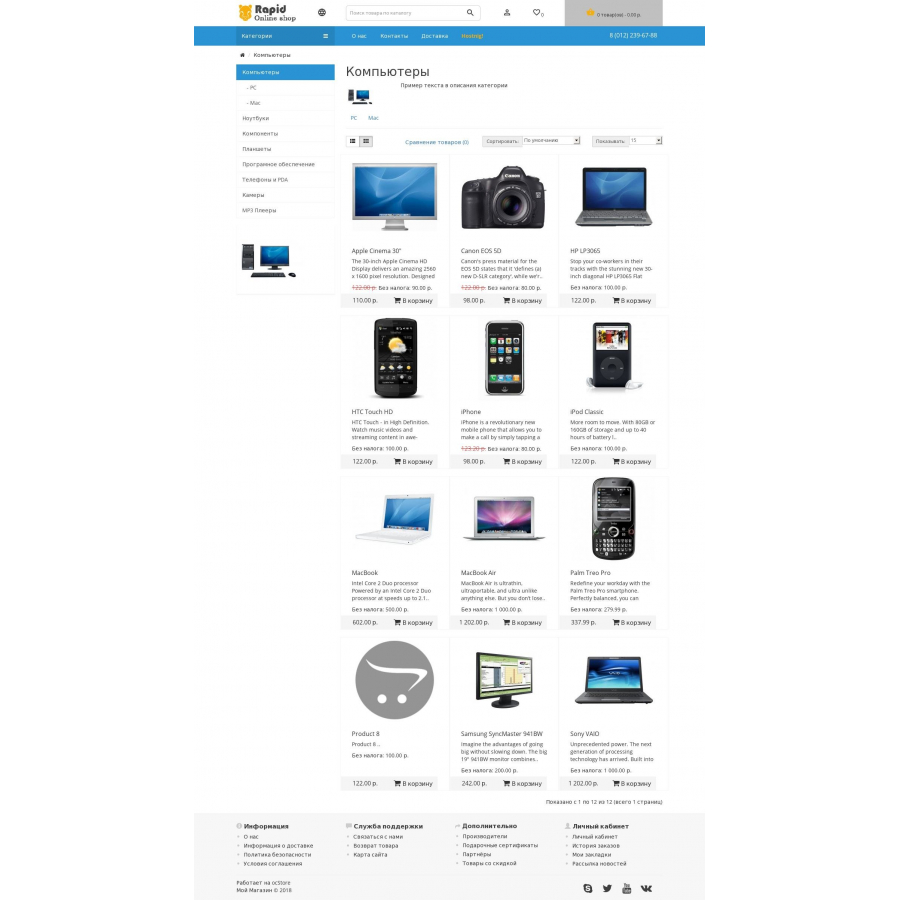
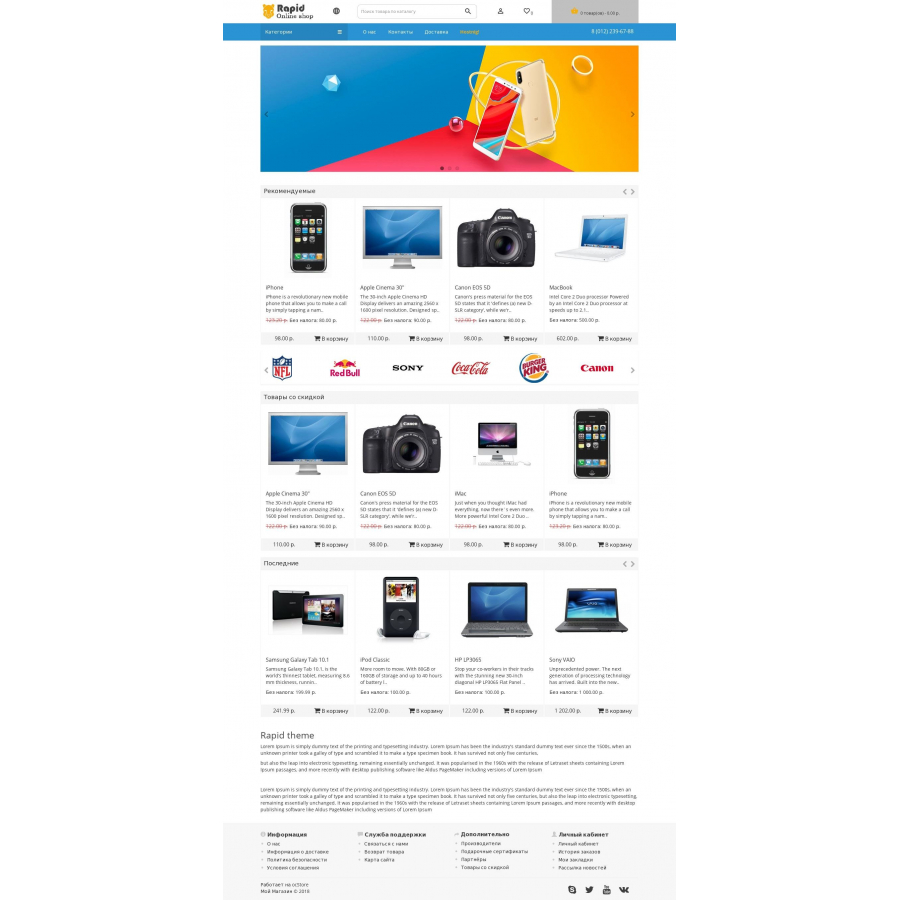
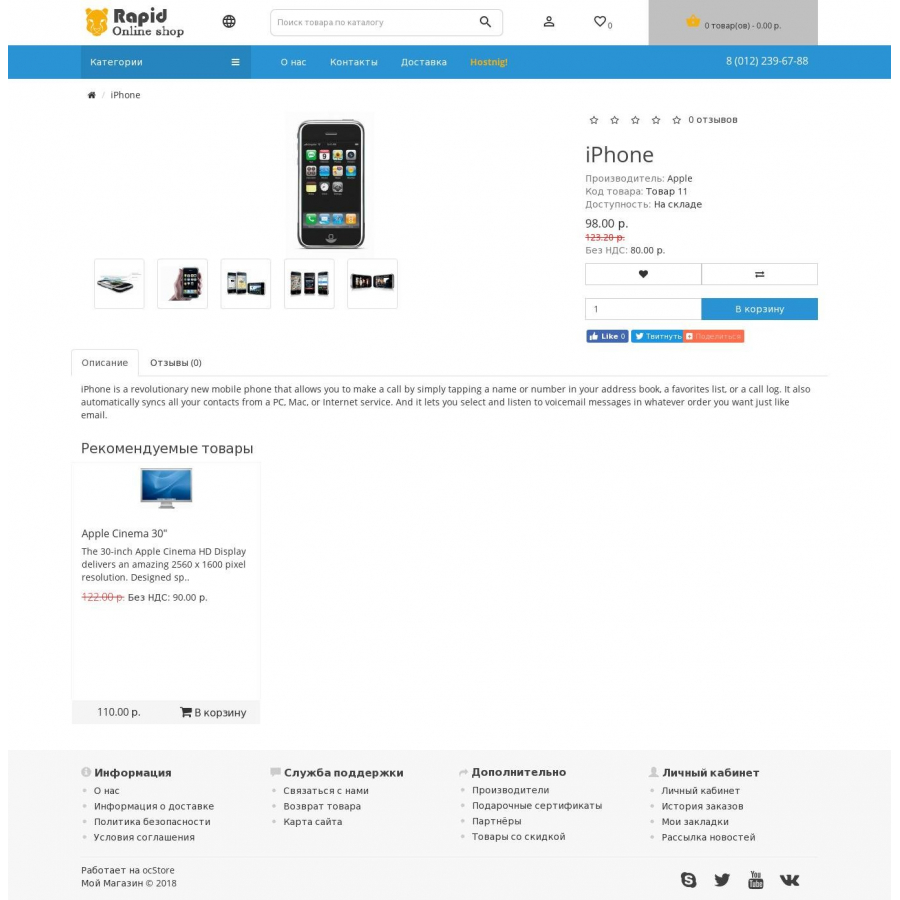
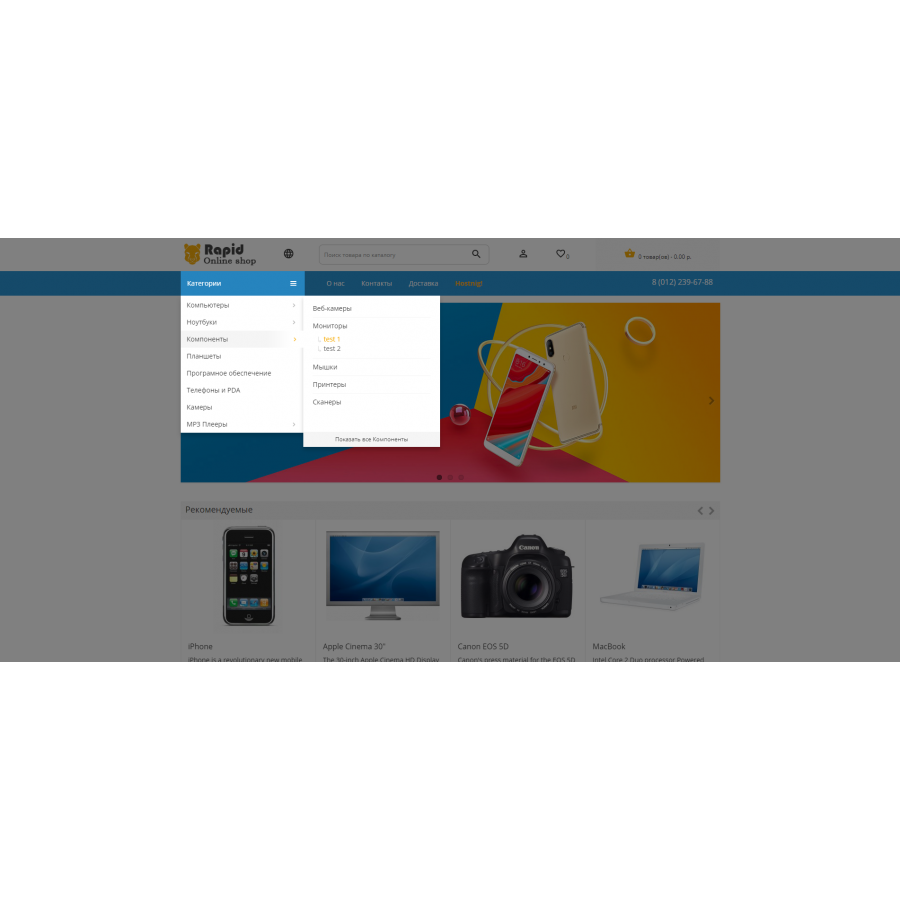


Template for OpenCart Rapid theme, fast responsive template
Product Code: 127
In Stock
FREE
Main specifications
PHP:
7.2-7.4
Compatibility:
Opencart 2.3, Opencart 3.0, Opencart Pro 2.3, OcStore 2.3, OcStore 3.0
Localization:
Russian, Ukrainian, English
Ocmod:
No
Adaptation to your store:
Paid
All specifications
Description
Rapid theme template, fast adaptive template.
The template has clean code and good loading speed.
The task of this template is to minimize the design, make it easy to use from mobile devices and tablets.
Easy installation and configuration that does not require additional knowledge.
Functional:
- Three-level adaptive menu
- Main menu
- Icons of payment systems, social networks, etc.
For oc3.0 , in standard modules, swiper is replaced by owl-carousel
Technical support - Not provided
This module is no longer maintained by the author, any questions/bugs will be ignored.

Specifications
Characteristics
PHP
7.2-7.4
Compatibility
Opencart 2.3, Opencart 3.0, Opencart Pro 2.3, OcStore 2.3, OcStore 3.0
Localization
Russian, Ukrainian, English
Ocmod
No
Adaptation to your store
Paid
Download
 rapid_theme_2.3_v1.0.zip
простой шаблон, но лучше чем стандартный) установить легко
Is this review helpful?
1
Отдичный шаблон) встал с первого раза, немного допилили, а так все хорошо.
Is this review helpful?
1
No questions about this product, be the first and ask your question.
Installing the module
Module installation instructions:
- Before performing any actions related to installing an add-on in Opencart, we recommend creating a backup copy of all site files and the store database ;
- Install the localcopy fix (if you don't have it installed yet)
- Download the module file for the desired Opencart version from our website ( Follow the installation instructions if there are any in the module archive );
- Then go to the "Installing add-ons/extensions" section and click on the " Download " button;
- Select the downloaded file and wait for the module to be fully installed and for the text "Application installed successfully" to appear;
- After that, go to " Application Manager " and update the modifiers by clicking the " Update " button;
- After these actions, you need to add the rights to view and manage the module in the " User Groups " section for the administrator or other users you select by clicking " Select All ".