All about product
Description
Specification
Reviews
0
Questions0
Installing the module

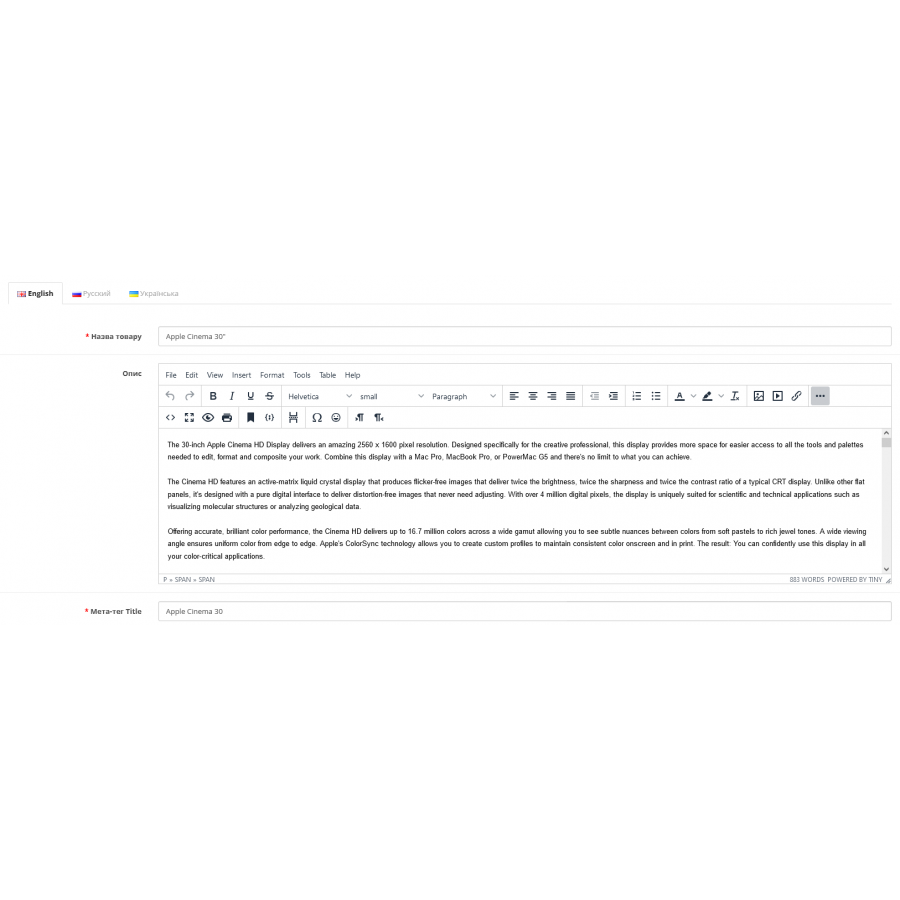


TinyMCE 5 Module Advanced editor for Opencart
Product Code: 420
Version: 3.0
In Stock
450 грн
Main specifications
PHP:
7.2-7.4
Compatibility:
OpenCart 3, ocStore 3
Localization:
Ukrainian, Russian, English
Ocmod:
Yes
Adaptation to your store:
Paid
All specifications
Description
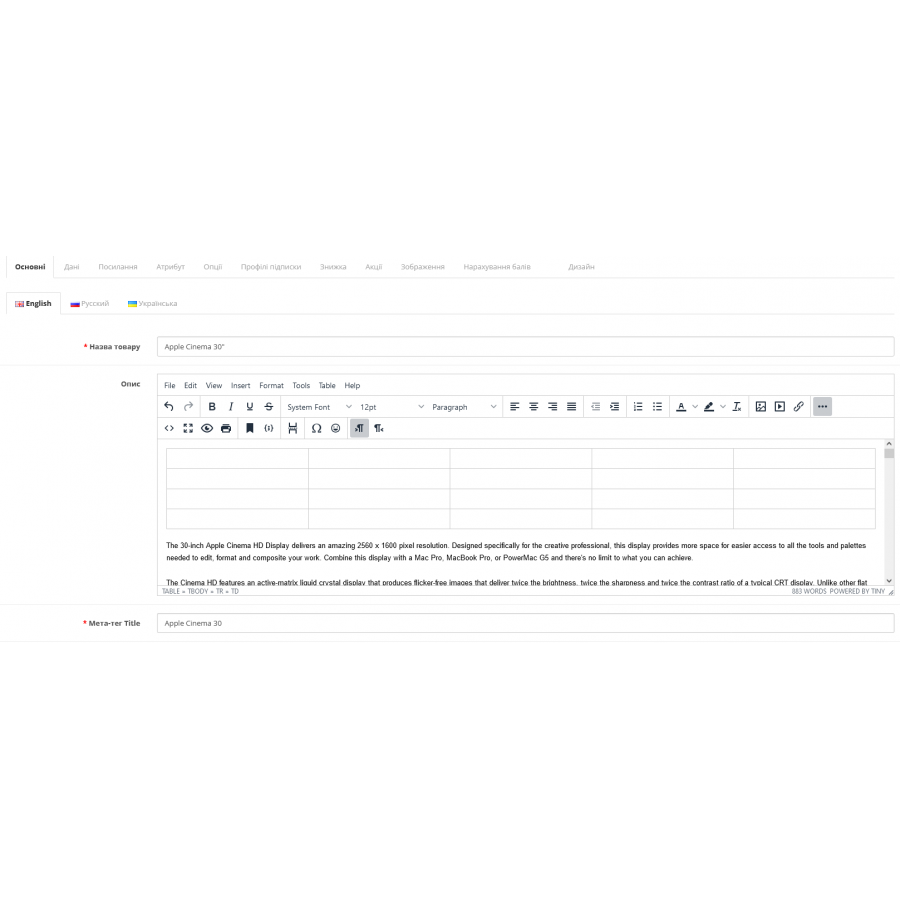
This extension replaces the default text editor (summernote) with the full-featured latest version of TinyMCE 5
Features
Features
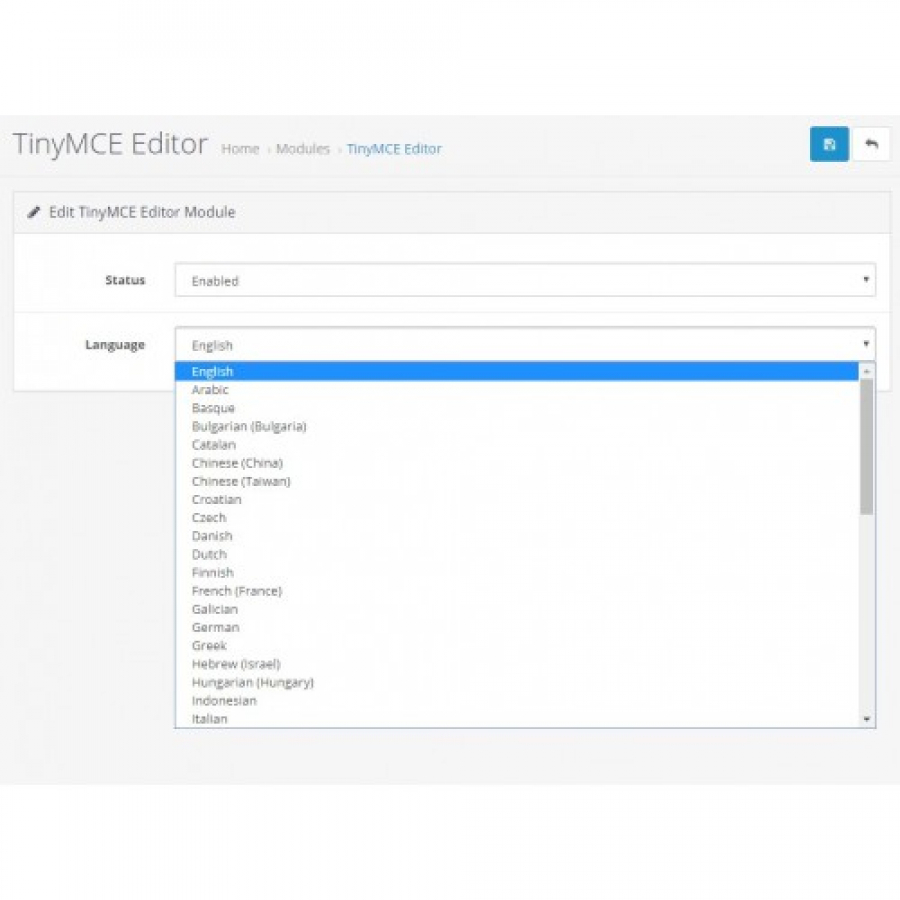
- Language support
- Product, category, information, manufacturer pages
- Ability to upload files (.doc, .docx, .xls, xlsx, .pdf) through the file manager
- Easy installation with the OpenCart extension installer
Specifications
Characteristics
PHP
7.2-7.4
Compatibility
OpenCart 3, ocStore 3
Localization
Ukrainian, Russian, English
Ocmod
Yes
Adaptation to your store
Paid
There are no reviews for this product, be the first to leave your review.
No questions about this product, be the first and ask your question.
Installing the module
Module installation instructions:
- Before performing any actions related to installing an add-on in Opencart, we recommend creating a backup copy of all site files and the store database ;
- Install the localcopy fix (if you don't have it installed yet)
- Download the module file for the desired Opencart version from our website ( Follow the installation instructions if there are any in the module archive );
- Then go to the "Installing add-ons/extensions" section and click on the " Download " button;
- Select the downloaded file and wait for the module to be fully installed and for the text "Application installed successfully" to appear;
- After that, go to " Application Manager " and update the modifiers by clicking the " Update " button;
- After these actions, you need to add the rights to view and manage the module in the " User Groups " section for the administrator or other users you select by clicking " Select All ".