

Module Universal ImportExport Pro for OpenCart
Work module (latest version) Universal Import/Export Pro v3.7.1 for Opencart 2.x, 3.x
If you have just started developing a website, we recommend installing this application right away.
On a site where many modules are already installed, errors may appear. If you get an error, write about it in the comments, we will help you!
Universal Import/Export Pro v3.7.1 - Data import and export for Opencart, OcStore.
What data does the module work with?
- - Goods
- - Categories
- - Information
- - Manufacturers
- - Clients
- - Attributes
- - Filters
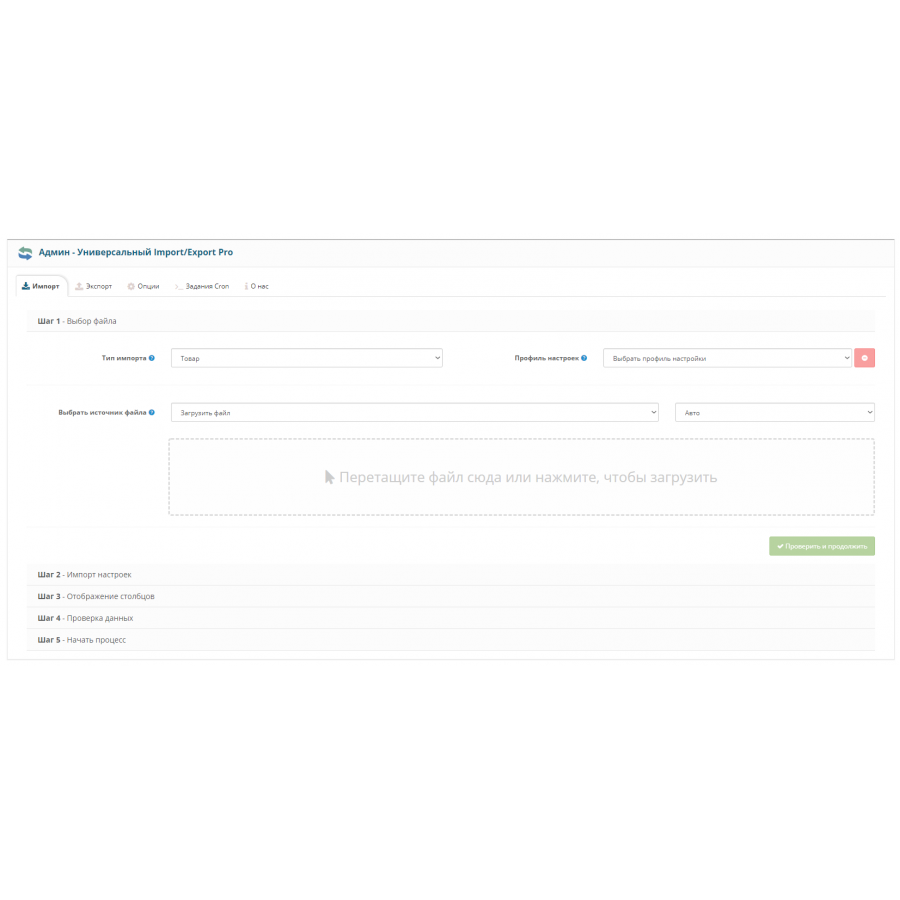
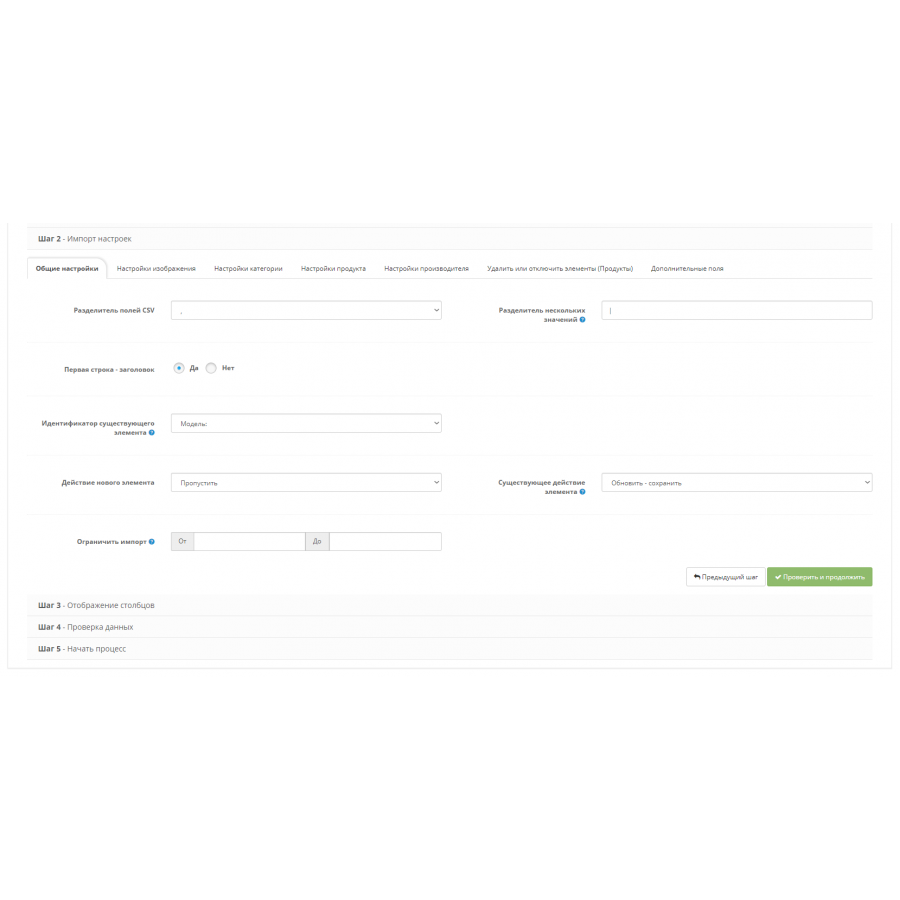
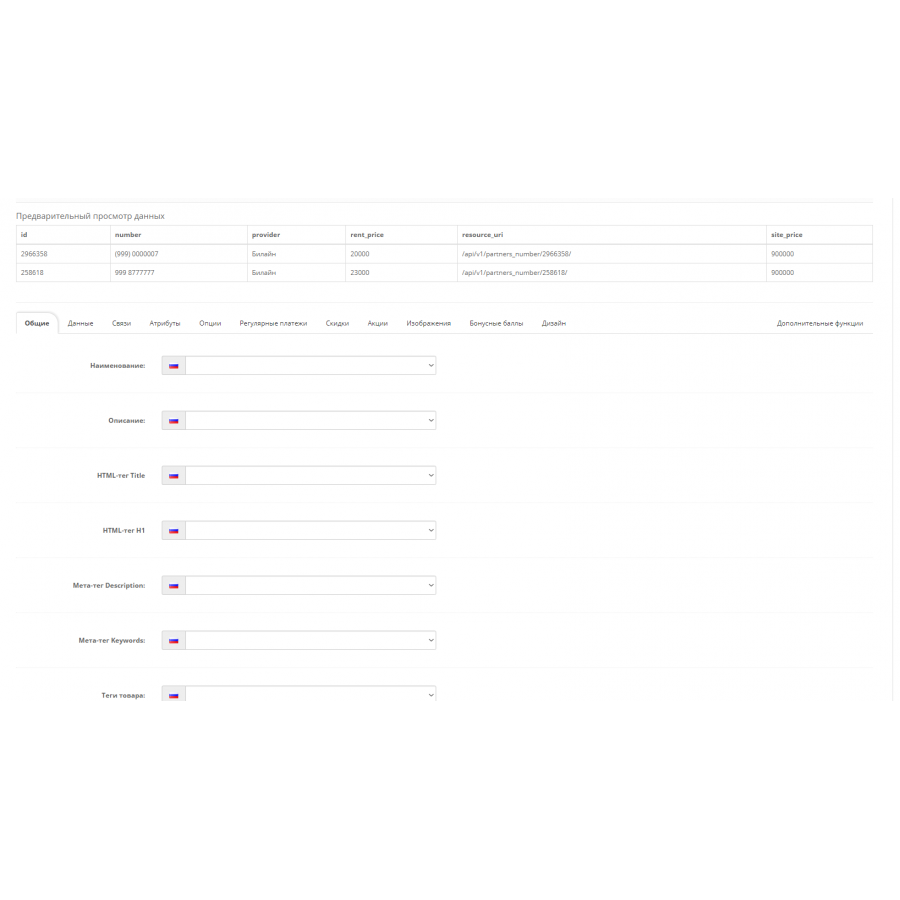
Imports
The source for data import can be a file, url - address (if the file is on someone else's server), or on FTP (then you will need to specify the location of the file on your FTP).
The following import formats are accepted:
- - CSV
- - XLS
- - XLSX
- - XML
- - ODS
For those who need to import data from JSON to Opencart: convert the JSON file to any convenient one of the above using any online "JSON to CSV" service, for example.
The rest of the data import options via JSON are written individually for each project. Unfortunately, you will not find ready-made solutions.
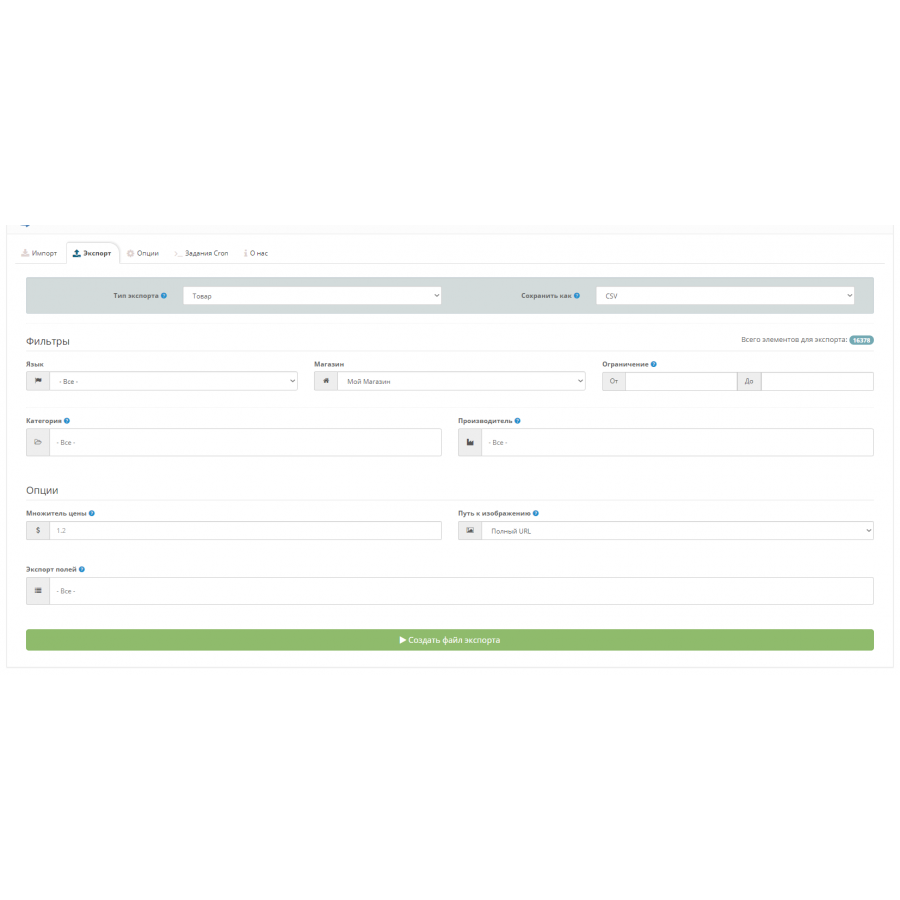
Export
You can export absolutely any data. You can filter them using the appropriate fields.
You can export:
- - manufacturers
- - Products according to various criteria (manufacturer, filter, attribute, category)
- - Orders (by dates, buyer groups)
- - customers (registered)
- - And other!
Advantages of Universal Import/Export Pro
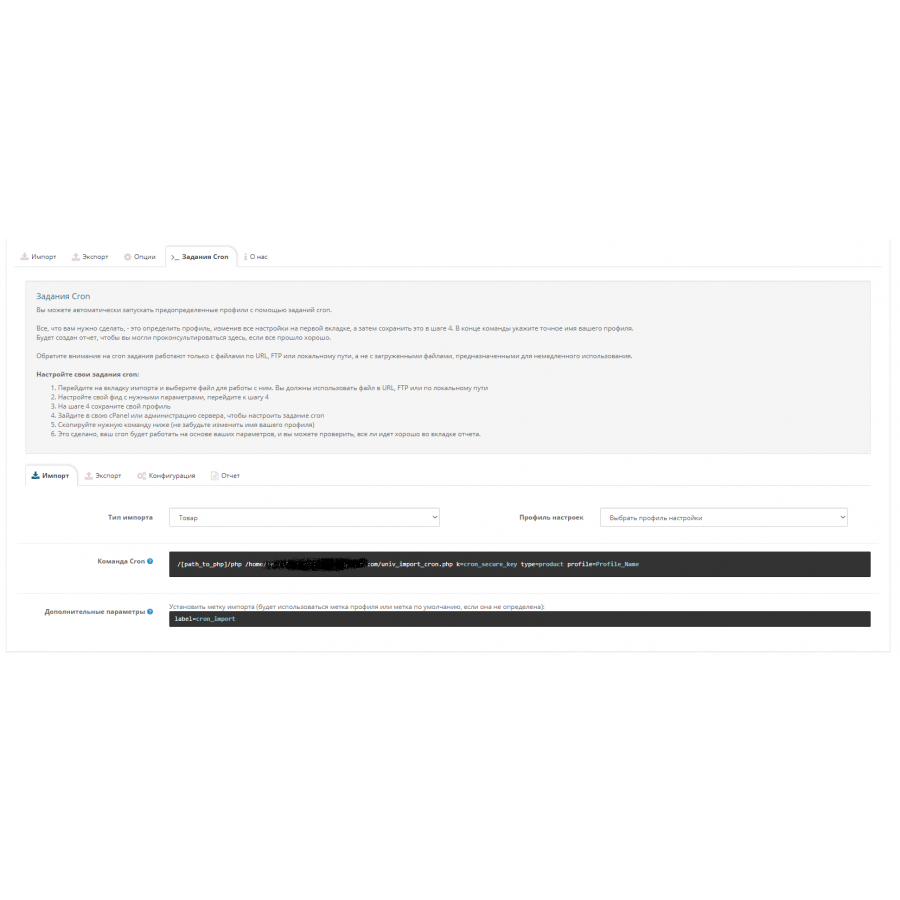
- - Setting automatic upload and download of Cron prices;
- - Convenient and clear interface for working with the module;
- - Import and export according to many criteria;
- - There are no mandatory fields, that is, if your price is missing some data - you will not receive an error.
This module is free and does not require activation keys. May the developer forgive us :)
З побажань хотілося б в експорті файлів (хмл) мати можливість змінювати назву тегів
No questions about this product, be the first and ask your question.
Module installation instructions:
- Before performing any actions related to installing an add-on in Opencart, we recommend creating a backup copy of all site files and the store database ;
- Install the localcopy fix (if you don't have it installed yet)
- Download the module file for the desired Opencart version from our website ( Follow the installation instructions if there are any in the module archive );
- Then go to the "Installing add-ons/extensions" section and click on the " Download " button;
- Select the downloaded file and wait for the module to be fully installed and for the text "Application installed successfully" to appear;
- After that, go to " Application Manager " and update the modifiers by clicking the " Update " button;
- After these actions, you need to add the rights to view and manage the module in the " User Groups " section for the administrator or other users you select by clicking " Select All ".