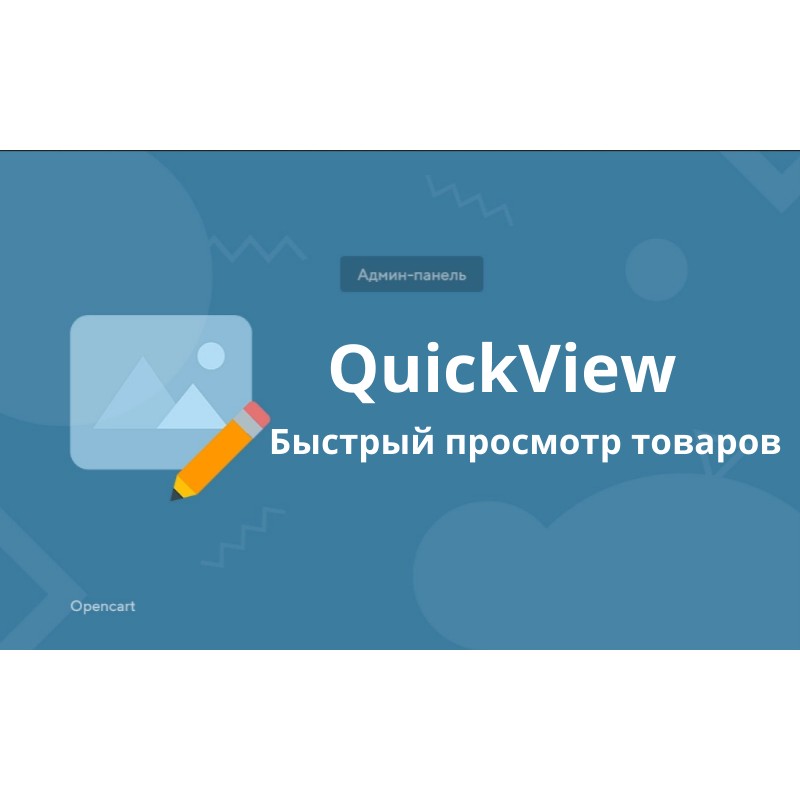


QuickView - szybki podgląd produktów i kategorii z poziomu administratora w oknie sklepu dla Opencart
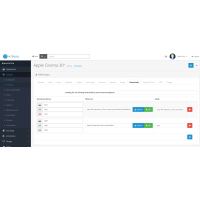
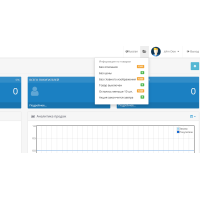
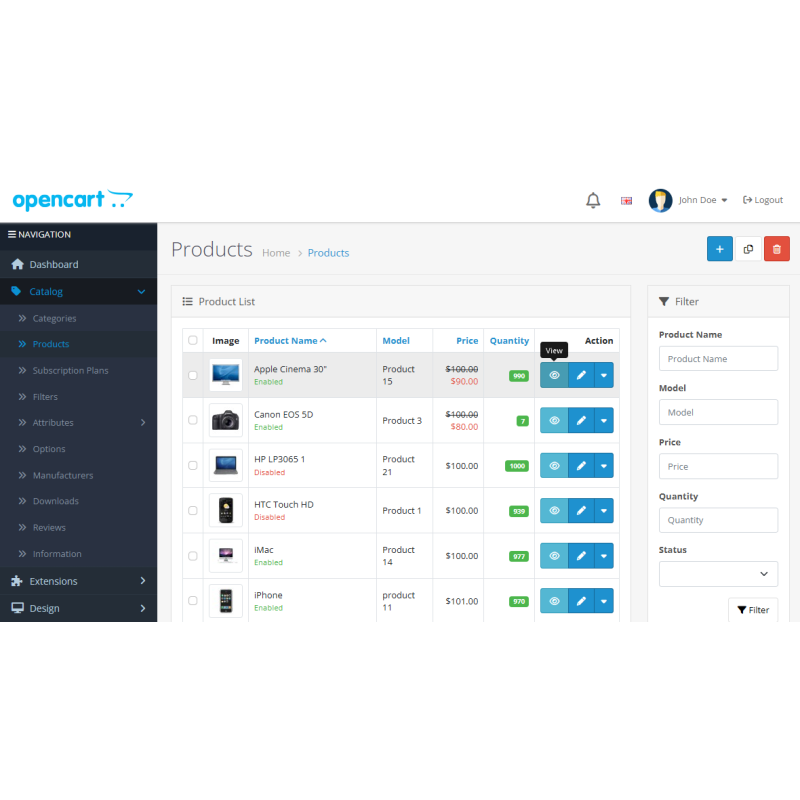
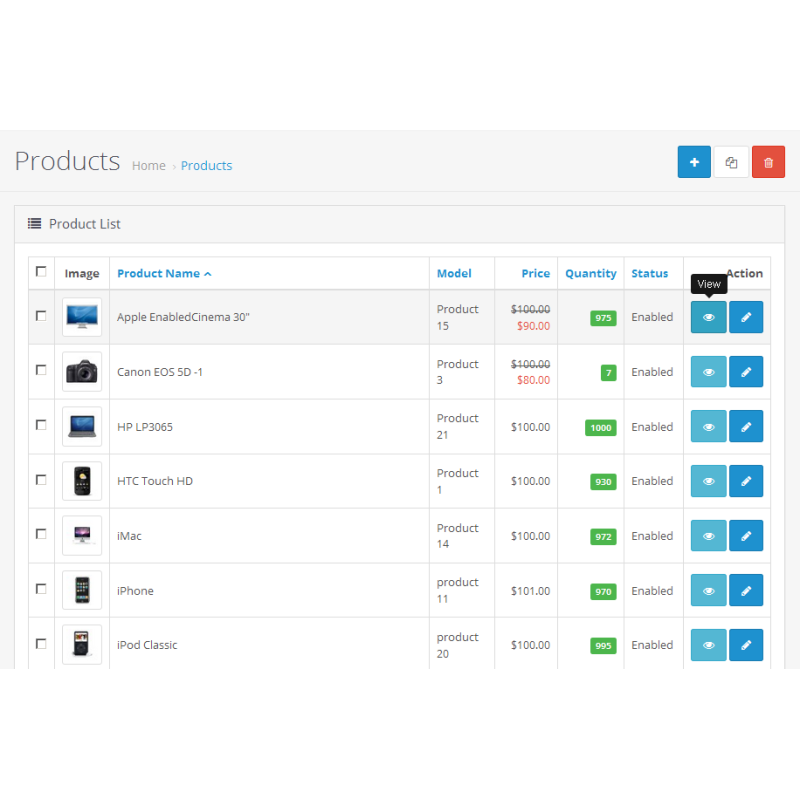
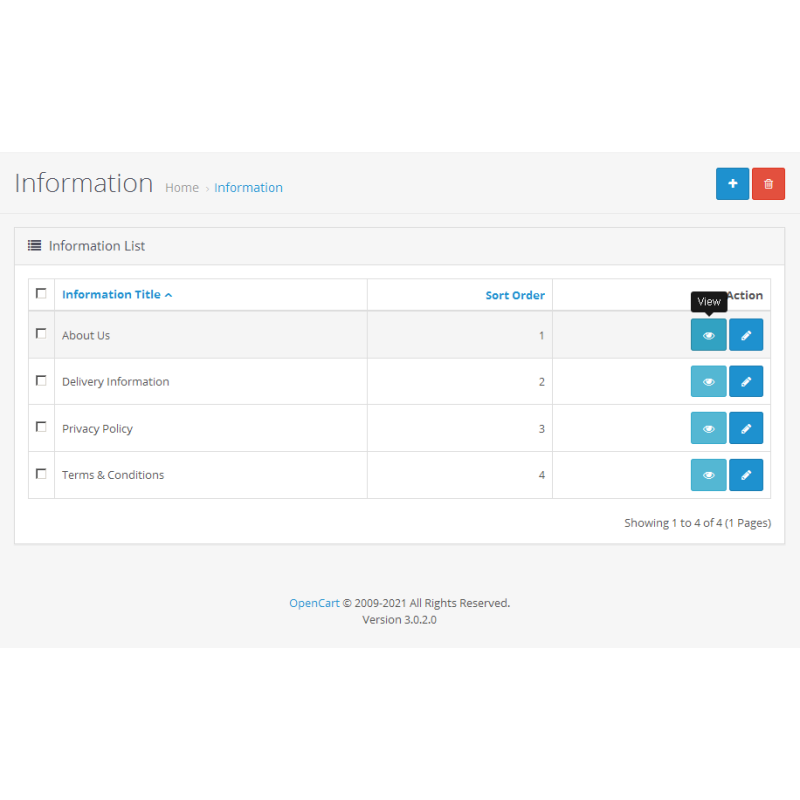
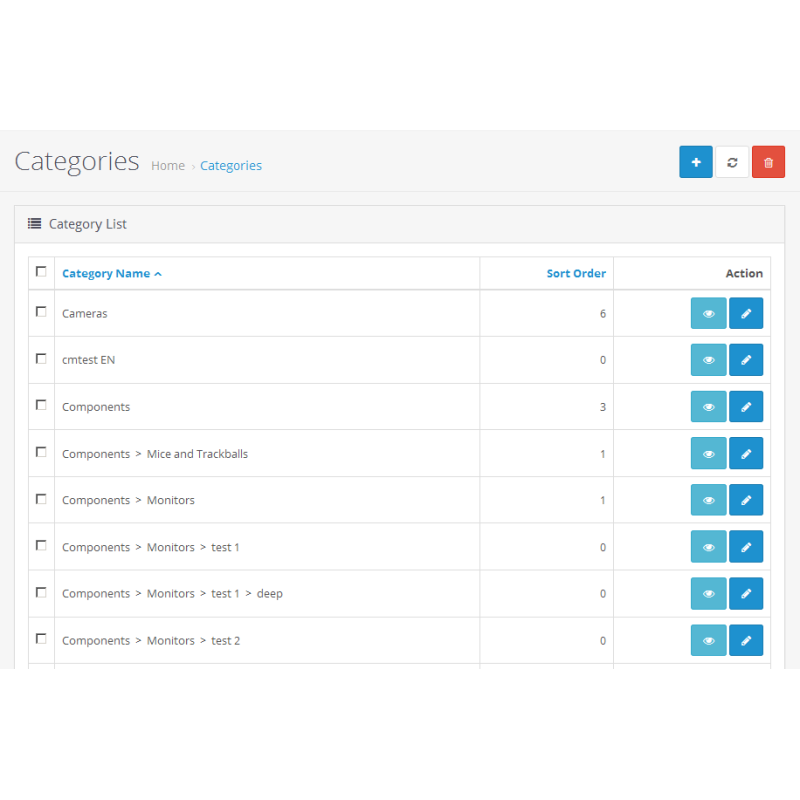
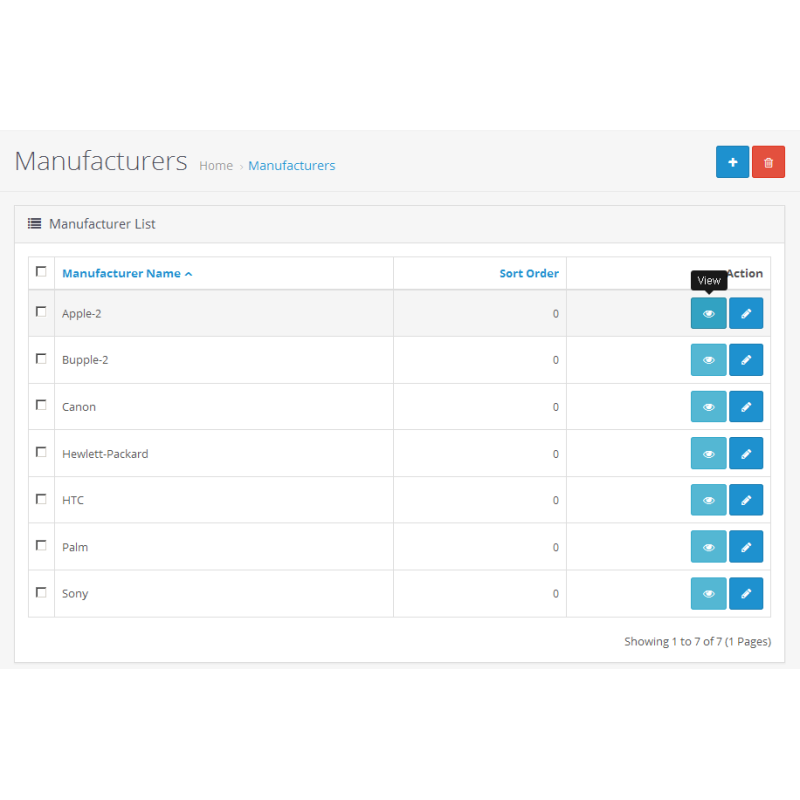
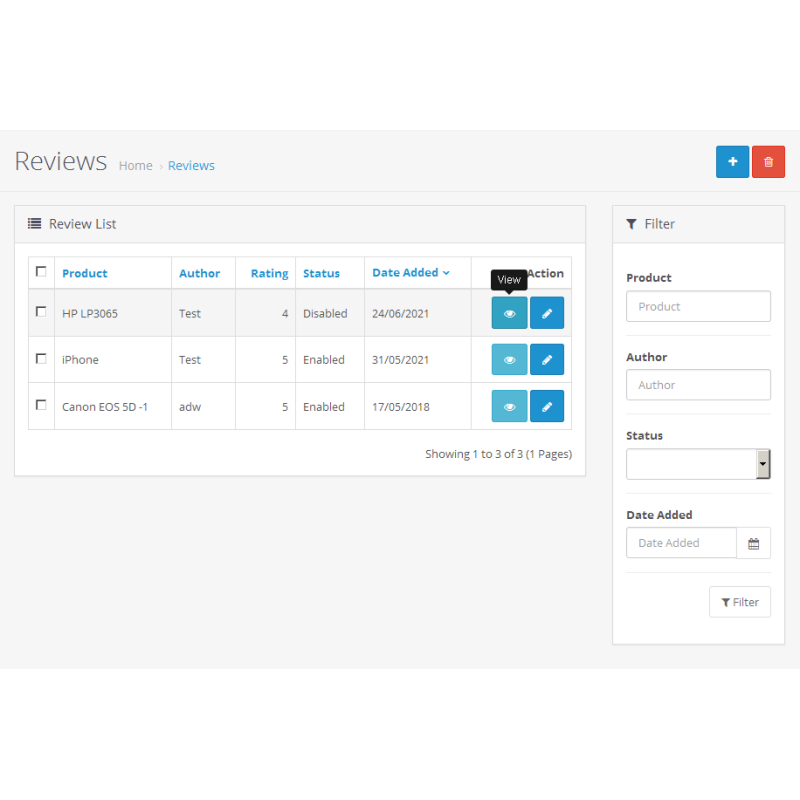
QuickView dodaje link do panelu administracyjnego, umożliwiający szybki podgląd produktów, kategorii, producentów, artykułów i recenzji na stronie sklepu.
Cechy :
✔ współpracuje ze standardowymi listami katalogu administratora
✔ w przypadku recenzji link prowadzi do strony produktu
✔ linki otwierają się w nowej karcie
Kompatybilny z wersjami Opencart 2x-4x (oraz opartymi na nim złożeniami, które nie posiadają tej funkcjonalności)
nie zastępuje żadnych plików, używany jest OCMOD
nie tworzy dodatkowych pól i tabel w bazie danych
Instalacja 2x:
1. Pobierz plik Quickview.ocmod.xml w Dodatki > Instalator dodatków
2. Zaktualizuj pamięć podręczną modyfikatorów w Aplikacje > Modyfikatory (Menedżer aplikacji)
Instalacja 3x:
1. Pobierz archiwum Quickview-3x.ocmod.zip w menu Aplikacje > Instalator aplikacji
2. Zaktualizuj pamięć podręczną modyfikatorów w Aplikacje > Modyfikatory (Menedżer aplikacji)
3. Odśwież pamięć podręczną szablonów w Panelu sterowania > Opcje programisty
Instalacja 4x:
1. Pobierz archiwum alexdw_quickview.ocmod.zip w obszarze Rozszerzenia > Instalator
2. Tam, gdy dodatek pojawi się na liście, naciśnij na nim przycisk Instaluj
3. Przejdź do Rozszerzenia > Rozszerzenia > Moduły i zainstaluj moduł
4. Skonfiguruj moduł i zapisz ustawienia

Brak pytań dotyczących tego produktu, bądź pierwszy i zadaj swoje pytanie.
Instrukcja instalacji modułu:
- Przed wykonaniem jakichkolwiek czynności związanych z instalacją dodatku w Opencart zalecamy utworzenie kopii zapasowej wszystkich plików witryny i bazy danych sklepu ;
- Zainstaluj poprawkę localcopy (jeśli jeszcze jej nie zainstalowałeś)
- Pobierz plik modułu dla wybranej wersji Opencart z naszej strony internetowej ( postępuj zgodnie z instrukcjami instalacji, jeśli takowe znajdują się w archiwum modułu );
- Następnie przejdź do sekcji „Instalowanie dodatków/rozszerzeń” i kliknij przycisk „ Pobierz ”;
- Wybierz pobrany plik i poczekaj, aż moduł zostanie w pełni zainstalowany i pojawi się komunikat „Aplikacja zainstalowana pomyślnie”;
- Następnie przejdź do „ Menedżera aplikacji ” i zaktualizuj modyfikatory, klikając przycisk „ Aktualizuj ”;
- Po wykonaniu tych czynności należy dodać uprawnienia do przeglądania i zarządzania modułem w sekcji „ Grupy użytkowników ” dla administratora lub innych wybranych przez siebie użytkowników, klikając „ Zaznacz wszystko ”.