

Option as Product Link Module for OpenCart 3
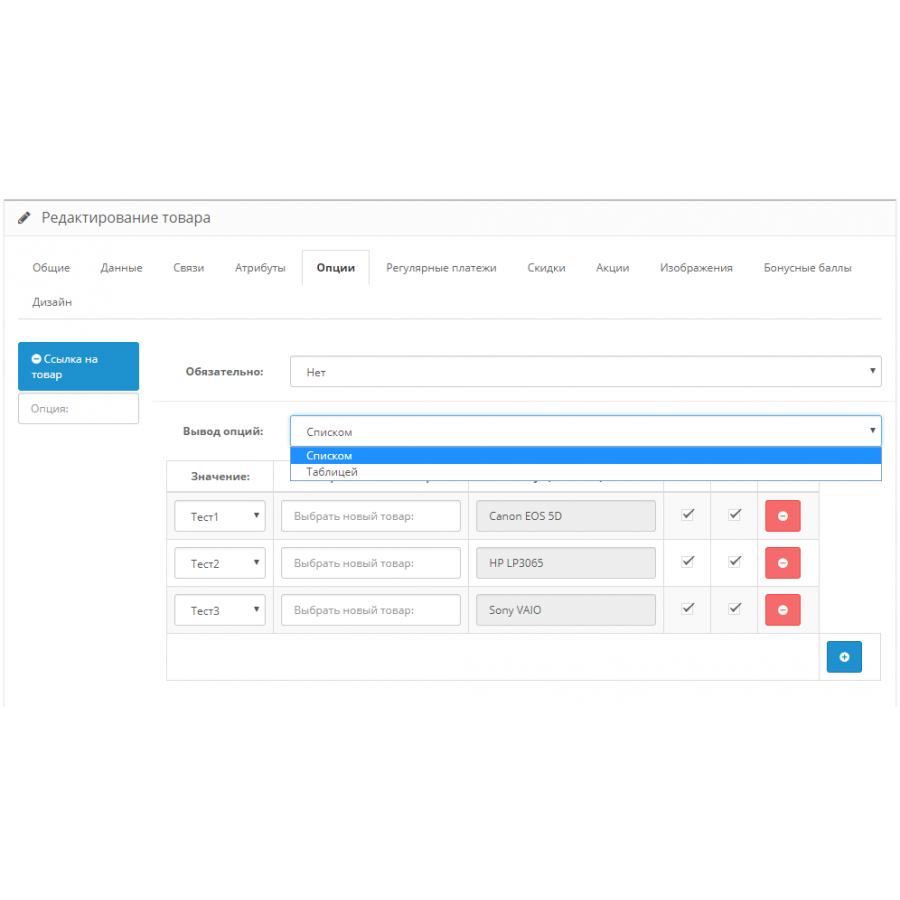
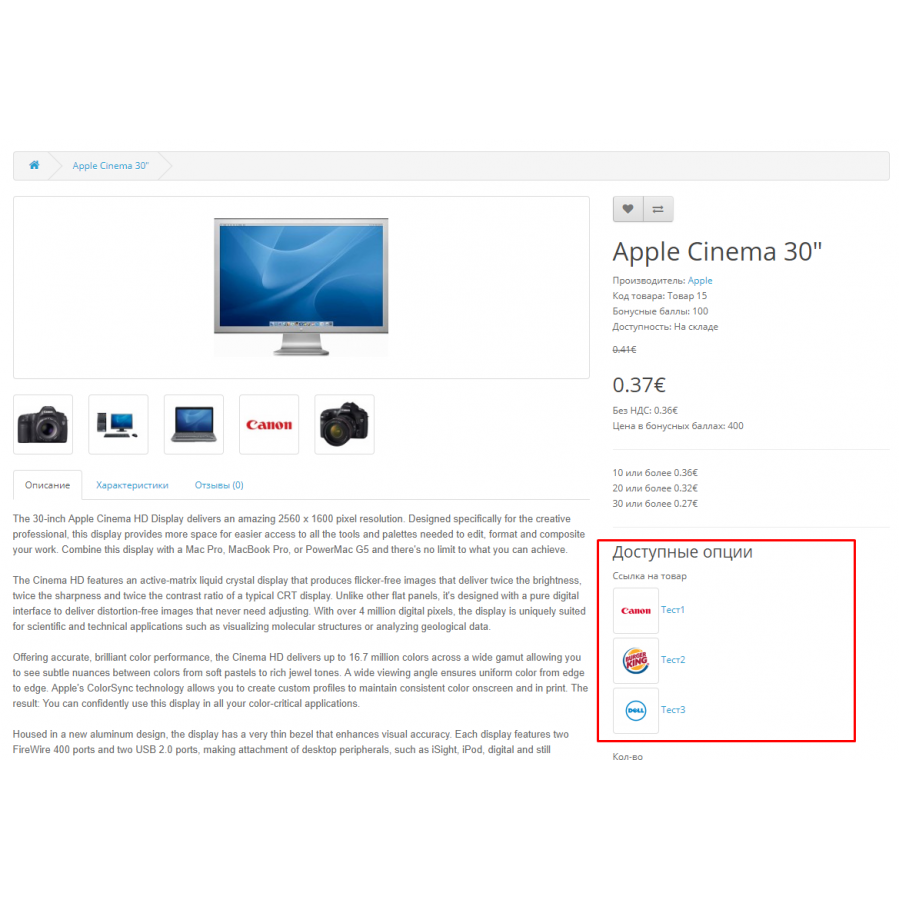
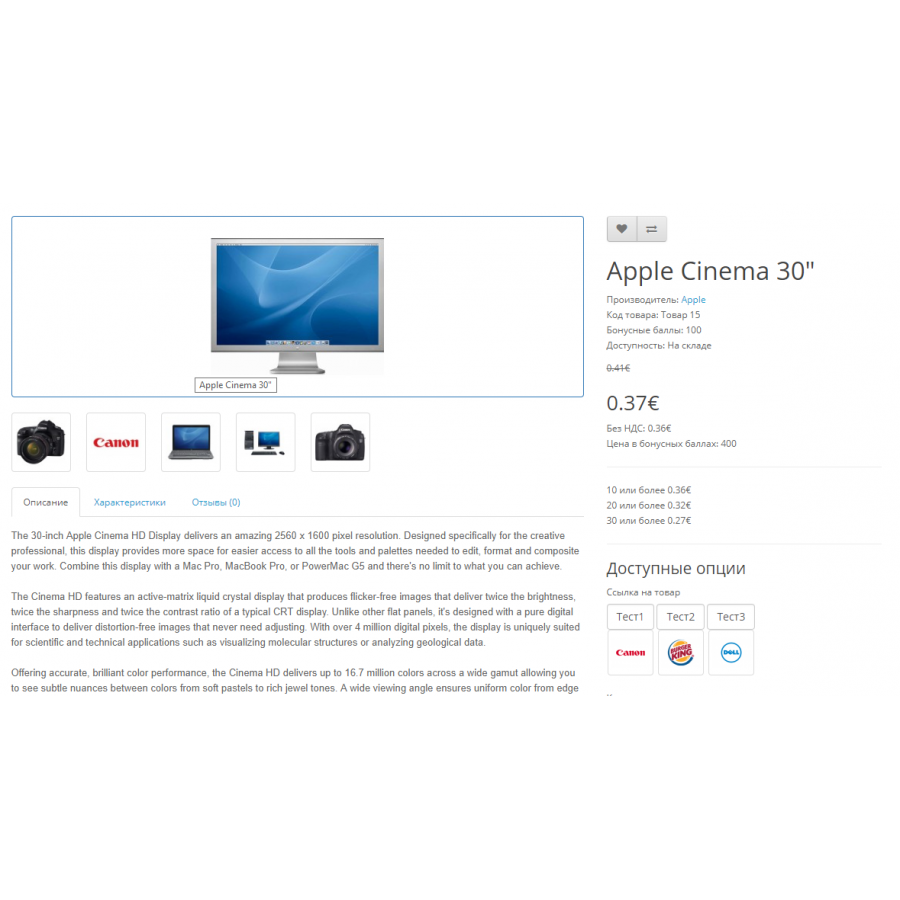
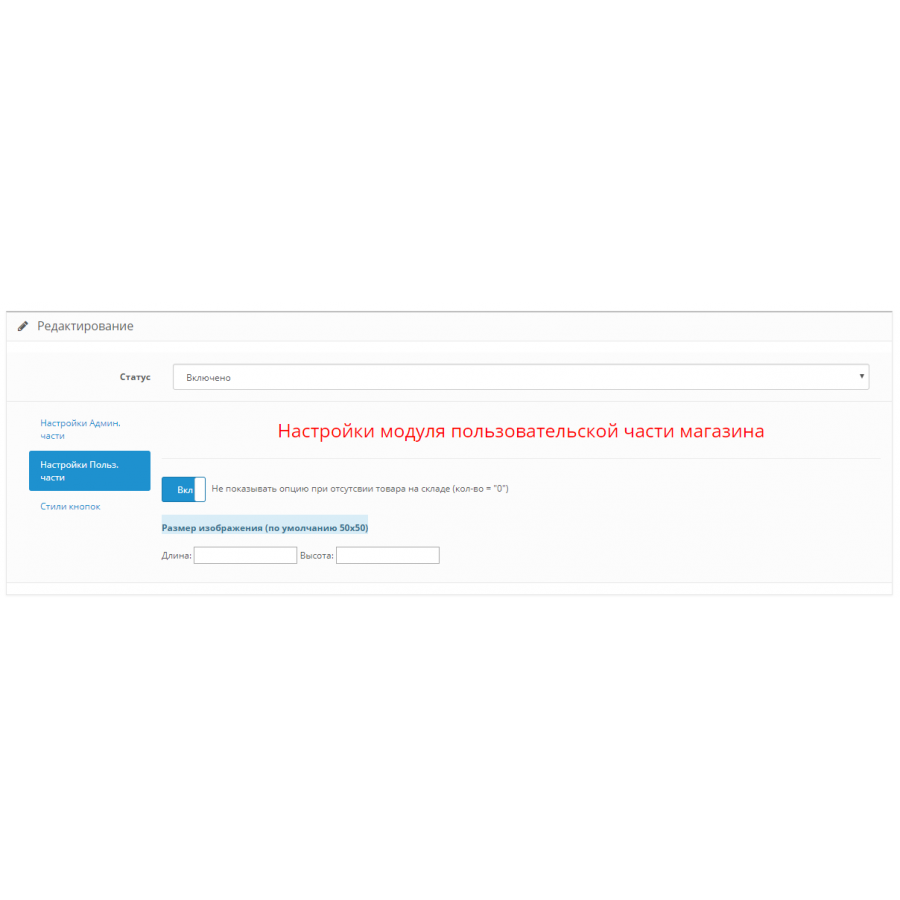
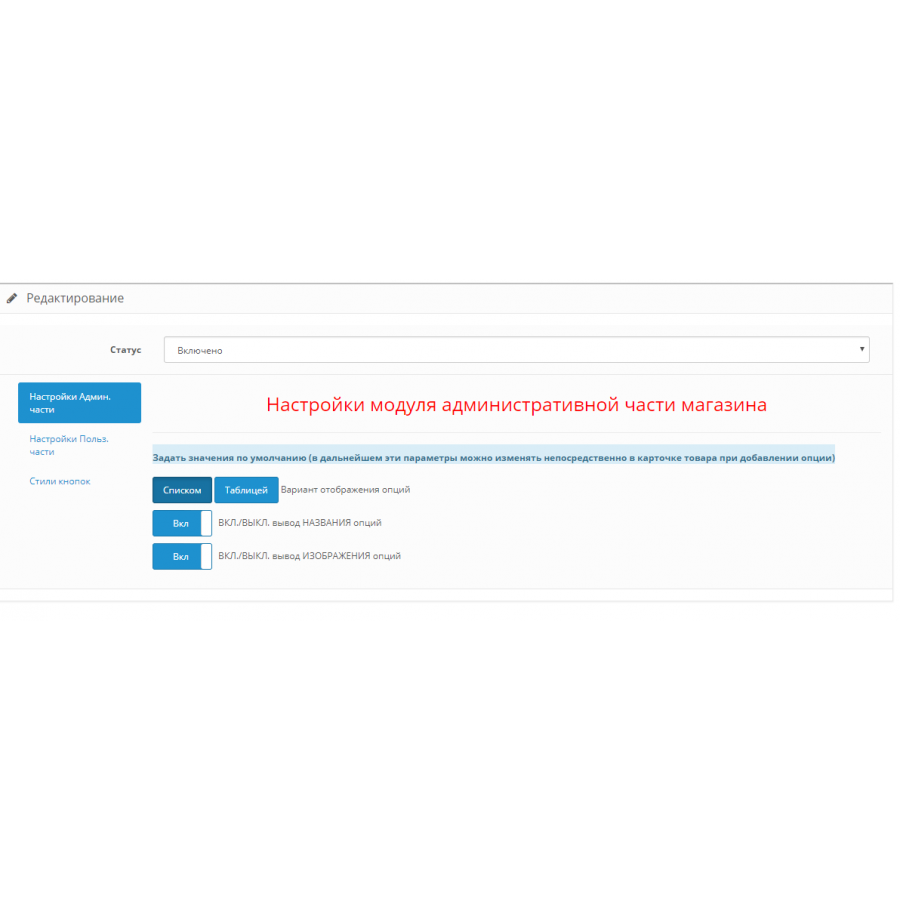
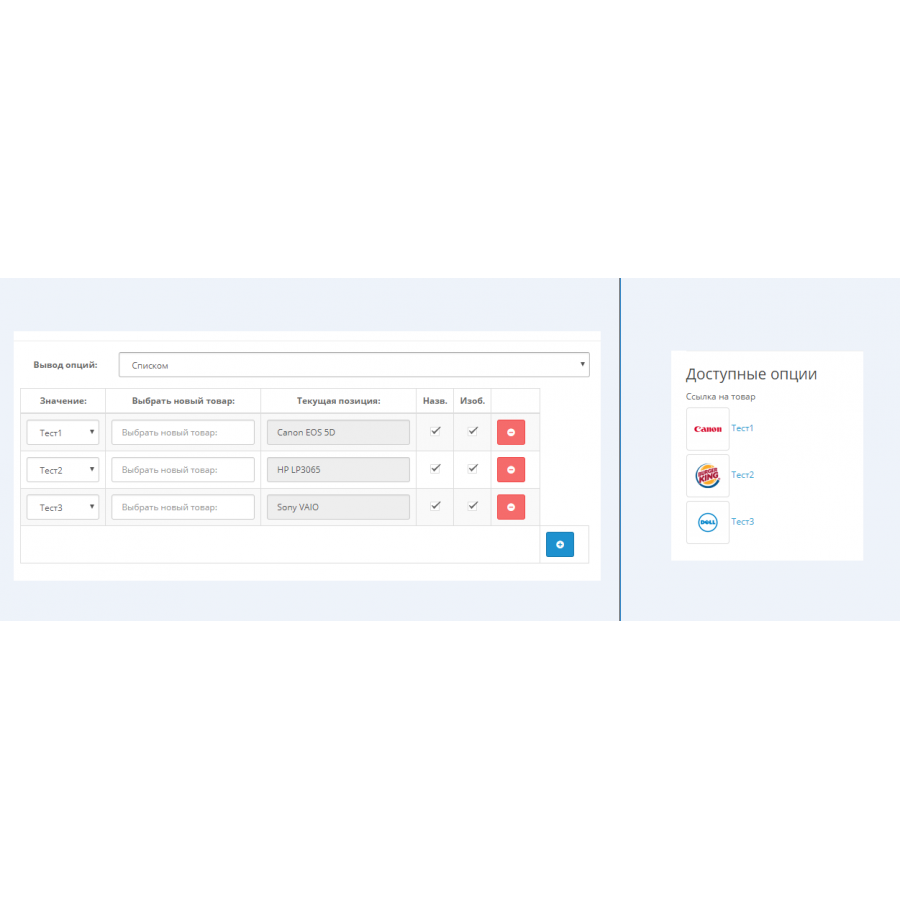
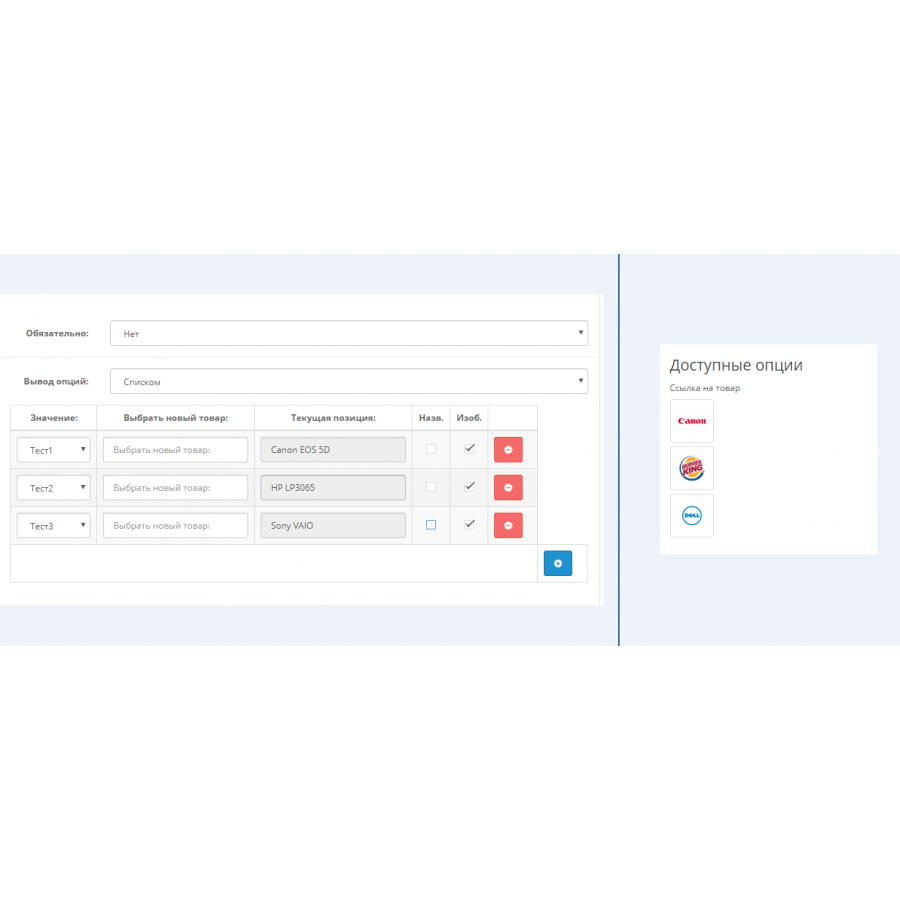
This module allows you to add links to other products in your store as options in the product card. Thanks to this, you can link products together, for example, to recommend accessories, alternative options or related products.
Features of the module:
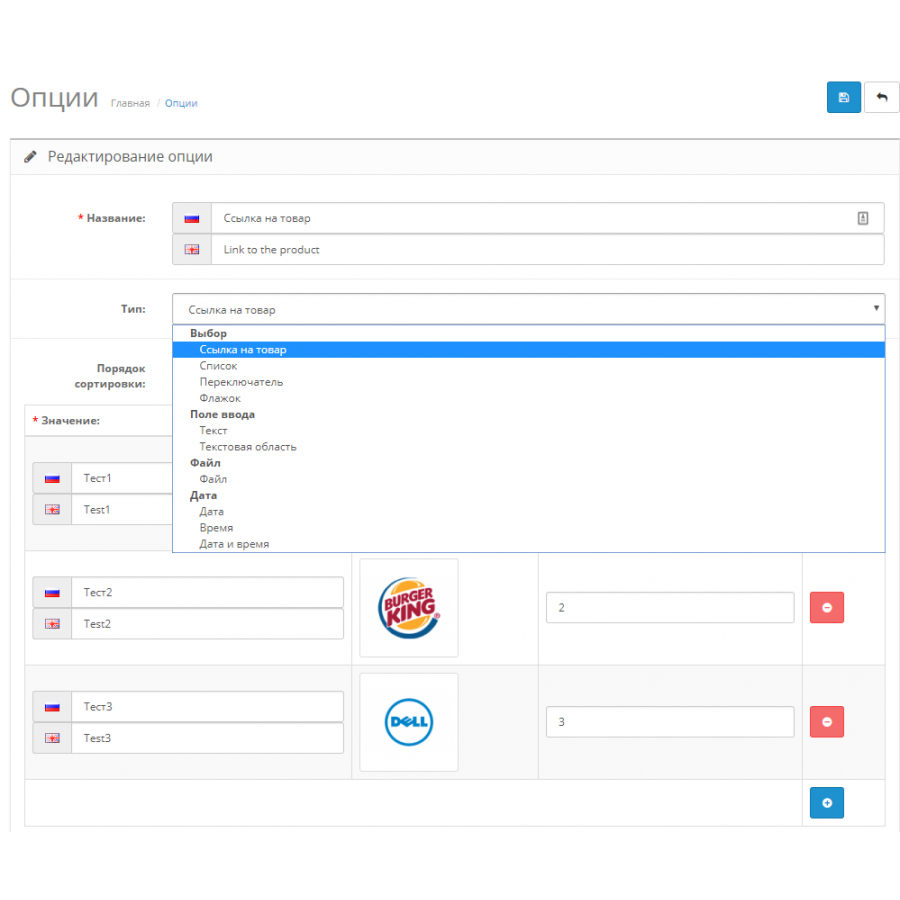
- Simple setup: Adding and editing links is done through OpenCart's standard options interface.
- No code intervention: all changes are made using the OCMOD file, without replacing system files.
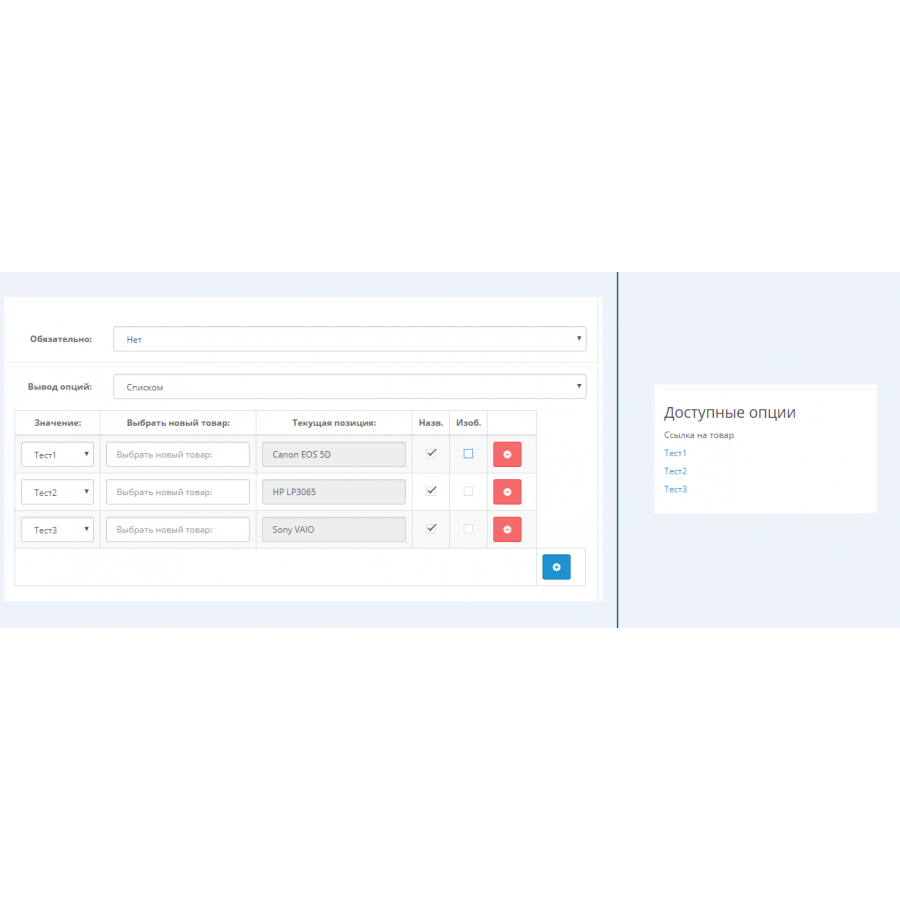
- 4 display options:
- list
- drop down list,
- table,
- extended table.
- Flexibility in display: the ability to individually configure the display of the product name, image or other attributes.
- Integration into the standard interface: The new block is displayed where the standard options are in your product card template.
- Product search: convenient search by product code (model) or article number (SKU).
- Image selection: option to specify which image to display - product or option.
- Copying options: the ability to quickly duplicate the created option to other products.
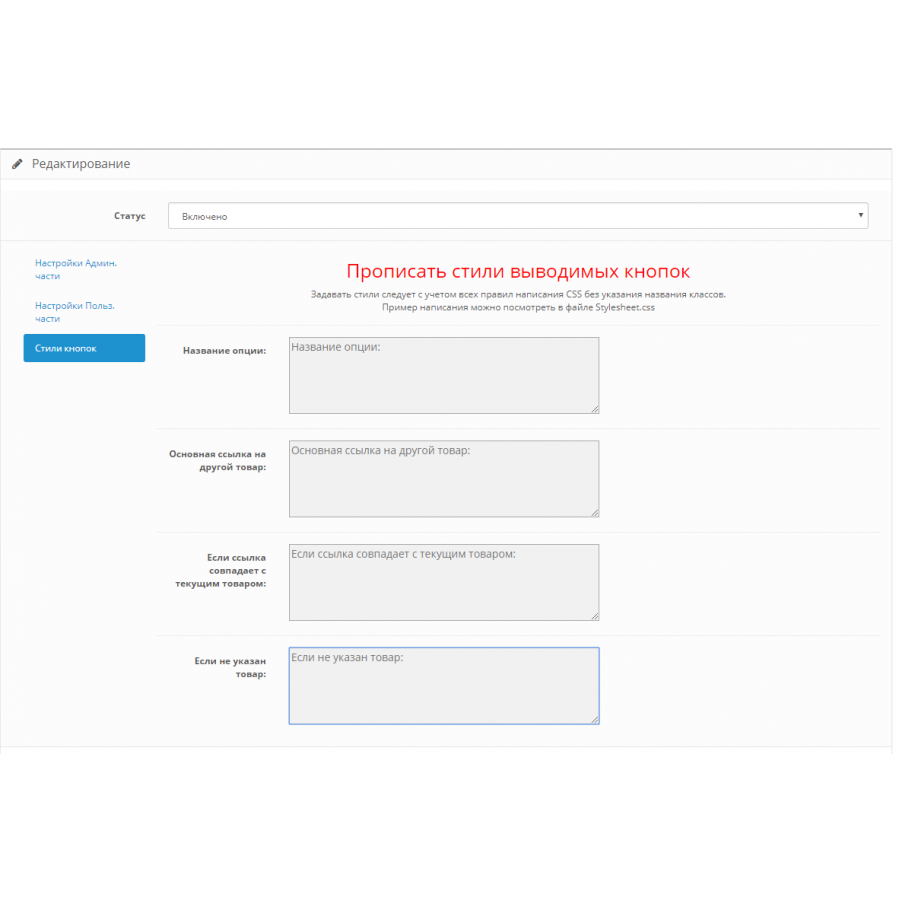
- Style support: the module allows you to add your own styles for each display option.
- Standard Database: All data is stored in OpenCart's standard structure, ensuring compatibility with the system.
Advantages:
This module creates a relationship between products, providing the ability to specify other products as options, which greatly facilitates the integration of related or alternative products. All links are customized individually for each product.
Please note:
If your template uses non-standard solutions for displaying options, additional settings may be required to display the new block correctly. Adaptation of the module for your store is not included in the price, you need to take this into account when buying and make the adaptation yourself or involve your specialists.
The "Link to products as options" module is a great solution to increase the convenience of choosing products in your store and improve the interaction with customers.
No questions about this product, be the first and ask your question.
Module installation instructions:
- Before performing any actions related to installing an add-on in Opencart, we recommend creating a backup copy of all site files and the store database ;
- Install the localcopy fix (if you don't have it installed yet)
- Download the module file for the desired Opencart version from our website ( Follow the installation instructions if there are any in the module archive );
- Then go to the "Installing add-ons/extensions" section and click on the " Download " button;
- Select the downloaded file and wait for the module to be fully installed and for the text "Application installed successfully" to appear;
- After that, go to " Application Manager " and update the modifiers by clicking the " Update " button;
- After these actions, you need to add the rights to view and manage the module in the " User Groups " section for the administrator or other users you select by clicking " Select All ".