

- Model127
- BrandOpenCart-Hub
- AvailabilityIn Stock
- PHP7.2-7.4
- CompatibilityOpencart 2.3, Opencart 3.0, Opencart Pro 2.3, OcStore 2.3, OcStore 3.0
- All the features
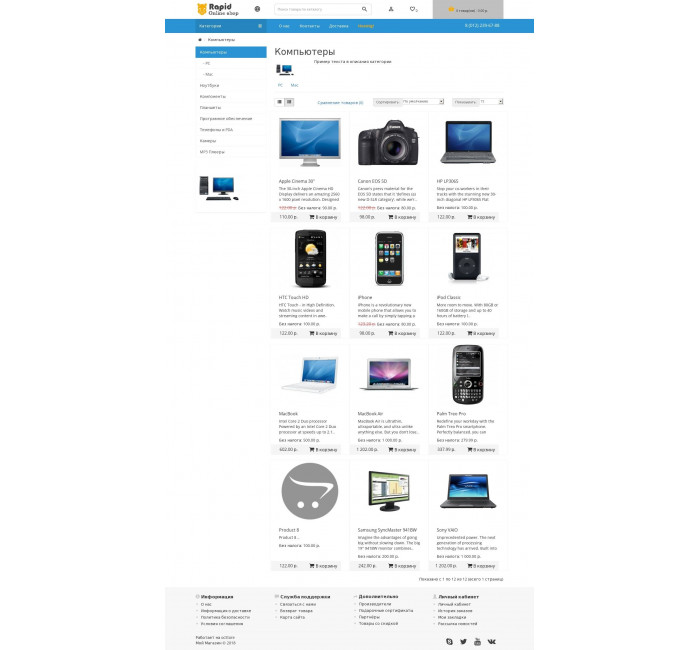
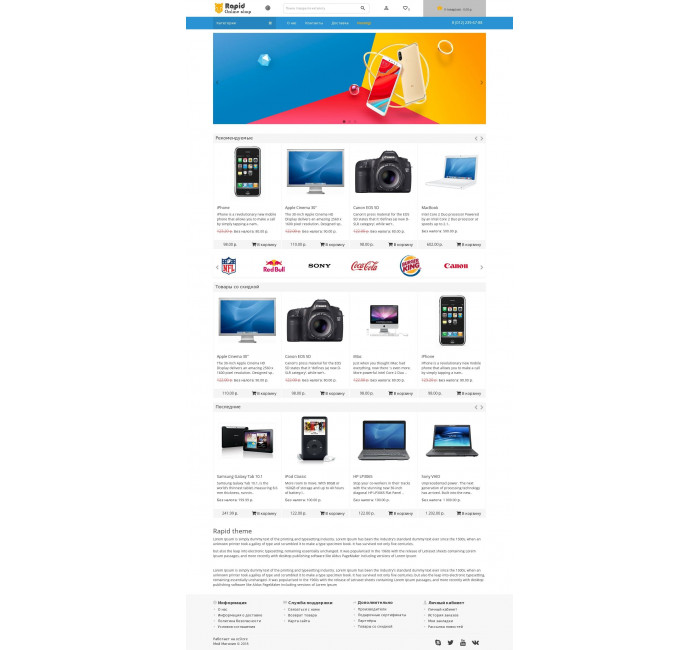
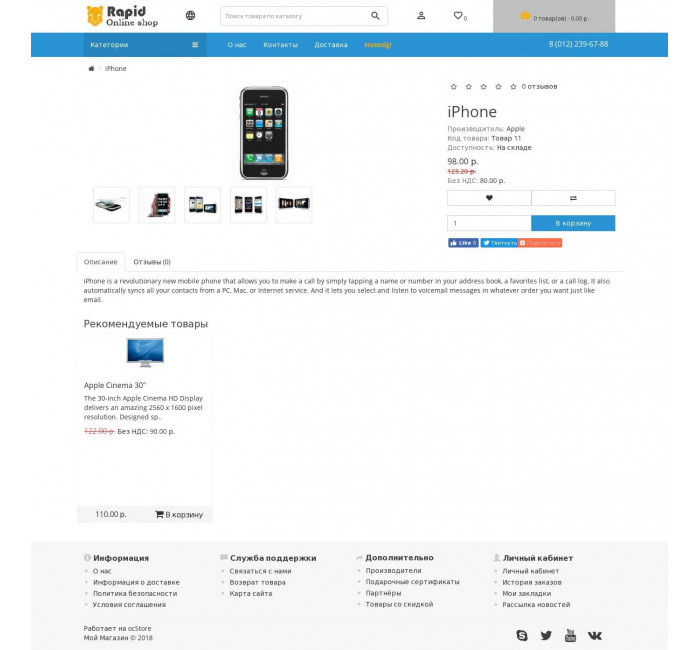
Rapid theme template, fast adaptive template.
The template has clean code and good loading speed.
The task of this template is to minimize the design, make it easy to use from mobile devices and tablets.
Easy installation and configuration that does not require additional knowledge.
Functional:
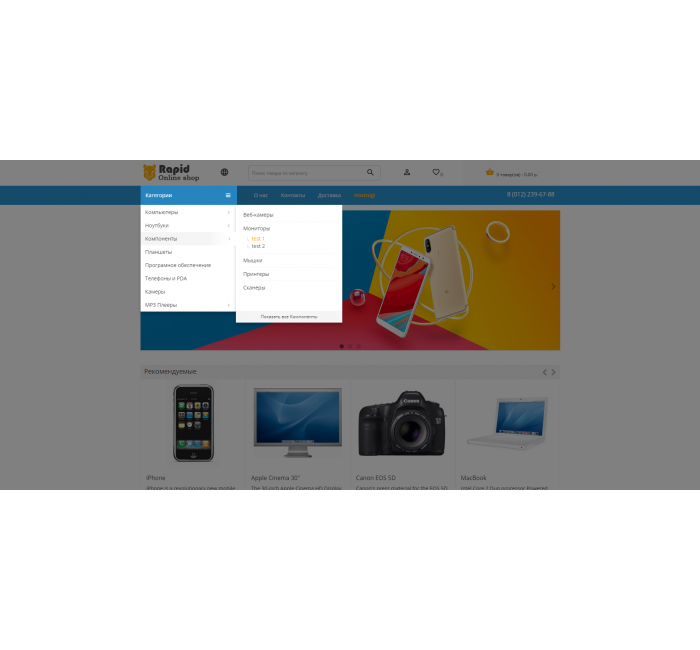
- Three-level adaptive menu
- Main menu
- Icons of payment systems, social networks, etc.
For oc3.0 , in standard modules, swiper is replaced by owl-carousel
Technical support - Not provided
This module is no longer maintained by the author, any questions/bugs will be ignored.

Pay attention!
All extensions are designed for the standard template and the "clean" version of OpenCart and are sold in their current form "as is" (AS IS). In case of using third-party templates or modifications, additional adaptation may be required, and in some cases is mandatory , for the correct operation of the module. The adaptation service is provided exclusively on a paid basis.
Please check the cost and the possibility of adaptation before making a purchase. After purchase, no claims regarding the operation of the extensions will be accepted.
You can also request a demonstration of the module's operation - to do this, contact the support service.
Characteristics
- PHP7.2-7.4
- CompatibilityOpencart 2.3, Opencart 3.0, Opencart Pro 2.3, OcStore 2.3, OcStore 3.0
- LocalizationRussian, Ukrainian, English
- OcmodNo
- Adaptation to your storePaid
Module installation instructions:
- Before performing any actions to install the add-on in Opencart, we recommend creating a backup copy of all site files and the store database;
- Install the localcopy fix (if you don't have it installed yet)
- Download the module file for the required Opencart version from our website (Follow the installation instructions if there are any in the module archive);
- Then go to the "Installing add-ons/extensions" section and click on the "Download" button;
- Select downloaded file and wait for the module to be fully installed and the text "Application installed successfully" to appear;
- Then go to "Application Manager" and update the modifiers by clicking the "Update" button;
- After these actions, you need to add the rights to view and manage the module in the "User Groups" section for the administrator or other users you select by clicking "Select All"