Modules
0
0
All about product
Description
Specification
Download
Reviews 0
Questions0
Installing the module
POP UP PRO Age Check (Age Restriction)

POP UP PRO Age Check (Age Restriction)

0 Leave a review
Product Code: 278
In Stock
390 грн
Main specifications
PHP: 7.2-7.4
Localization: Russian, Ukrainian, English
Ocmod: Yes
Adaptation to your store: Paid
All specifications
Description

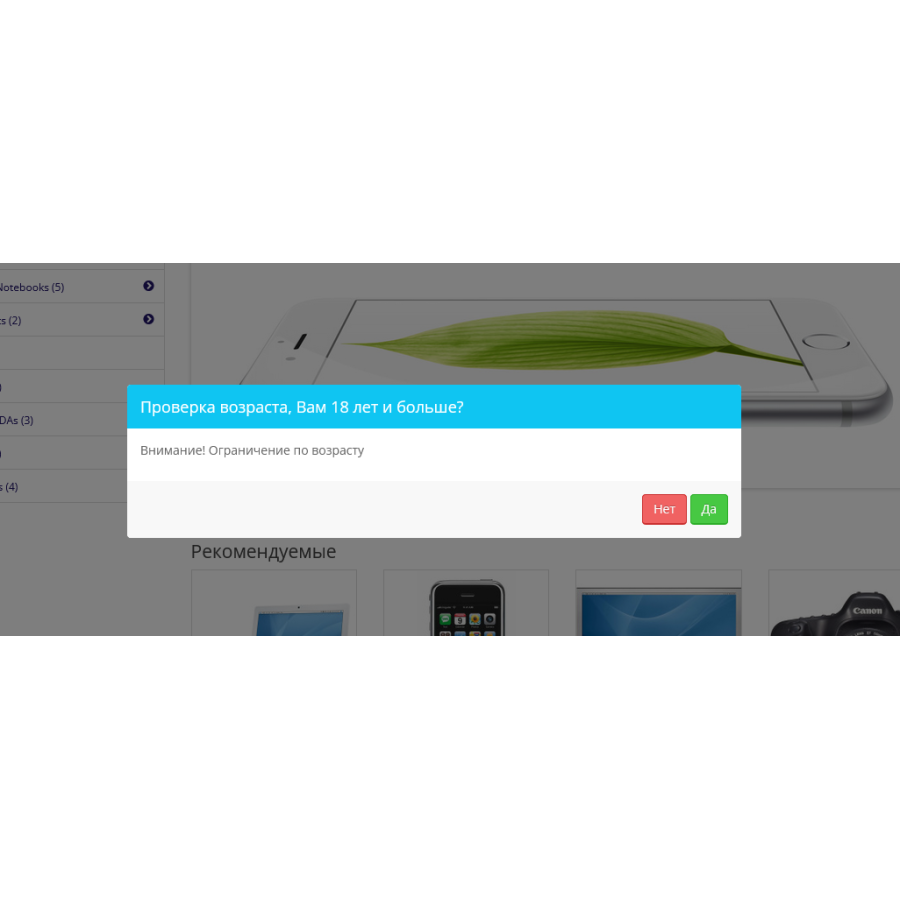
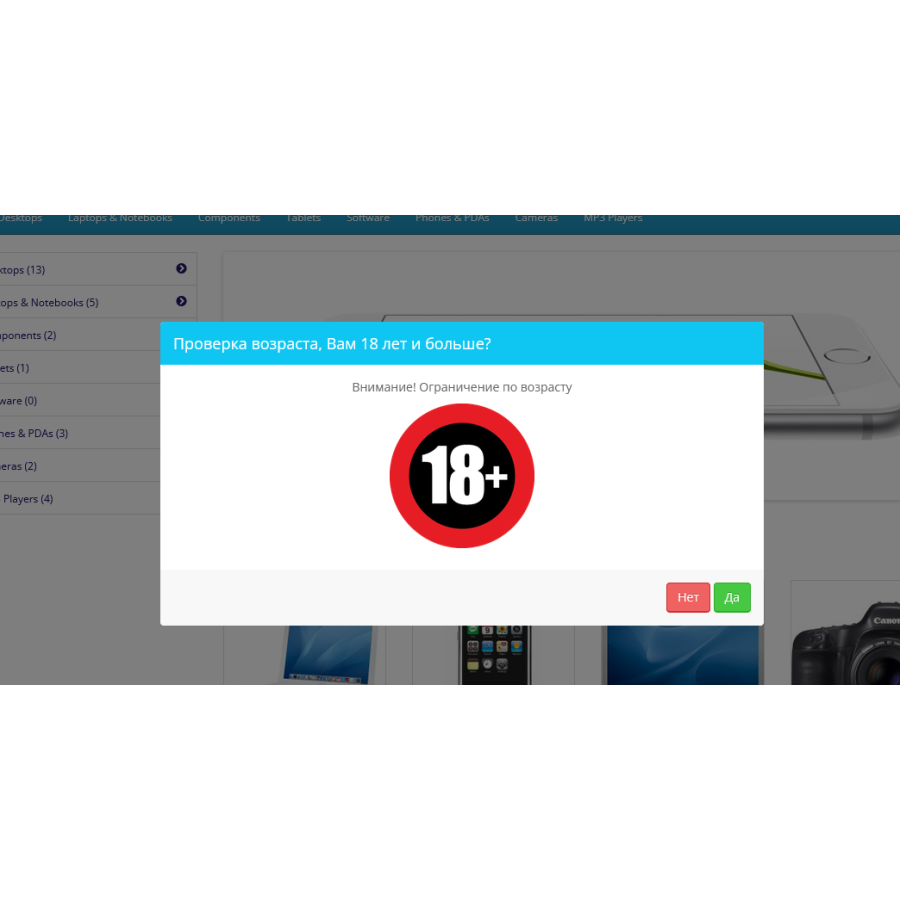
The POP UP PRO Age Checker (Age Restriction) module is a tool that allows you to set up pop-ups with confirmation or important information on your site. This can significantly increase your site conversion by 10 to 30%.

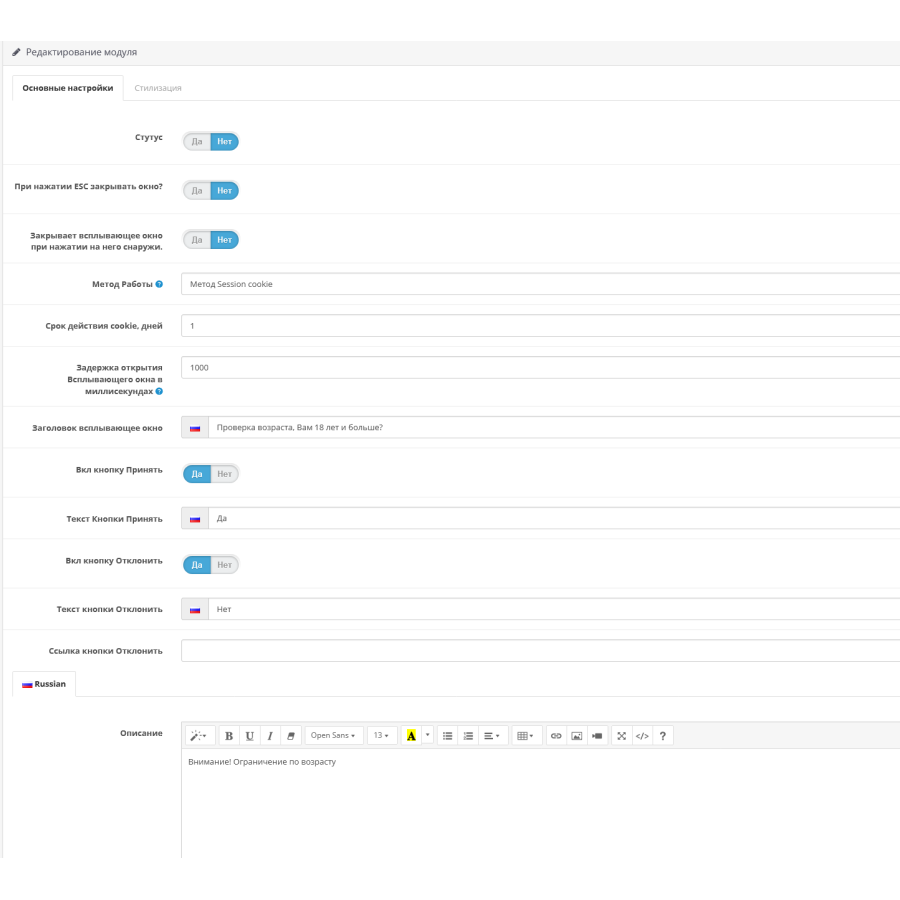
With this module, you can configure the confirmation window so that the user cannot close it until they accept or reject your terms. After that, it will be redirected to the specified link.

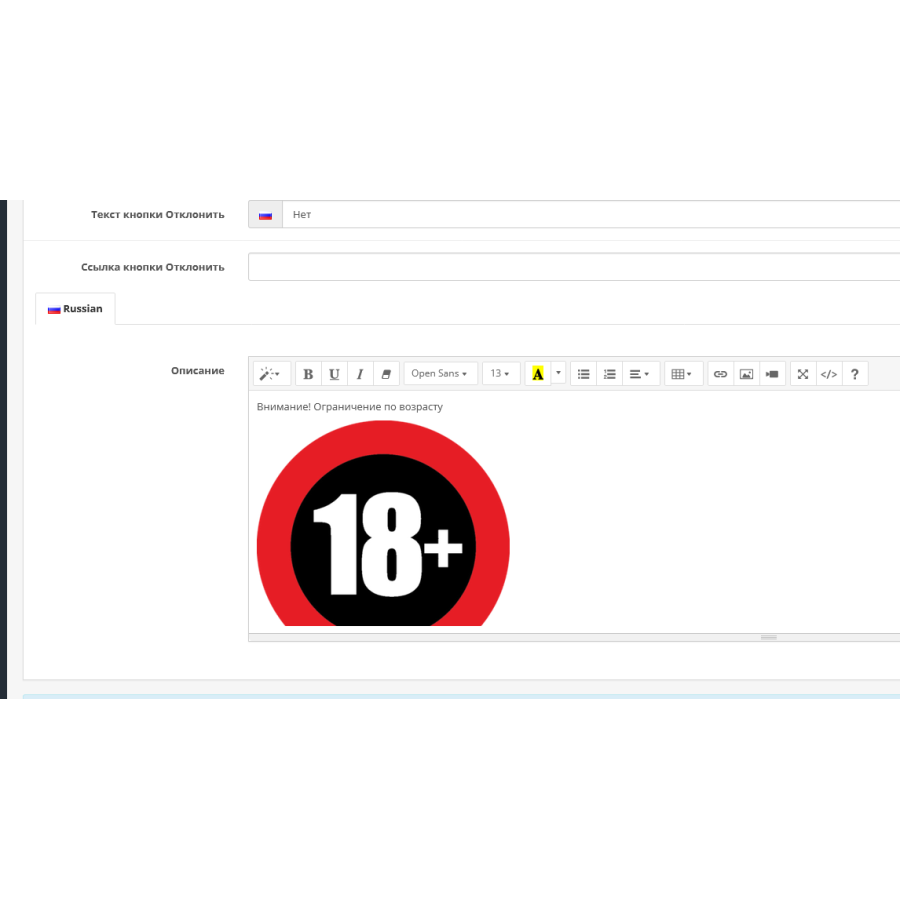
You can also use this module to display important information on your site, such as new promotions, domain changes, or other important announcements.

There are two window display methods in the module settings: "Session Cookie" and "Cookie". The first method shows the window in each new tab or when the browser is opened, and the second - shows the window once before the cookie expires.

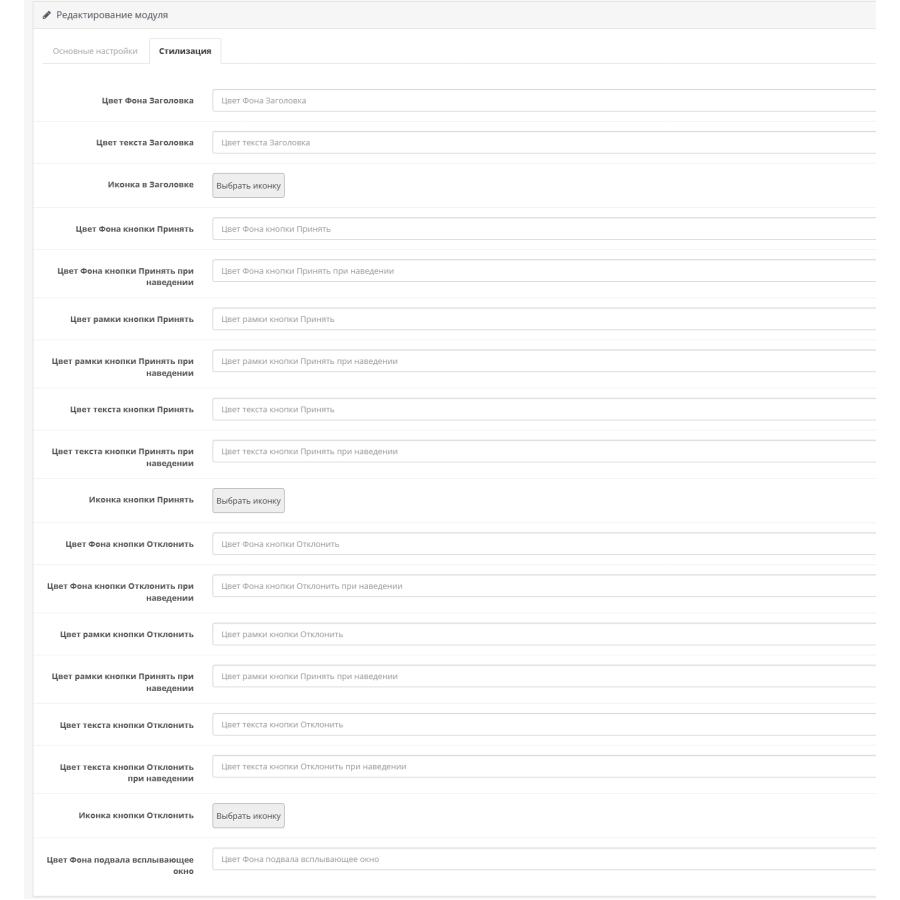
You can also customize the styling of the window by changing the color of the background, text, frame, as well as choosing the desired icons for the window header and buttons.

To install this module, you need to upload the contents of the "upload" folder to the root of your site and use the "Extension Installer" to update.

Restrictions, Age, Popup, 18+

Specifications
Characteristics
PHP 7.2-7.4
Localization Russian, Ukrainian, English
Ocmod Yes
Adaptation to your store Paid
Download
File Name Size Link
age_verification_3.ocmod.zip 5.44KiB Log in
Showing 1 to 1 of 1 (1 pages)
Reviews

There are no reviews for this product, be the first to leave your review.

Answers & questions

No questions about this product, be the first and ask your question.

Installing the module

Module installation instructions:

  1. Before performing any actions related to installing an add-on in Opencart, we recommend creating a backup copy of all site files and the store database ;
  2. Install the localcopy fix (if you don't have it installed yet)
  3. Download the module file for the desired Opencart version from our website ( Follow the installation instructions if there are any in the module archive );
  4. Then go to the "Installing add-ons/extensions" section and click on the " Download " button;
  5. Select the downloaded file and wait for the module to be fully installed and for the text "Application installed successfully" to appear;
  6. After that, go to " Application Manager " and update the modifiers by clicking the " Update " button;
  7. After these actions, you need to add the rights to view and manage the module in the " User Groups " section for the administrator or other users you select by clicking " Select All ".

After completing these steps, your module will be installed and ready to use, and you can start configuring it!