Your shopping cart is empty!
Cart
  • Model
    245
  • Brand
    OpenCart-Hub
  • Version
    1.2
  • Availability
    In Stock
300 грн

Opencart Stories - slideshow as a module for Opencart

What are the advantages of this module?

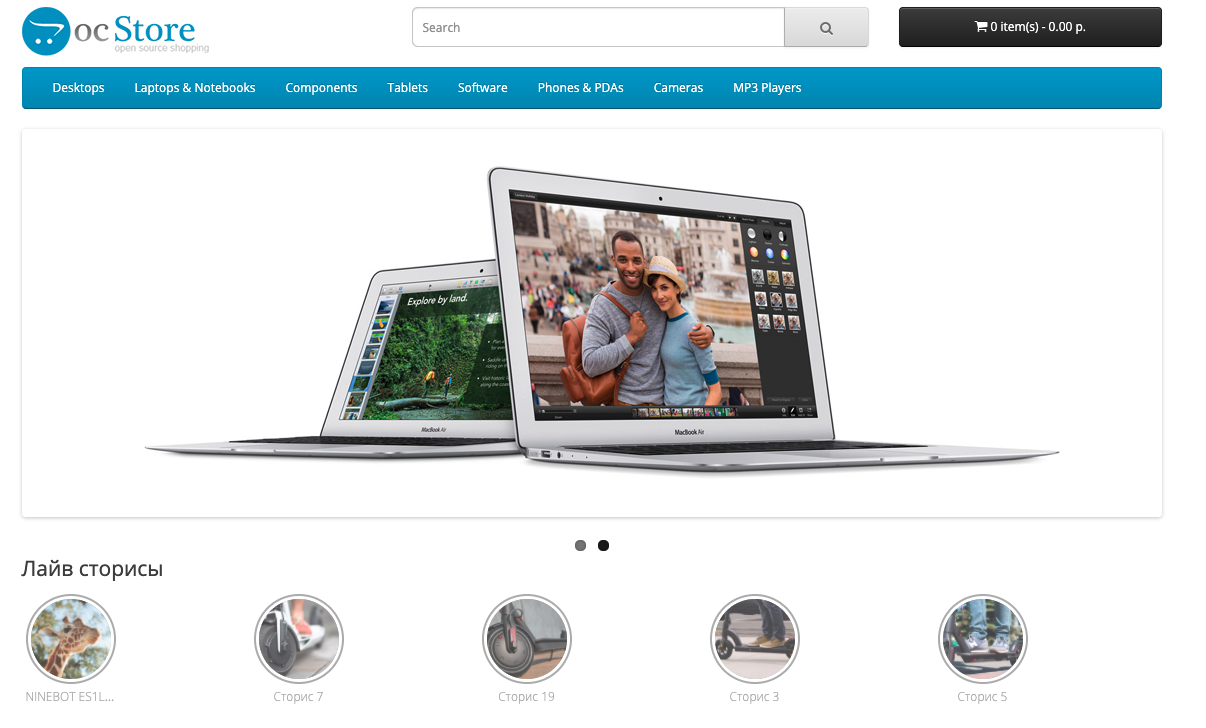
  • the ability to put stories in blog articles or any other place
  • responsive design (icons adapt to screen size)
  • animation when playing stories (like on Instagram)
  • ability to add a “Buy” link when viewing stories
  • sort images by drag and drop
  • ability to add a link to each image


Pay attention!

All extensions are designed for the standard template and the "clean" version of OpenCart and are sold in their current form "as is" (AS IS). In case of using third-party templates or modifications, additional adaptation may be required, and in some cases is mandatory , for the correct operation of the module. The adaptation service is provided exclusively on a paid basis.

Please check the cost and the possibility of adaptation before making a purchase. After purchase, no claims regarding the operation of the extensions will be accepted.

You can also request a demonstration of the module's operation - to do this, contact the support service.

Characteristics

  • PHP
    7.2-7.4
  • Compatibility
    OpenCart 3, ocStore 3
  • Localization
    Ukrainian, Russian, English
  • Ocmod
    Yes
  • Adaptation to your store
    Paid
Reviews: 0

There are no reviews for this product.

Module installation instructions:

  1. Before performing any actions to install the add-on in Opencart, we recommend creating a backup copy of all site files and the store database;
  2. Install the localcopy fix (if you don't have it installed yet)
  3. Download the module file for the required Opencart version from our website (Follow the installation instructions if there are any in the module archive);
  4. Then go to the "Installing add-ons/extensions" section and click on the "Download" button;
  5. Select downloaded file and wait for the module to be fully installed and the text "Application installed successfully" to appear;
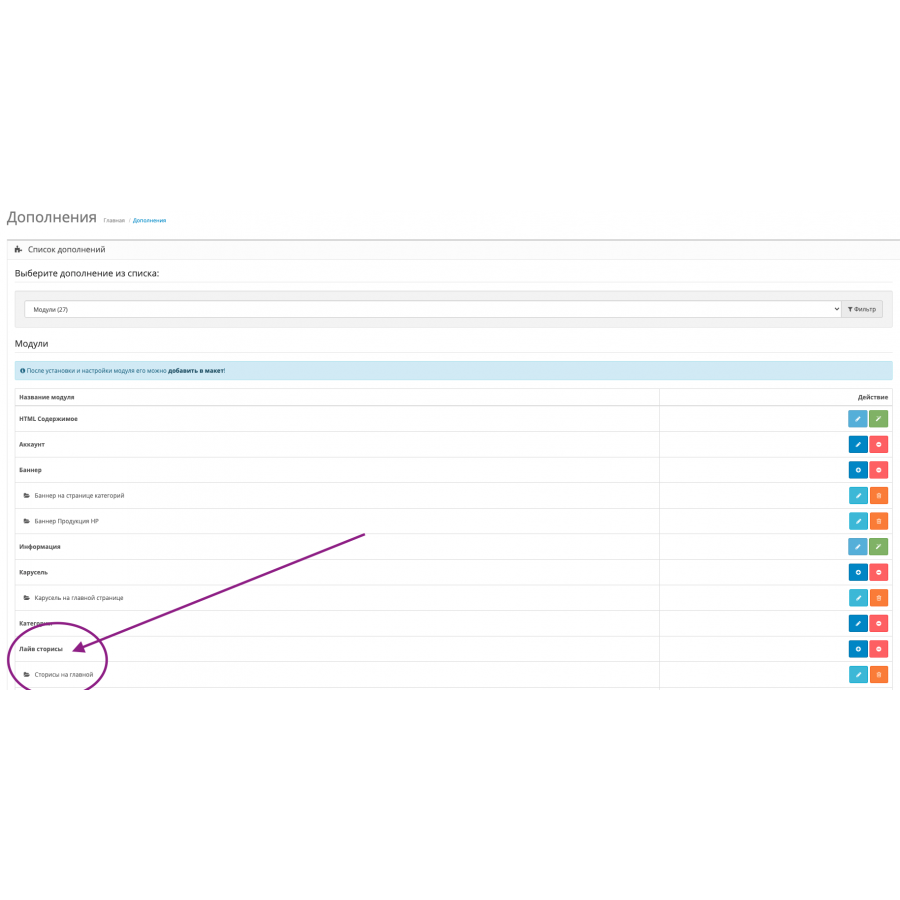
  6. Then go to "Application Manager" and update the modifiers by clicking the "Update" button;
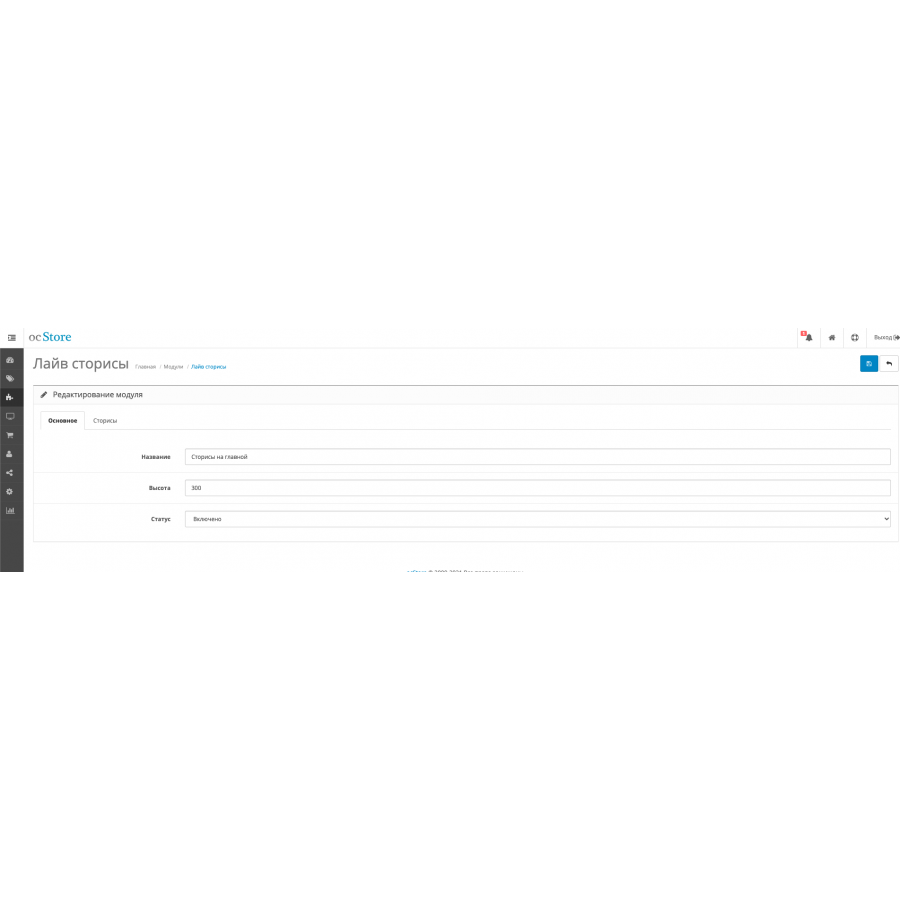
  7. After these actions, you need to add the rights to view and manage the module in the "User Groups" section for the administrator or other users you select by clicking "Select All"
After completing these steps, your module will be installed and ready to use, and you can start configuring it!


Similar products
TOP downloads!
Age check Pop up (Age restriction)
PAY ATTENTION! We have POP UP PRO Age Check (Age Restriction) Where there are many settings, with the ability to put ..
7.2-7.4 English
0 грн
GDPR Tools - General Data Protection Regulation Compliant
GDPR Regulation (General Data Protection Regulation), adopted by the Parliament of the European Union (EU) on April 14, ..
7.2-7.4 Opencart 3.0, OcStore 3.0
1 review
725 грн
Backup and Restore Plus
Brand new version with significantly updated and redesigned appearance and efficient management of large size backups fo..
7.2-7.4 1.5.x, 2.0.0.0, 2.0.1.0, 2.0.1.1, 2.0.2.0, 2.0.3.1, 2.1.0.1, 2.1.0.2, 2.2.0.0, 2.3.0.0, 2.3.0.1, 2.3.0.2, 3.0. 0.0, 3.0.1.1, 3.0.1.2, 3.0.2.0, 3.0.3.0, 3.0.3.1, 3.0.3.2, 3.0.3.3, 3.0.3.5, 3.0.3.6, 3.0.3.7, 3.0.3.8
1 review
350 грн
TOP downloads!
Advanced Order Manager for OpenCart
Advanced Order Manager
With this extension you can manage your orders quickly and easily. This extension allows the admin to edit, bulk delete,..
7.2-7.4 2.0.0.0, 2.0.1.0, 2.0.1.1, 2.0.2.0, 2.0.3.1, 2.1.0.1, 2.1.0.2, 2.3.0.0, 2.3.0.1, 2.3.0.2, 3.0.0.0, 3.0.1.1, 3.0. 1.2, 3.0.2.0, 3.0.3.0, 3.0.3.1, 3.0.3.2, 3.0.3.3, 3.0.3.5, 3.0.3.6, 3.0.3.7, 3.0.3.8
320 грн
Buttons for WhatsApp, Facebook Messenger, Telegram, Skype, Viber communication
Module Buttons for communication Helps simplify contact and connect with your business. No potential customer will be..
7.2-7.4 3.0.0.0, 3.0.1.1, 3.0.1.2, 3.0.2.0, 3.0.3.0, 3.0.3.1, 3.0.3.2, 3.0.3.3, 3.0.3.5, 3.0.3.6, 3.0.3.7, 3.0.3.8
300 грн