All about product
Description
Specification
Reviews
1
Questions0
Installing the module
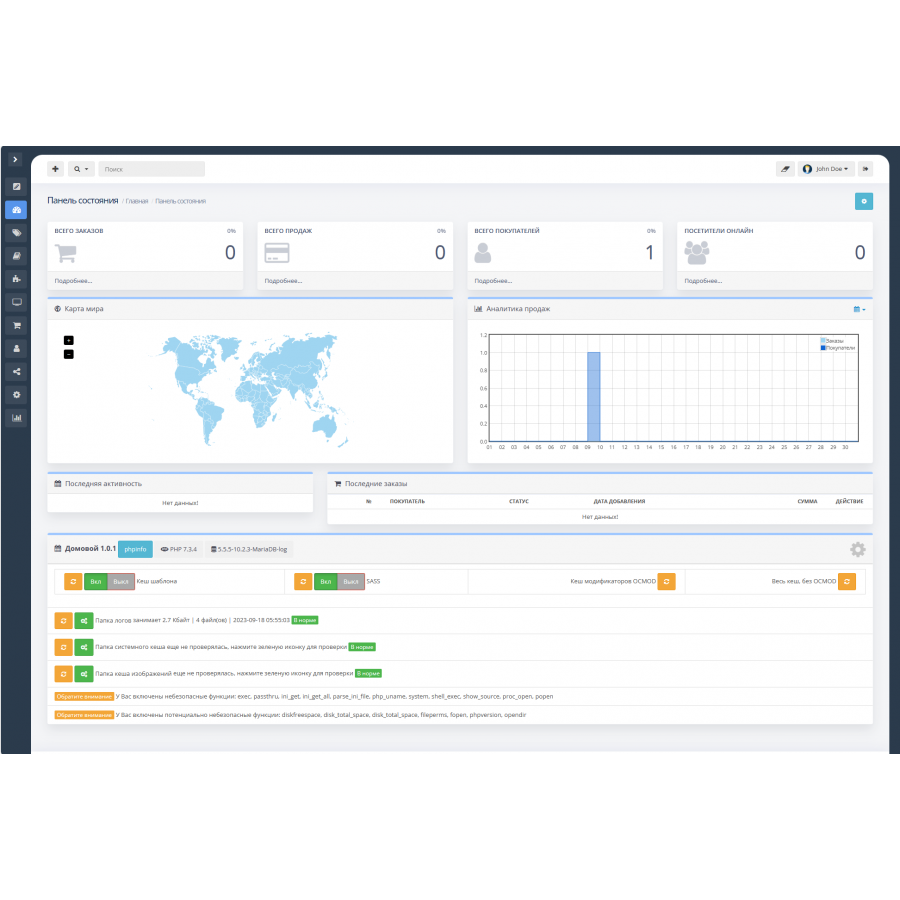
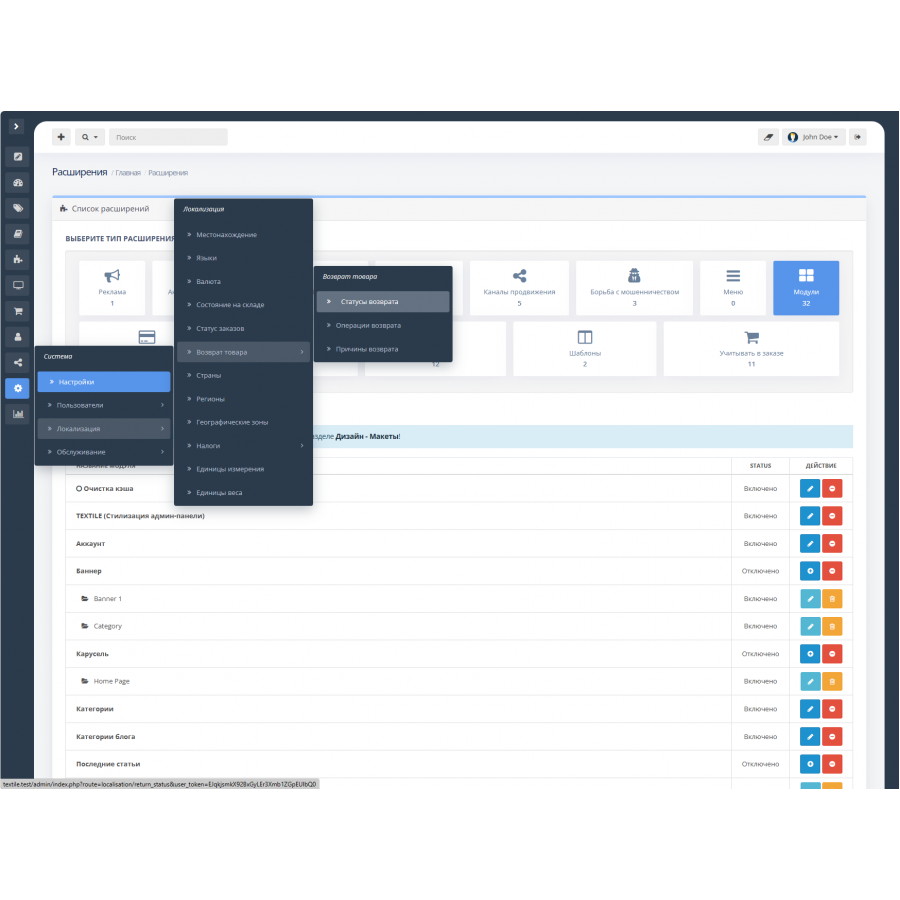
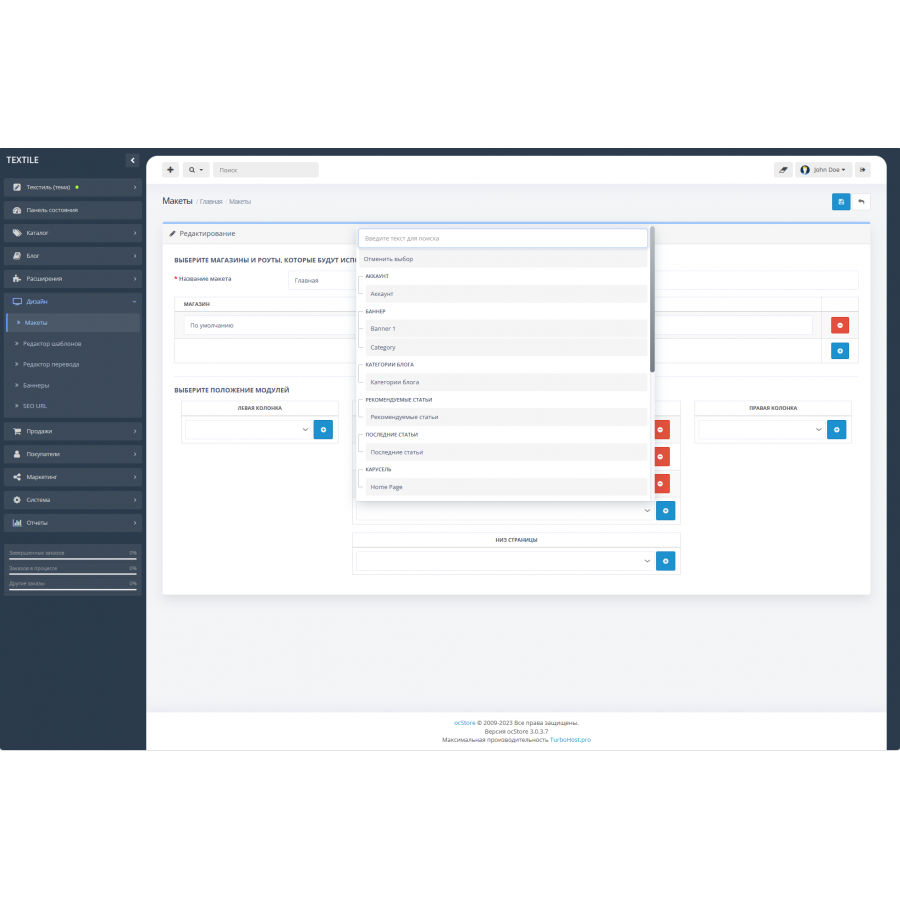
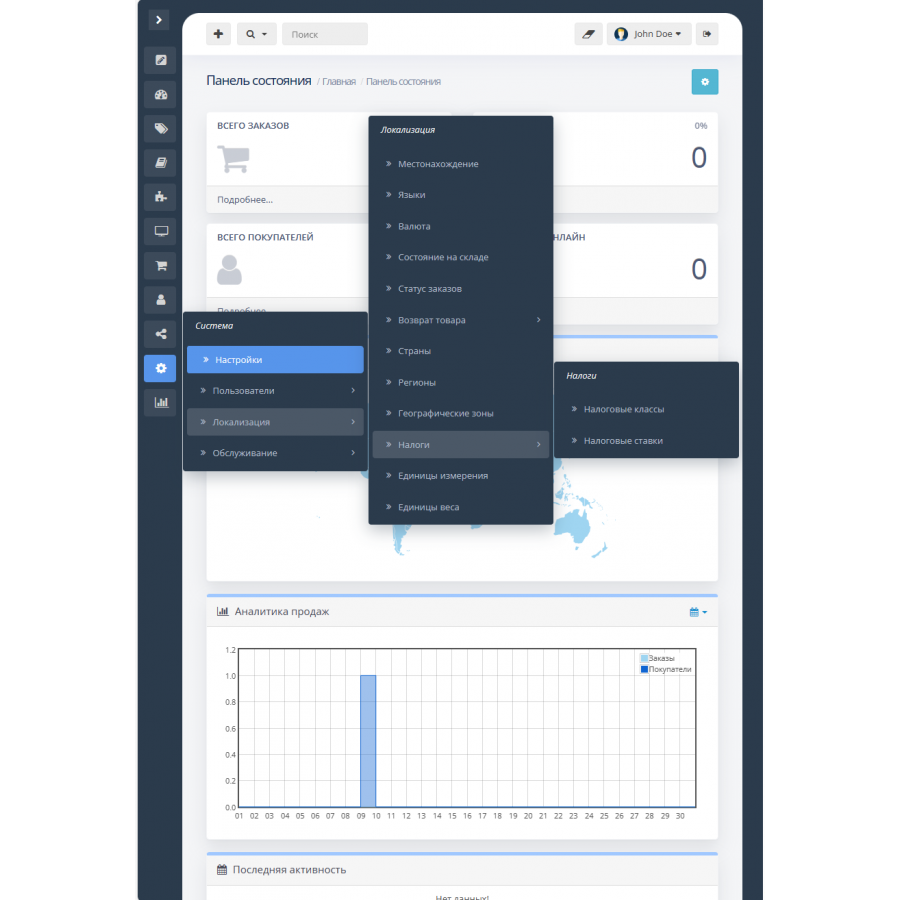
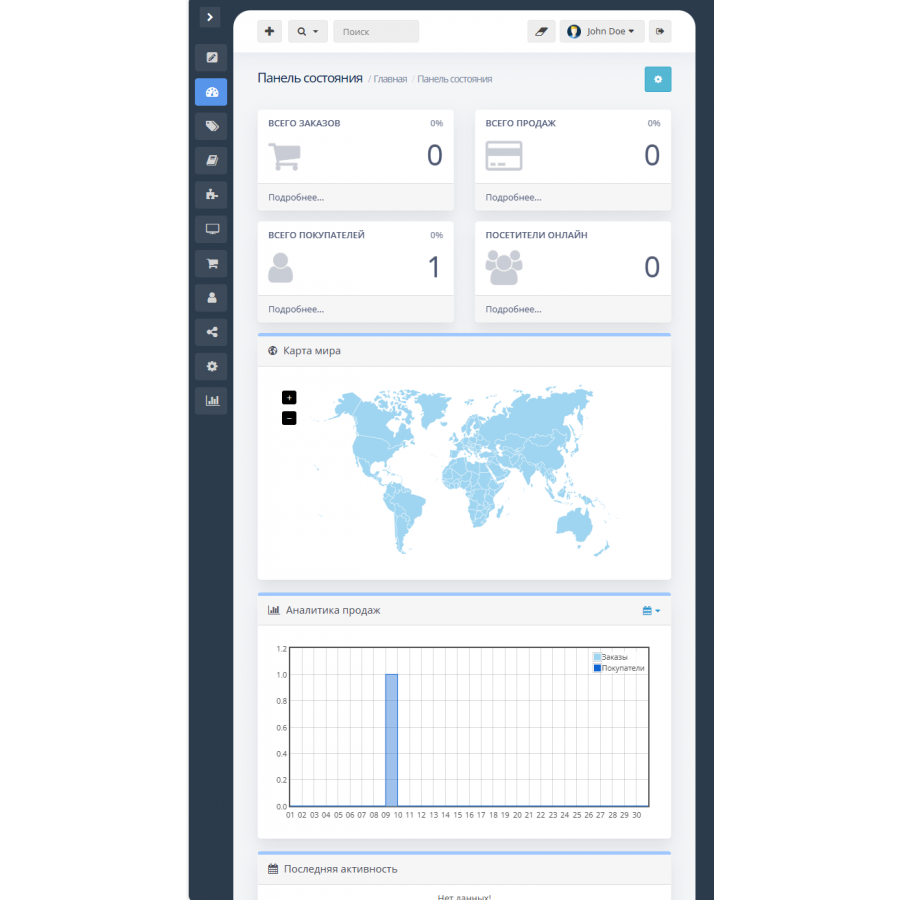
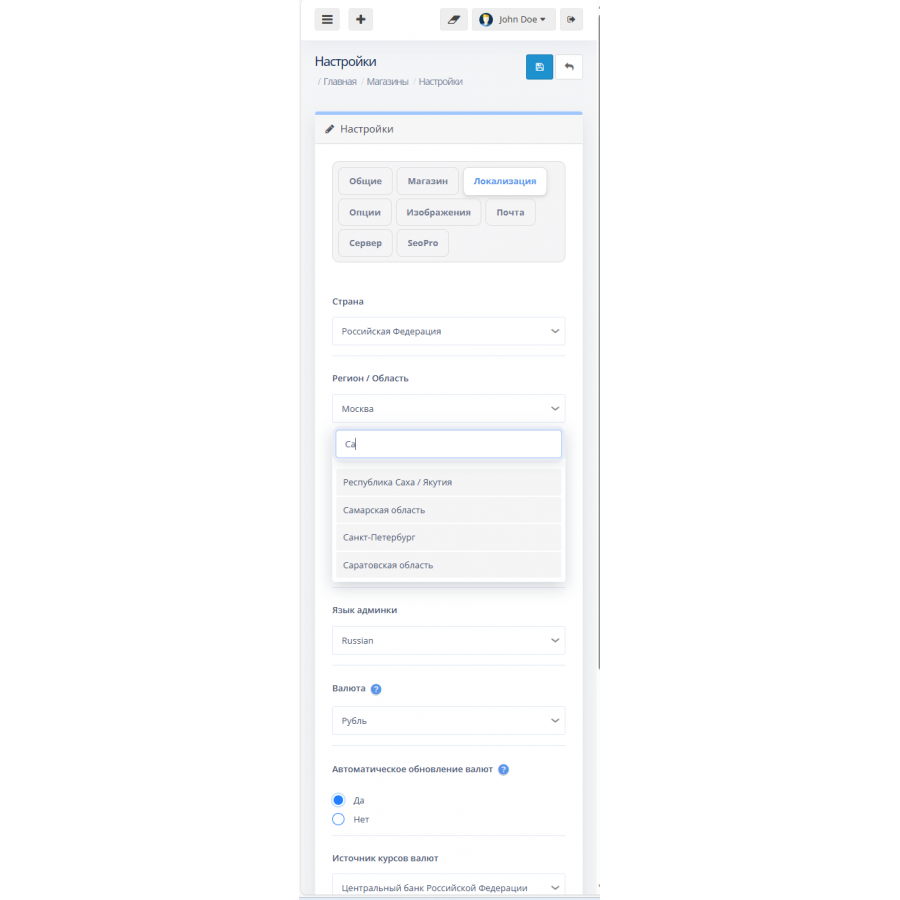
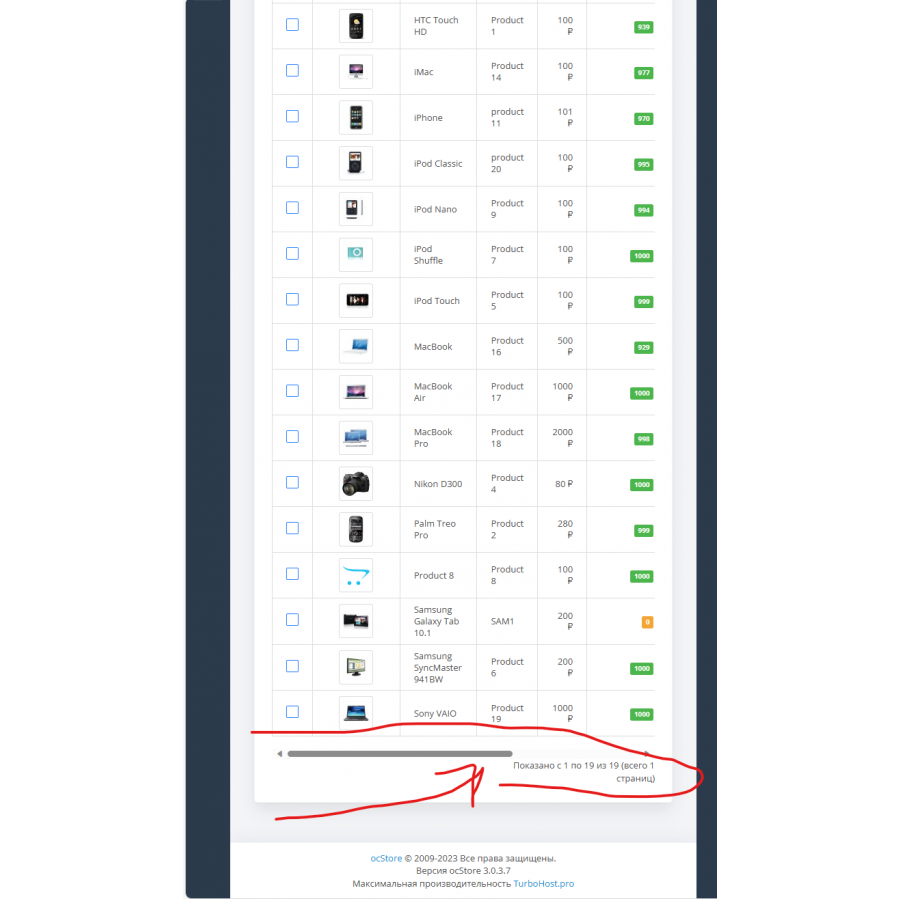
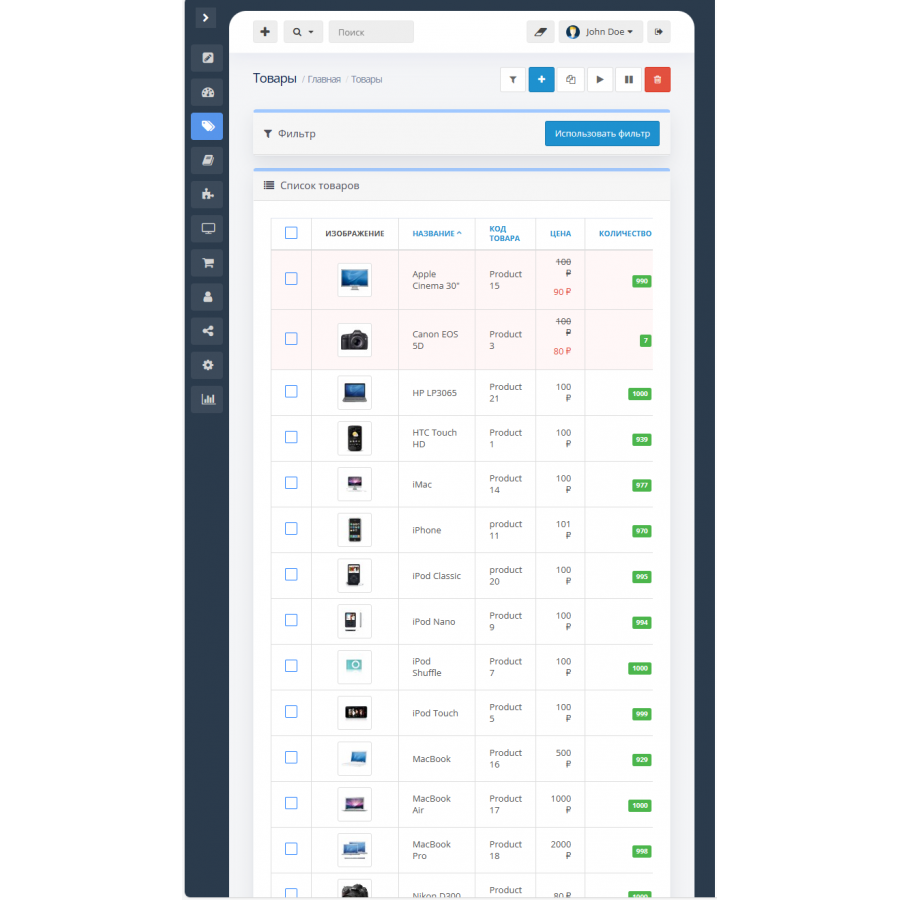
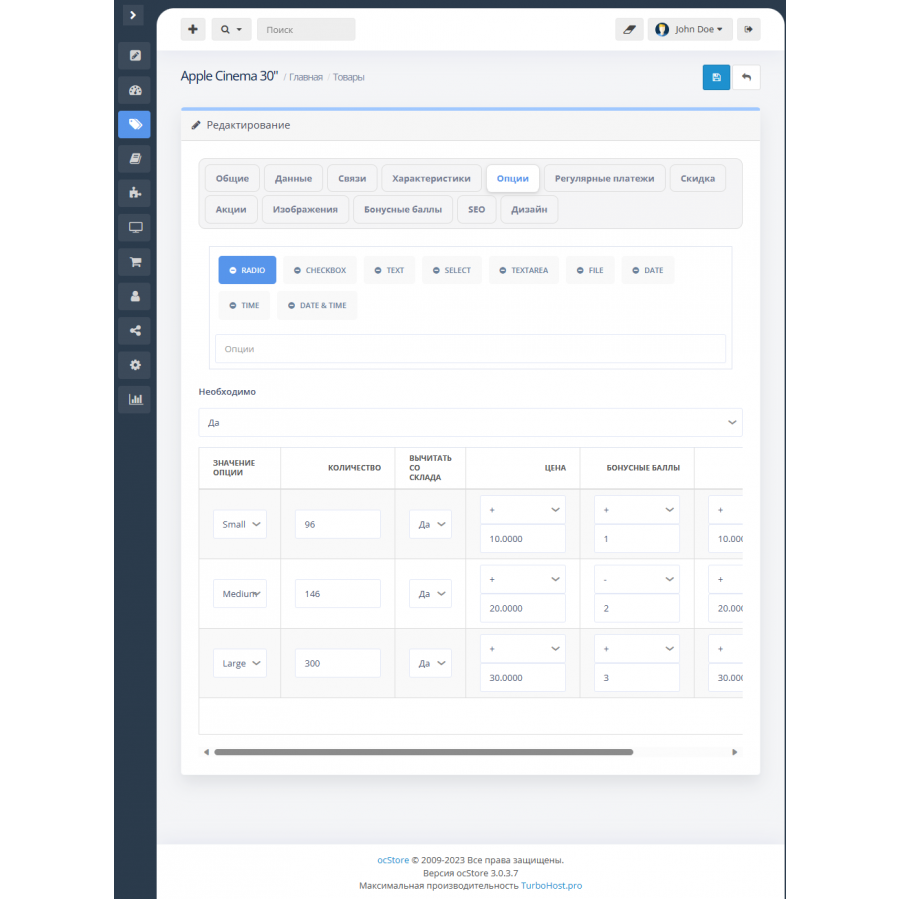
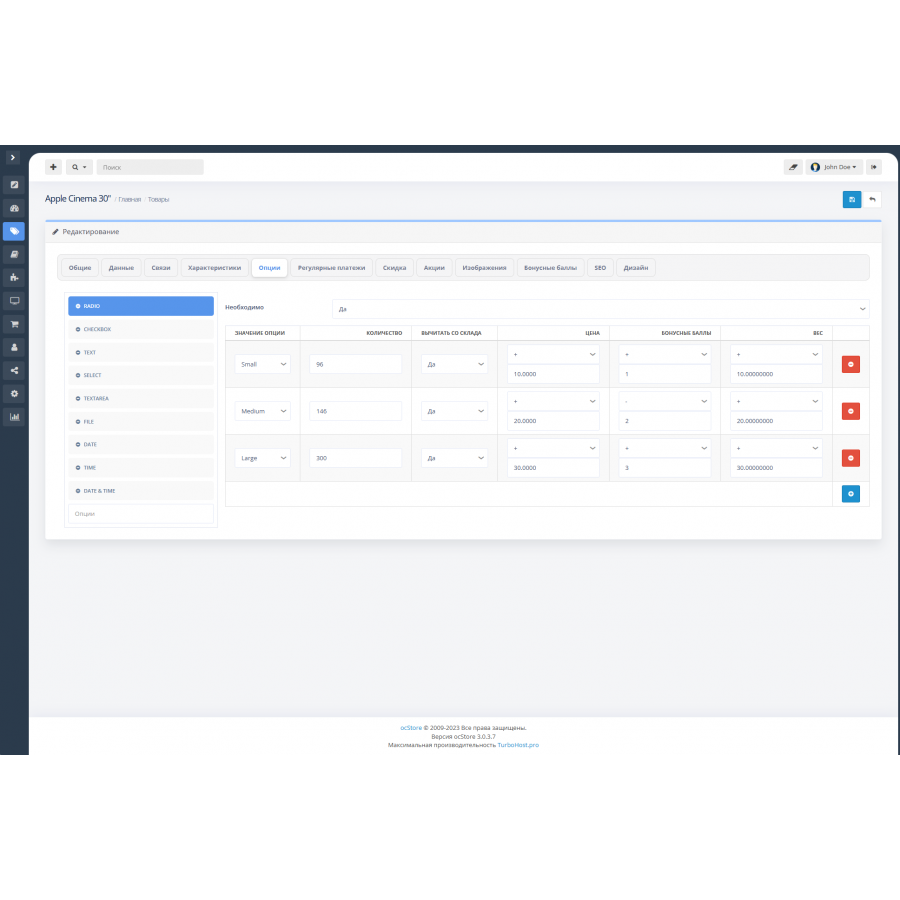
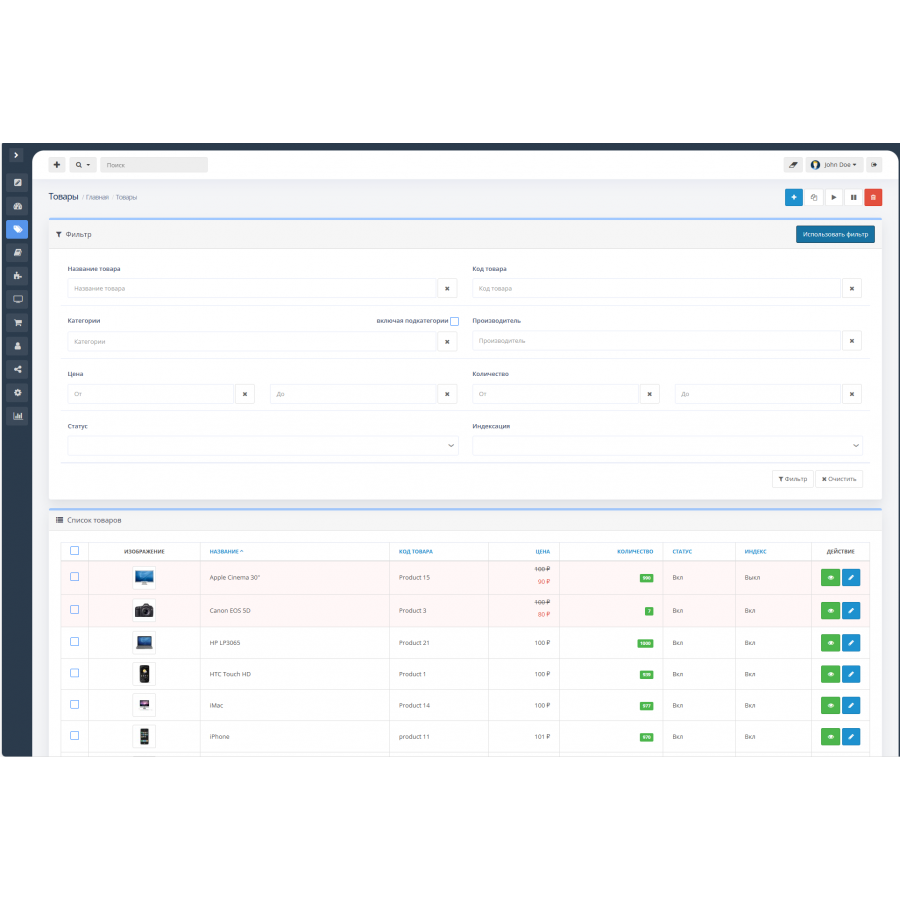
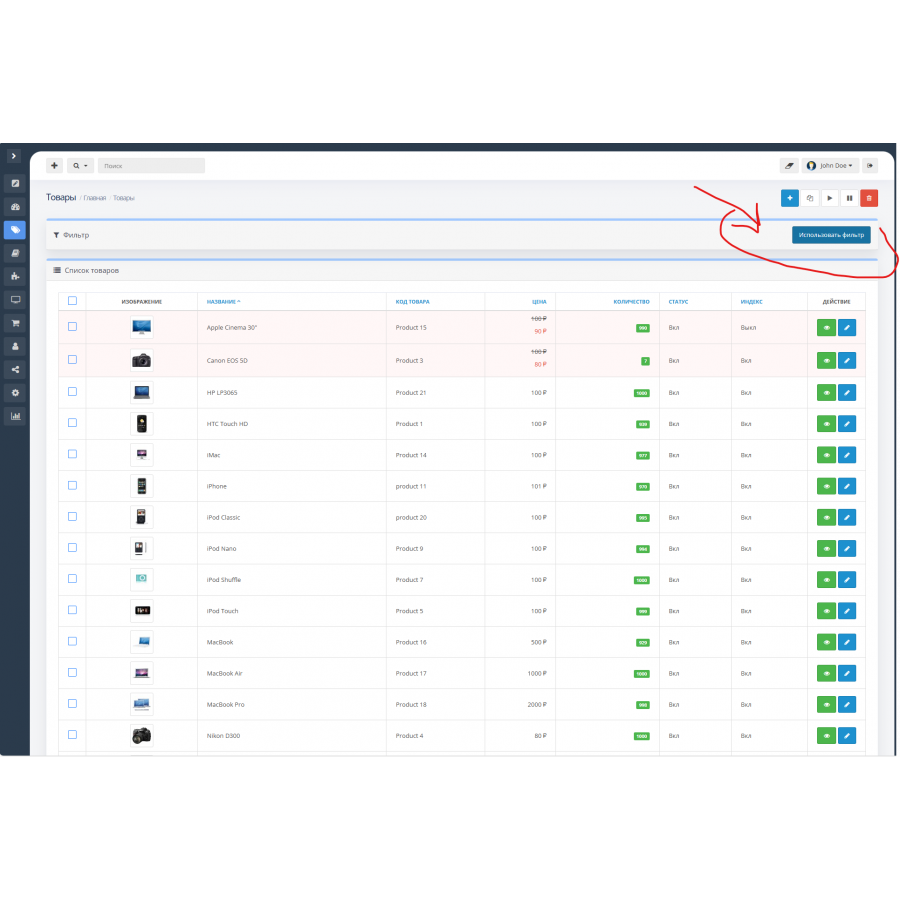


Module Stylish admin panel theme (Trxtile Admin Theme) for OpenCart
Product Code: 235
Version: 1.0.10
In Stock
450 грн
Main specifications
PHP:
7.2-7.4
Compatibility:
OpenCart 3, ocStore 3
Localization:
English, Ukrainian, Russian
Ocmod:
Yes
Adaptation to your store:
Paid
All specifications
Description
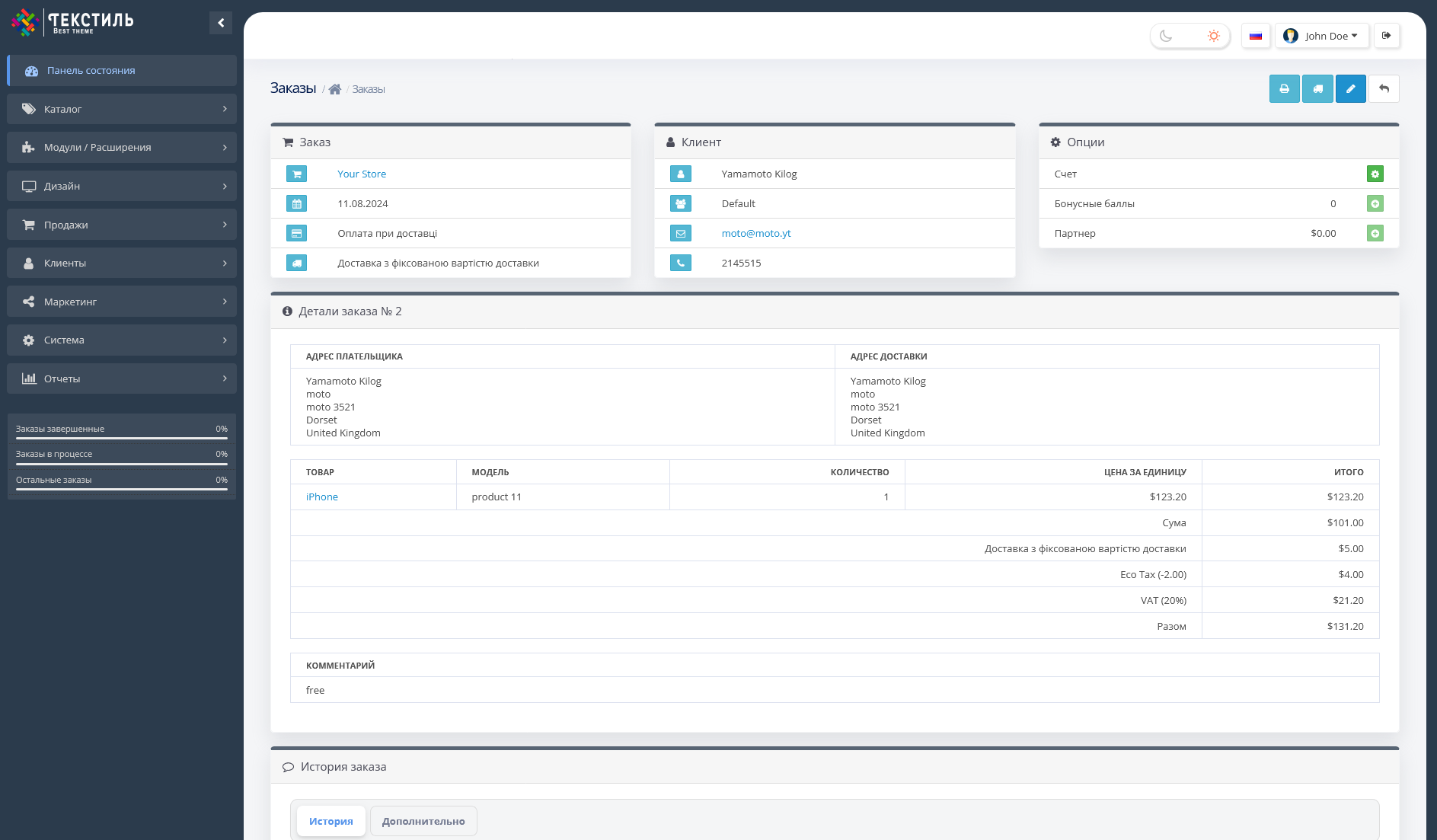
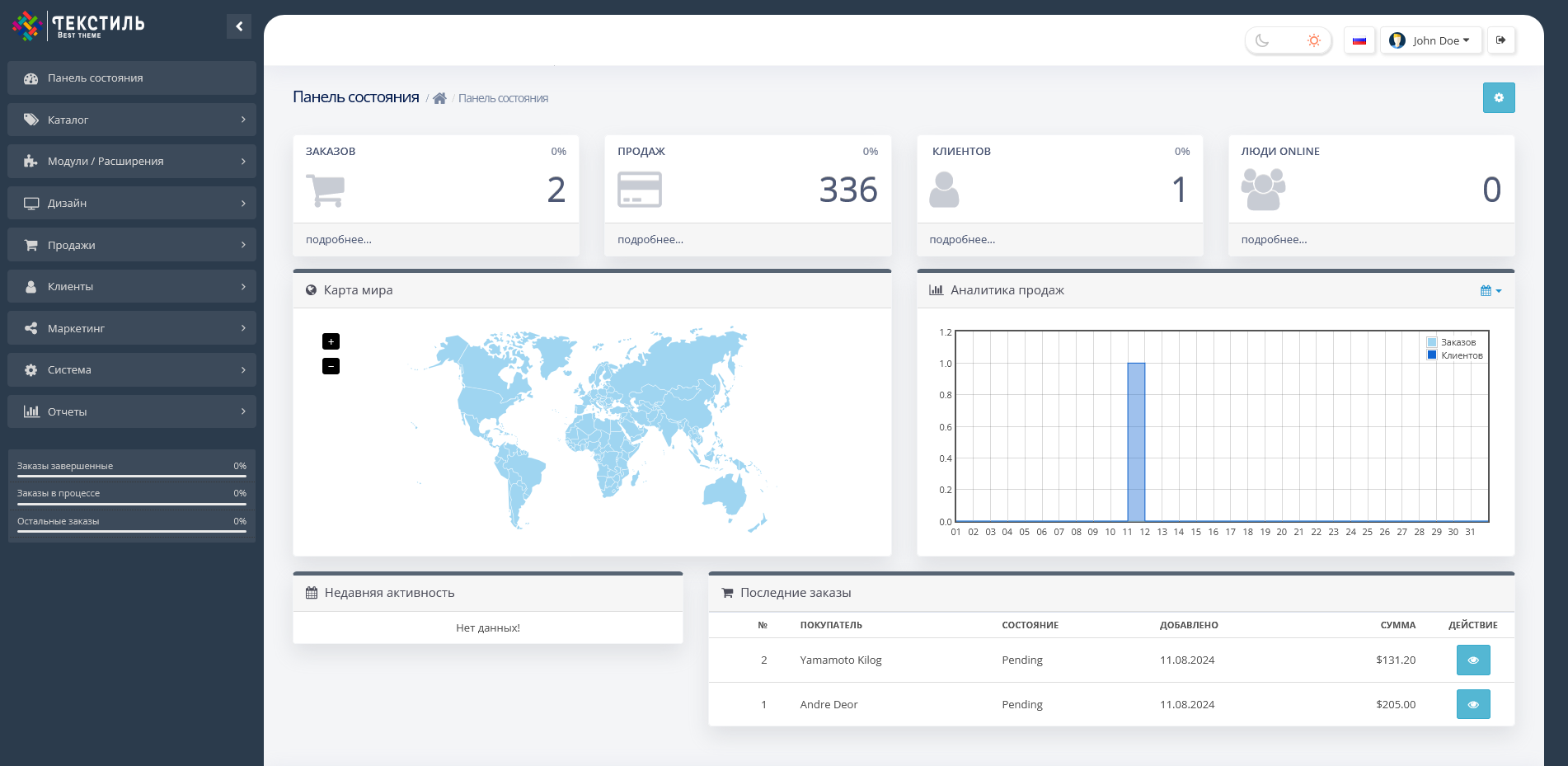
Trxtile Admin Theme is a module for OpenCart, OcStore
Main features:
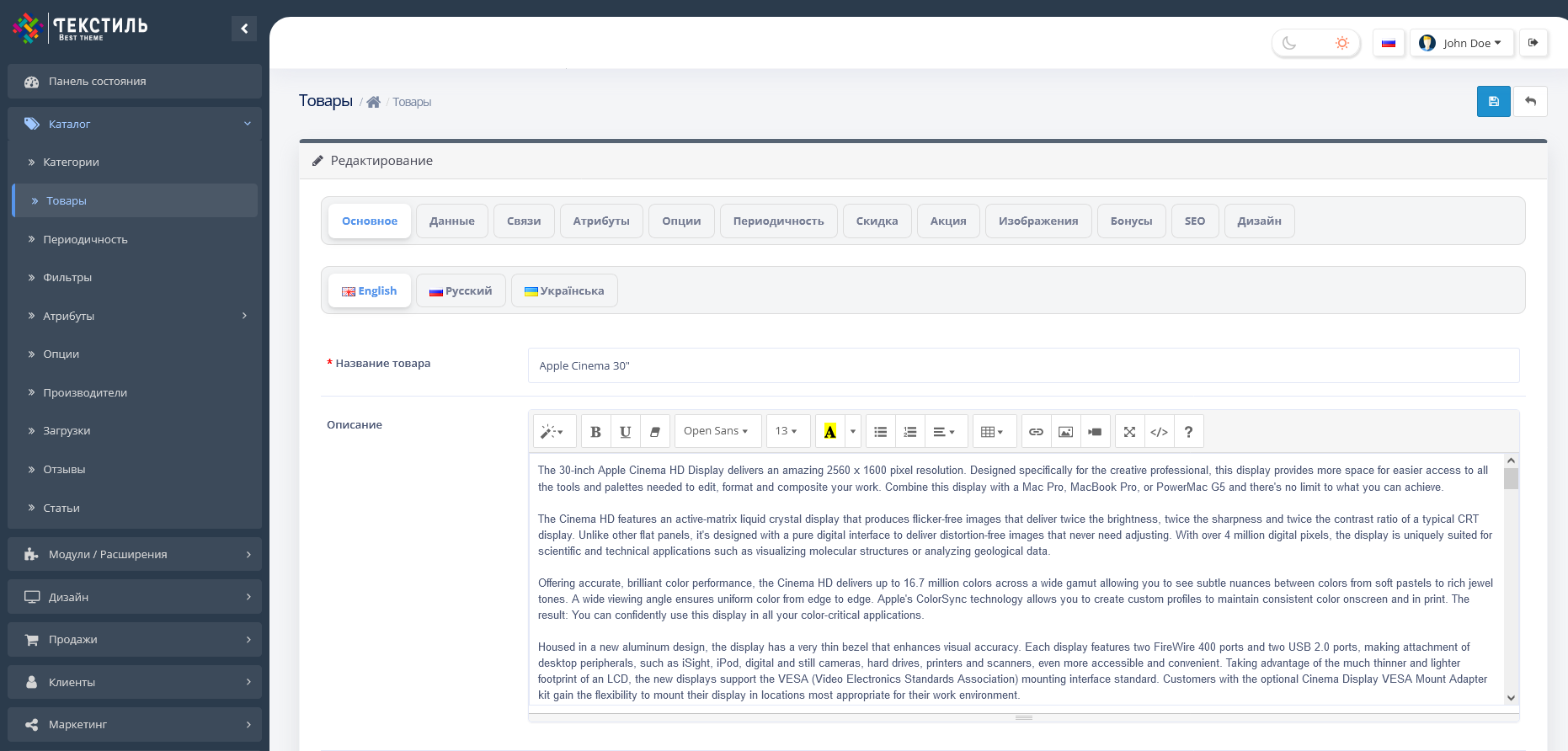
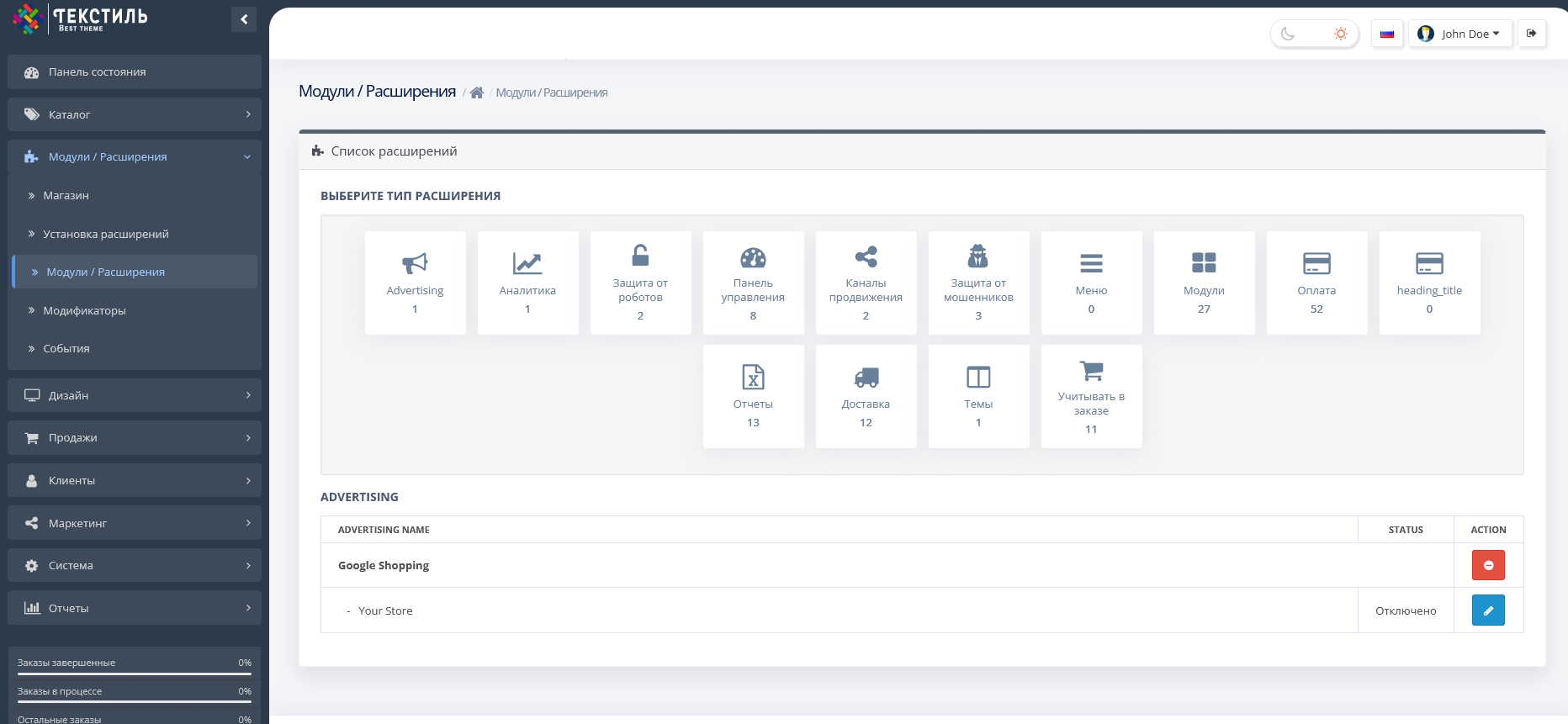
- Modernization of the admin panel : The module changes the appearance of the admin panel, giving it a more modern look, while not replacing the engine files.
- Adaptation for Opencart 3 Club Edition : The theme is configured to work flawlessly with this version.
Latest updates:
09/09/2024
-
Adaptation with the OrderPRO module :
- Added styles for correct display of lists, blocks and forms.
- Fixed the positioning of the dropdown list, which sometimes appeared in the upper left corner.
- Fixed an autocomplete issue where the dropdown would randomly change position.
-
Adaptation with the Batch Editor module :
- Adjustments have been made for stable operation of the Batch Editor.
-
The code for interacting with the side menu has been rewritten :
- Fixed the problem of menu items and icons of third-party modules disappearing when Trxtile Admin Theme is enabled.
- Added support for SVG icons for the ability to set your own logo.
-
Rewrote 20% of styles to improve theme performance.
-
Additional settings to support other third-party modules.
04/01/2024
- Updated cache and log cleaning module : Added a button to call all errors in a popup window.
- Fixed minor bugs.
12.03.2024
- Fixes in the Summernote editor : Fixed a problem with creating tables.
- Correct display of icons in the side menu.
- Optimization of scripts to increase the speed of the module.
20.12.2023
- Added dark theme : Night experimental theme.
- Adaptation to Batch Editor : Fixed issues that caused crashes after theme installation.
- The ability to change the admin logo to your own.
- Fixed bugs with search dropdown.
24.10.2023
- The dark theme of the admin panel has been implemented .
- Added the ability to change the color of the side menu in the light theme.
- Added a button to change the color mode (Night/Day) at the top of the panel.
- Integration of the module for clearing the cache and logs with the possibility of adding a button to the header.
Main characteristics of the module:
- Side menu :
- Added a button to collapse the menu, convenient for working on laptops and tablets.
- The menu automatically collapses if there is not enough space on the screen, displaying only icons.
- The menu remembers the collapsed state even after the page is refreshed.
- Hat :
- Header settings, especially for OcStore (search bar).
- Select :
- Customization of standard SELECT elements by adding search in large lists.
- Adaptation for mobile devices :
- Optimization for convenient viewing of information on tablets and phones.
Installation instructions:
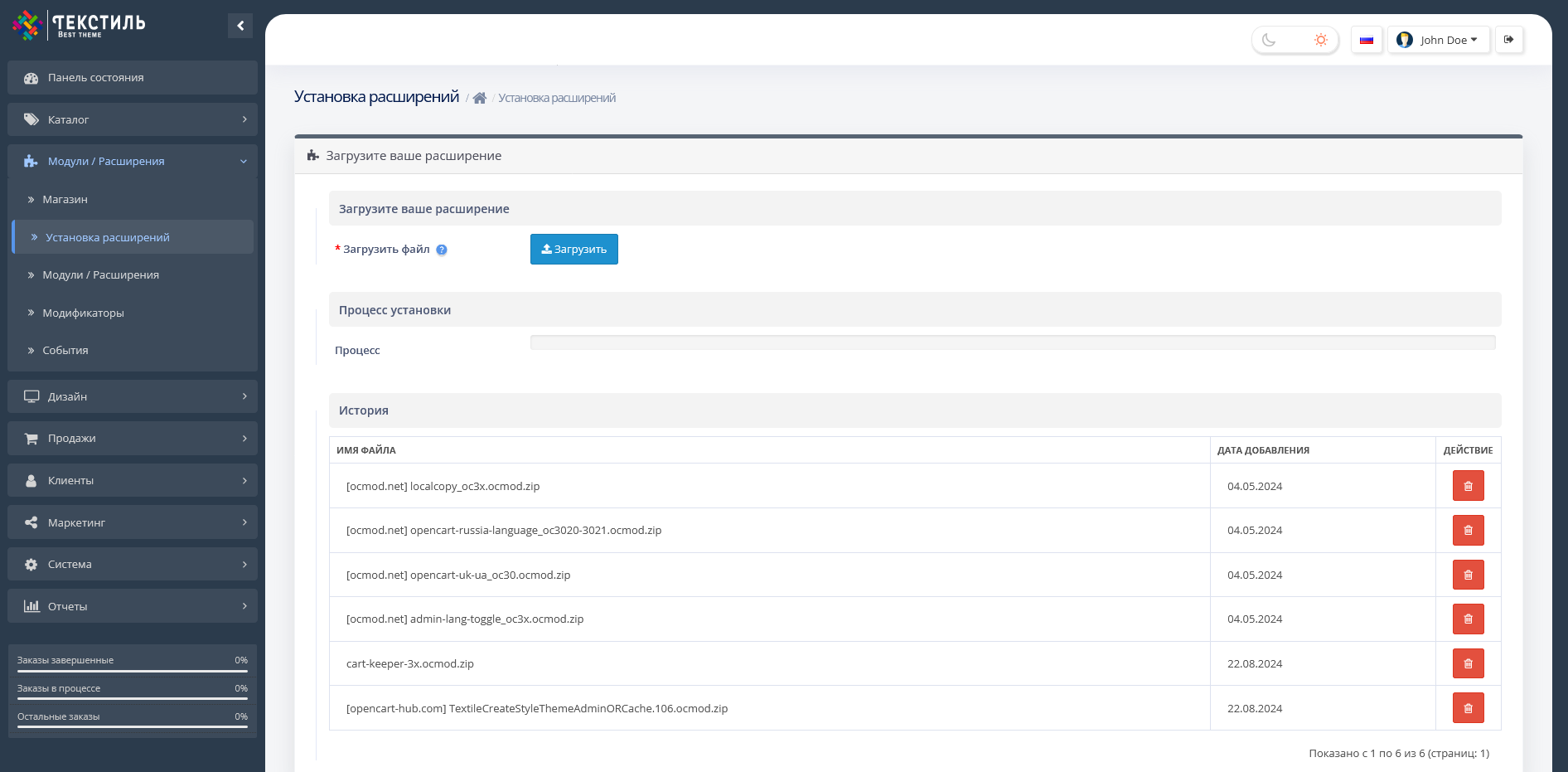
- Download the module in the "Installing applications/extensions" section.
- Activate the module in the "Modifiers" section.
- If you have installation problems, install the localcopy module to fix the errors.
Specifications
Characteristics
PHP
7.2-7.4
Compatibility
OpenCart 3, ocStore 3
Localization
English, Ukrainian, Russian
Ocmod
Yes
Adaptation to your store
Paid
Гарна тема, скоже тепер на щось сучасне))) Дякую за допомогу в встановленні
Is this review helpful?
0
No questions about this product, be the first and ask your question.
Installing the module
Module installation instructions:
- Before performing any actions related to installing an add-on in Opencart, we recommend creating a backup copy of all site files and the store database ;
- Install the localcopy fix (if you don't have it installed yet)
- Download the module file for the desired Opencart version from our website ( Follow the installation instructions if there are any in the module archive );
- Then go to the "Installing add-ons/extensions" section and click on the " Download " button;
- Select the downloaded file and wait for the module to be fully installed and for the text "Application installed successfully" to appear;
- After that, go to " Application Manager " and update the modifiers by clicking the " Update " button;
- After these actions, you need to add the rights to view and manage the module in the " User Groups " section for the administrator or other users you select by clicking " Select All ".