

Set for SEO settings (Full SEO Package) for Opencart
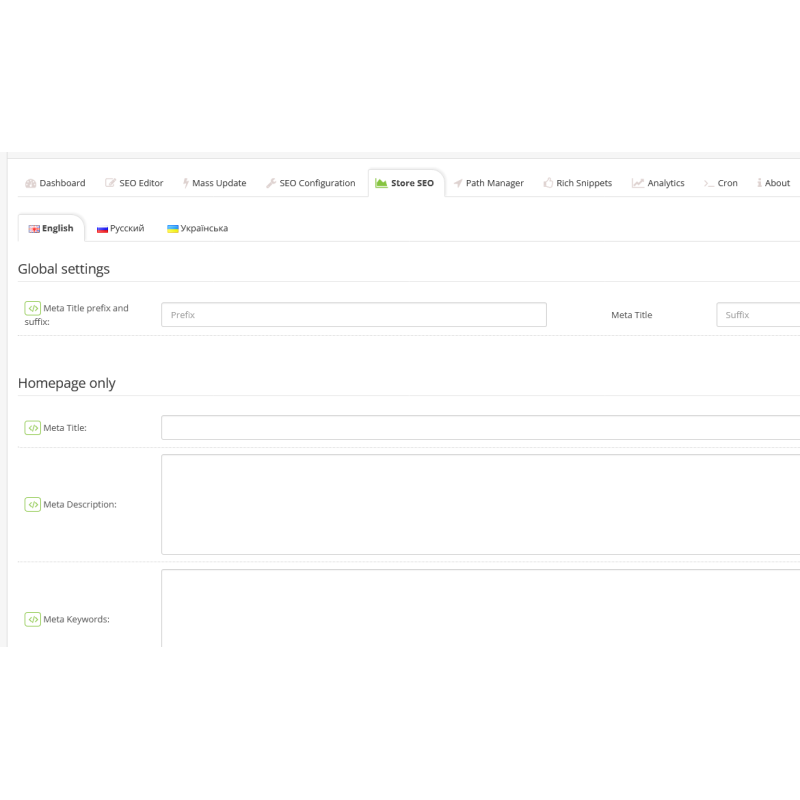
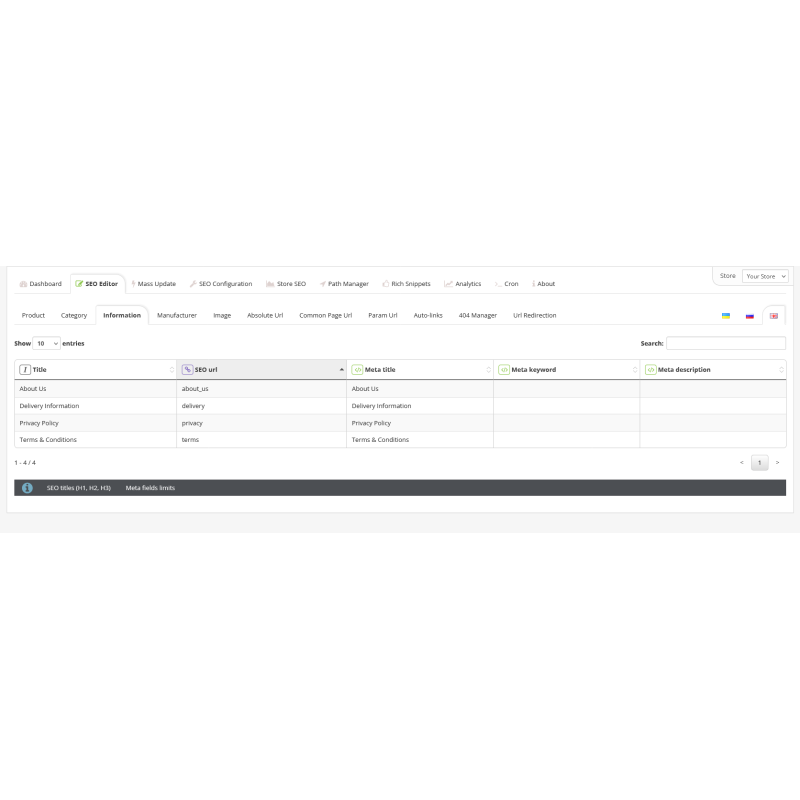
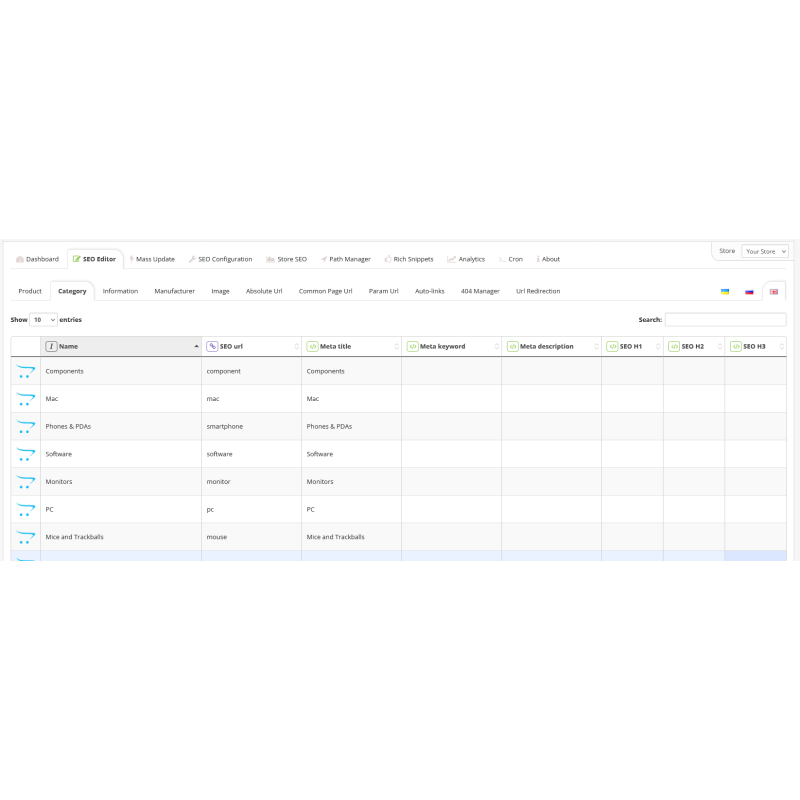
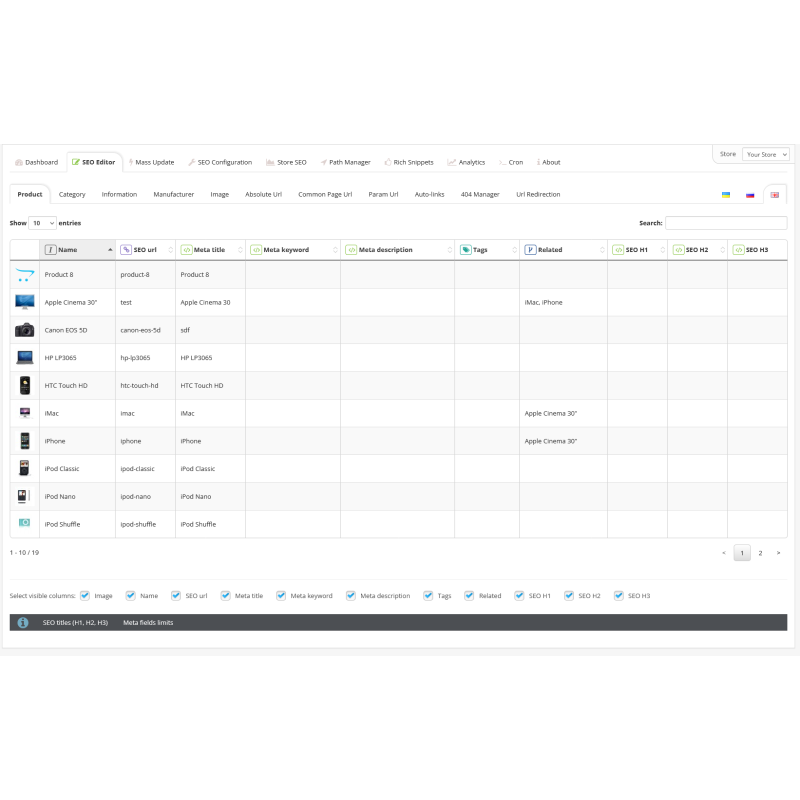
Manage META data
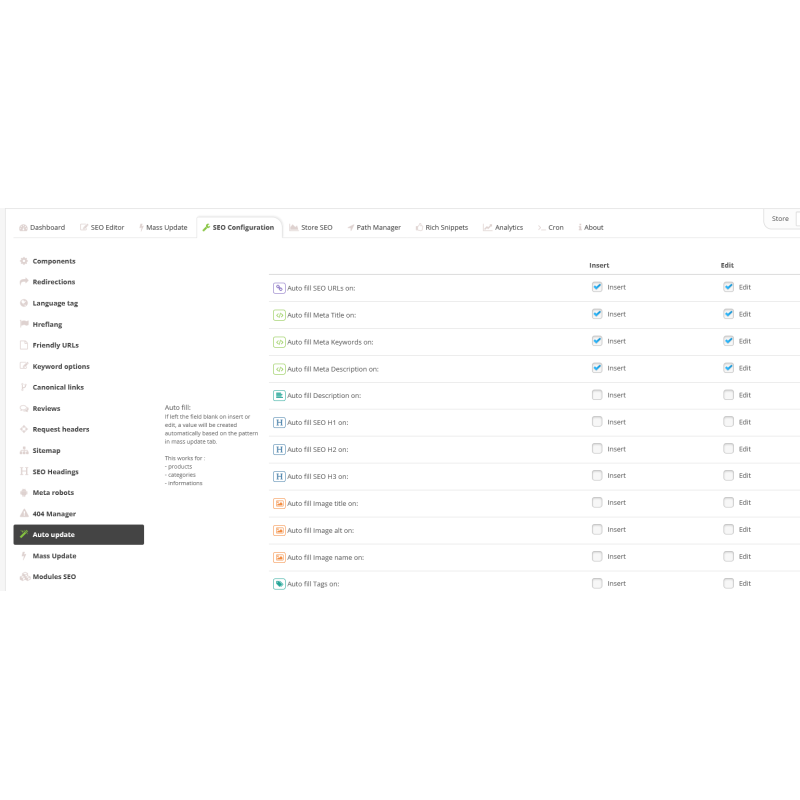
- Generate data for products, categories, articles and manufacturers;
- Keywords;
- Meta title;
- Meta description;
- Meta keywords;
- Description;
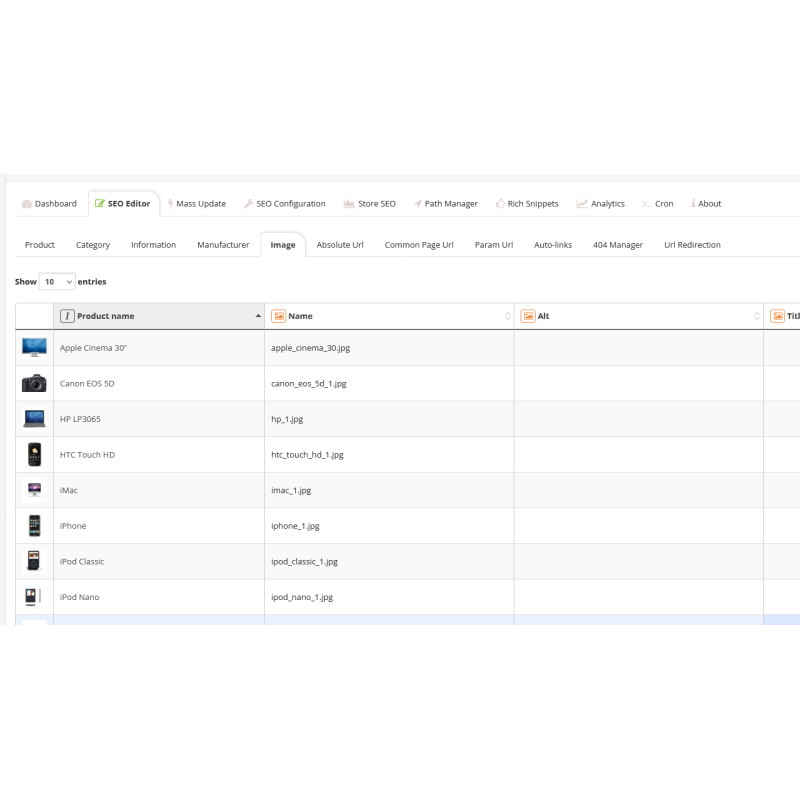
- Image height;
- Name of the image;
- Name of the image;
- SEO h1, h2, h3;
- Tags
Automatic update
Automatically generate SEO values for products, categories, information, brands when inserting or editing an element
Fast data generation
On the insert/edit page there is a button to generate SEO - information about products, categories, informational articles and manufacturers, it allows you to enter some information and immediately see the result and edit it if necessary.
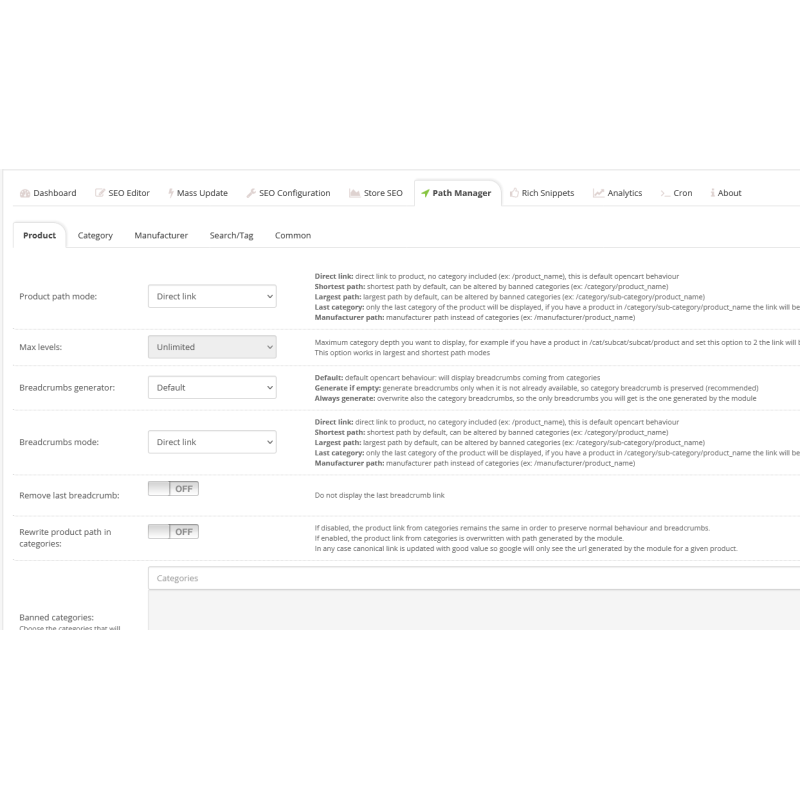
Breadcrumbs (Breadcrumb)
- Creating a chain of breadcrumbs, if it does not already exist
- Select breadcrumb mode (direct link, shortest path, longest path, last category, manufacturer path)
- Removing a link from a field item in Breadcrumb
404 page manager
- Automatically detect dead links and choose the URL you want to redirect them to.
- Page with all 404 URLs
- Automatic 404 redirect
- Create a manual 404 redirect
Redirection Manager
- Redirecting any URL to another
- Configure manual redirection
- Automatic dynamic link redirection (all links evaluated as unfriendly URLs will be redirected to their friendly URLs)
Redirects
- Force HTTP to HTTPS
- Force non-WWW or WWW
- Force HTTPS and WWW
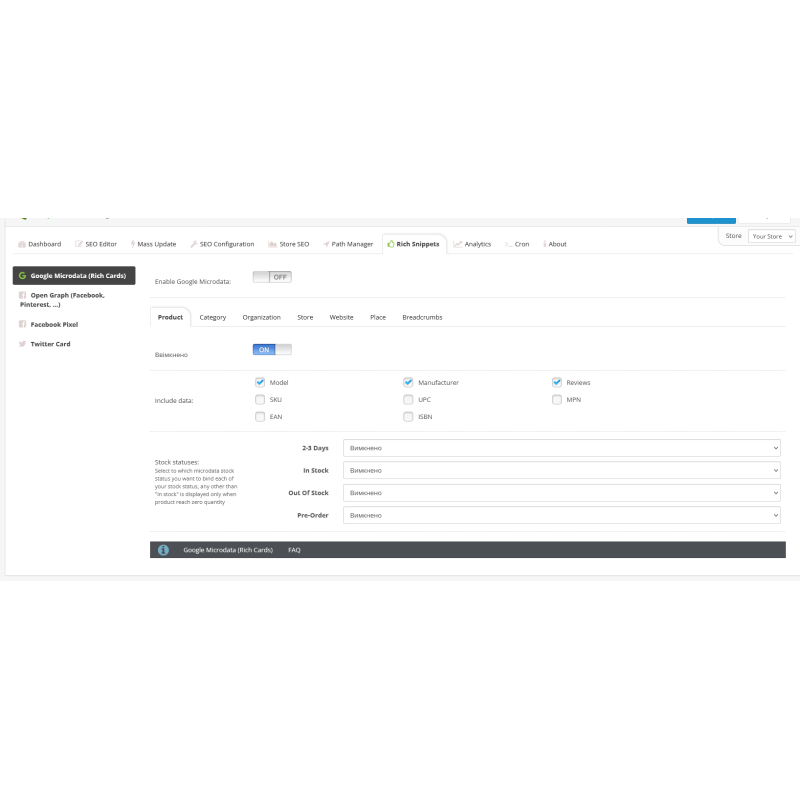
Rich Snippets (micro markup)
- Full-featured extended descriptions
- Google Microdata: Product, Organization, Store, Site, Place, Breadcrumbs, Reviews, Offer, Rating
- Published by Google
- Google's latest recommendations
- id + JSON mode
- Open schedule of Facebook
- Twitter card
Friendly URLs for all pages + modules
Common pages like account, login, cart, search, etc. will also be displayed in a convenient way.
- Pre-installed keywords for many languages
- Fully customizable, define your own keywords for all pages
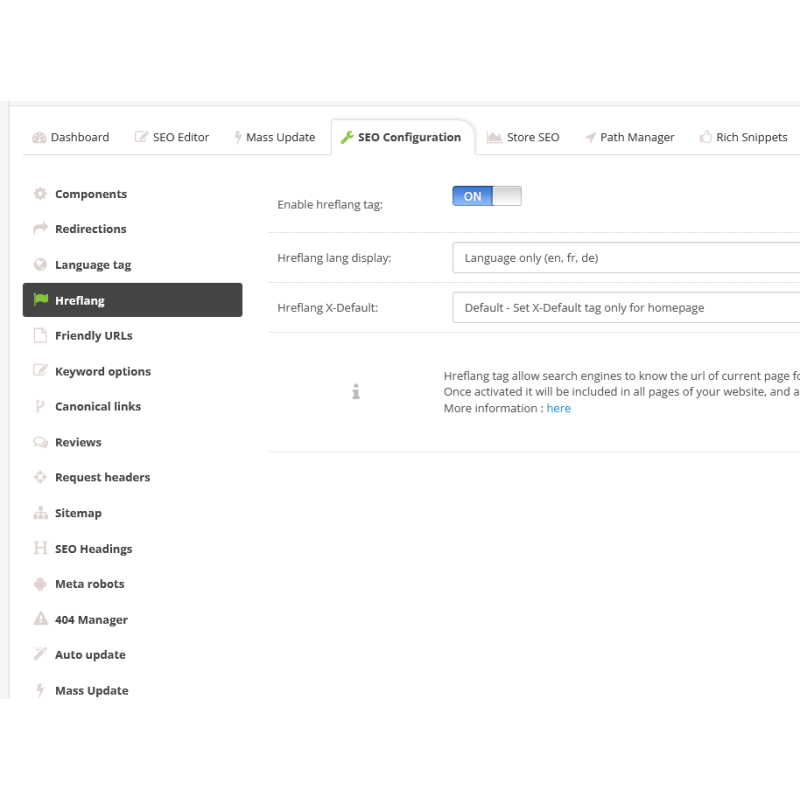
- Full multilingual support
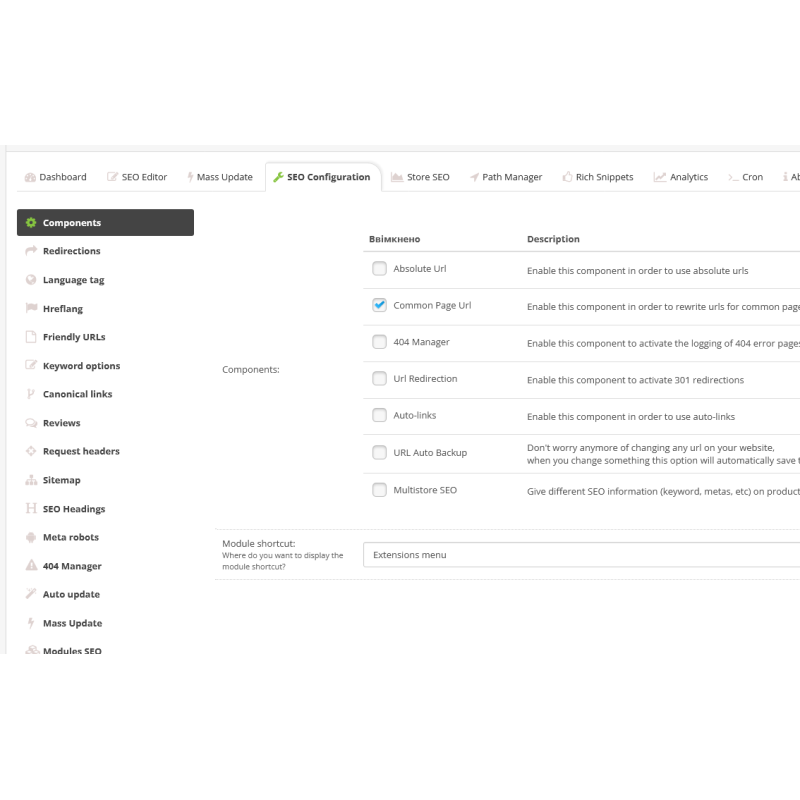
Absolute URL
It can also be useful for module url processing of a specific url of your opencart, for example to forward something even if it's not the original target.
Cron Jobs
Perform any bulk update operation using cron
Compatible
The module is made to be more compatible with themes and extensions, usually it works with any theme (yes, including magazine 2 and 3) and modules.
If you have any issues with a theme or extension, just contact us and we'll find a way to make them compatible.
Other features
- Full multilingual support
- Full multi-store support
- SEO friendly pagination
- SEO friendly software parameters
- SEO friendly tags
- Canonical links
- Track manager
- The absolute path to the category
- Robot manager
- Request headers
- SEO keyword options
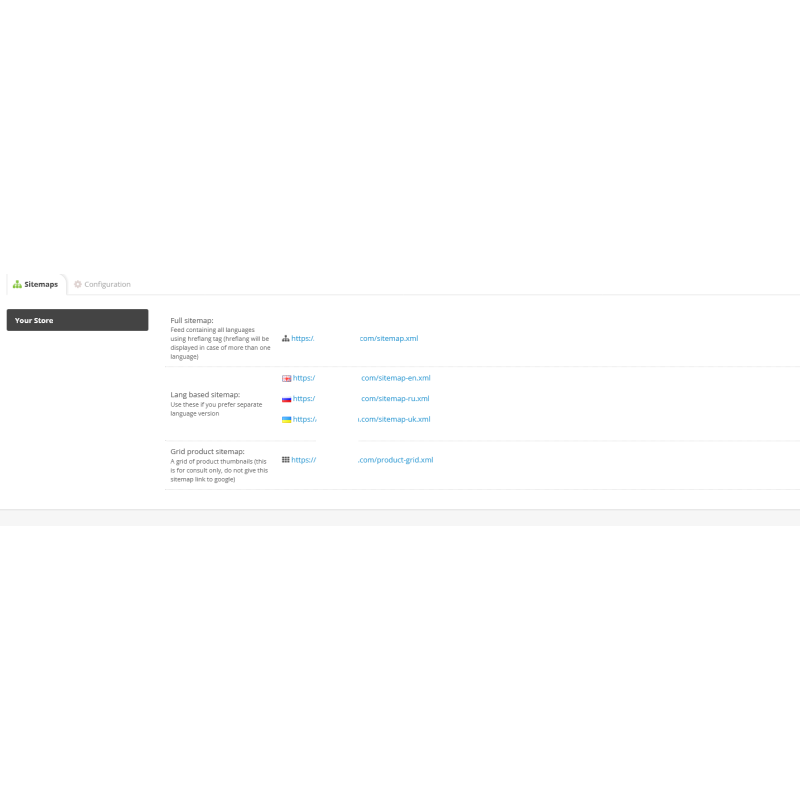
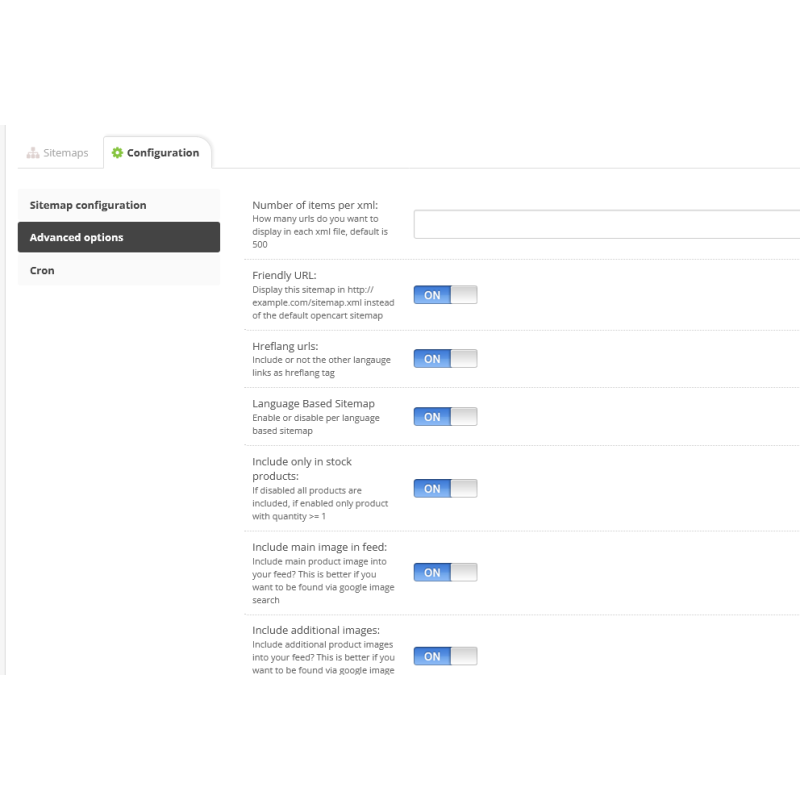
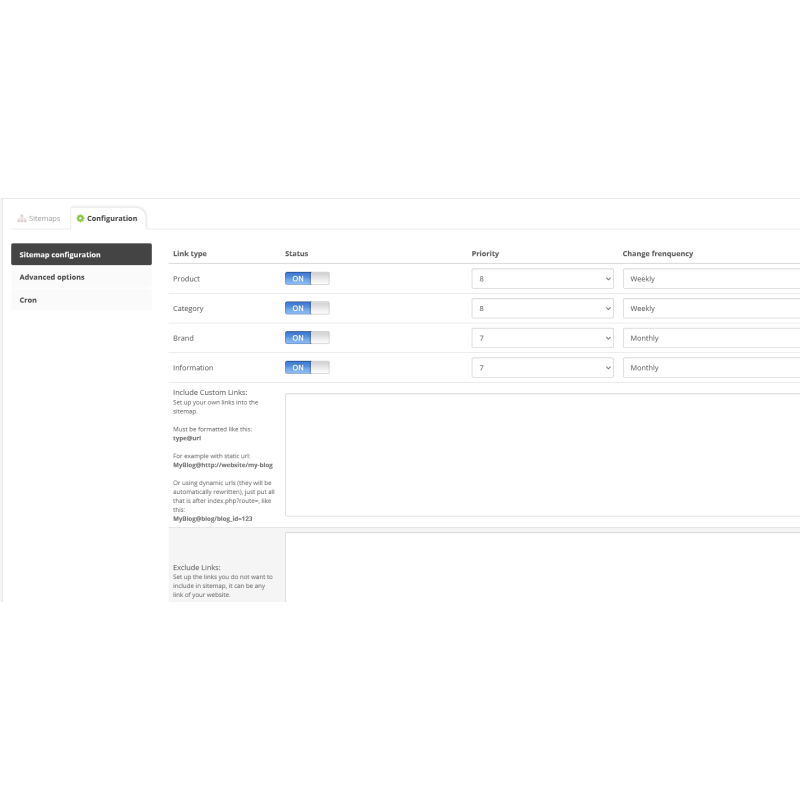
- Extended site map
- Long-term support
There are no reviews for this product, be the first to leave your review.
No questions about this product, be the first and ask your question.
Module installation instructions:
- Before performing any actions related to installing an add-on in Opencart, we recommend creating a backup copy of all site files and the store database ;
- Install the localcopy fix (if you don't have it installed yet)
- Download the module file for the desired Opencart version from our website ( Follow the installation instructions if there are any in the module archive );
- Then go to the "Installing add-ons/extensions" section and click on the " Download " button;
- Select the downloaded file and wait for the module to be fully installed and for the text "Application installed successfully" to appear;
- After that, go to " Application Manager " and update the modifiers by clicking the " Update " button;
- After these actions, you need to add the rights to view and manage the module in the " User Groups " section for the administrator or other users you select by clicking " Select All ".