All about product
Description
Specification
Reviews
0
Questions0
Installing the module
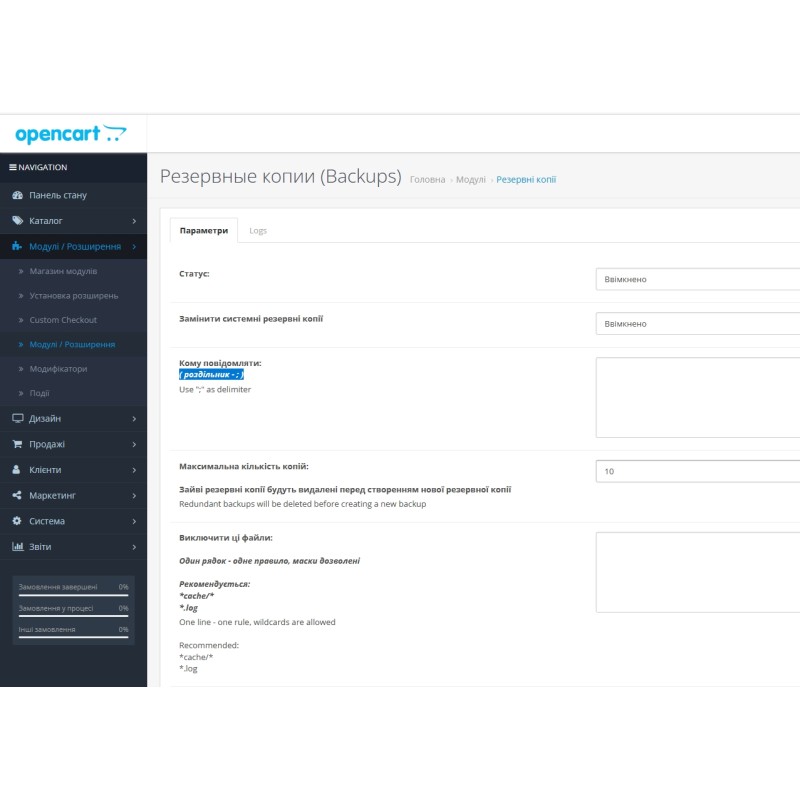
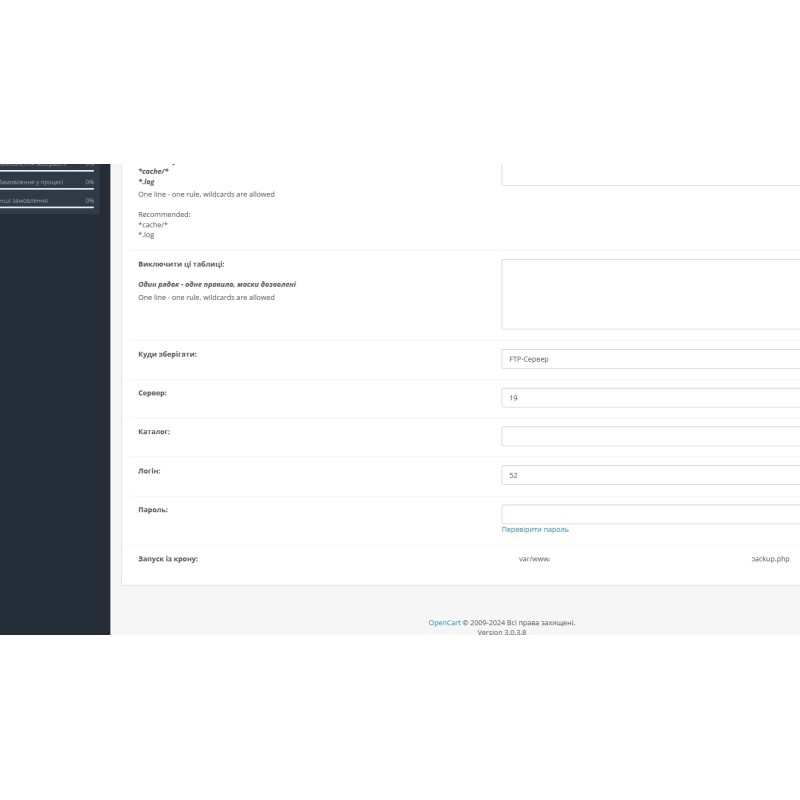


Backup and recovery Backup module (Backup) for OpenCart
Product Code: 464
Version: 3.0
In Stock
499 грн
Main specifications
PHP:
7.2-7.4
Compatibility:
3.0.0.0, 3.0.1.1, 3.0.1.2, 3.0.2.0, 3.0.3.0, 3.0.3.1, 3.0.3.2, 3.0.3.3, 3.0.3.5, 3.0.3.6, 3.0.3.7, 3.0.3.8
Localization:
Russian, Ukrainian, English
Ocmod:
No
Adaptation to your store:
Paid
All specifications
Description
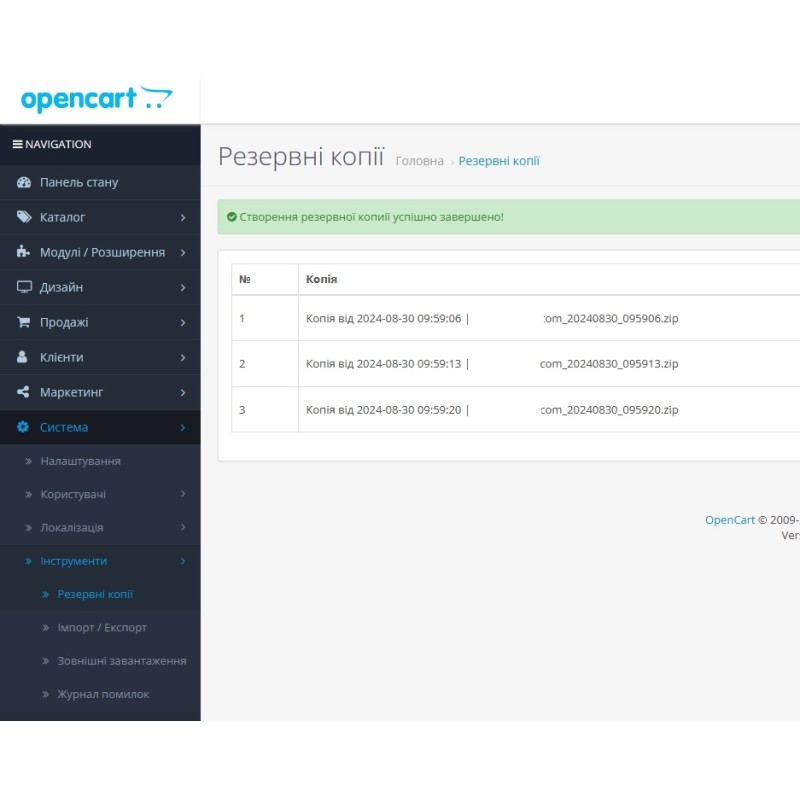
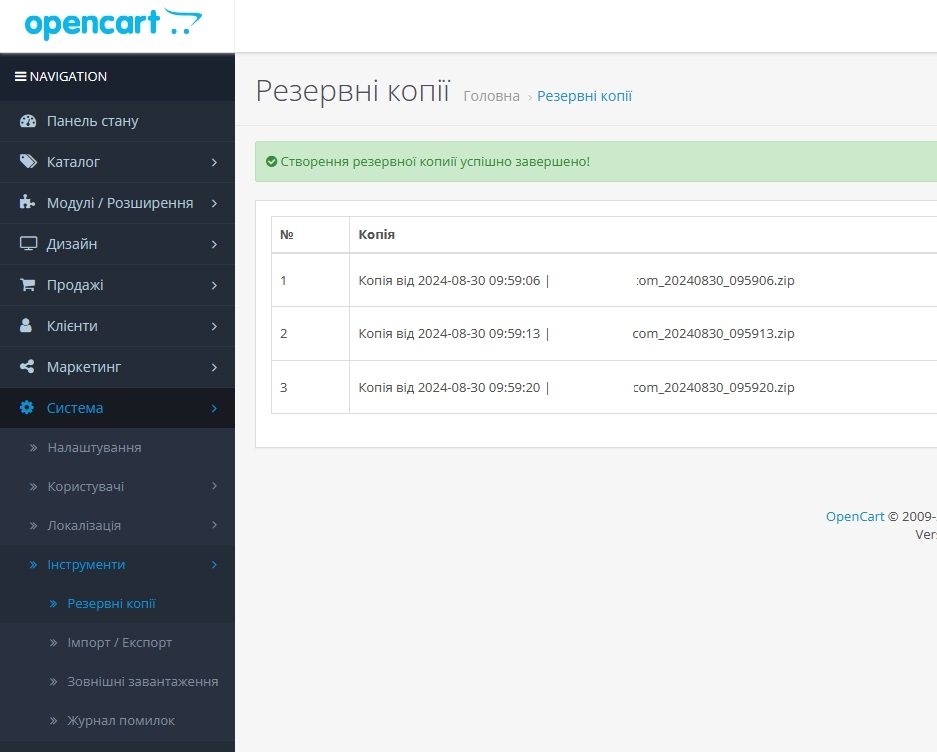
Our backup software helps you keep your online store safe on the Opencart platform. This module automates the process of creating and storing backup copies of your site, which is critical to protect against data loss.
Main features:
- Automatic backups: Set up backups at the desired interval - daily, weekly or monthly.
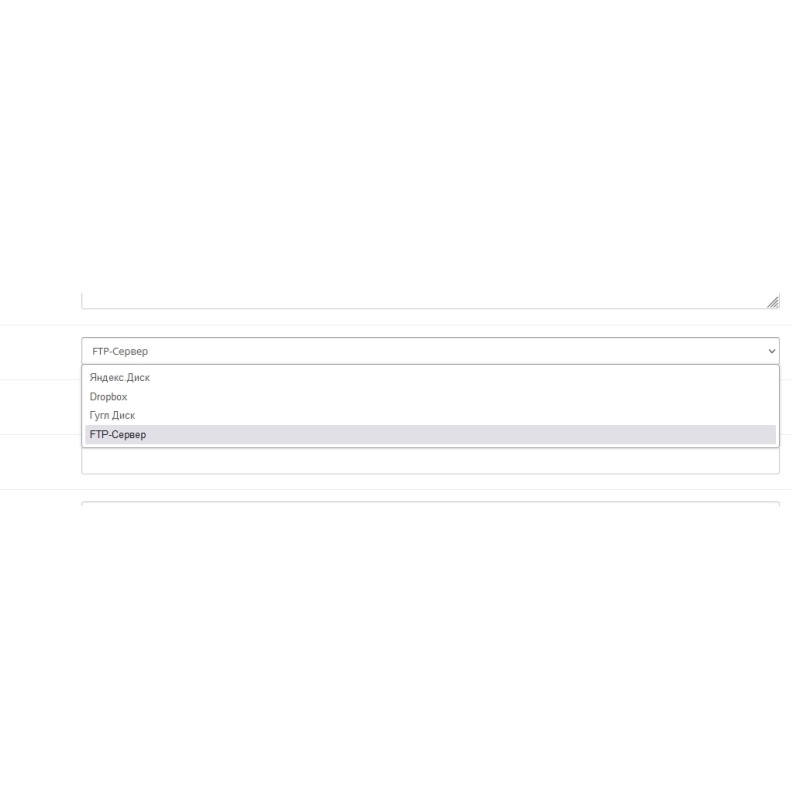
- Multiple storage options: Upload backups to Yandex Drive, Google Drive, Dropbox or FTP server. Duplication of data to your personal e-mail is also possible.
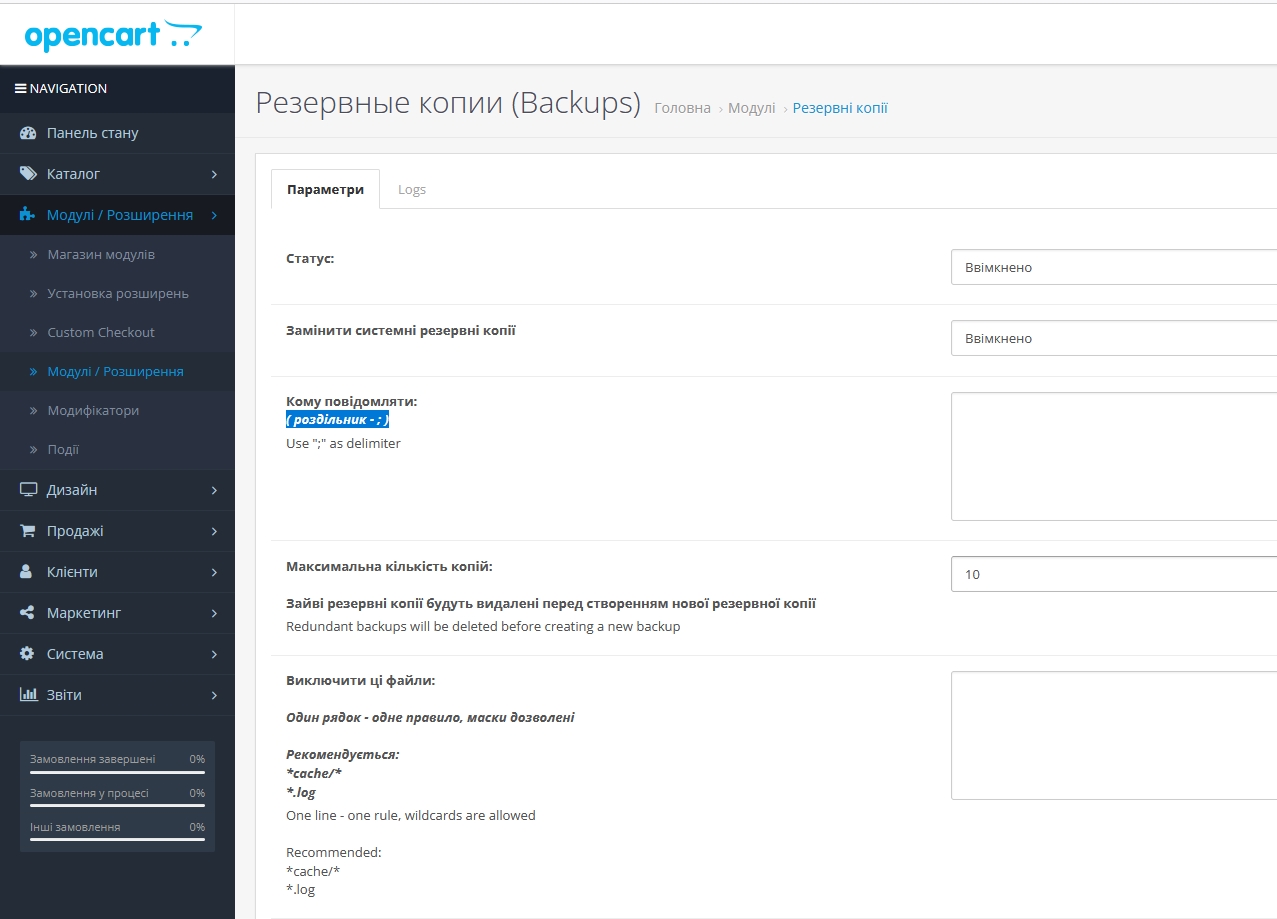
- Flexibility in data selection: Choose which files or database data to include in backups and exclude unnecessary ones.
- Manage backups: Set a limit on the number of backups you keep so you don't overload your storage space.
Keep your online store up and running and have peace of mind with our backup module. Ease of setup and automation of the process will help you focus on growing your business without worrying about potential data issues.
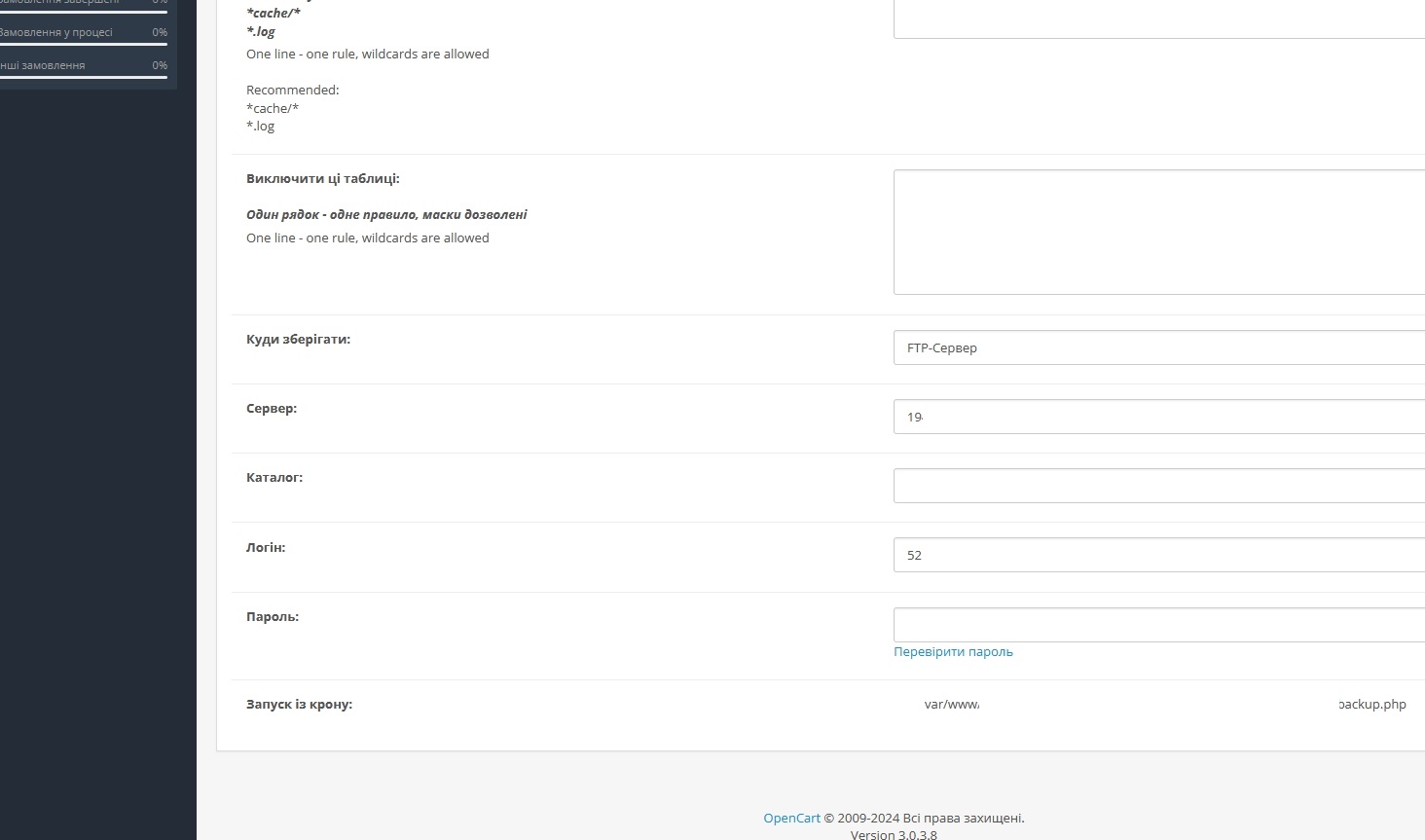
Specifications
Characteristics
PHP
7.2-7.4
Compatibility
3.0.0.0, 3.0.1.1, 3.0.1.2, 3.0.2.0, 3.0.3.0, 3.0.3.1, 3.0.3.2, 3.0.3.3, 3.0.3.5, 3.0.3.6, 3.0.3.7, 3.0.3.8
Localization
Russian, Ukrainian, English
Ocmod
No
Adaptation to your store
Paid
There are no reviews for this product, be the first to leave your review.
No questions about this product, be the first and ask your question.
Installing the module
Module installation instructions:
- Before performing any actions related to installing an add-on in Opencart, we recommend creating a backup copy of all site files and the store database ;
- Install the localcopy fix (if you don't have it installed yet)
- Download the module file for the desired Opencart version from our website ( Follow the installation instructions if there are any in the module archive );
- Then go to the "Installing add-ons/extensions" section and click on the " Download " button;
- Select the downloaded file and wait for the module to be fully installed and for the text "Application installed successfully" to appear;
- After that, go to " Application Manager " and update the modifiers by clicking the " Update " button;
- After these actions, you need to add the rights to view and manage the module in the " User Groups " section for the administrator or other users you select by clicking " Select All ".