All about product
Description
Specification
Reviews
0
Questions0
Installing the module
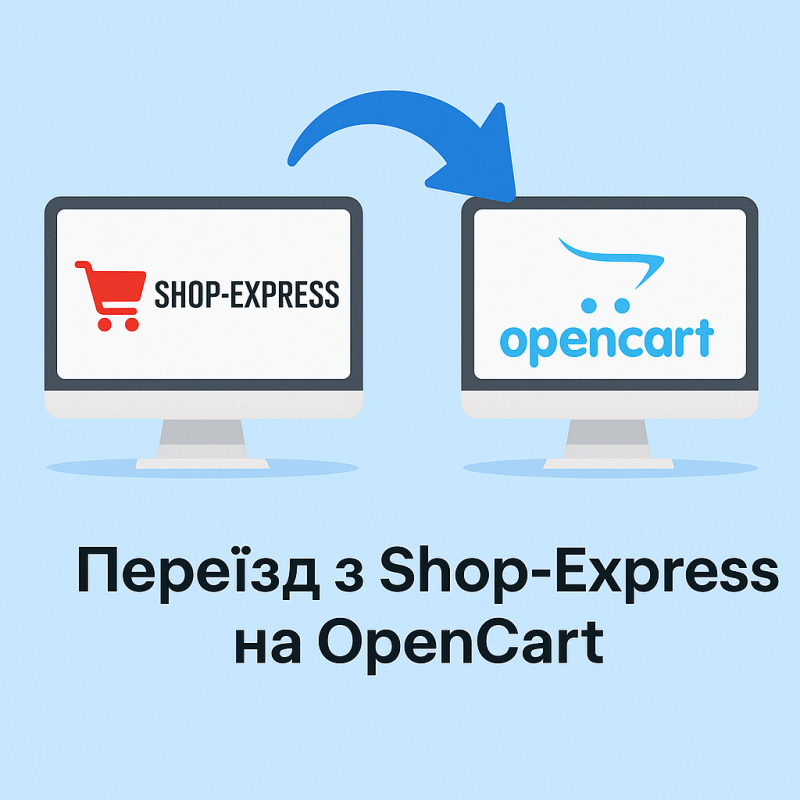

Moving from Shop-Express to OpenCart – professional online store migration
Product Code: 556
In Stock
7 500 грн
Main specifications
Compatibility:
Opencart, OcStore
Localization:
Ukrainian
All specifications
Description
Migrating from Shop-Express to OpenCart is the best choice for business development
If your online store is running on Shop-Express , but you want more opportunities for scaling and promotion, then moving to OpenCart is the right step. We perform professional migration of stores of any size with full data preservation and SEO.
What is carried during migration?
- Products, categories and descriptions
- Images and specifications
- Customers and order history
- SEO tags (title, description, keywords)
- URL settings and redirects
Advantages of OpenCart compared to Shop-Express
- Speed and ease of use – OpenCart works stably even on inexpensive hosting.
- SEO optimization – your store will be better indexed in Google.
- Thousands of modules and templates – easy to add new functionality.
- Stability and security – regular updates and support.
- Flexibility – suitable for both small stores and large marketplaces.
Why should you order migration from us?
We guarantee data preservation, SEO positions and smooth operation during the transition. Your online store will become faster, more modern and ready to scale on the OpenCart platform.
Specifications
Characteristics
Compatibility
Opencart, OcStore
Localization
Ukrainian
There are no reviews for this product, be the first to leave your review.
No questions about this product, be the first and ask your question.
Installing the module
Module installation instructions:
- Before performing any actions related to installing an add-on in Opencart, we recommend creating a backup copy of all site files and the store database ;
- Install the localcopy fix (if you don't have it installed yet)
- Download the module file for the desired Opencart version from our website ( Follow the installation instructions if there are any in the module archive );
- Then go to the "Installing add-ons/extensions" section and click on the " Download " button;
- Select the downloaded file and wait for the module to be fully installed and for the text "Application installed successfully" to appear;
- After that, go to " Application Manager " and update the modifiers by clicking the " Update " button;
- After these actions, you need to add the rights to view and manage the module in the " User Groups " section for the administrator or other users you select by clicking " Select All ".
Inquiry about Migration from Shop-Express to OpenCart
-
Why is it worth switching from Shop-Express to OpenCart?
-
What is carried during migration?
-
Will SEO be preserved after moving?
-
How long does migration take?
-
Will the store run faster on OpenCart?
-
Why is OpenCart better for business?