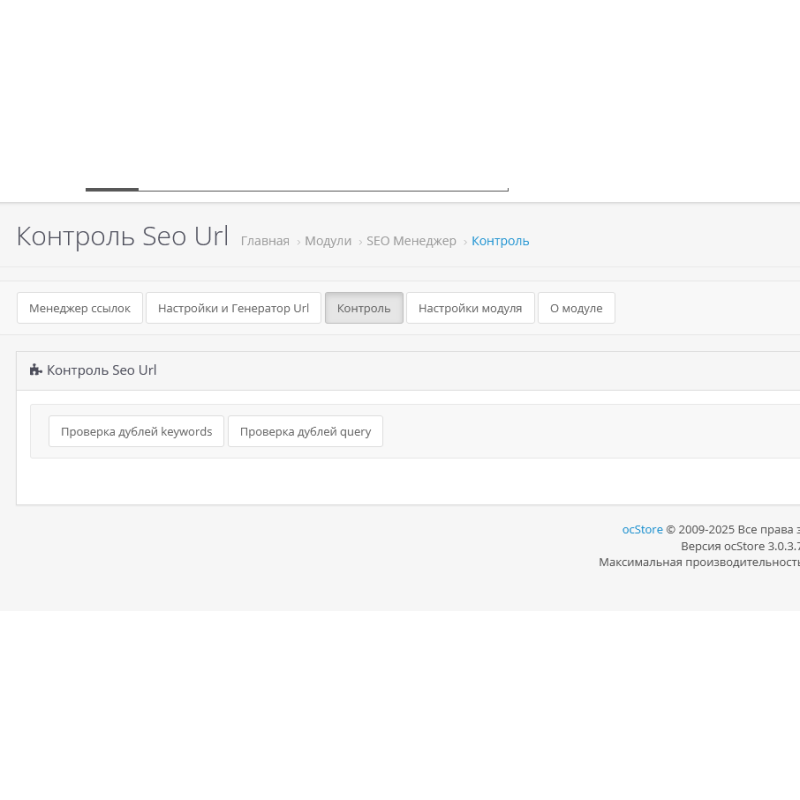
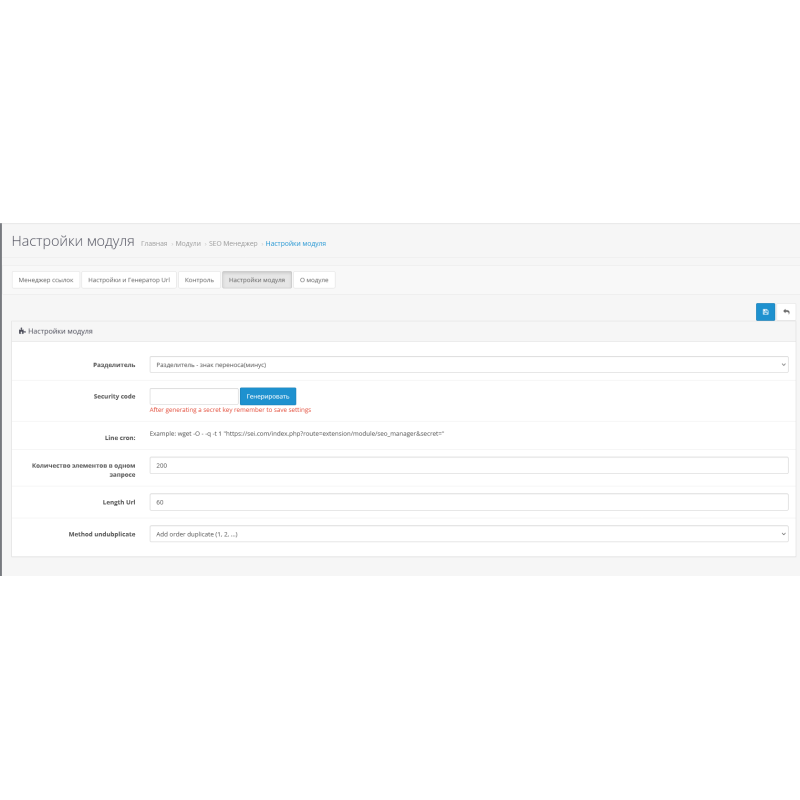
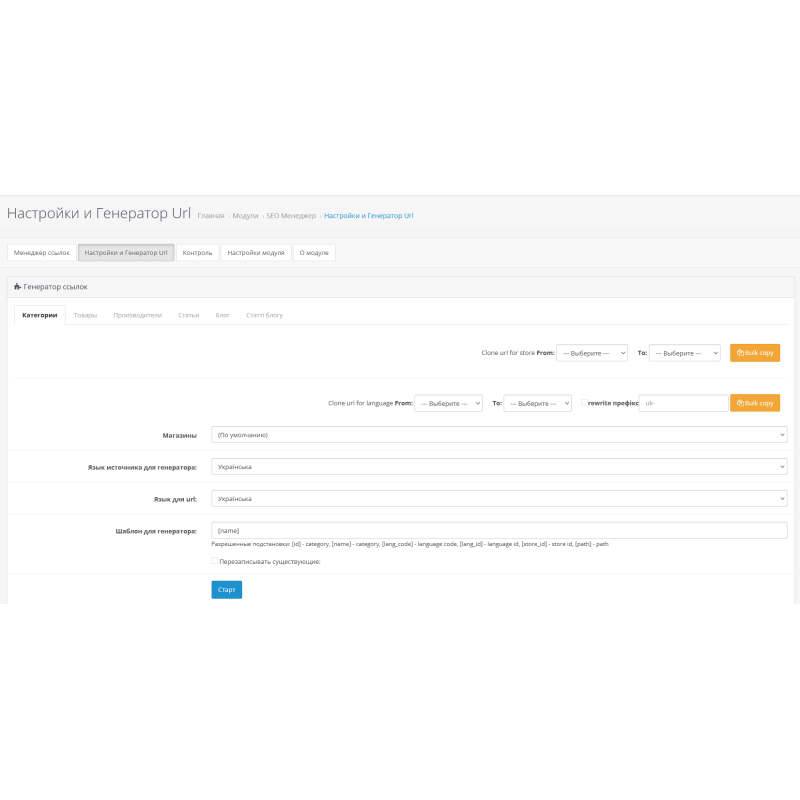


Module URL generator (SEO Manager) for OpenCart 3.0
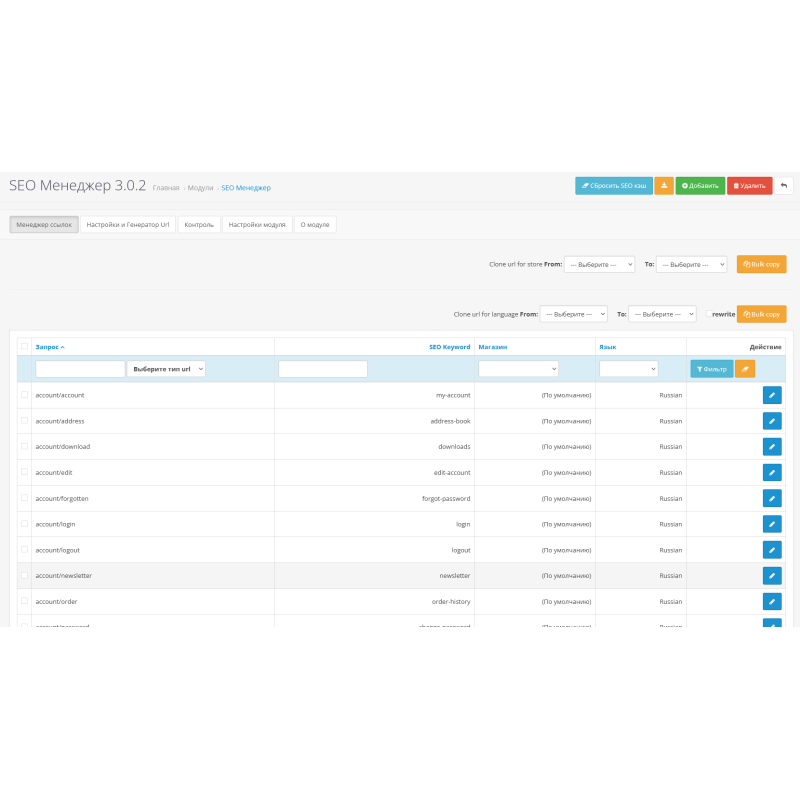
URL Generator is a module for quickly creating URL links for standard pages of an online store on OpenCart. In a few seconds, you can generate links using the proposed template for wildcards. The module allows you to take into account possible duplicate links and optimize the structure of URLs by adding, editing and deleting links.
Importantly, the module always disables overwrite mode for security purposes. In addition, it does not modify or overwrite the core of your store, which ensures stable and secure operation.
The module has several functions:
- Manually generates SEO URLs for categories, products, manufacturers, articles (Information) and blog (ocstore). This means you can create optimized URLs for all pages of your store.
- Edit all existing SEO URLs. If you need to make changes to already created links, you can easily do so with this module.
- Selectively remove existing SEO URLs. If you want to remove some links, you can do so without any problems.
- Adding custom SEO URLs. If you need URLs that are not on the standard pages, you can add them using this module.
URL Generator for OpenCart 3.0 is a powerful module that helps create optimized links for your online store. It provides the ability to create a URL structure that is user-friendly and improves the SEO optimization of your store. Thanks to the URL generator, users will be able to easily find the pages they need, and search engines will better index them. This module will become an indispensable assistant for online store owners who want to increase the efficiency of their business.
Module installation instructions:
- Go to the “Installing add-ons/extensions” section and click the “Download” button;
- Select the downloaded file and wait for the text "Application installed successfully" to appear;
- Then go to “Application Manager” and click the “Update” button.
Language: Russian, English, Ukrainian
There are no reviews for this product, be the first to leave your review.
No questions about this product, be the first and ask your question.
Module installation instructions:
- Before performing any actions related to installing an add-on in Opencart, we recommend creating a backup copy of all site files and the store database ;
- Install the localcopy fix (if you don't have it installed yet)
- Download the module file for the desired Opencart version from our website ( Follow the installation instructions if there are any in the module archive );
- Then go to the "Installing add-ons/extensions" section and click on the " Download " button;
- Select the downloaded file and wait for the module to be fully installed and for the text "Application installed successfully" to appear;
- After that, go to " Application Manager " and update the modifiers by clicking the " Update " button;
- After these actions, you need to add the rights to view and manage the module in the " User Groups " section for the administrator or other users you select by clicking " Select All ".
-
What is URL Generator for OpenCart 3.0?
-
What features does the URL generator for OpenCart have?
-
Main advantages of URL Generator (SEO Manager) for OpenCart 3.0