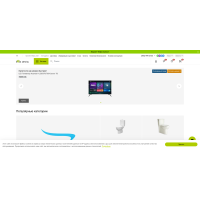
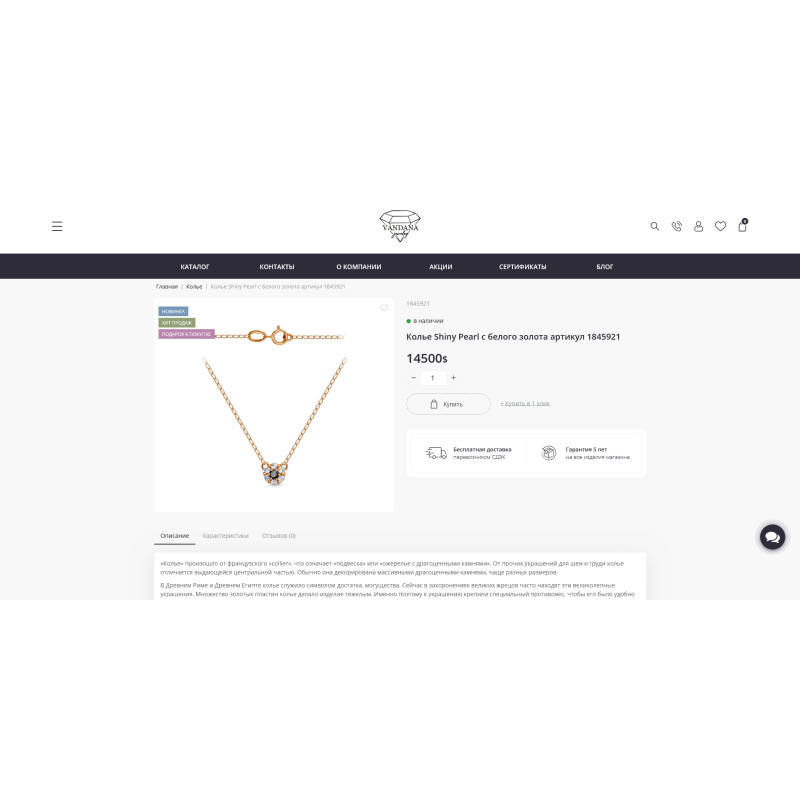
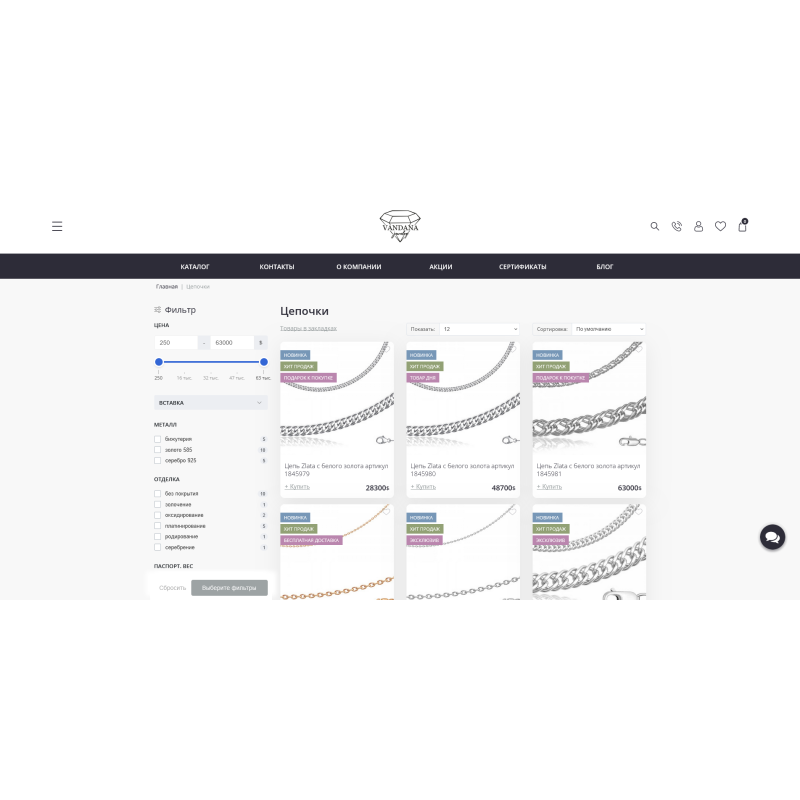



Vandana is a universal responsive template for OpenCart 3
Vandana is a modern responsive template for OpenCart 3.x, built on the Bootstrap 4 framework, with more than 50 customizations, thanks to which you can change the structure of the site in minutes.
The template has an interface that directly depends on the number of your sales. A clean and neat code will allow any developer to continue working on finalizing the functionality of the template with pleasure.
The minimum number of scripts, small number of requests and small page size combine to make Vandana one of the fastest OpenCart templates. Prompt technical support is available for buyers of the template. Technical support is provided in the add-on support topic and on the author's official website. The template is updated almost every day to meet the modern requirements and needs of template users, therefore, by purchasing the Vandana template, you will be provided with high-quality updates when new versions are released.
The template also includes a Swipe gallery in the product card, which replaces the standard gallery with a new one that supports tach gestures.
The list of modules included with the Vandana template:
- “Template Management and Customization” contains more than 50 settings
- Custom stickers for products.
- Swipe plugin for viewing photos in the product card.
- Feedback widget
- "Manufacturers' logo" module
- Category Showcase Module
- "Buy in 1 click" module with admin panel message
- Pop-up message when purchasing a product (when adding to bookmarks, comparison)
- "Color scheme" module
- The "Social Networks" module is in the basement and header of the site
- Module "Payment methods" in the basement
- Carousel of recommended products
- Carousel of categories on the main page
There are no reviews for this product, be the first to leave your review.
No questions about this product, be the first and ask your question.
Module installation instructions:
- Before performing any actions related to installing an add-on in Opencart, we recommend creating a backup copy of all site files and the store database ;
- Install the localcopy fix (if you don't have it installed yet)
- Download the module file for the desired Opencart version from our website ( Follow the installation instructions if there are any in the module archive );
- Then go to the "Installing add-ons/extensions" section and click on the " Download " button;
- Select the downloaded file and wait for the module to be fully installed and for the text "Application installed successfully" to appear;
- After that, go to " Application Manager " and update the modifiers by clicking the " Update " button;
- After these actions, you need to add the rights to view and manage the module in the " User Groups " section for the administrator or other users you select by clicking " Select All ".