

Notifications about new orders and reviews in Telegram
The Telegram messenger has bypassed few people. This is the most convenient way to communicate, conduct business, read the news.
It's all about bots, there are already more than a million of them, of any parameters and directions.
Why not keep up with the times and accept new orders and reviews from your website right in Telegram? By the way, also with the help of the bot, which we will create with you now.
How to create a bot in Telegram for order notifications with Opencart?
- Go to Telegram, find the BotFather bot in the search and start chatting with it.
- Write the /newbot command to the bot - this is the command to create a new bot.
- BotFather responded by asking you to write the name of the bot. Write back this name (For example: Bot for notifications about orders) - this name can be changed later.
- After entering the name, BotFather will ask you to enter username (public name of the bot), it must end in bot (For example: mysitebot or mysite_bot);
- If such a name is not taken, then in response you will receive a message with the token of your new bot;
- Follow the link to your bot from the message, or search for it by username (which you provided) and press /start.
Send order notifications to Telegram from CMS Opencart (Opencart)
- Install this module
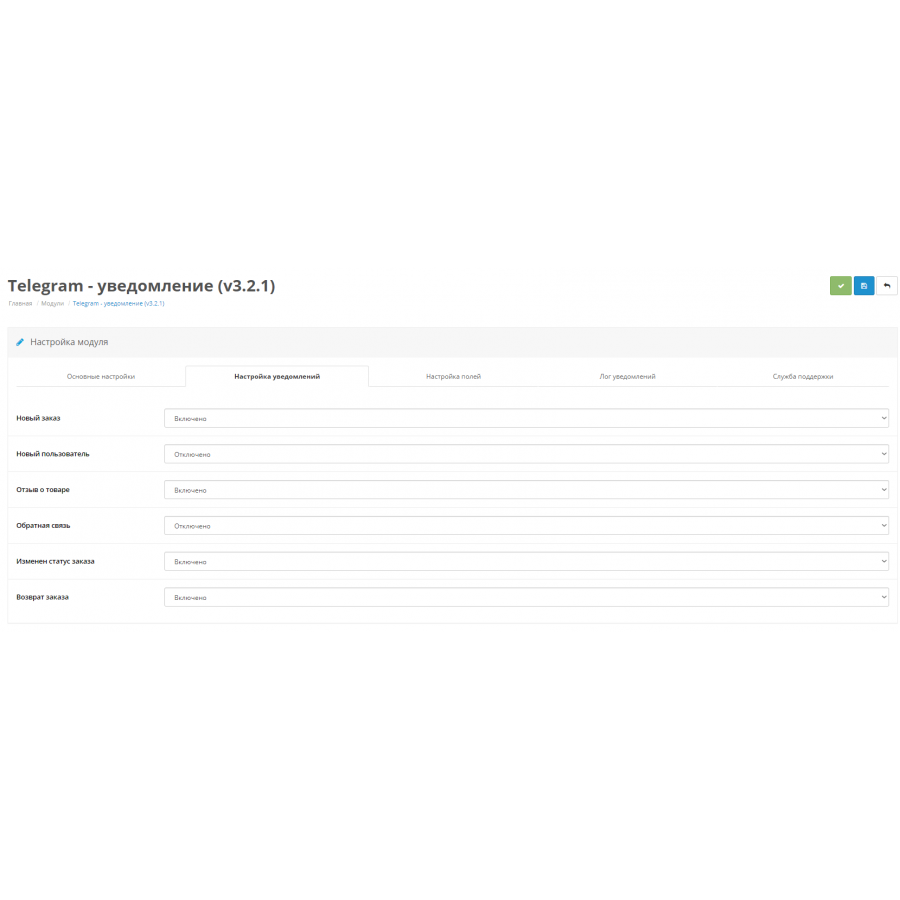
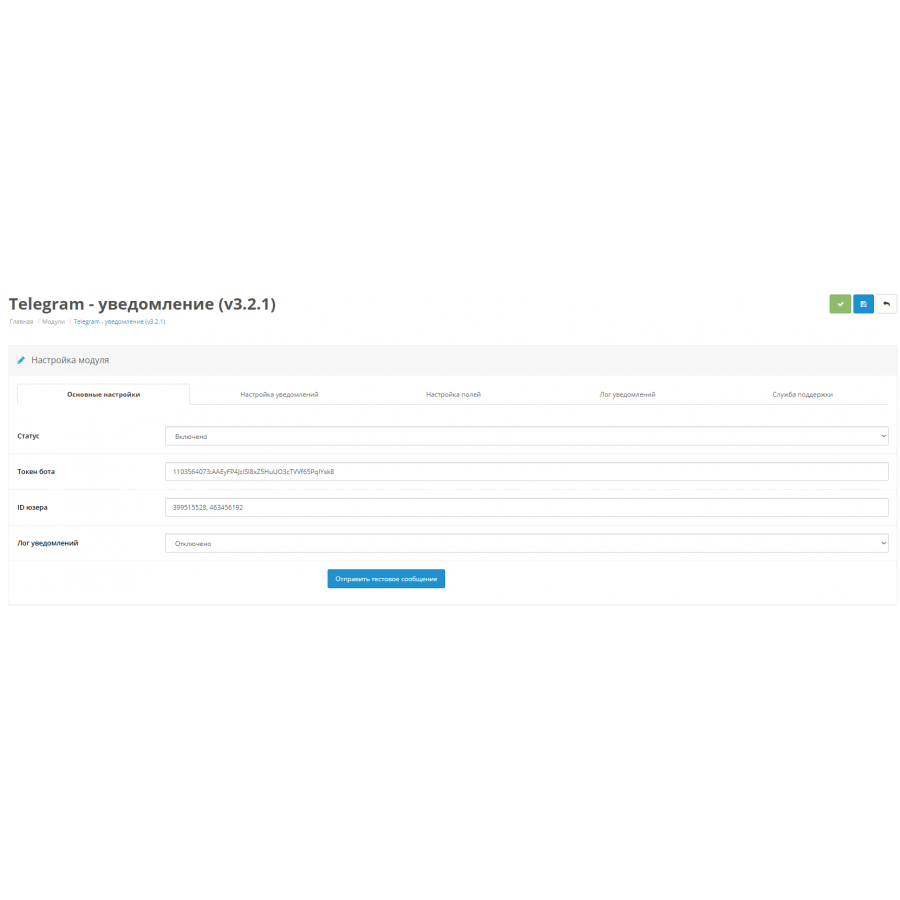
- Then write the data into it, namely: Bot ID (bot-id), Chat ID(s) (chat_id) for notification of orders
How to get the bot ID (bot-id) ?
The identifier is a regular token, you should have received it when creating the bot (Token example: 861352116:AAGx12lq9bs3f7N2o_uKnmdy9YLif36VCm0)
How to get the chat ID(s) (chat_id) ?
Chat_id - these are the id-users who will be able to receive notifications about orders in a chat with the bot.
- You will need the @userinfobot bot. It can give you the user ID of any user.
- Find the bot by name in the search bar and start a dialogue with it using the "Start" button or the /start command
- Send him a message from the person whose code you want to know.
If you don't know how to forward a message, right-click (for computers) or long-click (for phones) the message you want to send. Select the "Forward" function and send it to the @userinfobot bot
If you have a VPS or a dedicated server - Enable / configure CURL, without it the module does not work!
If you did everything right, then the bot will give you the desired person id. Having registered it and everything else, the bot of your online store is already waiting for new orders to promptly notify you about them in Telegram.


There are no reviews for this product, be the first to leave your review.
No questions about this product, be the first and ask your question.
Module installation instructions:
- Before performing any actions related to installing an add-on in Opencart, we recommend creating a backup copy of all site files and the store database ;
- Install the localcopy fix (if you don't have it installed yet)
- Download the module file for the desired Opencart version from our website ( Follow the installation instructions if there are any in the module archive );
- Then go to the "Installing add-ons/extensions" section and click on the " Download " button;
- Select the downloaded file and wait for the module to be fully installed and for the text "Application installed successfully" to appear;
- After that, go to " Application Manager " and update the modifiers by clicking the " Update " button;
- After these actions, you need to add the rights to view and manage the module in the " User Groups " section for the administrator or other users you select by clicking " Select All ".