
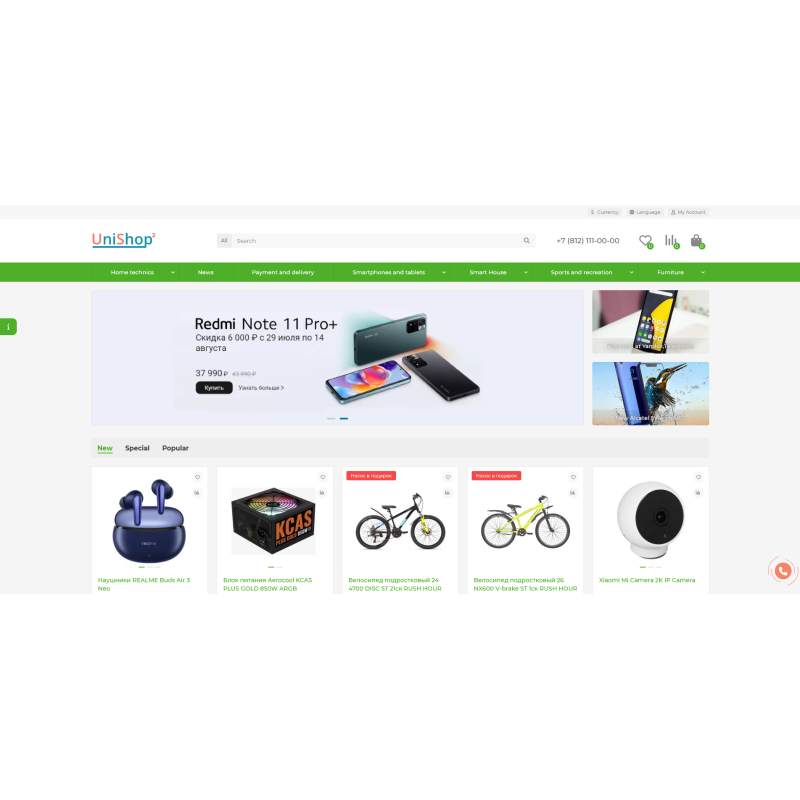
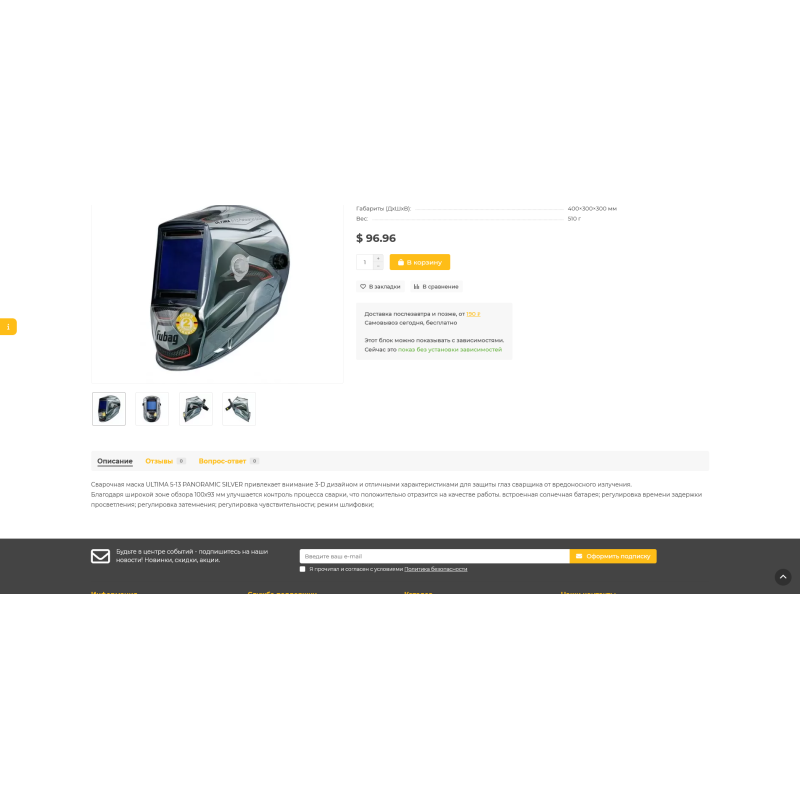
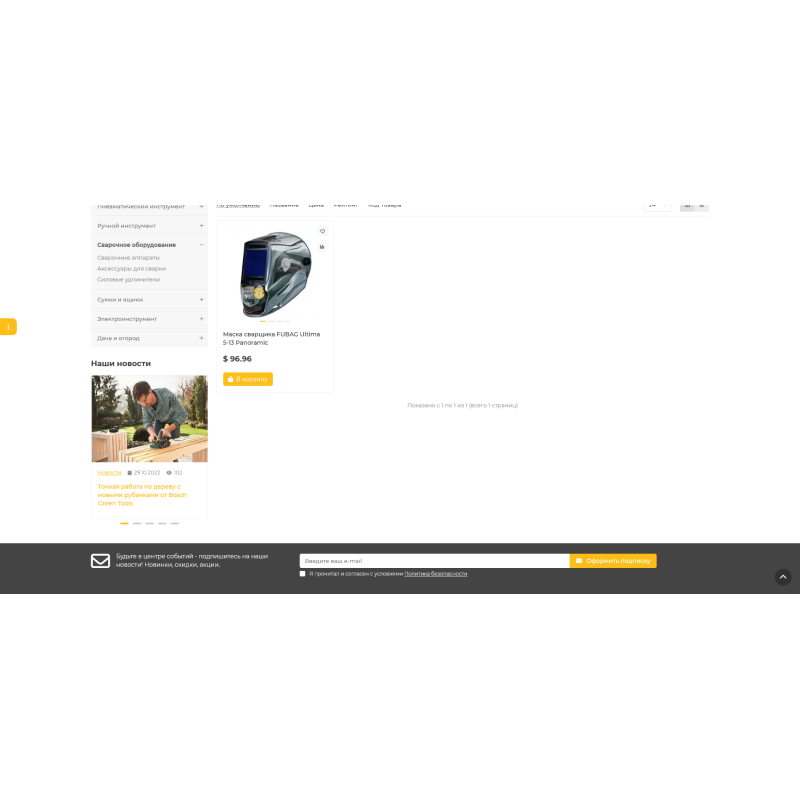
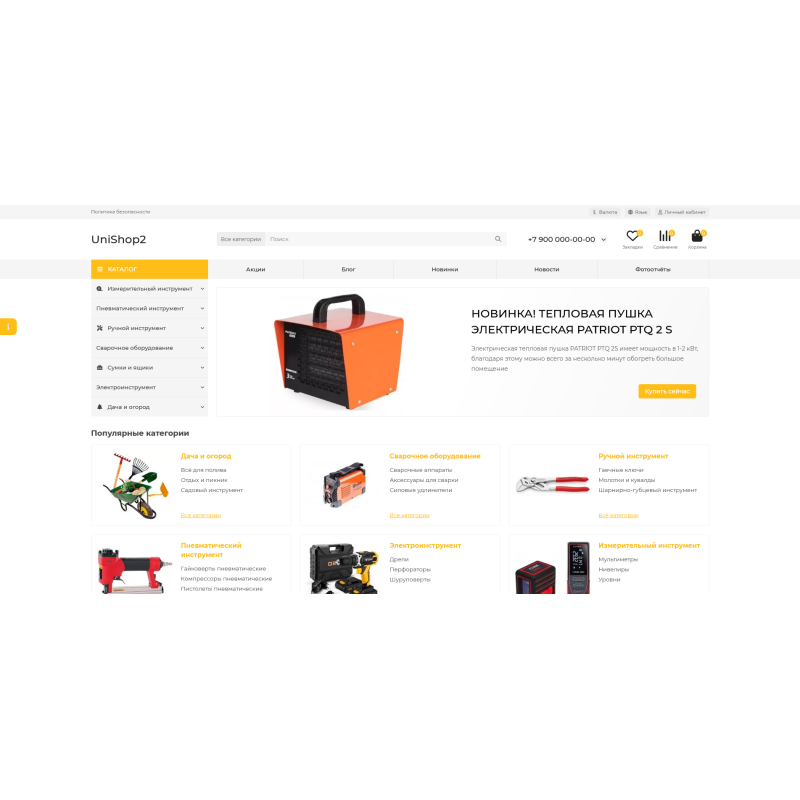
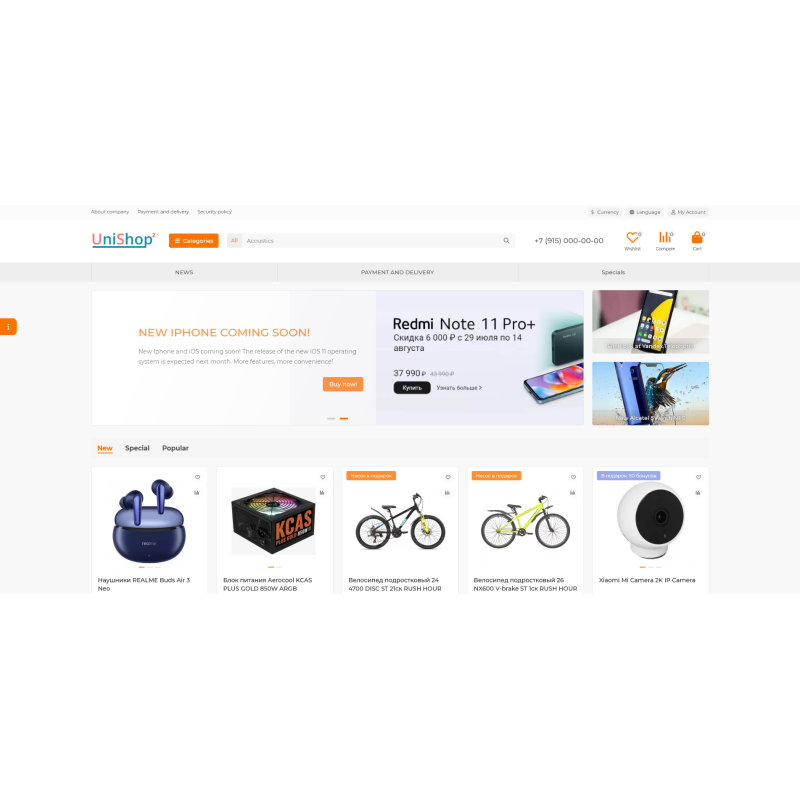
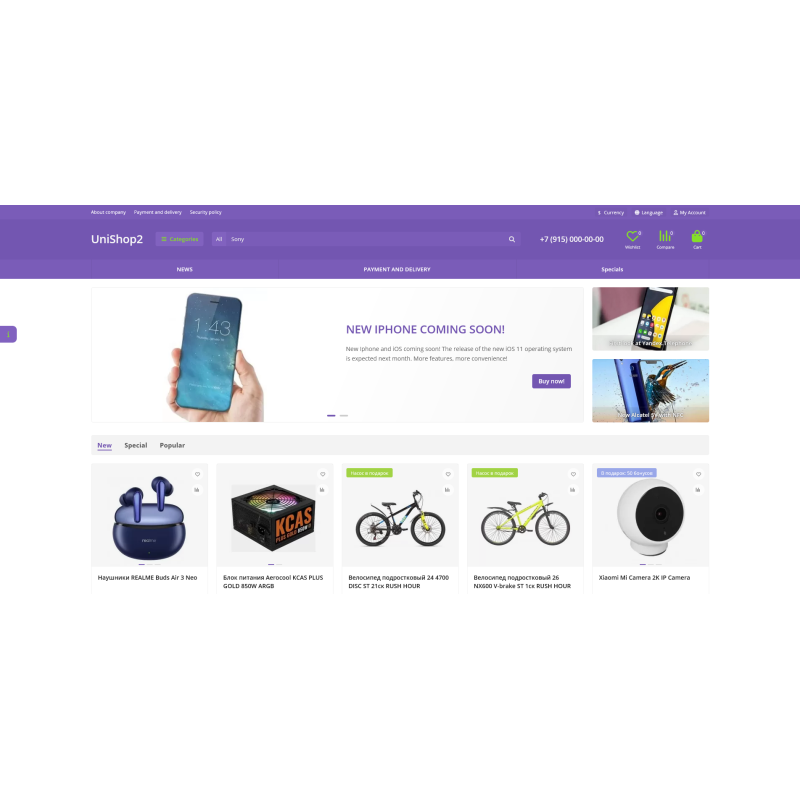
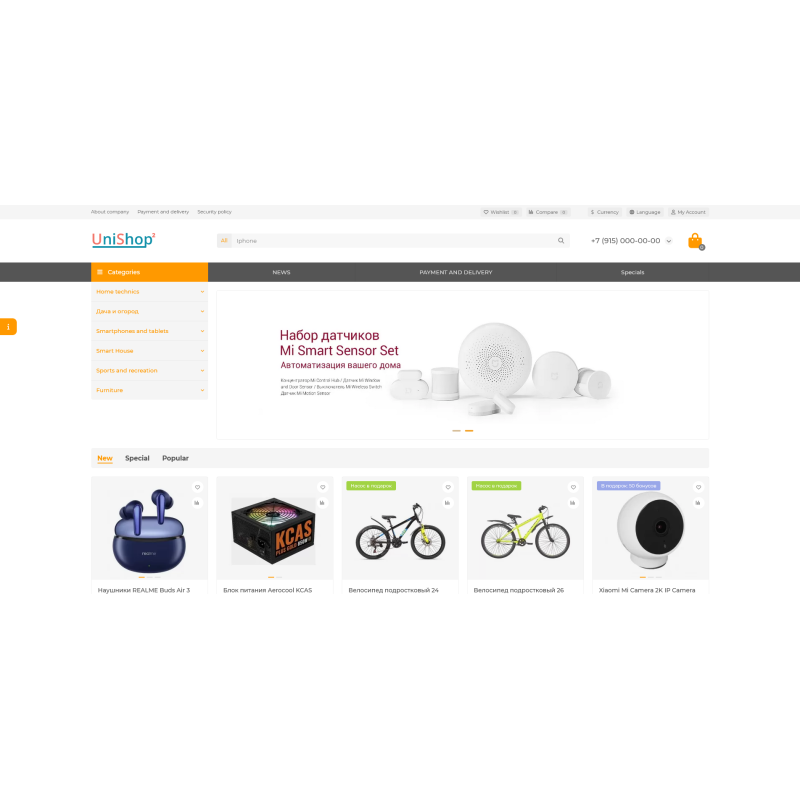
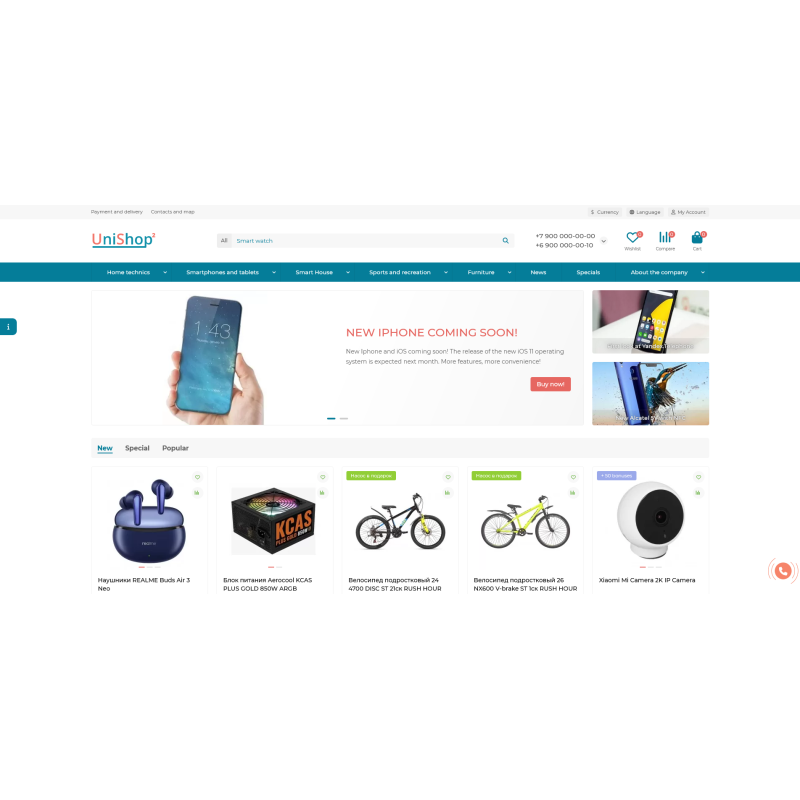


UniShop2 - Responsive template for an online store on OpenCart 3x
This template has all the features necessary for a quick start of a store and its subsequent successful existence. A light, fast, universal template that is perfect for creating stores of various types - selling consumer electronics, appliances, clothes, shoes, books, various accessories, jewelry and much more.
The template comes with modules that are vital for every store, such as: quick order, call order, ask a question about a product, select a product option in categories and modules, one-page checkout, and many others. The built-in template management module will give you huge opportunities to customize the template to your requirements (currently, the template settings module contains over 250 important and useful settings).
At the very bottom of the article it says " How to install the UniShop template on OpenCart "
Features
Responsiveness (including slideshow modules, product carousels, etc.), tested on various devices with horizontal resolutions from 320px
The ability to individually customize the color scheme for ALL key blocks of the template. These are headings, links, buttons, backgrounds, slide title labels in the slideshow, text and background of the main menu, footers, text banners, and much more. More than 50 items in total.
Built-in "live search" module. Searches by name, description, tags, models, article number.
Built-in module for creating a customizable side menu
Built-in news module
Built-in photo gallery module
Built-in "you watched" module
Built-in "manufacturer list" module
Built-in module for replacing product photos with images of selected options
Built-in module for creating a block of additional contacts
Built-in module for displaying recent or random reviews
Built-in alphabetical list of manufacturers module
Built-in text banner module, with the ability to display pop-up windows with text and images when clicking on the banner
Built-in "pop-up" module for authorization and registration windows
Built-in module that adds fields describing the advantages and disadvantages of the product to standard comments
Built-in module that allows the administration to respond to user reviews about the product
Built-in tab module - new products, promotions, best sellers, recommended + the ability to create your own tabs and give them the desired names.
Built-in quick order module. The order is created and displayed in the admin area, in the order list!
Built-in module for simplified one-page checkout with display of related products!
Both recommended products and products from actual orders can be shown as related products.
Built-in support for hiding or showing certain shipping and payment methods depending on the address specified by the buyer without reloading the page.
Built-in function for registering a guest buyer as a user buyer during the checkout process
Built-in module that shows other products from the same category in the product card (all parameters are configurable in the admin panel)
Showing the third level of categories in the main menu
Built-in sticker module (promotions, new products, best sellers + 5 custom stickers)
For the "new" sticker, you can specify the text of the sticker itself and the days during which the product is considered new after it is added.
For the "sales leader" sticker, you can specify the text of the sticker itself and the number of sales of this product, after which it will be considered a leader
For each sticker type, you can set the background and text color
Promotions, new products, recommended and best sellers modules have been replaced with improved ones with a built-in adaptive carousel
Built-in call ordering module
- When ordering a call, you can choose one of three topics of appeal
- Activity and text of the appeal topic are configured in the template admin panel
- When selecting the third topic, the "e-mail" and "question text" fields appear
- The letter indicates the name, contact phone number, email, subject of the appeal and the text of the question
- The letter arrives at the email address specified in the store settings
-----------
Built-in module "ask a question about the product"
- The letter indicates the name of the product, name, contact phone number, email and the text of the question
- The letter arrives at the email address specified in the store settings
-----------
Three types of product display in categories – a third view, compact, has been added.
-----------
When clicking the "buy" button, if the product is successfully added to the cart, the text on the button and its color change
Breadcrumb micro markup for category page and product card
Product card micro-markup
How to install?
- Open the admin panel of your store and install Localcopy via the modifier installer (for your version of OC), if it is not already installed.
- Open "Extensions -> Install Extensions", install the unishop2_fix.ocmod.zip file and then MANDATORY update the modifier cache.
- Open "Extensions -> Install extensions", install the unishop2_v3.5.0.0.ocmod.zip file.
- Open "System -> Users -> User Groups", administrator group. There, in the first and second windows, select everything and save.
- Open "Extensions -> Extensions".
- In the list, select "Modules", enable all modules related to UniShop2 (so that there are no errors) and finally open "UniShop2 - Template Settings".
Attention! 1 purchase for 1 domain, after purchase you will receive a template and activation key.
Допрацьовую вже другий магазин на цьому шаблоні та планую купувати ще для інших проектів.
No questions about this product, be the first and ask your question.
Module installation instructions:
- Before performing any actions related to installing an add-on in Opencart, we recommend creating a backup copy of all site files and the store database ;
- Install the localcopy fix (if you don't have it installed yet)
- Download the module file for the desired Opencart version from our website ( Follow the installation instructions if there are any in the module archive );
- Then go to the "Installing add-ons/extensions" section and click on the " Download " button;
- Select the downloaded file and wait for the module to be fully installed and for the text "Application installed successfully" to appear;
- After that, go to " Application Manager " and update the modifiers by clicking the " Update " button;
- After these actions, you need to add the rights to view and manage the module in the " User Groups " section for the administrator or other users you select by clicking " Select All ".
-
Can I use a template on two or more sites?
-
How do I download UniShop2 v3.5.0.0 template for online store on OpenCart?